The 5 Best Text Editor Software for Startups in 2026, Ranked
Need the best text editor software for startups? We compare 5 tools on cost, free access and who each suits. Verdicts stay brief and factual. Pick by budget.
- Editor's choice
 Sublime Text
Speed-focused developers and power users
Starts atSee websiteVisit sublimetext.comFull review - Great alternativeNotepad++
Light Windows editing
Starts atSee websiteVisit notepad-plus-plus.orgFull review - Also consider
 Visual Studio Code
General-purpose coding and collaboration
Starts atSee websiteVisit code.visualstudio.comFull review
Direct answer
If you need speed-focused developers and power users, Sublime Text is the first tool to look at here. Listed starting prices: UltraEdit from $94.96 per year. Notepad++ is better for lightweight Windows editing, and Visual Studio Code is better for general-purpose coding and collaboration. The remaining 2 options are covered below with prices and limits.
TL;DR:
- Top of the list is Sublime Text, which targets speed-focused developers and power users.
- What to know about UltraEdit first: premium product with licensing cost.
- Sublime Text, Notepad++, Visual Studio Code and Nova: pricing is by quote only, so plan time for a sales conversation.
- Neither Sublime Text nor Nova, nor any of the other 3 tools, has a permanent free plan; trials and quotes are the norm.
- For native Mac development, Nova is worth a look.
Last checked November 2026. Prices and plan details were read from the vendors' own pages in November 2026; vendors change plans often, so confirm the current price on the vendor site before you buy.
Quick comparison
| Tool | Best for | Starts at | Free plan? | |
|---|---|---|---|---|
| Sublime Text | Speed-focused developers and power users | See website | Not stated | Visit |
| Notepad++ | Light Windows editing | See website | Not stated | Visit |
| Visual Studio Code | General-purpose coding and collaboration | See website | Not stated | Visit |
| UltraEdit | Large files and sensitive workflows | $94.96 per year | No | Visit |
 Nova | Native Mac development | See website | Not stated | Visit |
Our 5 text editor software for startups
Short on time? The summary and table above give the quick view of 5 text editor software for startups, and the profiles that follow give the detail behind each entry.
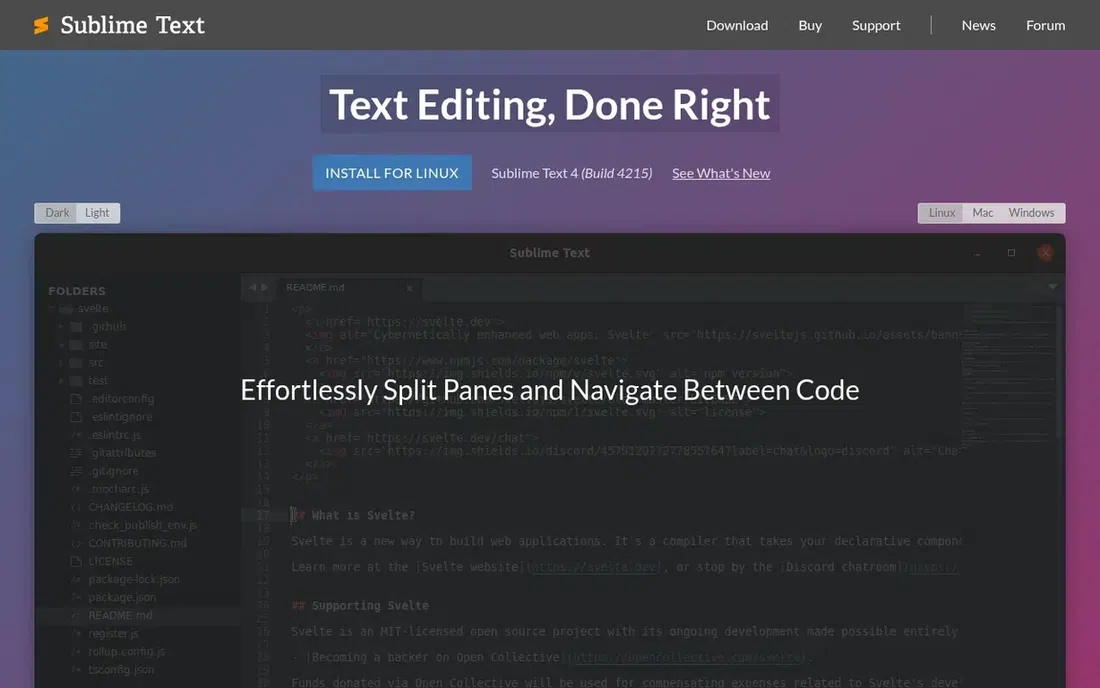
For speed-focused developers and power users, Sublime Text is a natural candidate. Sublime Text is a sophisticated text editor for code, markup, and prose, known for its speed and smooth handling of large files. It runs on Windows, macOS, and Linux and supplies a command palette, several selections, and a configurable interface.
Where it falls short: premium license required for continued use.
In daily use, Sublime Text needs a premium license for continuing use, which can add up for bigger teams. Its extension ecosystem is less centralized than some competitors, so setup may take more effort. Sublime Text does not show a starting price in this comparison, so check the vendor site for current pricing. Trial and free access: Not stated.
- Capable command palette
- Very quick and responsive
- Extensions less centralized than some rivals
Notepad++
Best for: Light Windows editing
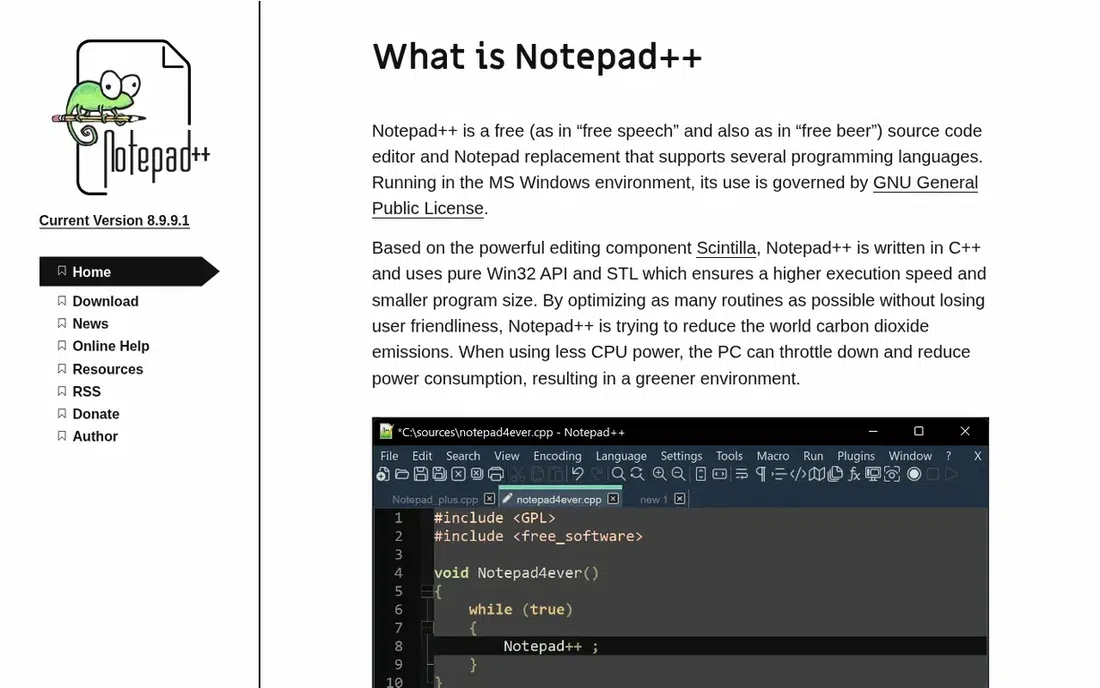
Notepad++ targets light Windows editing. Notepad++ is a free, open-source text and source code editor for Windows. It is noted for being light and quick, with syntax highlighting, tabbed editing, and a set of plugins.
Notepad++ is Windows-only, so mixed-OS teams will need alternatives for Mac or Linux users. It lacks the deep project management and collaboration features of bigger editors. Also, consider it for utility editing rather than as a primary development environment for complicated projects. Check the vendor site for Notepad++ pricing; none is listed in this comparison. On free options: Not stated.
Where it falls short: Windows only.
- Tabbed interface with syntax highlighting
- Free and open source
- Restricted built-in collaboration features
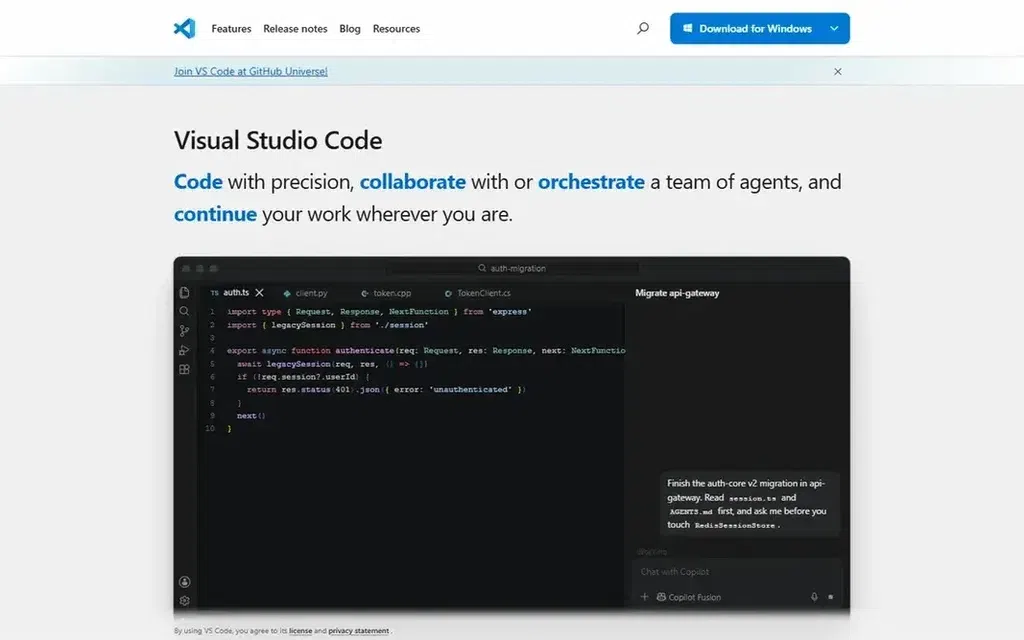
Think of Visual Studio Code for general-purpose coding and collaboration. Visual Studio Code is a free, open-source code editor from Microsoft that runs on Windows, macOS, and Linux. It merges a clean interface with built-in Git support, debugging, and a vast extension marketplace.
In practice, the homepage flags collaboration with agents and the capacity to continue work across devices. In daily use, teams that prefer a minimal, native-feeling editor may find it less simplified. No starting price is listed for Visual Studio Code here; confirm pricing on the vendor site. On free options: Not stated.
Downsides: Needs configuration for optimal use.
- Large extension ecosystem
- Built-in Git and debugging support
- Can feel heavy on older hardware
UltraEdit
Best for: Large files and sensitive workflows
UltraEdit was built for large files and sensitive workflows. UltraEdit is a professional text, code, and hex editor made for large files, complicated data, and sensitive workflows. It is available for Windows, macOS, and Linux and contains features for editing massive files that overwhelm more straightforward editors.
The main drawbacks: Interface can feel dense for beginners.
In practice, UltraEdit is a premium product, so budget-conscious startups should weigh the cost against actual need. Its dense interface may overwhelm casual users. The starting price for UltraEdit: $94.96 per year. UltraEdit does not include a free plan.
- Deals with very large files
- Cross-platform availability
- Premium product with licensing cost
Nova is designed for native Mac development. Nova is a native Mac code editor from Panic, described as beautiful, quick, and adaptable. It is designed for macOS and gives you a modern interface with features targeted at Mac developers.
Nova is macOS-only, limiting its use in cross-platform teams. Its extension ecosystem is smaller than some competitors, so niche language support may be restricted. Nova shows no starting price here, so confirm the cost on the vendor site. As for free access: Not stated.
Watch-outs: Smaller extension ecosystem.
- Quick and adaptable
- Native Mac design
- MacOS only
How the list was put together
LinkVetted used vendor pricing pages and product documentation as the base, then compared plans, free access and documented limits for 5 tools. Where a price is missing, the vendor does not list one publicly or ties it to a quote. Always confirm before budgeting. Tools are placed by general fit for text editor software for startups, with price clarity and free access as tie-breakers. A different team can reasonably rank them differently.
A buyer's checklist
- Ask Sublime Text, Notepad++, Visual Studio Code and Nova for a written quote, since no starting price is shown.
- Read the limits listed for Sublime Text first: premium license required for continued use.
- Check how data leaves Notepad++: formats, limits and whether exports are available on every plan.
- Pick one real project and run it in Nova first; a small pilot shows fit faster than a checklist.
- Test the integrations you rely on with UltraEdit before committing; some connectors sit on upper tiers.
FAQ
Does any tool for text editor software for startups here have a free plan?
No tool in this list, Sublime Text and Nova included, has a permanent free plan. Trials and quotes are the usual route, so plan a short evaluation period.
Is Sublime Text the right pick for everyone comparing text editor software for startups?
No single tool suits every team. Sublime Text comes first because it fits speed-focused developers and power users, while Notepad++ suits lightweight Windows editing and Visual Studio Code suits general-purpose coding and collaboration. Match the tool to your own size, budget and workflow before deciding.
Can I try these tools before paying?
Not by default. None of the tools, from Sublime Text to Nova, lists a free plan or a free trial here, so ask each vendor for a demo before committing.
Do these tools publish their prices?
Not all of them. Sublime Text, Notepad++, Visual Studio Code and Nova publish no starting price, so expect a quote request for those. The rest, UltraEdit included, show a starting price, though seats and billing terms still change the final cost.
Which text editor is a good match for a startup on a budget?
Sublime Text comes first here and is built for speed-focused developers and power users. Buyers with other needs may prefer Notepad++ (for light Windows editing) or Visual Studio Code (for general-purpose coding and collaboration). Compare costs and limits first.
Sources
- https://www.sublimetext.com
- https://notepad-plus-plus.org
- https://code.visualstudio.com
- https://www.ultraedit.com
- https://nova.app