Best Database Software for Startups in 2026: 8 Tools Compared
Compare the best database software for startups, from Supabase and Firebase to MongoDB Atlas and Neon. We reviewed 8 real tools for 2026. for early teams.
- Editor's choice
 Supabase
Postgres with auth and APIs
Starts at$25 per monthVisit supabase.comFull review - Great alternative
 Firebase
Mobile apps with realtime sync
Starts atFreeVisit firebase.google.comFull review - Also consider
 MongoDB Atlas
Flexible document data
Starts atFreeVisit mongodb.comFull review
TL;DR:
- Supabase is our pick for most startups that want Postgres plus auth, storage, and APIs in one place.
- Firebase is fastest for mobile apps that need realtime sync, while MongoDB Atlas suits data models that change often.
- Neon and PlanetScale help startups that need branching and serverless scaling, but they solve problems many early teams do not have yet.
- Free tiers are generous for prototypes, but watch usage based pricing, pausing rules, and overage costs before launch.
- Pick the database that matches your data shape and your team skills, not the one with the longest feature list.
Quick comparison
| Tool | Best for | Starts at | Free plan? | |
|---|---|---|---|---|
| Supabase | Postgres with auth and APIs | $25 per month | Yes | Visit |
| Firebase | Mobile apps with realtime sync | Free | Yes | Visit |
| MongoDB Atlas | Flexible document data | Free | Yes | Visit |
 Neon | Serverless Postgres | Free | Yes | Visit |
 PlanetScale | MySQL at scale | $5 per month | No | Visit |
 Airtable | No code database for teams | Free | Yes | Visit |
 Convex | Realtime TypeScript apps | Free | Yes | Visit |
 CockroachDB | Global SQL scale | See website | Yes | Visit |
The best database software for startups
A startup database choice is hard to undo later, because your app, your queries, and your team habits all grow around it. Early teams need a database that is fast to start, cheap to run at low volume, and able to grow without a rewrite. The eight tools below are all active and widely used by startups in October 2026, and they cover relational, document, and no code approaches.
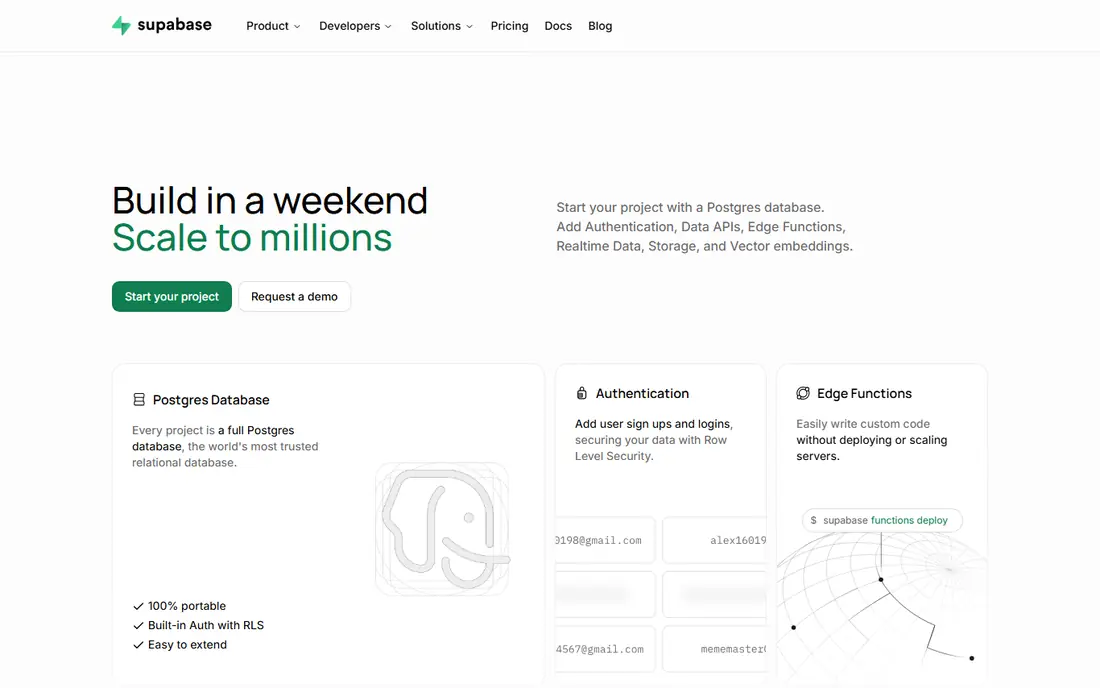
Supabase is the default pick for many new startups because it bundles so much around a real Postgres database. You get a database, user auth, file storage, and realtime updates, plus APIs generated from your tables, without building a separate backend first. That bundle lets a small team ship a working app fast, and Postgres itself is a safe long term choice with a huge ecosystem of tools.
The catches are manageable but real. Free projects pause after inactivity, which is fine for a prototype but not for a live product, and Pro starts at $25 per month. Row level security is powerful, but you must write and test those rules carefully, since a mistake can expose data. If your team knows SQL or wants to learn it, Supabase is the strongest all round start.
- Real Postgres database with auto generated APIs
- Auth, storage, and realtime included
- Open source with a self hosting option
- Free projects pause after a week of inactivity
- Security depends on row level security rules you must design and test
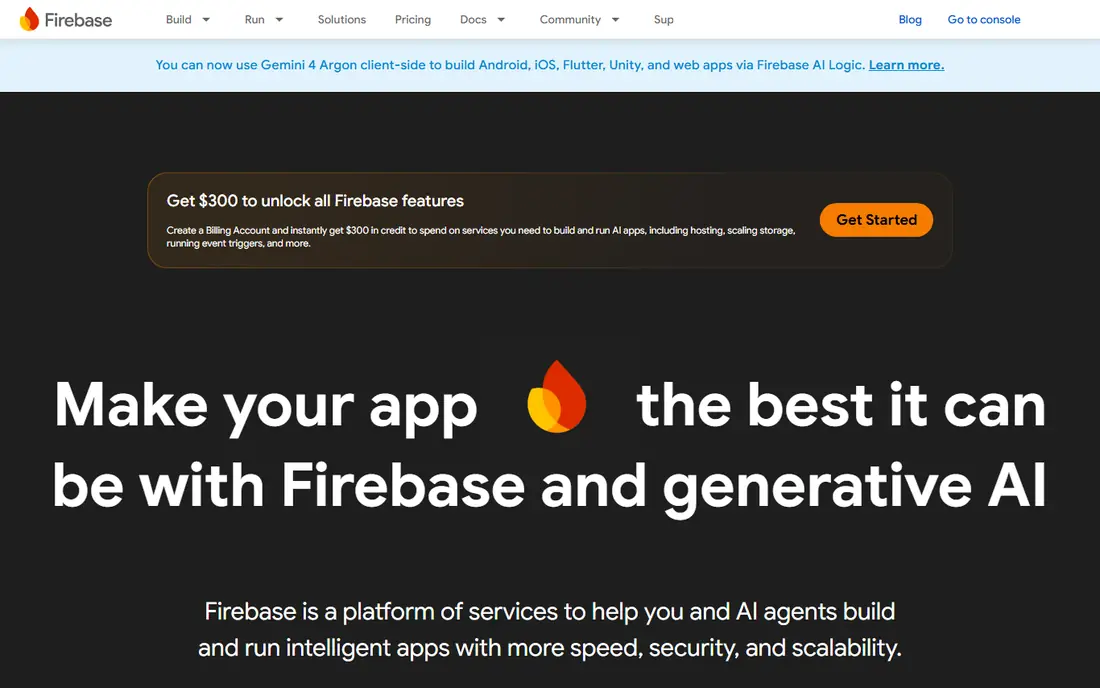
Firebase remains the fastest way to ship a mobile app with realtime sync. Firestore and Realtime Database update clients instantly, auth covers email and social sign in, and hosting, functions, and analytics sit in the same Google Cloud project. For a mobile first startup with a small team, that integration saves weeks of backend work.
The long term trade off is lock in. Firebase data models, security rules, and pricing do not map cleanly to a standard SQL database, so a later move can be a real project. Blaze pay as you go pricing also needs monitoring, since a traffic spike can raise costs fast. If you plan to stay in the Google ecosystem and you need realtime mobile sync, Firebase is hard to beat. If you expect complex relational reporting, start with Postgres instead.
- Complete Google backed platform for mobile and web
- Realtime sync, auth, and push tools in one place
- Generous free Spark plan quotas
- Leaving Firebase later can be costly and complex
- Usage based Blaze pricing needs careful monitoring
- Data model is document based, not relational

MongoDB Atlas suits startups whose data does not fit neat tables yet. Product catalogs, user generated content, and event data often change shape as a product evolves, and a document model lets you add fields without a migration each time. Atlas handles hosting, backups, and scaling, and the free M0 tier, with 512 MB of storage, is enough to prototype and test.
Flexibility is not freedom from design. Without some schema discipline, documents can become messy and queries can slow down as volume grows. Paid Flex clusters start from about $8 per month, and dedicated clusters cost more, so check pricing for your expected workload. If your data is naturally document shaped and your team is comfortable with that model, Atlas is a strong, proven choice.
- Flexible document model for fast changing data
- Managed Atlas hosting with scaling and backups
- Free M0 tier for prototypes
- Relational queries and joins are less natural than in SQL
- Dedicated cluster costs rise with scale
- Schema discipline still matters as data grows
Neon gives startups Postgres with a modern twist: serverless compute that scales down when idle, and database branches that work like code branches. A developer can branch a database for a feature, test against real data, and merge changes without touching production. That workflow is a real advantage for teams that ship often and want safe previews.
The free tier is generous for prototypes, and Launch pricing is usage based, with typical small spends often cited around $15 per month, though your actual cost depends on compute and storage use. Neon is a database only service, so you still need auth, storage, and APIs from elsewhere, unlike Supabase or Firebase. Pick Neon if you want pure Postgres with branching and serverless scaling, and you already have a backend plan.
- Serverless Postgres that scales to zero
- Instant database branching for development and testing
- Generous free tier for small projects
- Usage based Launch pricing needs workload testing
- Branching adds concepts a small team must learn
- Not a full backend platform like Supabase or Firebase
PlanetScale is built for MySQL workloads that will outgrow a single server. Its branching model lets teams test schema changes safely, and non blocking schema changes reduce downtime during deploys. For a startup that already runs MySQL, or that expects high write volume and sharding needs, those features matter a lot.
For most early startups, PlanetScale is more than you need. There is no free plan, with paid plans starting from $5 per month for a single node Postgres option in recent pricing summaries, and MySQL high availability plans costing more. It also does not bundle auth, storage, or APIs. Choose PlanetScale when MySQL scale is a real requirement, not a future guess.
- MySQL with branching and non blocking schema changes
- Designed to scale beyond a single server
- Clear resource based pricing
- No free plan
- No bundled auth or storage
- Overkill for a simple early startup app
Airtable is the best database for startup apps when the users are not developers. A founder, operations lead, or marketer can build a tracker, CRM, or content calendar in Airtable without writing code, using tables, views, and automations. The Team plan is $20 per user per month billed annually, and the free plan covers small team use.
Do not mistake Airtable for an app backend. API rate limits and per seat pricing make it a poor fit for a consumer app with many users or heavy traffic. Use Airtable for internal tools, operations, and prototypes, and move to Supabase, Neon, or Atlas when you need a real backend for a customer facing app. Used in its proper role, it is excellent.
- Spreadsheet like interface that non technical teams can use
- Strong views, filters, and integrations
- Free plan for small teams
- API rate limits rule it out as a high traffic app backend
- Per seat pricing adds up for larger teams
- Not a true app database at scale
Convex suits TypeScript startups that want realtime sync without building a separate backend. You define data, queries, and functions in TypeScript, and the client stays in sync as data changes. That tight loop speeds up apps such as collaborative tools, dashboards, and chat style features, where live updates are core to the product.
The ecosystem is smaller than Supabase or Firebase, so you may find fewer tutorials and integrations. Professional pricing starts at $25 per developer per month in recent summaries, with a free plan for prototypes. If your team already works in TypeScript and realtime features are central, Convex is worth testing. If your team is not TypeScript first, a more general platform will be easier.
- Realtime sync built in for TypeScript apps
- Backend functions and database in one system
- Free plan for personal projects and prototypes
- Smaller ecosystem than Supabase or Firebase
- TypeScript focus may not suit every team
- Professional pricing is per developer
CockroachDB is for startups planning global scale from the start, or for apps where downtime in one region cannot stop the whole system. It spreads SQL data across regions, keeps strong consistency, and survives node failures in a way a single Postgres server cannot. For fintech, global SaaS, or multi region products, that design is a real advantage.
For a typical early startup, CockroachDB is overkill. Pricing is usage based and varies by deployment, so we list it as See website, and the operational concepts take time to learn. Adopt it when global scale is a near term requirement, not a distant hope. Most startups should start simpler and move to distributed SQL only when growth demands it.
- Distributed SQL that runs across regions without single point downtime
- Postgres compatible in many cases
- Strong consistency for global apps
- Pricing and setup are heavier than for a simple startup database
- Overkill for a single region app
- Learning curve for distributed concepts
How we picked these
We compared official pricing pages, documentation, and startup guides for database tools active in October 2026. We required a hosted or managed option suitable for a small team, clear pricing or a free tier, and real use by startups, not only by large enterprises. We weighed ease of start, data model fit, scaling path, ecosystem size, and cost at low volume, and we left out pure analytics warehouses and legacy enterprise databases that do not fit early product teams.
How to choose a database for your startup
Start with your data shape. If your data is relational, with users, orders, payments, and reports, pick Postgres through Supabase or Neon. If your data is document shaped and changes often, pick MongoDB Atlas or Firebase. If your app needs live updates everywhere, favor Firebase or Convex. If non technical staff will run the tool, pick Airtable for internal work, not for a customer app.
Next, test cost with a realistic load, not just a hello world app. Run your expected queries, measure storage and compute, and check what happens when traffic spikes. Watch for pausing rules, overage charges, and per seat pricing, since those details decide your bill more than the headline plan price. Build a small prototype in your top two choices for a week, and keep the one your team ships fastest in.
Finally, plan for data safety from day one. Turn on backups, use environment specific credentials, and never put database passwords in code or chat. Write access rules, whether row level security in Supabase, security rules in Firebase, or roles in Postgres, and test them with a non admin user before launch. A database breach or a bad rule can hurt a startup far more than a slightly slower query.
Questions to ask before you commit
Ask how backups and point in time recovery work, how you export all your data if you leave, and what happens to pricing when you pass free tier limits. Ask whether the tool supports your programming language and framework well, and whether your team can hire developers who know it. A database with a large hiring pool, such as Postgres or MongoDB, is easier to staff than a niche engine.
When to switch databases
Switch only for a clear reason, such as a data model that no longer fits, costs that grow faster than revenue, or a scale limit you have actually hit. A planned migration with a test database, dual writes or a careful cutover, and a rollback plan beats a rushed rewrite. Many startups waste months switching databases for a problem that better indexes, caching, or query design would have fixed.
FAQ
What is the best database for startup apps?
Supabase is the best database for startup apps for most teams, because it gives you Postgres plus auth, storage, and APIs in one place with a free tier. Firebase is better for mobile apps that need realtime sync, and MongoDB Atlas is better for flexible document data. Pick by data shape and team skills, not by popularity alone.
Is Postgres or MongoDB better for a startup?
Postgres is better when your data is relational and you need joins, constraints, and reporting, which covers most SaaS, fintech, and marketplace apps. MongoDB is better when your data changes shape often and fits documents, such as content, catalogs, or event streams. Many startups succeed with either, so choose the model your team understands best and can query safely.
Are free database tiers enough for a startup launch?
Free tiers are enough for prototypes and small launches, but check their limits before you rely on them. Supabase free projects pause after inactivity, Firebase Spark has daily quotas, and MongoDB Atlas M0 has limited storage. For a live product with real users, budget for a paid plan, even a small one, so limits and pausing do not affect customers.
How much does database software cost for a startup?
Early costs are often low: Supabase Pro starts at $25 per month, MongoDB Atlas Flex starts from about $8 per month, Neon Launch is usage based, and Firebase Blaze is pay as you go. Costs rise with storage, compute, and traffic, so test with realistic usage and monitor bills weekly after launch. A database that looks free at prototype stage can become a large bill if usage pricing is ignored.
Should a startup use a no code database such as Airtable?
Airtable is good for internal tools, operations, and early prototypes run by non technical teams. It is not a good backend for a high traffic customer app, because API limits and per seat pricing get in the way at scale. Use Airtable where it shines, and move customer data to Supabase, Neon, or Atlas when your app needs a real backend.