Best Text Editor Software for Small Business for 2026: Our 6 Vetted Picks
Best text editor software for small business: 6 tools compared on price, free plans and fit. Clear notes on pricing gaps and limits. Checked this month.
- Editor's choiceTextPad
Straightforward Windows editing
Starts atSee websiteVisit textpad.comFull review - Great alternativeEditPad Pro
Convenient Windows text editing
Starts atSee websiteVisit editpadpro.comFull review - Also considerUltraEdit
Large files and complicated data
Starts at$94.96 a yearVisit ultraedit.comFull review
Direct answer
For straightforward Windows editing, TextPad is where this list starts. Listed starting prices: UltraEdit from $94.96 a year. EditPad Pro fits Convenient Windows text editing; UltraEdit fits large files and complicated data. The full list of 6 tools follows, with prices and free plan facts.
TL;DR:
- This list starts with TextPad, which is built for straightforward Windows editing.
- TextPad, Sublime Text and the 4 others all need a premium plan or a trial, since no free plan is listed.
- No starting price is published for TextPad, EditPad Pro, Microsoft 365 and others; expect a quote.
- Sublime Text fits quick cross-platform code editing.
Last checked November 2026. Prices and plan details were read from the vendors' own pages in November 2026; vendors change plans often, so confirm the current price on the vendor site before you buy.
Quick comparison
| Tool | Best for | Starts at | Free plan? | |
|---|---|---|---|---|
| TextPad | Straightforward Windows editing | See website | Not stated | Visit |
| EditPad Pro | Convenient Windows text editing | See website | Not stated | Visit |
| UltraEdit | Large files and complicated data | $94.96 a year | No | Visit |
 Microsoft 365 | All-in-one productivity suite | See website | Free trial | Visit |
| BBEdit | Mac-based text editing | See website | Not stated | Visit |
 Sublime Text | Quick cross-platform code editing | See website | Not stated | Visit |
Every option for text editor software for small business explained
This LinkVetted guide covers 6 options for text editor software for small business. Each profile lists a starting price, free plan details, strengths and drawbacks, so you can drop poor fits quickly.
TextPad
Best for: Straightforward Windows editing
TextPad is aimed squarely at straightforward Windows editing. Consider a cross-platform tool if your team uses a variety of devices. For everyday use, TextPad is a text editor for Windows 7, 8, 10 and 11, targeted at users who require a straightforward editing tool.
It supports syntax highlighting and handling of large files, making it a good match for entry-level programming and text processing. TextPad is restricted to Windows, so it cannot serve macOS or Linux users. Its interface may feel less modern than newer editors. In daily use, small firms with Windows desktops may find it a practical, no-frills choice. TextPad does not show a starting price in this comparison, so check the vendor site for current pricing. Free options: Not stated.
Where it falls short: Interface feels dated to some users.
- Contains syntax highlighting
- Aimed at Windows
- Windows only
EditPad Pro
Best for: Convenient Windows text editing
Think of EditPad Pro for Convenient Windows text editing. EditPad Pro is a capable and versatile text editor for Windows that also functions as a word processor. It is built to make text editing convenient and save time, based on the vendor.
In practice, EditPad Pro is available only for Windows and needs a commercial license. It may not suit teams that require cross-platform support or a free tool. Evaluate whether its convenience features justify the license for your workflow. EditPad Pro does not show a starting price in this comparison, so check the vendor site for current pricing. Free access: Not stated.
Watch-outs: Commercial license required.
- Supports Windows
- Aimed at convenience
- Windows only
UltraEdit
Best for: Large files and complicated data
UltraEdit is built with large files and complicated data in mind. UltraEdit is a professional text and code editor aimed at large files, complicated data and sensitive workflows.
On cost, UltraEdit starts like this: $94.96 per year. UltraEdit does not include a free plan.
Where it is weaker: Commercial license needed.
Strengths: Supports text.
- Available on Windows
- Code and hex editing
- Feature set may overwhelm casual users
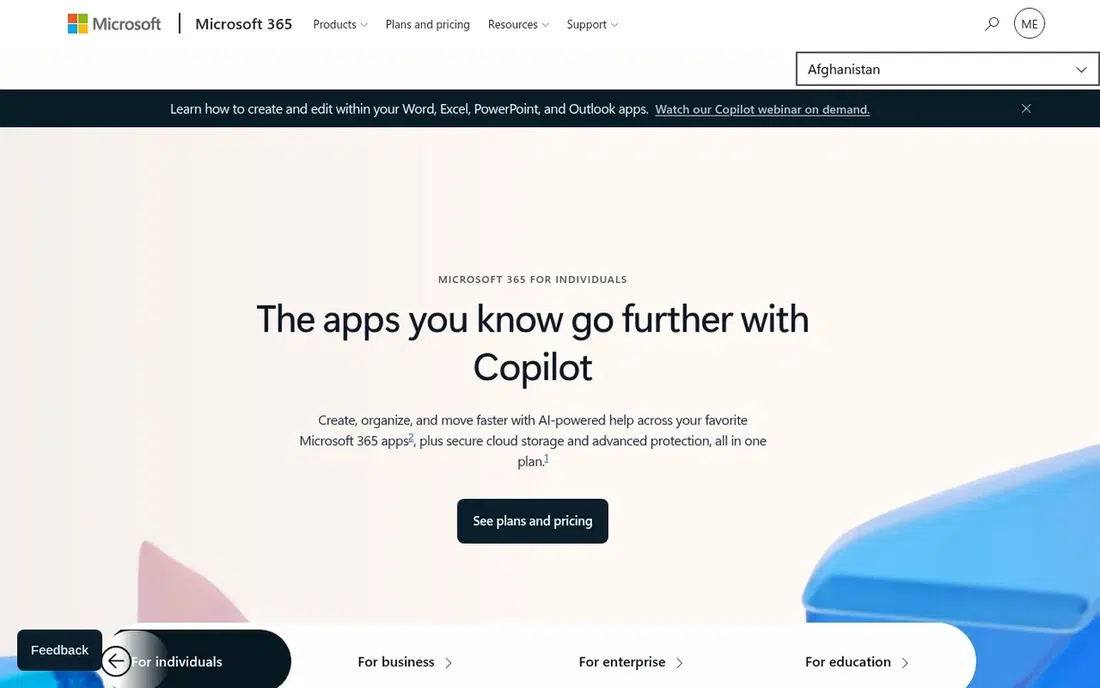
Microsoft 365 is designed for all-in-one productivity suite. Microsoft 365 is a subscription suite of productivity tools and cloud services, including Word, Excel and other applications. Consider a standalone editor if you want a more straightforward, focused tool without the full suite.
The suite is broader than a dedicated text editor, so it may be overkill if you only need plain text editing. Its subscription model means continuing access relies on renewal. Microsoft 365 does not show a starting price in this comparison, so check the vendor site for current pricing. Free access: Free trial.
Where it falls short: Subscription-based access.
- Contains familiar productivity apps
- Cloud services with security features
- May contain more than a text editor
BBEdit
Best for: Mac-based text editing
BBEdit is designed for Mac-based text editing. BBEdit is a well-known text editor for macOS from Bare Bones Software, used for code and prose editing. It supplies solid search and text manipulation features that appeal to writers and developers on the Mac.
As for the details, BBEdit is exclusive to macOS, so it will not fit Windows or Linux environments. On top of that, if your team uses mixed operating systems, a cross-platform editor may be a better fit. Check the vendor site for BBEdit pricing; none is listed in this comparison. On free options: Not stated.
Points against: macOS only.
- Comes with feature-rich search tools
- Long-standing Mac text editor
- May need a premium license for full features
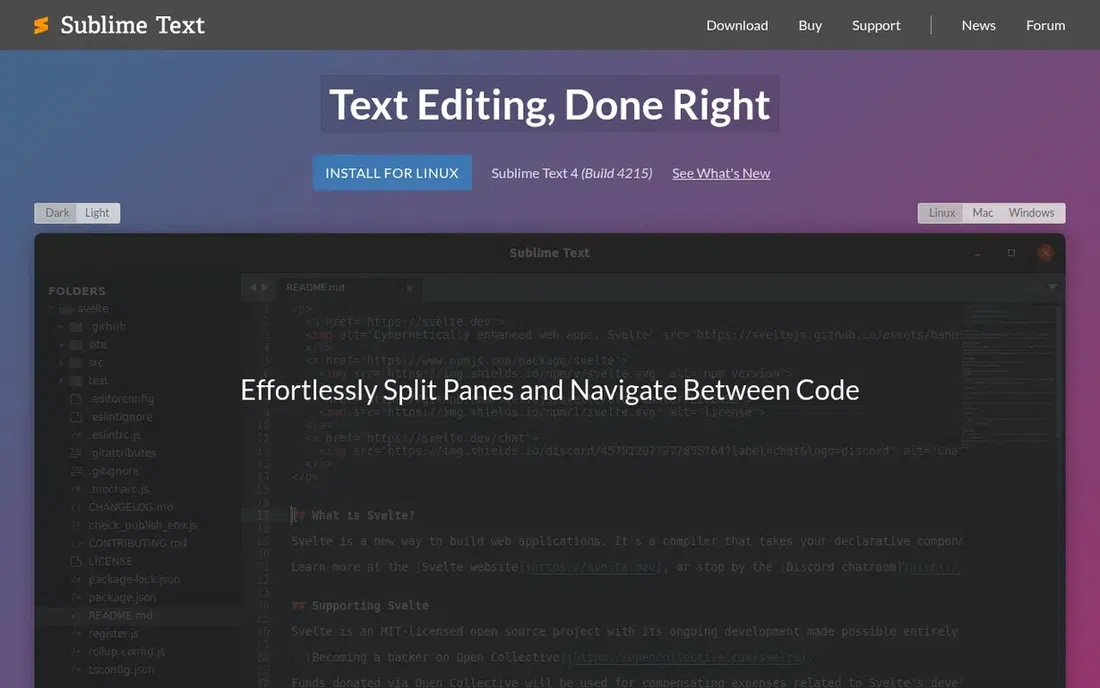
Sublime Text is designed for quick cross-platform code editing. Sublime Text is a sophisticated text editor aimed at code, markup and prose, with a focus on speed and a clean interface.
Downsides: premium license required for continued use.
From a buyer's view, small companies with technical staff commonly choose it for its responsiveness. Pricing for Sublime Text is not stated here, so ask the vendor for current figures. As for free access: Not stated.
- Markup and prose
- Available for several systems
- Less suited to non-technical office work
How the list was put together
We compared the tools on published pricing, free plan or trial availability, feature coverage for text editor software for small business, and the limits each vendor documents. Plan names, prices and limits change often. Treat the figures here as a starting point and verify them with the vendor. Order on the page follows fit for the typical buyer first, then price transparency and free access. Your own requirements should decide the final pick.
Before you commit
- Confirm the entry price on the vendor page. For TextPad, EditPad Pro, Microsoft 365 and others that means a quote rather than a fixed price.
- Use real work to test the free trial from Microsoft 365, rather than a demo project.
- Read the limits listed for TextPad first: Windows only.
- The entry price of TextPad is only the starting point; model the full cost with seats and extras.
- Check whether the features you need in BBEdit sit on the entry plan or only on higher tiers.
FAQ
Can I try these tools before paying?
Often, yes. Microsoft 365 offers a free trial. Use your own data and a real task during the test, and check what the free tier or trial limits before you rely on it.
What is the best text editor for a small business on a budget?
This list starts with TextPad, which fits straightforward Windows editing. For other needs, EditPad Pro is aimed at Convenient Windows text editing, and UltraEdit at large files and complicated data. Check each tool's price and main limit first.
Does any tool for text editor software for small business here have a free plan?
No tool in this list, TextPad and Sublime Text included, has a permanent free plan. Microsoft 365 offer a trial. Trials and quotes are the usual route, so plan a short evaluation period.
How are the tools for text editor software for small business ordered?
TextPad sits first and Sublime Text last because the order follows typical fit for text editor software for small business, then price clarity and free access. It is a judgement call, so read each profile for fit and limits.
Is TextPad the right pick for everyone comparing text editor software for small business?
No single tool suits every team. TextPad comes first because it fits straightforward Windows editing, while EditPad Pro suits Convenient Windows text editing and UltraEdit suits large files and complex data. Match the tool to your own size, budget and workflow before deciding.
Sources
- https://www.textpad.com
- https://www.editpadpro.com
- https://www.ultraedit.com
- https://www.microsoft.com/microsoft-365
- https://www.barebones.com/products/bbedit
- https://www.sublimetext.com