Best Software Documentation Guides for Developers in 2026: 9 Tools Compared
We compare the best software documentation guides for developers, from GitBook and ReadMe to free docs-as-code tools, with pricing and real trade-offs.
- Editor's choice
 GitBook
Mixed teams with Git sync
Starts at$65 per site per monthVisit gitbook.comFull review - Great alternative
 ReadMe
Interactive API docs
Starts atFrom $99 per monthVisit readme.comFull review - Also consider
 Mintlify
Polished startup docs
Starts at$450 per monthVisit mintlify.comFull review
TL;DR:
- GitBook is our top pick for teams that mix engineers and non-engineers, thanks to its visual editor plus Git sync.
- ReadMe leads for public API docs with interactive try-it features, while Mintlify suits startups that want polished docs fast.
- Docusaurus and MkDocs cost nothing and give full control, but your team owns hosting, search, and maintenance.
- Confluence and Notion work best for internal docs, not for public API references, so match the tool to the audience first.
Quick comparison
| Tool | Best for | Starts at | Free plan? | |
|---|---|---|---|---|
| GitBook | Mixed teams with Git sync | $65 per site per month | Yes | Visit |
| ReadMe | Interactive API docs | From $99 per month | Yes | Visit |
| Mintlify | Polished startup docs | $450 per month | Yes | Visit |
 Docusaurus | Free docs-as-code sites | Free | Yes | Visit |
 MkDocs | Lightweight Markdown sites | Free | Yes | Visit |
 Confluence | Internal wikis with Jira | $5.42 per user per month | Yes | Visit |
 Notion | Flexible internal wikis | $10 per user per month | Yes | Visit |
 Document360 | Governed help centers | See website | Free trial | Visit |
 Redocly | OpenAPI-first reference docs | See website | Yes | Visit |
The best software documentation guides for developers
Good developer docs answer the question a reader actually has, in the order they ask it. That means quickstarts, working examples, and an API reference that stays in step with the code. The tools below differ mainly in who writes the docs, where the docs live, and how much polish you get without building a frontend yourself.
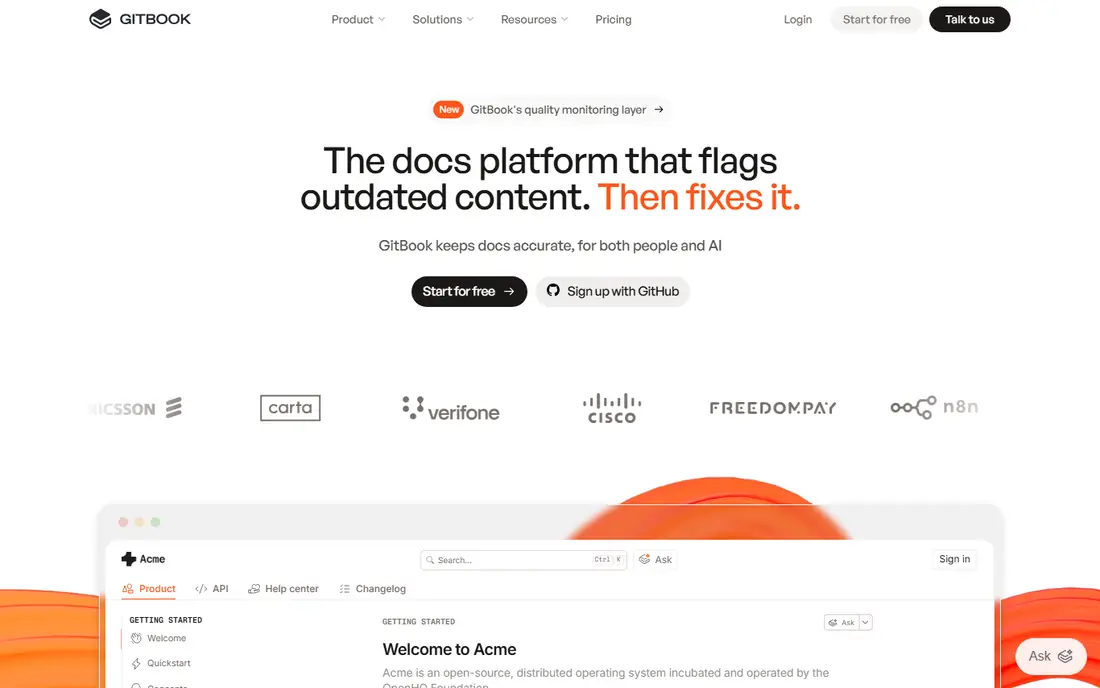
GitBook is the easiest fit when engineers and product managers write together. Engineers can keep docs in Git and review them like code, while non-engineers edit in the browser without touching a repo. The default design looks professional with little styling work, and built-in search, versioning, and analytics cover the basics most teams need.
The catch is price structure. Paid plans charge per site plus per user on some tiers, so a company with several public and internal sites should model the total before committing. GitBook is not the deepest interactive API reference tool either. Choose it when collaboration across roles matters more than a try-it API console.
- Visual editor plus Git sync
- Clean default design
- Good search and versioning
- Pricing scales with sites and users
- API playground is less deep than ReadMe
ReadMe built its name on API documentation that developers can try without leaving the page. Readers can send real requests from the docs, see responses, and copy working code samples, which cuts support questions for API products. It also tracks which endpoints get used and where readers drop off, so teams can improve the pages that matter.
Small teams may balk at paid pricing, which starts around $99 per month on some listings and higher on others, so confirm the current plan on the vendor site. ReadMe also works best when someone owns the hub, since uncurated guides can grow messy. For a public API product, it remains the reference standard in this list.
- Interactive API playground
- Developer metrics
- Polished developer hubs
- Paid plans are pricey for small teams
- Guides need care to avoid clutter
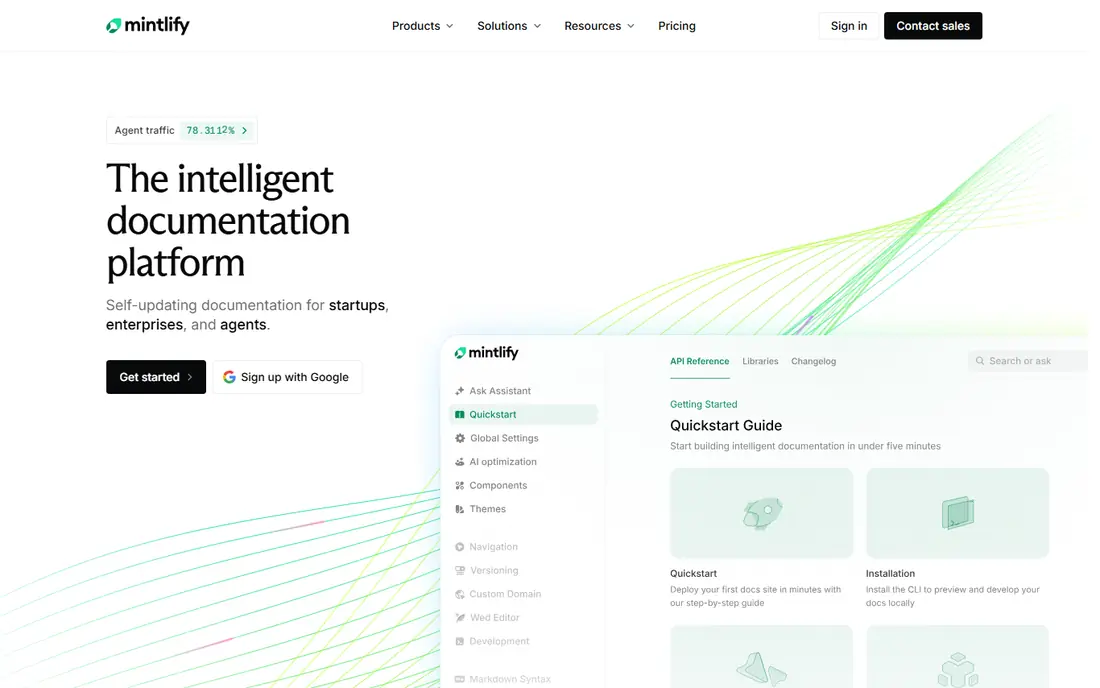
Mintlify turns Markdown files in a Git repo into docs that look like they came from a design team. You write in MDX, push, and the site updates, with a clean layout, search, and API playground included. Its AI features can draft pages from code and flag stale content, which helps small teams keep docs current without a dedicated writer.
The jump from the free starter tier to Pro, listed at $450 per month, is the main drawback, and support-style knowledge bases are not its strength. Mintlify fits API-first startups that want high polish with minimal setup and can justify the price as a marketing asset. If budget is tight, Docusaurus gives a similar workflow for free, with more setup work.
- Beautiful docs from Markdown
- AI-assisted writing
- Fast Git-based deploys
- Pro pricing is steep for small startups
- Weaker for support knowledge bases
Docusaurus, maintained by Meta, is the default open source docs site generator for React-friendly teams. Docs live as Markdown files in your repo, versioning and search are built in, and you can host anywhere, including GitHub Pages. For open source projects and engineering-led teams, that control and zero license cost are hard to beat.
The trade-off is ownership. Your team sets up hosting, analytics, and search tuning, and non-engineers will struggle to contribute without learning Git. Docusaurus is our pick when engineering time is available and long-term control matters more than a hosted editor. Many popular projects use it for exactly that reason.
- Free and open source
- Full control over hosting and design
- Strong versioning
- You own setup, hosting, and maintenance
- No visual editor for non-engineers
MkDocs is the lightest tool here, and that is its charm. A simple config file turns a folder of Markdown into a fast static site, and the popular Material theme adds search, navigation, and a clean look with little effort. Small teams and internal projects can ship docs in an afternoon without learning a framework.
It lacks some of Docusaurus's built-in features, and advanced needs like versioned API playgrounds require plugins. MkDocs suits teams that want simple, readable guides and are happy to keep scope small. If your docs are mostly tutorials and references rather than an interactive API hub, it is often all you need.
- Simple YAML config
- Fast static sites
- Material theme looks great
- Fewer built-in features than Docusaurus
- Plugins needed for advanced needs
Confluence is the internal wiki most Atlassian shops already have. It ties docs to Jira issues, offers templates for runbooks and decisions, and gives admins page permissions and version history. The free tier covers up to 10 users, and Standard starts at $5.42 per user per month, which makes it cheap to start inside a Jira team.
It is not a public developer portal. API references, code samples, and interactive try-it features are weak compared with ReadMe or Redocly, and large spaces need curation to stay useful. Choose Confluence for internal engineering docs, onboarding guides, and decisions, and pair it with a dedicated API tool for public docs.
- Deep Jira integration
- Templates and permissions
- Free up to 10 users
- Not a real API reference tool
- Can grow messy without governance
Notion wins on adoption: people actually update it, because editing feels like writing a note, not maintaining a site. Databases, templates, and linked pages make it easy to build internal handbooks, runbooks, and project docs, and the free plan covers small teams. Plus starts at $10 per user per month for larger teams.
Its limits show on developer-facing docs. API references, versioned code samples, and Git workflows are not its strengths, and some teams dislike its export and offline behavior. Use Notion where the readers are your own staff and ease of editing matters most, and keep public API docs on a dedicated platform.
- Easy for non-developers
- Databases and templates
- Fast to start
- Not built for API references
- Offline and export limits frustrate some teams
Document360 fits larger teams that need control over who publishes what. It offers workflows for drafting, review, and approval, plus version history, analytics, and AI search, for both customer help centers and internal knowledge bases. That governance matters when docs carry compliance or support weight.
Pricing moved to quote-based terms, so budget buyers cannot compare it at a glance, and small teams may find it heavier than GitBook or Docusaurus. Pick Document360 when publishing control, audit trails, and scale matter more than the lightest possible setup.
- Approval workflows and version control
- Strong search and analytics
- Private and public sites
- Pricing is quote-based
- Heavier than a simple docs site
Redocly starts from your OpenAPI specification and builds reference docs with linting, governance, and version control around it. Teams with large or regulated APIs value its ability to catch spec errors before they reach readers, and its open source Redoc component can render references inside other sites. That spec-first discipline keeps docs honest as APIs change.
If you do not maintain OpenAPI specs, Redocly offers less than a general docs platform, and pricing varies, so check the vendor site. It is our pick for API teams that already treat the spec as the source of truth and need governance at scale.
- Strong OpenAPI linting and governance
- Clean reference output
- Open source core
- Needs OpenAPI specs to shine
- Pricing varies by tier
How we picked these
We compared official feature pages, pricing pages, and documentation for each tool, plus public user reviews, and kept only products that exist and work today for developer-facing docs. We favored tools with a clear audience, either public API readers or internal engineers, and noted where pricing was quote-based instead of inventing a figure. We did not claim hands-on testing. Prices should be rechecked on vendor sites, since docs pricing has shifted often.
What to check before you choose
Start with the reader. Public API users need a reference with working examples and a try-it console, while internal engineers need runbooks, decisions, and architecture notes they can find fast. One tool rarely serves both audiences well, so many teams run two systems and accept that split. Next, check who writes: if non-engineers must contribute, a visual editor matters more than Git purity.
Then test the workflow end to end. Write a page, review it, publish it, and search for it, before migrating a whole docs set. Check versioning for API changes, search quality on a large site, and export options if you ever leave. Finally, model the full price, including sites, seats, and add-ons, since docs tools often charge on more than one axis.
FAQ
What is the best documentation tool for a small developer team?
GitBook is a strong default for mixed teams, while Docusaurus is best if you want free, full control and your team is comfortable with Git. For a public API product, ReadMe or Mintlify may justify their price with interactive features and polish. Start with the free tier and test a real guide before migrating.
Are free documentation tools good enough?
Yes, for many teams. Docusaurus and MkDocs power docs for large open source projects and cost nothing in licenses, though you pay in setup and hosting effort. Free hosted tiers from GitBook, Mintlify, and Notion also cover small sites. Paid tools earn their fee mainly through editors, governance, and support.
How do docs-as-code tools differ from hosted platforms?
Docs-as-code tools store docs as Markdown in Git, so engineers review and version them like code, and you own hosting. Hosted platforms give you an editor, hosting, search, and analytics in one product, at a subscription price. The right choice depends on who writes and how much setup your team wants to own.
Should API docs and internal docs use the same tool?
Often no. Public API docs need interactive references and polished design, while internal docs need fast editing and Jira or task integration. Many teams use ReadMe or Redocly for public APIs and Confluence or Notion internally. Keeping the split explicit avoids forcing one tool into a job it handles poorly.
How do I keep documentation from going stale?
Tie docs to releases, review them in the same pull request as code changes, and assign an owner per section. Tools that flag stale pages or generate drafts from code help, but process matters more than software. Schedule a short monthly pass over your most-read pages, since those drive most support questions.