Choosing Text Editor Software for Enterprise in 2026: 6 Options Compared
Weighing the best text editor software for enterprise? We lined up 6 products by cost, free access and fit. Each entry gets a plain verdict. Easy to scan.
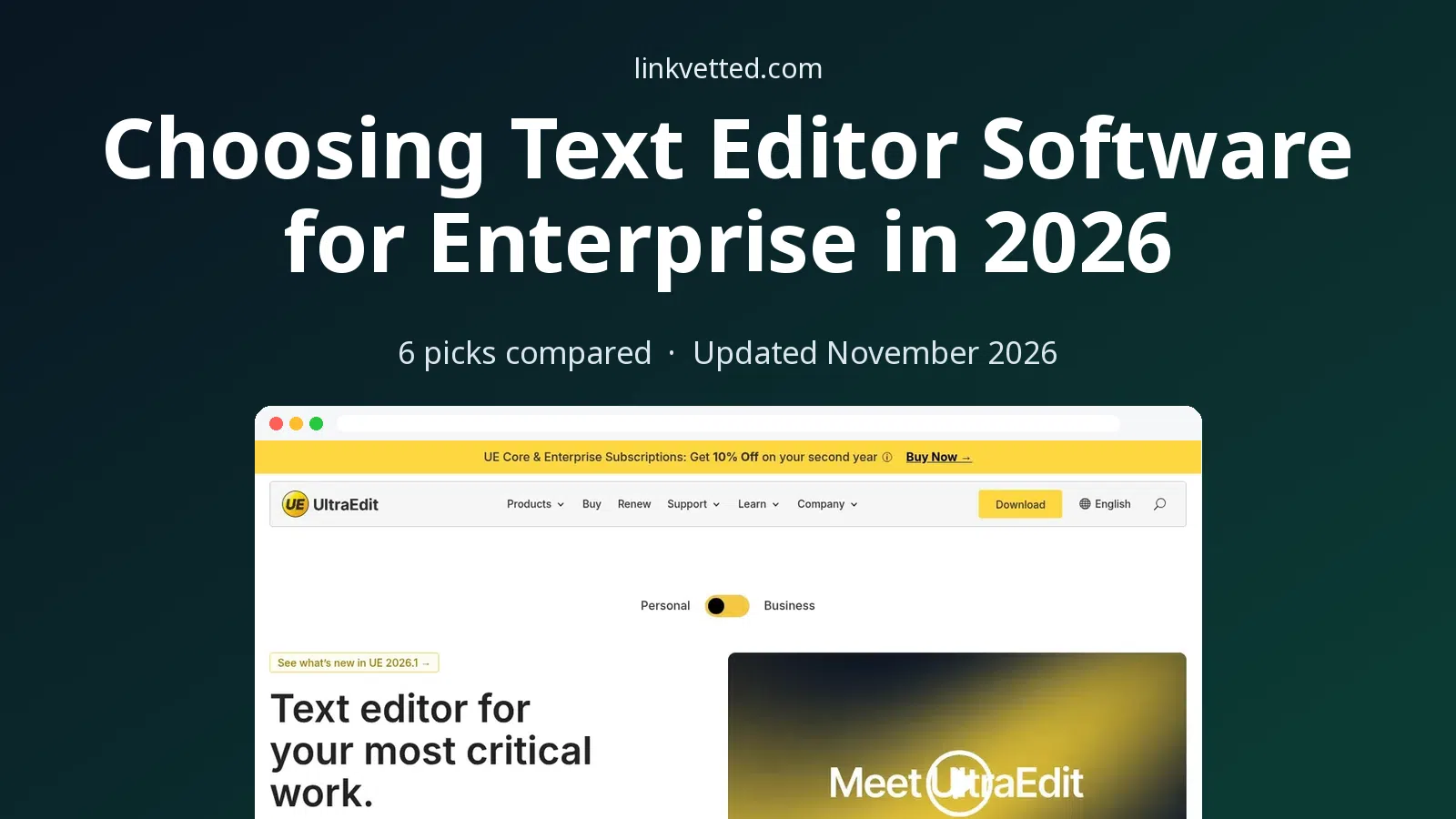
- Editor's choiceUltraEdit
Large files and sensitive enterprise workflows
Starts at$94.96 per yearVisit ultraedit.comFull review - Great alternativeEditPlus
Windows editing with built-in FTP
Starts atSee websiteVisit editplus.comFull review - Also considerEmEditor
Large files, CSV and Windows code editing
Starts atSee websiteVisit emeditor.comFull review
Direct answer
Start with UltraEdit if you need large files and sensitive enterprise workflows. Listed starting prices: UltraEdit from $94.96 per year. EditPlus is better for Windows editing with built-in FTP, and EmEditor is better for large files, CSV and Windows code editing. Prices, free plans and limits for all 6 tools follow.
TL;DR:
- The list opens with UltraEdit, aimed at large files and sensitive enterprise workflows.
- Neither UltraEdit nor Microsoft Visual Studio Code, nor any of the other 4 tools, has a permanent free plan; trials and quotes are the norm.
- Microsoft Visual Studio Code suits collaborative, agent-assisted coding at scale.
- One limit worth knowing about Sublime Text: fewer built-in enterprise management features.
Last checked November 2026. Prices and plan details were read from the vendors' own pages in November 2026; vendors change plans often, so confirm the current price on the vendor site before you buy.
Quick comparison
| Tool | Best for | Starts at | Free plan? | |
|---|---|---|---|---|
| UltraEdit | Large files and sensitive enterprise workflows | $94.96 per year | No | Visit |
| EditPlus | Windows editing with built-in FTP | See website | Not stated | Visit |
| EmEditor | Large files, CSV and Windows code editing | See website | Not stated | Visit |
 Sublime Text | Quick editing for code, markup and prose | See website | Not stated | Visit |
| BBEdit | Mac-based text and code editing | See website | Not stated | Visit |
| Microsoft Visual Studio Code | Collaborative, agent-assisted coding at scale | See website | Not stated | Visit |
Tool-by-tool breakdown
Short on time? The summary and table above give the quick view of 6 tools for text editor software for enterprise, and the profiles that follow give the detail behind each entry.
UltraEdit
Best for: Large files and sensitive enterprise workflows

UltraEdit was built for large files and sensitive enterprise workflows. UltraEdit is a professional text and code editor positioned for large files, complicated data and sensitive workflows, with versions for Windows, macOS and Linux. It is a reasonable fit for analysts, engineers and administrators who on a regular basis open very large or unusual file types.
Its breadth means a steeper ramp-up time, and licensing must be tracked across the organization. Also, teams that only edit small configuration files may find it more than they need. Starting cost for UltraEdit: $94.96 per year. UltraEdit has no permanent free option.
Reasons to shortlist it: Available for Windows.
Trade-offs to know: Feature depth can overwhelm casual users.
- Code and hex editing in one tool
- Deals with large files and complicated data
- Commercial licensing to handle
EditPlus
Best for: Windows editing with built-in FTP
EditPlus serves Windows editing with built-in FTP. EditPlus is a Windows text editor with built-in FTP, FTPS and sftp capabilities, positioned as both a Notepad replacement and a tool for web authors and programmers.
Limits to weigh: Windows only.
That makes it handy for teams that edit files straight on remote servers. This comparison lists no price for EditPlus; ask the vendor. Free options: Not stated.
- FTPS and sftp support
- Straightforward Notepad replacement choice
- Narrower ecosystem than bigger editors
EmEditor
Best for: Large files, CSV and Windows code editing
EmEditor works best for large files, CSV and Windows code editing. Data analysts, engineers and operations staff who require fast handling of oversized files are a natural fit.
It is Windows-only, and the differences between its editions mean buyers should confirm which capabilities their teams need. No starting price is listed for EmEditor here; confirm pricing on the vendor site. On free options: Not stated.
Where it falls short: Editions differ in capability.
- Solid large-file and CSV handling
- Quick and light on Windows
- Windows only
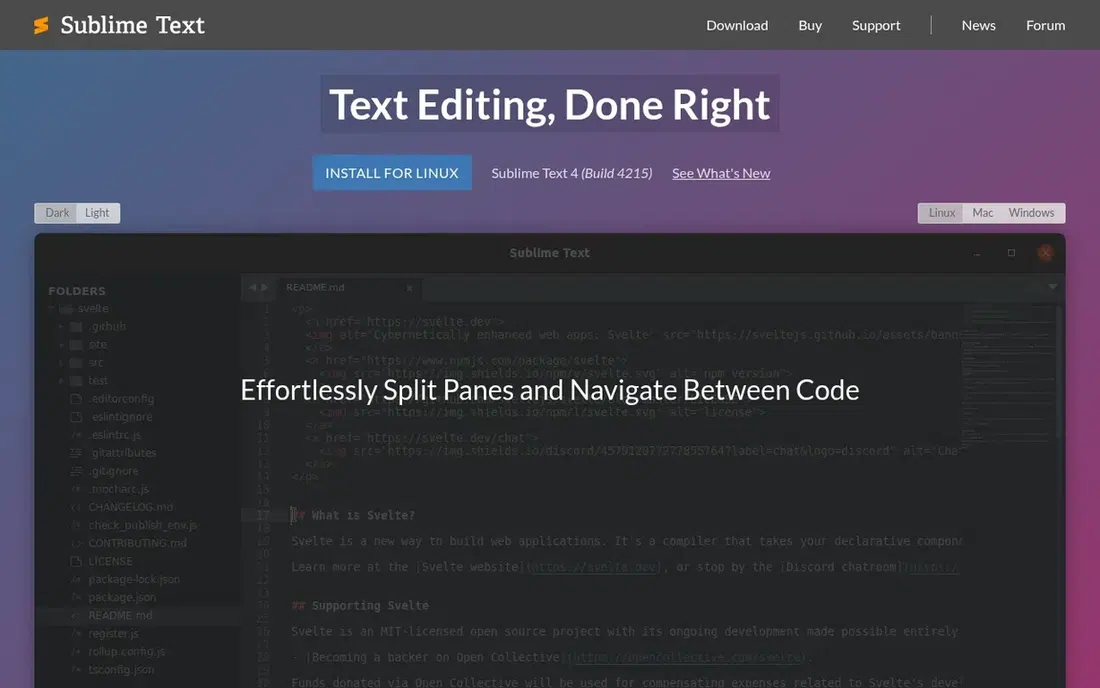
Sublime Text makes the most sense for fast editing for code, markup and prose. Sublime Text is described by its vendor as a sophisticated text editor for code, markup and prose. It appeals to developers and technical writers who value a responsive editing experience and a clean interface.
In practice, for enterprises, it performs well as a focused editor for individuals and small teams that do not need a full collaboration product but want dependable handling of mixed content types. It offers less in the way of built-in team collaboration and centralized administration than bigger systems, so organizations with strict governance may need additional tooling. In daily use, pick Sublime Text when editing speed and simplicity outweigh deep integration, and look elsewhere if shared agent workflows are a priority. Check the vendor site for Sublime Text pricing; none is listed in this comparison. Trial and free access: Not stated.
Points against: Extension ecosystem differs from bigger IDEs.
- Responsive editing experience
- Deals with code
- Fewer built-in enterprise management features
BBEdit
Best for: Mac-based text and code editing
Pick BBEdit if this describes you: Mac-based text and code editing. Evaluate BBEdit when your users are primarily on macOS and value a mature, focused tool over wide system coverage.
It suits enterprises with Mac-heavy teams, for example design, publishing or development groups that want a capable native editor. Check the vendor site for BBEdit pricing; none is listed in this comparison. Free access: Not stated.
Honest limits: Not a fit for Windows-centric fleets.
- Mature Mac-focused editor
- Fits code and prose work
- Mac only
Microsoft Visual Studio Code
Best for: Collaborative, agent-assisted coding at scale
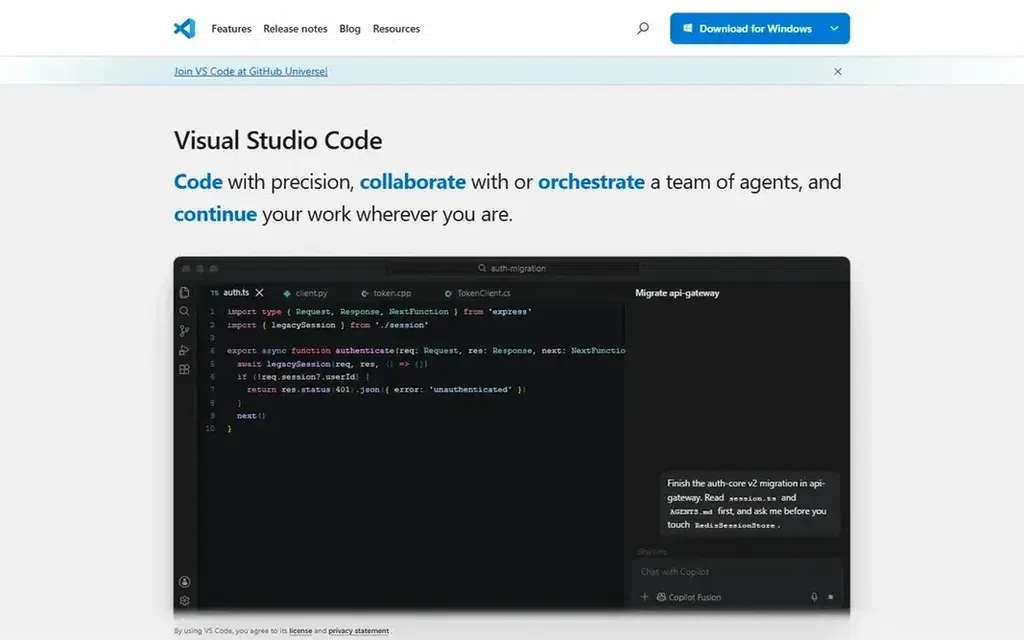
Microsoft Visual Studio Code serves collaborative, agent-assisted coding at scale. Visual Studio Code is a full-featured code editor built around precision editing, collaboration with agents and continuing work across locations.
It fits mixed development teams, platform engineers and anyone who needs a shared, extensible editing environment instead of a bare-bones text tool. Microsoft Visual Studio Code shows no starting price here, so confirm the cost on the vendor site. As for free access: Not stated.
Downsides: Heavier than minimal editors.
- Works across major desktop products
- Built-in collaboration and agent features
- Extension sprawl needs governance
How we chose
For each of the 6 tools we noted price, free plan or trial, fit for text editor software for enterprise and the main limit, using vendor pages and documentation. Seat minimums, billing terms and add-ons can move the real cost, so the starting prices here are a guide and not a quote. We ordered the tools by general fit, then by how clearly pricing is shown, then by free access. A buyer with unusual needs may reorder them.
Things to verify first
- Confirm the entry price on the vendor page. For EditPlus, EmEditor, Sublime Text and others that means a quote rather than a fixed price.
- Read the limits listed for UltraEdit first: commercial licensing to manage.
- Before rolling out EmEditor, verify the integrations your workflow depends on.
- Look at which plan of Sublime Text unlocks the features you need; entry tiers are often cut down.
- A short pilot of BBEdit with your real workflow tells you more than a feature table.
FAQ
How are the tools for text editor software for enterprise ordered?
UltraEdit sits first and Microsoft Visual Studio Code last because the order follows typical fit for text editor software for enterprise, then price clarity and free access. It is a judgement call, so read each profile for fit and limits.
Do these tools publish their prices?
Not all of them. EditPlus, EmEditor, Sublime Text and others publish no starting price, so expect a quote request for those. The rest, UltraEdit included, show a starting price, though seats and billing terms still change the final cost.
Is UltraEdit the right pick for everyone comparing text editor software for enterprise?
No single tool suits every team. UltraEdit comes first because it fits large files and sensitive enterprise workflows, while EditPlus suits Windows editing with built-in FTP and EmEditor suits large files, CSV and Windows code editing. Match the tool to your own size, budget and workflow before deciding.
What should enterprises look for in large-file handling?
Check that the editor opens and edits the largest files your users encounter without stalling, since workflows around logs and data exports rely on it.
Are light editors like Notepad++ suitable for enterprise use?
They can be for Windows users who require fast, dependable text editing without complicated setup. That said, they lack cross-platform coverage and centralized administration, so mixed environments typically need a second choice.
Can I try these tools before paying?
Not by default. None of the tools, from UltraEdit to Microsoft Visual Studio Code, lists a free plan or a free trial here, so ask each vendor for a demo before committing.
Sources
- https://www.ultraedit.com
- https://www.editplus.com
- https://www.emeditor.com
- https://www.sublimetext.com
- https://www.barebones.com/products/bbedit
- https://code.visualstudio.com