Choosing Software for End User Experience in 2026: 6 Options Compared
Weighing top-rated software for end user experience? We lined up 6 products by cost, free access and fit. Every pick includes one clear drawback. Quick to scan.
- Editor's choice
 Trello
Straightforward visual boards for to-dos
Starts at$5 per user a monthVisit trello.comFull review - Great alternative
 Monday.com
Visual work operations across teams
Starts at$9 per seat per monthVisit monday.comFull review - Also consider
 Asana
Structured work and project management
Starts at$10.99 per user a monthVisit asana.comFull review
Direct answer
If you need straightforward visual boards for to-dos, Trello is the first tool to look at here. Listed starting prices: Trello from $5 per user a month, Monday.com from $9 per seat per month and Asana from $10.99 per user a month. For a different need, Monday.com covers visual work operations across teams and Asana covers structured work and project management. The full list of 6 tools follows, with prices and free plan facts.
TL;DR:
- This list starts with Trello, which is built for straightforward visual boards for to-dos.
- What to know about Slack first: Notification overload is easy.
- Notion is the one to check for flexible AI-assisted docs and workspaces.
- Free plans exist at 5 of 6 tools (Trello, Monday.com, Asana, Slack, Notion).
Last checked November 2026. Prices and plan details were read from the vendors' own pages in November 2026; vendors change plans often, so confirm the current price on the vendor site before you buy.
Quick comparison
| Tool | Best for | Starts at | Free plan? | |
|---|---|---|---|---|
| Trello | Straightforward visual boards for to-dos | $5 per user a month | Yes | Visit |
| Monday.com | Visual work operations across teams | $9 per seat per month | Yes | Visit |
| Asana | Structured work and project management | $10.99 per user a month | Yes | Visit |
 Slack | Conversational teamwork and fast adoption | $4.38 per user per month | Yes | Visit |
| Atlassian Confluence | Shared knowledge and team documentation | See website | Not stated | Visit |
 Notion | Adaptable AI-assisted docs and workspaces | $10 per member a month | Yes | Visit |
Top-Rated Software for End User Experience profiles
Short on time? The summary and table above give the quick view of 6 tools for Top-Rated software for end user experience, and the profiles that follow give the detail behind each entry.
Trello makes the most sense for straightforward visual boards for to-dos. Trello invites users to capture, organize and tackle to-dos from anywhere, with Inbox, Boards and Planner views that work on mobile too. Its end user experience is intentionally straightforward: cards move across lists, progress is visible at a glance, and new team members typically need little explanation before contributing.
As for the details, teams scaling beyond personal and small-team task tracking may want a fuller work management product. As for the details, simplicity limits depth, so large programs with dependencies and reporting needs outgrow boards rapidly. Starting cost for Trello: $5 per user per month. Trello offers a free plan.
Downsides: Restricted for complicated programs.
- Inbox and planner views
- Simple boards and cards
- Boards need regular pruning
Monday.com targets visual work operations across teams. monday.com presents itself as the AI workspace for people and agents, where teams execute, handle and operate together to drive results. In daily use, end users tend to grasp the visual board model rapidly.
The main drawbacks: Customization needs upkeep.
The system hands operations-heavy teams a shared place to track work rather than juggling separate trackers. From a buyer's view, organizations that want minimal setup and straightforward to-do tracking may find a lighter tool more comfortable for everyday users. On cost, Monday.com starts like this: $9 per seat per month. Monday.com has a free plan.
- Visual boards for people and agents
- Handle and operate together
- Numerous choices can feel busy
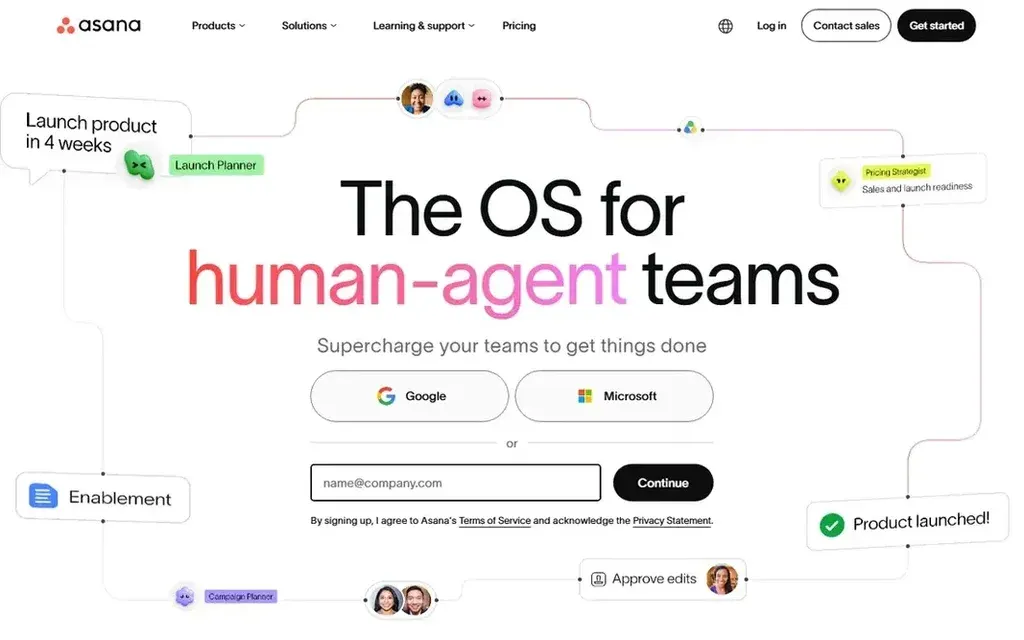
Asana targets structured work and project management. The ramp-up time is real once you move beyond entry-level tasks, and inconsistent setup can leave projects messy.
What to check first: Setup discipline matters.
On cost, Asana starts like this: $10.99 per user per month. You can start on Asana without paying.
- Automates critical workflows
- Built for human and AI agent teams
- Deeper features take time to learn
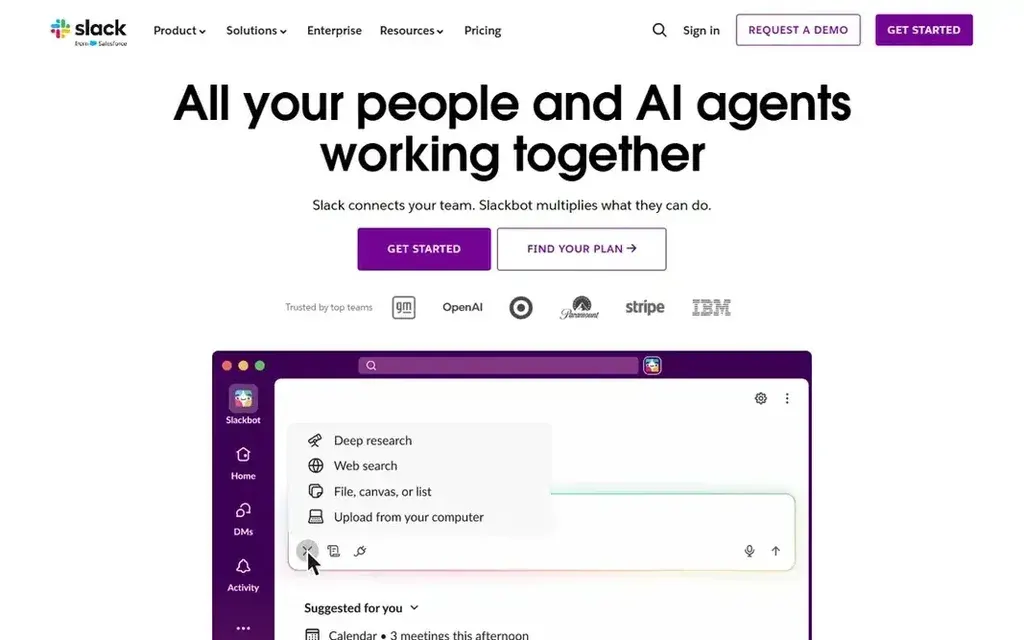
Slack targets conversational teamwork and fast adoption. Busy channels and constant notifications can distract users except when settings are tuned.
The system performs best when paired with a structured project tool. If your team needs deep task tracking instead of conversation, a work management system may fit better. Price to start with Slack: $4.38 per user per month. Slack has a free plan.
Drawbacks to consider: Costs scale with team size.
- Secure team connection
- Familiar chat-based interface
- Notification overload is simple
Atlassian Confluence
Best for: Shared knowledge and team documentation
Atlassian Confluence makes the most sense for shared knowledge and team documentation. Confluence is described as an AI workspace for knowledge and collaboration, where teams build and share knowledge and use AI to draft, summarize and find answers.
Smaller teams or those centred on live conversation instead of written knowledge may get more value from a messaging tool or a straightforward board. Check the vendor site for Atlassian Confluence pricing; none is listed in this comparison. As for free access: Not stated.
Trade-offs to know: Content sprawl without governance.
- AI drafting
- Helps projects move quicker
- Can feel heavy for small teams
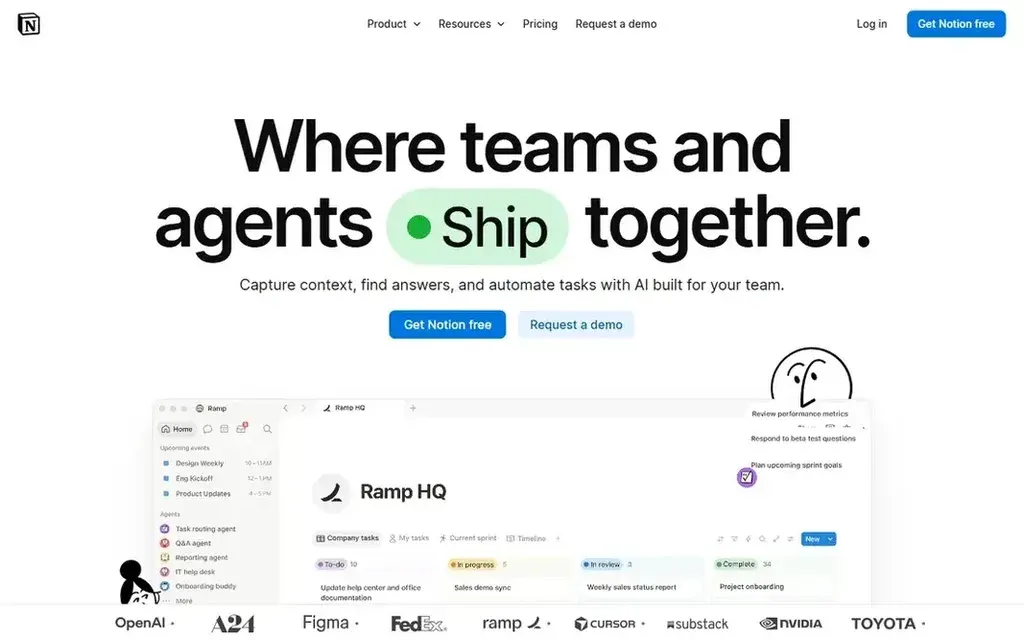
Notion works best for adaptable AI-assisted docs and workspaces. Notion describes itself as an AI workspace that works for you, with custom agents, search across your apps and automation of busywork.
Where it shines: Automates repetitive busywork.
Drawbacks to consider: Structure must be designed deliberately.
New users can feel lost without clear conventions, and sprawling pages become hard to navigate if nobody maintains them. The starting price for Notion: $10 per member per month. A free plan is available with Notion.
- Custom agents and cross-app search
- Notes and databases in one place
- Blank-page freedom can overwhelm
Selection criteria
The comparison looks at four things: starting price, free access, how well the feature set matches Top-Rated software for end user experience, and the main limit of each tool. Figures are shown as the vendors publish them. Billing terms, seat minimums and add-ons can change the real cost. We ordered the tools by general fit, then by how clearly pricing is shown, then by free access. A buyer with unusual needs may reorder them.
Things to verify first
- Get a written quote from Atlassian Confluence; the list shows no starting price for them.
- Look at free plan limits closely: Trello, Monday.com, Asana and others have one, and the caps decide whether it is usable for real work.
- Read the limits listed for Trello first: restricted for complicated programs.
- Get the contract term, renewal terms and any onboarding fees from Asana in writing.
- Before you load data into Trello, check what an export looks like and who can run it.
FAQ
What is the cheapest option for Top-Rated software for end user experience in this list?
On published monthly entry prices, Slack is the lowest here at $4.38 per user per month. Entry price is only part of the cost, because seats, add-ons and billing terms can change the total. Each of the 6 options in this Top-Rated software for end user experience guide has its own card above with the price, free plan and limits.
Do these tools publish their prices?
Not all of them. Atlassian Confluence publishes no starting price, so expect a quote request for it. The rest, Trello included, show a starting price, though seats and billing terms still change the final cost.
Can I try these tools before paying?
Often, yes. Trello, Monday.com, Asana and others have a free plan. Use your own data and a real task during the test, and check what the free tier or trial limits before you rely on it.
What makes end user experience important when choosing software?
A tool that feels clear and predictable gets adopted, whereas a confusing one gets abandoned or worked around. Interface clarity, sensible defaults and low onboarding effort typically matter more than long feature lists for everyday users.
Which options for Top-Rated software for end user experience have a free plan?
Trello, Monday.com, Asana, Slack and Notion offer a free plan in this list. Free plans usually cap users, projects or features, so check the limits on the vendor page.
Can a simple board tool be enough for an expanding team?
Trello-style boards work well for straightforward to-dos and small teams. As dependencies, reporting and cross-team coordination grow, a fuller work management system normally becomes simpler for end users to navigate.
Sources
- https://trello.com
- https://monday.com
- https://asana.com
- https://slack.com
- https://www.atlassian.com/software/confluence
- https://www.notion.so