Choosing Software for Automotive HMI Development in 2026: 6 Options Compared
Best software for automotive HMI development: 6 tools compared on price, free plans and fit. The weak spots sit next to the strengths. Read before you buy.
- Editor's choiceQNX Neutrino RTOS
Secure RTOS and hypervisor base
Starts atSee websiteVisit blackberry.qnx.comFull review - Great alternativeAndroid Automotive OS
Standardized IVI product
Starts atSee websiteVisit source.android.comFull review - Also consider
 Unity
Live 3D HMI prototyping
Starts at$210.00 a monthVisit unity.comFull review
Direct answer
If you need secure RTOS and hypervisor base, QNX Neutrino RTOS is the first tool to look at here. Listed starting prices: Unity from $210.00 a month. For a different need, Android Automotive OS covers standardized IVI system and Unity covers live 3D HMI prototyping. Prices, free plans and limits for all 6 tools follow.
TL;DR:
- Top of the list is QNX Neutrino RTOS, which targets secure RTOS and hypervisor base.
- QNX Neutrino RTOS, Green Hills Software INTEGRITY and the 4 others all need a premium plan or a trial, since no free plan is listed.
- For the cheapest start, look at Unity: $210.00 per month.
- For safety-critical partitioned RTOS, Green Hills Software INTEGRITY is worth a look.
- The main caution on MATLAB: not an HMI runtime.
Last checked November 2026. Prices and plan details were read from the vendors' own pages in November 2026; vendors change plans often, so confirm the current price on the vendor site before you buy.
Quick comparison
| Tool | Best for | Starts at | Free plan? | |
|---|---|---|---|---|
| QNX Neutrino RTOS | Secure RTOS and hypervisor base | See website | Not stated | Visit |
| Android Automotive OS | Standardized IVI product | See website | Not stated | Visit |
| Unity | Live 3D HMI prototyping | $210.00 a month | Free trial | Visit |
 MATLAB | Engineering analysis and modeling | See website | Not stated | Visit |
| Elektrobit EB GUIDE | Model-based HMI authoring and training | See website | Not stated | Visit |
| Green Hills Software INTEGRITY | Safety-critical partitioned RTOS | See website | Not stated | Visit |
Every option for software for automotive HMI development explained
If you are comparing software for automotive HMI development, this page covers 6 tools in one place: what each is best for, what it costs to start, whether it has a free plan, and the main limit to know about.
QNX Neutrino RTOS
Best for: Secure RTOS and hypervisor base
For secure RTOS and hypervisor base, QNX Neutrino RTOS is a natural candidate. If your team only needs to build and test HMI screens, a dedicated HMI framework or a general 3D engine will get you to a prototype quicker.
Drawbacks to consider: Needs system expertise.
On top of that, QNX Neutrino RTOS from BlackBerry QNX is a secure live operating system with hypervisor and tooling for quicker, safer, and more steady software deployment in safety-critical systems. QNX Neutrino RTOS shows no starting price here, so confirm the cost on the vendor site. Free plan details: Not stated.
- Hypervisor support
- Secure RTOS foundation
- Not an HMI authoring tool
Android Automotive OS
Best for: Standardized IVI product
Android Automotive OS serves standardized IVI system. Android Automotive OS is an open source system for in-vehicle infotainment, with documentation including the Vehicle HAL, display safety, and software-defined vehicles.
Where it falls short: Not a design authoring tool.
It may not suit highly customized safety-critical clusters that need a dedicated RTOS and HMI framework. As for the details, if you need fine control over cluster graphics, pair a dedicated HMI tool with a live product. No starting price is listed for Android Automotive OS here; confirm pricing on the vendor site. On free options: Not stated.
- Display safety guidance
- Vehicle HAL integration
- Needs Android platform knowledge
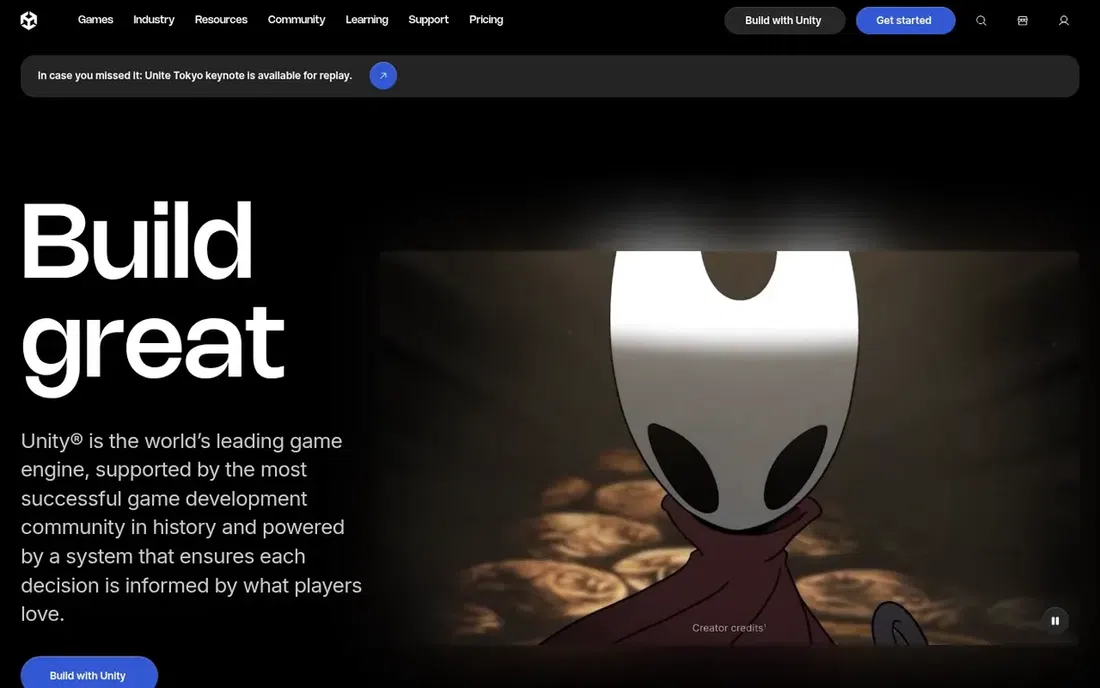
Unity targets live 3D HMI prototyping. For automotive HMI development, it is commonly used to prototype and produce visually rich interfaces and 3D cluster concepts.
If your priority is a framework designed for instrument clusters and head-up displays, a dedicated automotive HMI tool is a better starting point. Worth adding: Unity is general-purpose and does not offer automotive safety certification from day one, so teams must manage functional safety and integration separately. Price to start with Unity: $210.00 per month. Free access: Free trial.
Limits to weigh: Not automotive-specific.
- Supports industrial applications
- Live 3D engine
- Needs safety integration work
MATLAB is built with engineering analysis and modeling in mind. Moving models into production HMI code needs extra tooling and process.
Honest limits: Not an HMI runtime.
Beyond that, in automotive HMI programs, it supports tasks like signal processing, data analysis, and model-based design that feed into interface behavior. Also, MATLAB is a software environment for engineers and scientists, used for analysis, modeling, and algorithm development. No starting price is listed for MATLAB here; confirm pricing on the vendor site. On free options: Not stated.
- Supports algorithm development
- Widely used by engineers
- Indirect path to production UI
Elektrobit EB GUIDE
Best for: Model-based HMI authoring and training
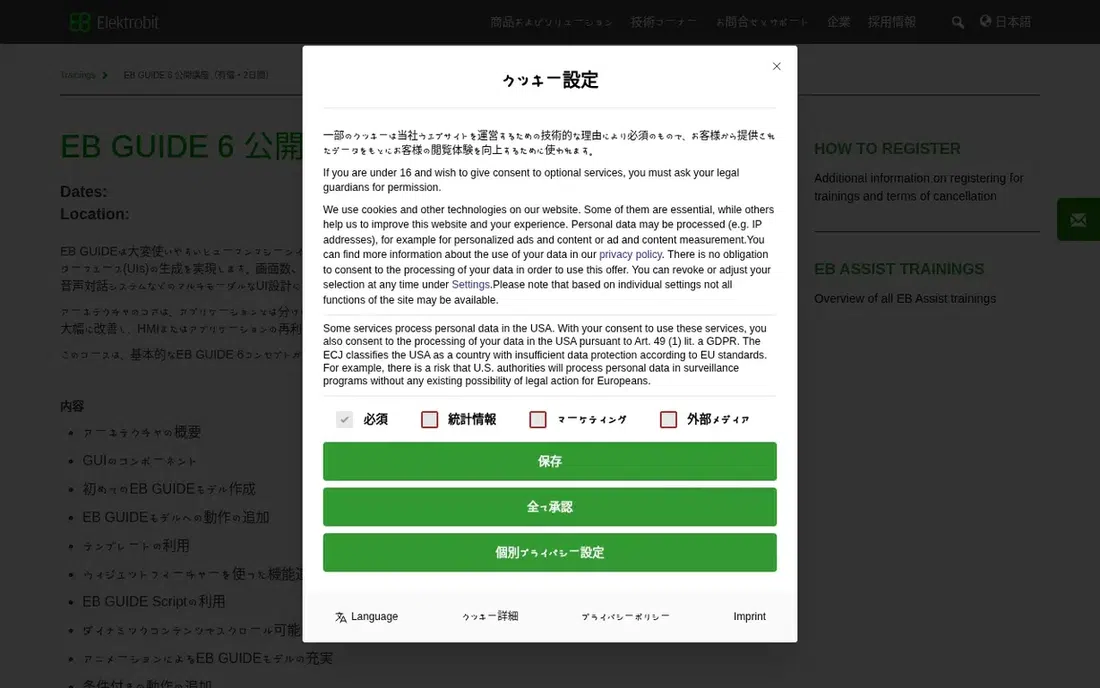
Choose Elektrobit EB GUIDE for model-based HMI authoring and training. Elektrobit EB GUIDE is a model-based HMI development tool targeted at automotive interface teams.
Drawbacks to consider: Restricted public documentation.
Publicly available material is restricted compared to general-purpose design tools. As for the details, since EB GUIDE is a specialized automotive tool, new users should expect a ramp-up time and should plan for training. This comparison lists no price for Elektrobit EB GUIDE; ask the vendor. As for free access: Not stated.
- Practical workshop format
- Course includes entry-level to advanced concepts
- Specialized ramp-up time
Green Hills Software INTEGRITY
Best for: Safety-critical partitioned RTOS
Green Hills Software INTEGRITY is a good fit for safety-critical partitioned RTOS. Green Hills Software INTEGRITY is a live operating system built around a partitioning architecture that helps embedded developers ensure applications meet high requirements.
More specifically, in automotive HMI programs, it serves as the safety-critical foundation beneath the interface layer. As for the details, integration needs specialized embedded expertise. No starting price is listed for Green Hills Software INTEGRITY here; confirm pricing on the vendor site. Trial and free access: Not stated.
Drawbacks to consider: Specialized integration effort.
- Made for high requirements
- Embedded developer focus
- Not an HMI authoring tool
How the list was put together
Selection started from tools commonly considered for software for automotive HMI development, then narrowed to 6 that have clear pricing information or a clear quote process. Treat prices as a snapshot: vendors change plans often, so check the vendor site for the figure that applies today. Order on the page follows fit for the typical buyer first, then price transparency and free access. Your own requirements should decide the final pick.
What to confirm before you sign up
- Confirm the entry price on the vendor page. For QNX Neutrino RTOS, Android Automotive OS, MATLAB and others that means a quote rather than a fixed price.
- Take the trial from Unity and push a live task through it before you pay.
- Before choosing QNX Neutrino RTOS, weigh its main limit: not an HMI authoring tool.
- Run a one or two week pilot of MATLAB with the people who will use it every day.
- Total up the real monthly cost of Elektrobit EB GUIDE, including add-ons, extra users and usage-based fees.
FAQ
Does any tool for software for automotive HMI development here have a free plan?
A permanent free plan is not offered by QNX Neutrino RTOS, Green Hills Software INTEGRITY or the other tools here. Unity offer a trial. Plan a short evaluation period instead.
Can I try these tools before paying?
Often, yes. Unity offers a free trial. Use your own data and a real task during the test, and check what the free tier or trial limits before you rely on it. For the full picture, the cards above cover all 6 entries of this software for automotive HMI development list, including price, free plan and limits.
What is the best software for automotive HMI development?
QNX Neutrino RTOS is the pick this page puts first, mainly for secure RTOS and hypervisor base. If your situation differs, Android Automotive OS suits standardized IVI system, and Unity suits real-time 3D HMI prototyping. Compare price and limits before you decide.
Do I need a RTOS for automotive HMI?
Whether you need one relies on your safety requirements and system architecture. Plenty of teams pair a RTOS with a dedicated HMI framework.
What is the cheapest option for software for automotive HMI development in this list?
On published monthly entry prices, Unity is the lowest here at $210.00 per month. Entry price is only part of the cost, because seats, add-ons and billing terms can change the total. Prices, free plan details and limits for all 6 tools in this software for automotive HMI development roundup sit on the individual cards above.
Can I use Unity for automotive HMI development?
It can be used to prototype and produce visually rich HMI concepts. But it is not automotive-specific and does not offer safety certification by itself. Teams must deal with safety integration separately.
Sources
- https://blackberry.qnx.com/en/products/neutrino-rtos
- https://source.android.com/docs/automotive
- https://unity.com
- https://www.mathworks.com/products/matlab.html
- https://www.elektrobit.com/products/eb-guide
- https://www.ghs.com/products/rtos/integrity.html