Best Cloud Services for Frontend Development in 2026: 9 Platforms Compared
We compare 9 options for best cloud service for frontend development in 2026 on price, features and real value, so you can pick the right one with confidence.
- Editor's choice
 Vercel
Next.js and React apps
Starts at$20 per user per monthVisit vercel.comFull review - Great alternative
 Netlify
framework-agnostic Jamstack sites
Starts at$19 per user per monthVisit netlify.comFull review - Also consider
 Cloudflare Pages
low-cost global static sites
Starts atSee websiteVisit pages.cloudflare.comFull review
TL;DR:
- Vercel is the smoothest choice for Next.js and React, with previews and edge features built in.
- Netlify suits framework-agnostic teams, with forms, identity and split testing included.
- Cloudflare Pages wins on bandwidth cost, with a generous free tier and a huge edge network.
- Firebase, Amplify and Render add backends, so they suit teams that want hosting plus data in one place.
Quick comparison
| Tool | Best for | Starts at | Free plan? | |
|---|---|---|---|---|
| Vercel | Next.js and React apps | $20 per user per month | Yes | Visit |
| Netlify | framework-agnostic Jamstack sites | $19 per user per month | Yes | Visit |
| Cloudflare Pages | low-cost global static sites | See website | Yes | Visit |
 AWS Amplify | teams already on AWS | See website | Yes | Visit |
 Firebase Hosting | Google-backed apps and SPAs | See website | Yes | Visit |
 Render | full-stack apps in one place | See website | Yes | Visit |
 GitHub Pages | docs and portfolio sites | Free | Yes | Visit |
 Railway | rapid prototypes and full-stack apps | $5 per month | Free trial | Visit |
 DigitalOcean App Platform | predictable container hosting | See website | No | Visit |
The best cloud services for frontend development
A frontend cloud service takes your site code from a Git repo, builds it, and serves it fast around the world, often with previews for every change. We compared build speed, edge performance, free tiers, framework support and how painful each platform gets when traffic grows.
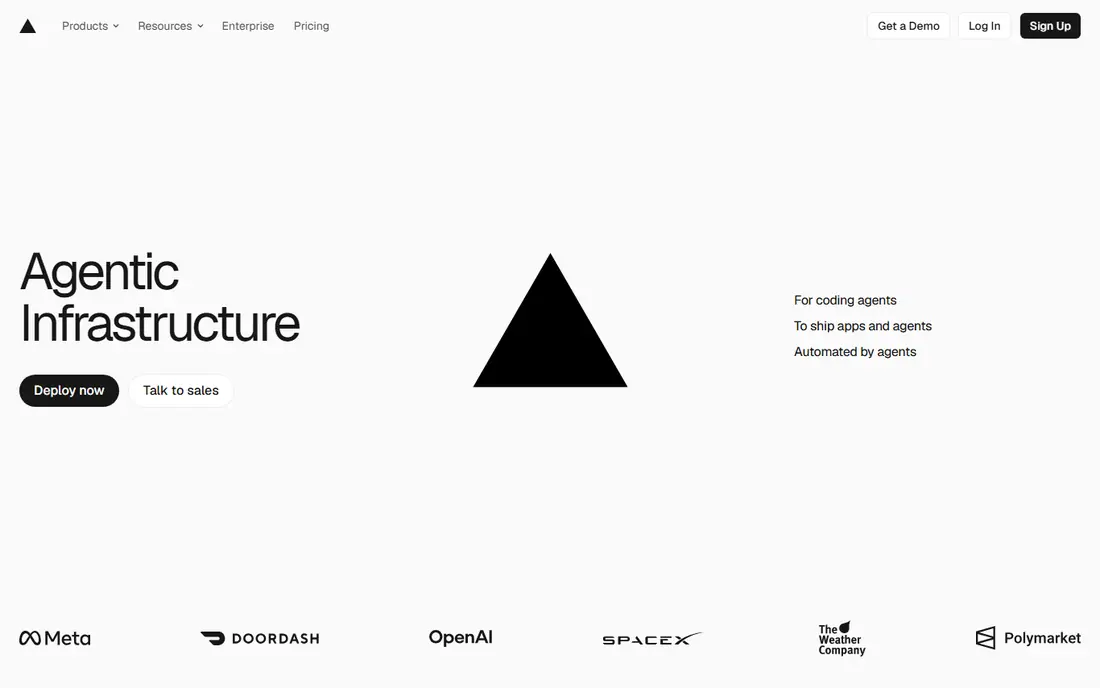
Vercel is the natural home for Next.js. Previews for every pull request, edge functions and a polished dashboard make shipping feel quick. Its strengths include best Next.js support, preview deploys and fast edge network. That mix makes it a clear choice for next.js and react apps.
At $20 per user per month, it sits in a clear spot in this list. On the other side, hobby tier is personal use only; usage billing can grow fast. Check the current terms before you commit, since prices and limits change, and pick the plan that matches how much you will actually use each month.
- Best Next.js support
- Preview deploys
- Fast edge network
- Hobby tier is personal use only
- Usage billing can grow fast
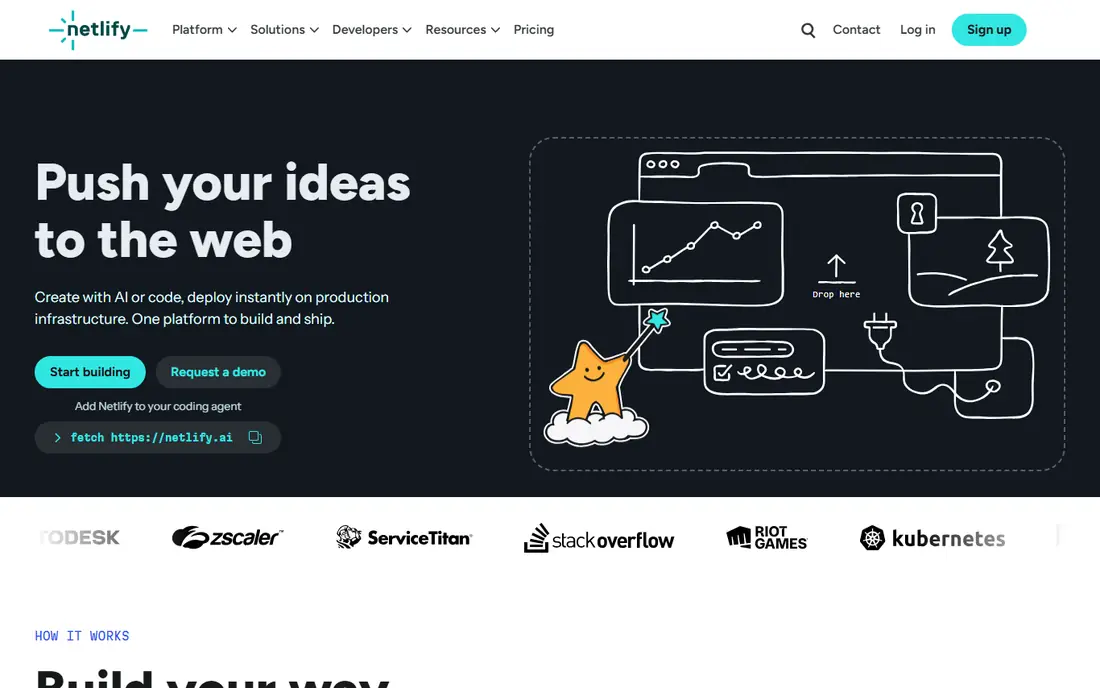
Netlify suits teams that switch frameworks or build many marketing sites. Its forms, identity and split testing save you from adding extra services. Its strengths include forms and identity built in, split testing and many frameworks. That mix makes it a clear choice for framework-agnostic jamstack sites.
At $19 per user per month, it sits in a clear spot in this list. On the other side, free tier uses a credit cap; usage can pause projects if exceeded. Check the current terms before you commit, since prices and limits change, and pick the plan that matches how much you will actually use each month.
- Forms and identity built in
- Split testing
- Many frameworks
- Free tier uses a credit cap
- Usage can pause projects if exceeded
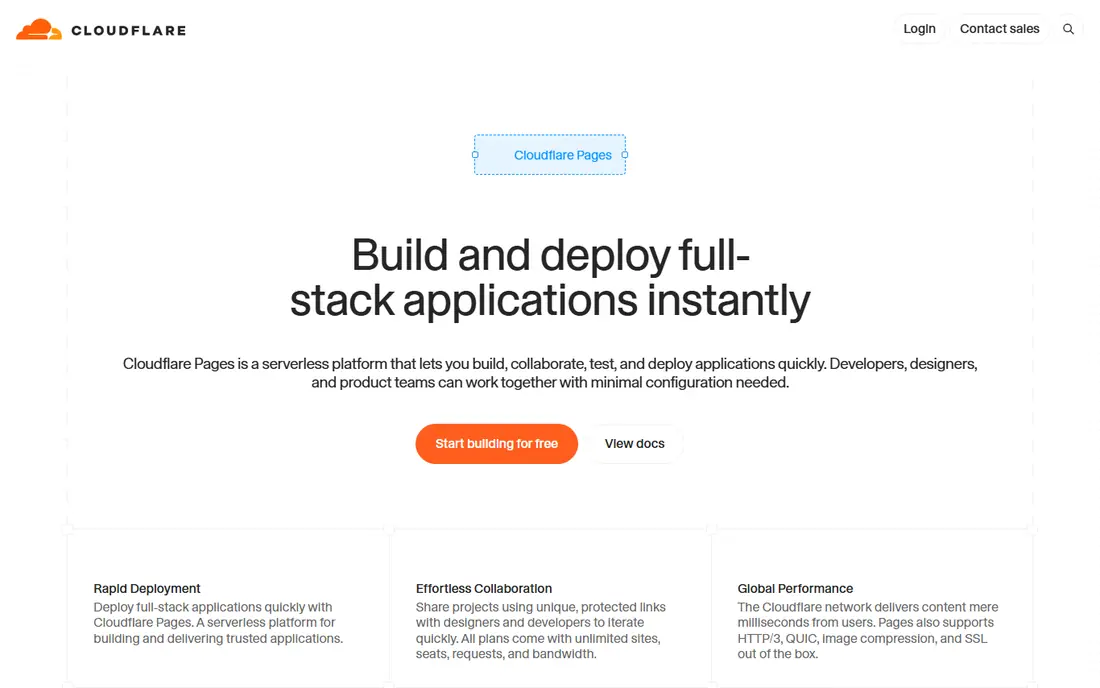
Cloudflare Pages is the value leader for static and edge sites. Bandwidth is generous, deploys are simple, and Workers add dynamic power when you need it. Its strengths include unlimited static bandwidth on free tier, huge edge network and Workers integration. That mix makes it a clear choice for low-cost global static sites.
At see website, it sits in a clear spot in this list. On the other side, advanced analytics and features need paid workers plans. Check the current terms before you commit, since prices and limits change, and pick the plan that matches how much you will actually use each month.
- Unlimited static bandwidth on free tier
- Huge edge network
- Workers integration
- Advanced analytics and features need paid Workers plans
AWS Amplify makes sense inside an AWS shop. You get hosting, auth and data in one billing account, with the control and compliance options AWS teams expect. Its strengths include deep AWS integration, hosting plus backends and WAF options. That mix makes it a clear choice for teams already on aws.
At see website, it sits in a clear spot in this list. On the other side, setup is more involved; egress costs can add up. Check the current terms before you commit, since prices and limits change, and pick the plan that matches how much you will actually use each month.
- Deep AWS integration
- Hosting plus backends
- WAF options
- Setup is more involved
- Egress costs can add up
Firebase Hosting pairs well with Google auth, Firestore and Cloud Functions. For a single-page app with a Google backend, the setup is very short. Its strengths include fast global CDN, easy auth and database pairing and Spark free tier. That mix makes it a clear choice for google-backed apps and spas.
At see website, it sits in a clear spot in this list. On the other side, blaze billing is pay-as-you-go and needs monitoring. Check the current terms before you commit, since prices and limits change, and pick the plan that matches how much you will actually use each month.
- Fast global CDN
- Easy auth and database pairing
- Spark free tier
- Blaze billing is pay-as-you-go and needs monitoring
Render is a friendly all-in-one host. Put a static frontend, an API and a database in one dashboard, and scale each part as traffic grows. Its strengths include static sites plus web services and databases and simple pricing. That mix makes it a clear choice for full-stack apps in one place.
At see website, it sits in a clear spot in this list. On the other side, free web services sleep after idle time; traffic limits on lower tiers. Check the current terms before you commit, since prices and limits change, and pick the plan that matches how much you will actually use each month.
- Static sites plus web services and databases
- Simple pricing
- Free web services sleep after idle time
- Traffic limits on lower tiers
GitHub Pages is the simplest choice for docs, portfolios and project sites. Push to a branch, and the site updates, with no server to manage. Its strengths include free for public repos, simple Jekyll support and GitHub integration. That mix makes it a clear choice for docs and portfolio sites.
At free, it sits in a clear spot in this list. On the other side, no server functions; private repo hosting needs a paid plan. Check the current terms before you commit, since prices and limits change, and pick the plan that matches how much you will actually use each month.
- Free for public repos
- Simple Jekyll support
- GitHub integration
- No server functions
- Private repo hosting needs a paid plan
Railway is built for speed. Connect a repo, add a database, and deploy in minutes, which makes it ideal for prototypes and small full-stack apps. Its strengths include fast deploys from Git, databases included and usage-based billing. That mix makes it a clear choice for rapid prototypes and full-stack apps.
At $5 per month, it sits in a clear spot in this list. On the other side, free allowance is a trial credit, not a permanent tier; costs vary with use. Check the current terms before you commit, since prices and limits change, and pick the plan that matches how much you will actually use each month.
- Fast deploys from Git
- Databases included
- Usage-based billing
- Free allowance is a trial credit, not a permanent tier
- Costs vary with use
DigitalOcean App Platform suits teams that want a server they can reason about. Define the app, pick an instance size, and get a clear monthly cost. Its strengths include simple app specs, managed databases and predictable instance pricing. That mix makes it a clear choice for predictable container hosting.
At see website, it sits in a clear spot in this list. On the other side, no free tier for most apps; less edge tuning than specialist hosts. Check the current terms before you commit, since prices and limits change, and pick the plan that matches how much you will actually use each month.
- Simple app specs
- Managed databases
- Predictable instance pricing
- No free tier for most apps
- Less edge tuning than specialist hosts
How we picked these
We compared official pricing, limits and docs for each platform, plus 2026 hosting comparisons that checked free tiers in September 2026. We looked at free allowances, paid starting prices, build limits, bandwidth rules and whether commercial use is allowed on the free tier. We favoured platforms that publish clear limits, since surprise bills are the most common complaint in frontend hosting.
How to choose frontend hosting that will not surprise you
Start with your framework and rendering model. A static site, a server-rendered app and an edge-rendered app have different needs, and not every platform handles each one equally well. Check the platform docs for your framework version, test a preview deploy, and confirm that features like image optimisation and redirects work as you expect.
Next, read the limits that actually bite: bandwidth, build minutes, function invocations and concurrent builds. Free tiers are generous for personal sites, but a traffic spike or a busy team can hit them fast. Set billing alerts, cap usage where the platform allows it, and keep a copy of your build so you can move if prices change.
Finally, think about the team workflow. Preview links, rollbacks, branch deploys, custom domains and HTTPS should all be simple, and access control should fit how your team works. A platform that is fast to deploy but hard to roll back will cost you more in a bad release than a slightly slower one.
FAQ
What is the best free frontend hosting?
For a personal static site, Cloudflare Pages and GitHub Pages are hard to beat on cost, while Netlify free allows commercial use in many cases. Vercel Hobby is generous but is meant for personal, non-commercial use. Check the current terms before putting ads or a checkout on a free tier.
Do I need a backend service too?
Not always. A static site with forms and a third-party API can run entirely on a frontend platform. If you need user accounts, a database or server logic, look at Firebase, Amplify, Render or Railway, or pair a frontend host with a separate backend service.
What is the difference between Vercel and Netlify?
Vercel is built around Next.js and React, with deep support for its features, while Netlify is more framework-agnostic and bundles forms, identity and split testing. Both offer previews and fast global delivery, so the choice often comes down to your framework and team habits.
How do I avoid a surprise bill?
Read the usage limits, set billing alerts, and watch function and bandwidth use after launch. Avoid unbounded image transforms and heavy server functions on a free tier, and use caching for static assets. If traffic is unpredictable, a platform with flat pricing or hard caps may be safer.
Can I move my site to another host later?
Yes, if you keep your code in Git and avoid host-specific features. Static sites move easily, while server functions, edge middleware and platform databases take more work. Keep host-specific code in a small layer, so a move is a redeploy rather than a rewrite.