Best Collaborative Frontend Cloud Services in 2026: 8 Services Compared
best collaborative frontend cloud services for teams that build, preview, and review sites together, with pricing and features compared for 2026 today.
- Editor's choice
 Vercel
Next.js teams that review in previews
Starts atFreeVisit vercel.comFull review - Great alternative
 Netlify
Teams using many frameworks
Starts atFreeVisit netlify.comFull review - Also consider
 Cloudflare Pages
Sites with growing traffic
Starts atFreeVisit cloudflare.comFull review
TL;DR:
- Vercel is our pick for Next.js teams that want the least friction between a pull request and a live preview.
- Netlify suits teams that work across many frameworks and want forms, identity, and functions in one place.
- Cloudflare Pages is the value pick for high traffic sites, thanks to unlimited bandwidth on its free plan.
- Free plans differ sharply on commercial use, so read the limits before you put a client site on a hobby tier.
- Preview links, shared comments, and role controls matter more than raw speed for most collaborative teams.
Quick comparison
| Tool | Best for | Starts at | Free plan? | |
|---|---|---|---|---|
| Vercel | Next.js teams that review in previews | Free | Yes | Visit |
| Netlify | Teams using many frameworks | Free | Yes | Visit |
| Cloudflare Pages | Sites with growing traffic | Free | Yes | Visit |
 Firebase Hosting | Teams already on Google Cloud | Free | Yes | Visit |
 AWS Amplify | Teams committed to AWS | See website | No | Visit |
 Render | Teams shipping frontend plus backend | Free | Yes | Visit |
 Railway | Small teams that deploy often | $5 per month | Free trial | Visit |
 GitHub Pages | Simple sites and docs | Free | Yes | Visit |
The best collaborative frontend cloud services
These services let designers, developers, and reviewers look at the same preview, leave comments, and ship with confidence. We compared pricing pages, preview workflows, framework support, and team controls.
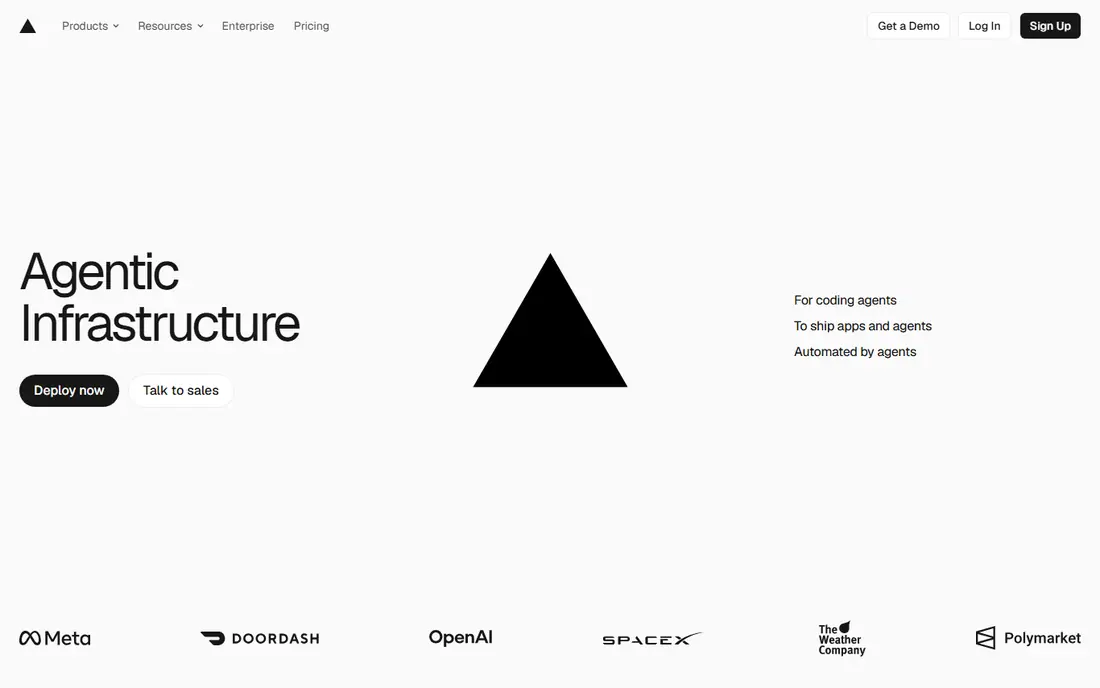
Vercel turns every pull request into a live preview link that the whole team can open. Designers can comment directly on the preview, and developers can trace a comment back to the exact deployment. That loop cuts down on screenshots passed around in chat and on vague feedback like the header looks off. For Next.js work, features such as image optimization and server actions work with little setup, which is why many React teams start here.
The catch is cost as teams grow. Pro pricing is per member per month, so a five person team pays five seats before usage. The free hobby plan is generous for personal projects, with 100 GB of transfer and a large function allowance, but it is not meant for commercial sites. If your team is small and Next.js is the core stack, Vercel is hard to beat. Larger agencies should model seat costs before they commit.
- Native Next.js support
- Automatic preview deployments
- Strong team commenting tools
- Pro seats cost per member
- Hobby plan is for personal, non-commercial use
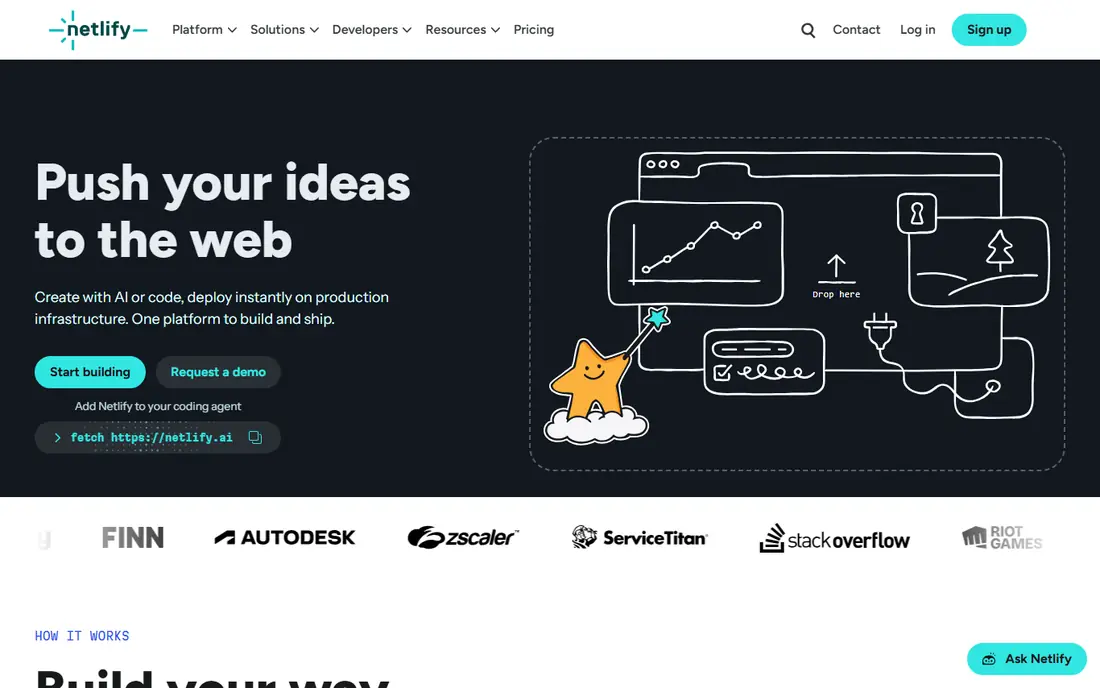
Netlify has long been a home for static and Jamstack sites, and it now covers a broad set of frameworks from Astro and SvelteKit to Next.js and Nuxt. Deploy previews give each branch its own URL, and the built-in forms feature means a marketing site does not need a separate backend just to collect a contact request. Identity and serverless functions round out a setup that suits agencies juggling different client stacks.
The trade-off is the newer credit system. The free plan includes 300 credits per month, and deploys, bandwidth, and functions draw from that pool. A busy team can burn through credits faster than expected, so check the pricing page and track usage in the first month. Paid plans start with a personal tier and a pro tier, and pro adds more concurrent builds. For mixed framework work, Netlify remains a practical all rounder.
- Wide framework support
- Built-in forms and identity
- Deploy previews for every branch
- Credit based billing can confuse budgeting
- Free plan has a monthly credit cap
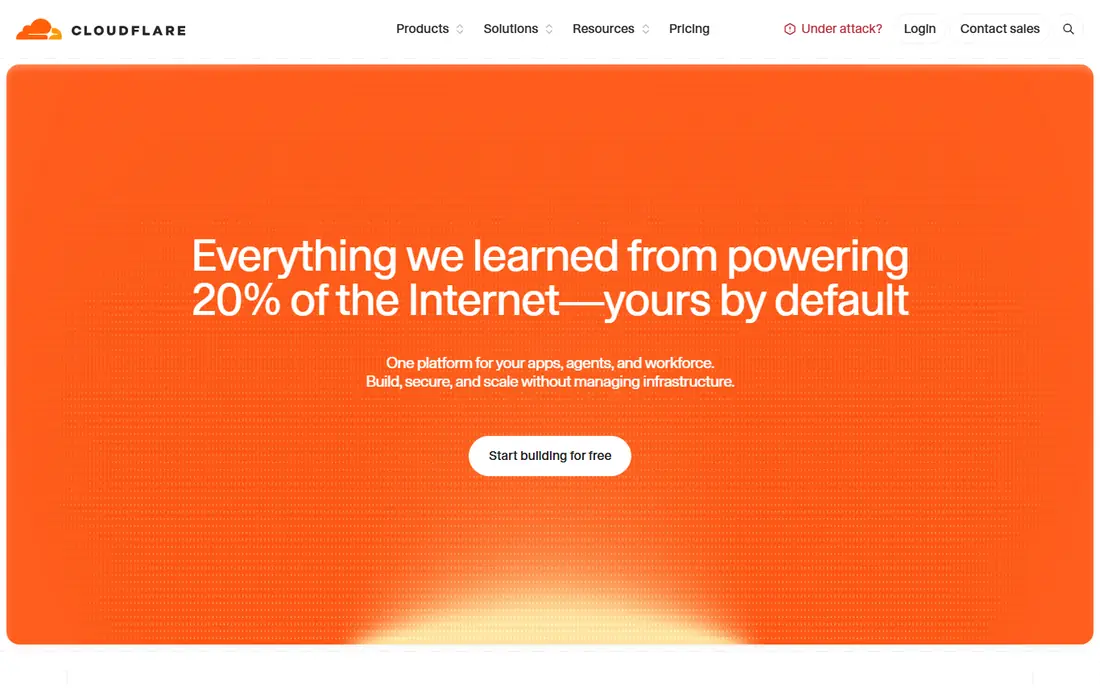
Cloudflare Pages appeals to teams that worry about a traffic spike turning into a large bill. Static asset bandwidth is not capped in the same way as on other free plans, and the free tier allows 500 builds per month. Pages Functions, built on Workers, let teams add dynamic routes without managing servers. For docs sites, blogs, and marketing pages, that combination is difficult to match on price.
Collaboration is solid but less focused on design review than some rivals. You get Git based deploys, preview URLs, and access controls, but teams that want comment threads pinned to a preview may prefer Vercel or Netlify. The other watch point is Next.js. Cloudflare now points full stack Next.js apps toward Workers rather than Pages, and some features need workarounds. If your site is mostly static or uses a framework with good static output, Pages is a strong value pick.
- Unlimited bandwidth for static assets
- Generous free build allowance
- No per seat charge on free plan
- Full stack Next.js needs extra setup
- Functions run on Workers limits
Firebase Hosting serves static and dynamic web apps over Google infrastructure with SSL included and fast cache invalidation. Preview channels are the collaboration highlight, since a team can share a temporary URL for a feature branch and expire it when review ends. When the frontend also needs authentication, a realtime database, or cloud functions, staying inside Firebase keeps the stack in one console.
The free Spark plan covers small projects, but serious traffic moves you to the Blaze pay as you go plan, where costs follow Google Cloud rates for storage, transfer, and function use. That model is flexible, yet it asks teams to watch usage rather than pay a flat fee. Firebase fits best when the backend is already Google based. For a standalone marketing site, a simpler host may be faster to learn.
- Fast global delivery
- Preview channels for review
- Ties to auth and databases
- Pricing shifts to pay as you go on Blaze
- Console can feel broad for simple sites
AWS Amplify Hosting deploys frontend apps from Git, creates preview environments for pull requests, and connects to AWS backends for auth, data, and storage. A team that already runs on AWS can keep access controls, regions, and billing in one account. Amplify also supports server side rendering for frameworks such as Next.js and Nuxt, which matters for apps that need dynamic pages.
The honest catch is complexity. Amplify pricing is based on build minutes, storage, transfer, and requests, so a simple flat monthly figure is not available. New accounts get a free tier window for hosting, but after that, teams should set billing alerts. Amplify is a good fit for companies with AWS skills in house. Teams without that background may find a smaller platform faster to run day to day.
- Deep AWS integration
- Preview environments
- Auth and data backends in one flow
- Pricing is usage based and harder to predict
- AWS learning curve is steep
Render lets a team host a static frontend, an API, a worker, and a database from one dashboard. That matters when collaboration spans frontend and backend work, since reviewers can test a full feature rather than a frontend mock. Preview environments and automatic deploys from Git keep the review loop close to how developers already work. Paid web services start at a low monthly price, and the dashboard is plain and easy to follow.
Free plans have limits to note. Free web services spin down after 15 minutes without traffic and take about a minute to wake, which is fine for testing but not for a production site. The free database also expires after 30 days, so do not use it for data you need to keep. For startups that want one vendor for the whole app, Render is a tidy middle ground between a static host and a full cloud account.
- Static sites plus APIs in one dashboard
- Preview environments
- Clear instance pricing
- Free web services spin down after idle time
- Free database expires after 30 days
Railway is built around quick deploys from GitHub, with templates for popular frameworks and databases. A small team can spin up a frontend, an API, and a database, share a live URL, and iterate without writing infrastructure code. The dashboard shows usage in real time, which helps teams see what a feature branch actually costs. For product teams that move fast and like a simple interface, Railway feels light and direct.
Pricing is usage based, with a hobby plan that includes a small amount of usage credit each month and a pro plan with a higher minimum. That model suits spiky workloads, but it can surprise teams that leave many services running. Railway is less of a pure static host than others here, so a team that only needs a brochure site may pay for power it does not use. For full stack product work, it is a strong contender.
- Fast Git deploys
- Templates for common stacks
- Usage based pricing that scales down
- Free credit is small after trial
- Frontend only projects may not need its backend power
GitHub Pages hosts static sites directly from a repository, which makes it a natural pick for project docs, portfolios, and small marketing pages. Because the site lives in Git, every change has a history, and pull requests give reviewers a clear record of what changed. Custom domains and HTTPS are included, and public repositories cost nothing. For open source projects, that simplicity is a real advantage.
The limits are clear. Pages serves static files only, so there is no built in server function, form handling, or database. Collaboration happens in pull request comments rather than on a visual preview with pinned notes, unless a team adds another tool. Private repository hosting has separate GitHub plan rules, so check your plan if the site must stay private. For simple sites, GitHub Pages is still the lowest cost way to ship and share work.
- Free for public repos
- Version control is built in
- Custom domains supported
- Static sites only
- No server functions or preview comments built in
How we picked these
We compared official pricing pages, framework docs, preview workflows, and team features for each service in October 2026. We favored services that give every branch a shareable preview, support Git based deploys, and publish clear limits for free plans. We left out general VPS hosts that need manual setup for previews, since they do not offer the same team review flow out of the box.
What to check before you choose
Start with your framework and your traffic shape. A Next.js team will get the most from Vercel, while a docs site with heavy traffic may save money on Cloudflare Pages. Next, check who needs to review work. If non technical reviewers must comment on a live page, pick a platform with visual comments and easy preview links. If reviews happen in pull requests, a simpler host may be enough.
Then look at total cost, not just the headline price. Per seat pricing grows with headcount, while usage pricing grows with traffic and build minutes. Set a budget for builds, bandwidth, and functions, and test with a real project for a month. Finally, confirm the free plan rules for commercial use, custom domains, and team seats. A free tier that fits a side project may not fit a client site, and moving later costs time.
FAQ
What is a collaborative frontend cloud service?
It is a hosting platform that deploys a frontend from Git and gives each branch a live preview link. Team members can open that link, check the work, and leave feedback before it goes live. The best options also handle domains, SSL, and rollbacks in the same dashboard.
Which service is best for Next.js teams?
Vercel is the most direct choice, since the same company builds Next.js and its hosting supports its features with little setup. Netlify and Amplify also support Next.js, but some advanced features may need adapters or extra setup. Check your specific features, such as image optimization and server actions, before you choose.
Can I use a free plan for a business site?
It depends on the vendor terms. Cloudflare Pages and Netlify allow commercial use on free plans within their limits, while Vercel Hobby is for personal, non-commercial use. Always read the current terms, since a free plan that blocks commercial use can force a paid upgrade at an awkward time.
How do preview deployments help a team?
Preview deployments let reviewers test the real site, not screenshots or a local build. That catches layout, copy, and interaction problems earlier, and it gives clients a link they can open on their own device. It also creates a record of what was approved for each change.
Do I need a backend to use these services?
No, most of these services host static sites and single page apps with no backend at all. When you need forms, auth, or data, you can add serverless functions, a hosted backend, or a third party service. Start with the frontend need, then add backend pieces only when the project requires them.