Best Developer-Friendly Frontend Cloud Platforms in 2026: 8 Platforms Compared
best developer-friendly frontend cloud platforms compared: Vercel, Netlify, Cloudflare and more for fast deploys in 2026. Compare features and prices first.
- Editor's choice
 Vercel
Next.js hosting and previews
Starts atFreeVisit vercel.comFull review - Great alternative
 Netlify
Flat-priced hosting for teams
Starts atFreeVisit netlify.comFull review - Also consider
 Cloudflare Pages
High-traffic static hosting
Starts atFreeVisit pages.cloudflare.comFull review
TL;DR:
- Vercel is the smoothest choice for Next.js, while Netlify suits teams that want flat team pricing and built-in forms.
- Cloudflare Pages wins on bandwidth, since static delivery is free and unlimited, which helps high-traffic sites stay cheap.
- Firebase, GitHub Pages and Render suit smaller projects, prototypes and docs sites where simplicity matters more than scale.
- Check free-tier limits for commercial use, builds and bandwidth before you commit, since those limits drive the real bill.
Quick comparison
| Tool | Best for | Starts at | Free plan? | |
|---|---|---|---|---|
| Vercel | Next.js hosting and previews | Free | Yes | Visit |
| Netlify | Flat-priced hosting for teams | Free | Yes | Visit |
| Cloudflare Pages | High-traffic static hosting | Free | Yes | Visit |
 Firebase Hosting | Google hosting plus backend | Free | Yes | Visit |
 GitHub Pages | Simple hosting from GitHub | Free | Yes | Visit |
 Render | Hosting for sites and services | Free | Yes | Visit |
 DigitalOcean App Platform | Simple cloud app hosting | See website | No | Visit |
 AWS Amplify | Frontend hosting inside AWS | See website | No | Visit |
The best developer-friendly frontend cloud platforms
We compared official feature pages, pricing pages, app listings and public reviews to shortlist these 8 options for best developer-friendly frontend cloud platforms. Our pick for most people is the first option in the list, but the best choice depends on your team size, budget and daily workflow, so read the trade-offs for each option before you decide.
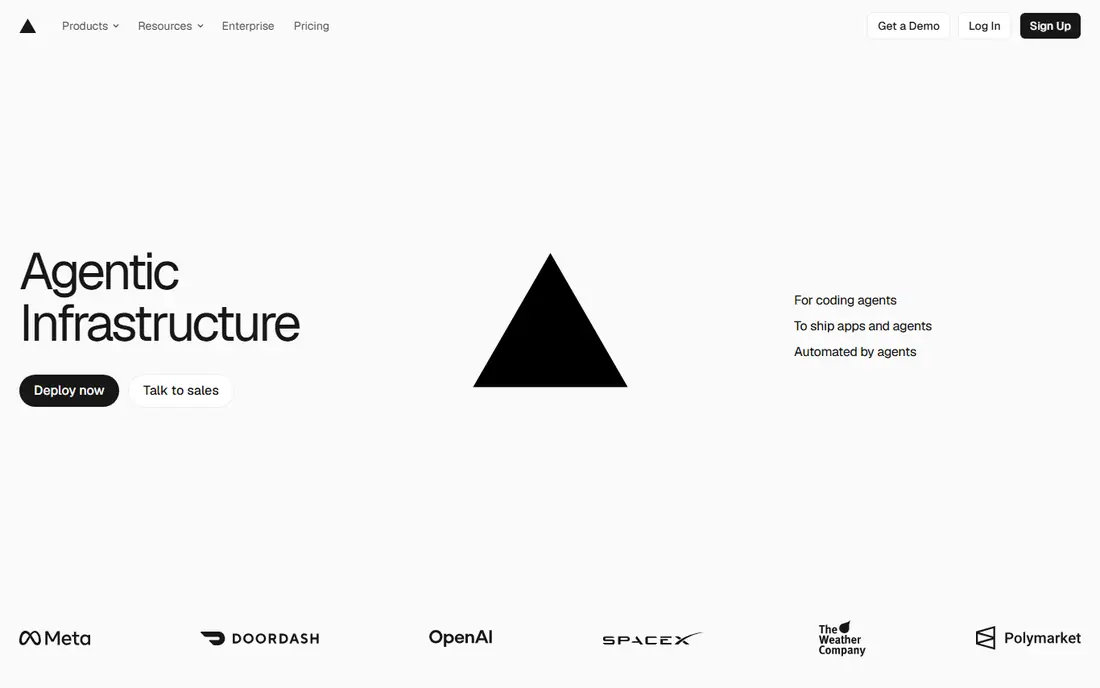
Vercel is the natural first choice for Next.js teams because the company behind Next.js builds the platform around it. Server rendering, image optimisation, middleware and preview deploys work with little setup. Developers get a clean dashboard, fast builds and a global network that keeps pages quick.
The catch is pricing shape. Hobby is for personal, non-commercial projects, so business sites need Pro at a per-seat price. Usage beyond included amounts can add cost for image-heavy or high-traffic apps. For Next.js teams, the time saved usually outweighs those costs.
- Best Next.js support
- Fast previews
- Global edge network
- Hobby tier is personal use only
- Per-seat Pro pricing adds up
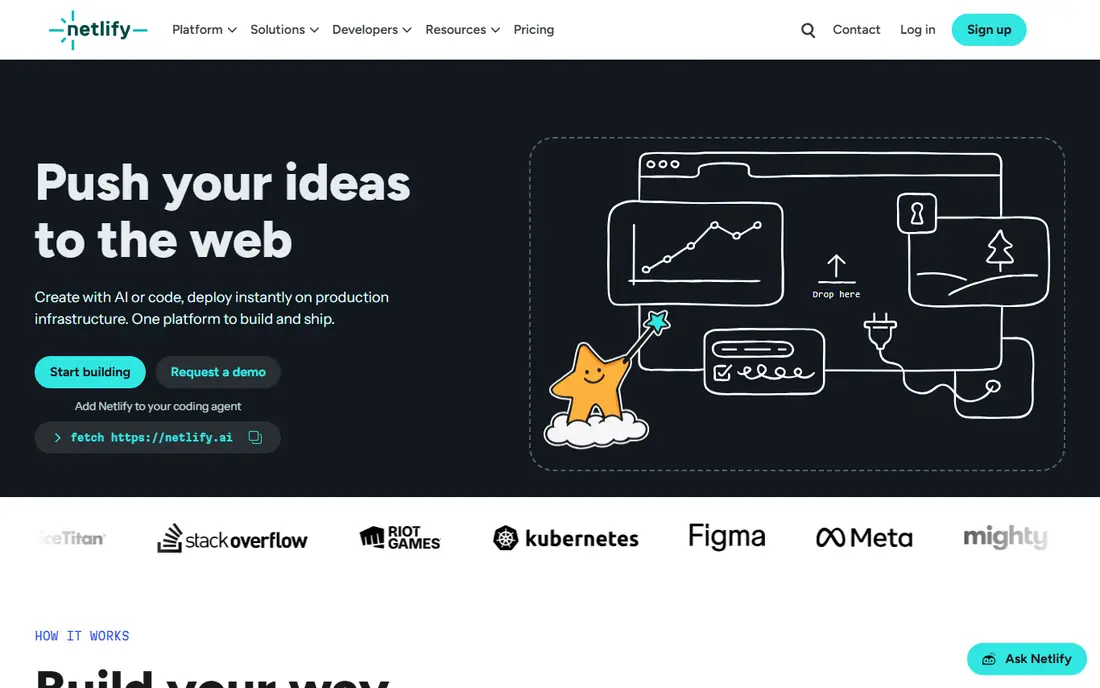
Netlify suits teams that want a mature platform with forms, serverless functions and identity built in. Its Pro plan covers unlimited members at a flat monthly price, which helps larger teams budget. Deploy previews make design and content review easy, and framework support is broad.
Credit-based billing needs attention, since bandwidth, builds and functions draw from credits. Frequent deploys can use build minutes faster than expected. For teams that value flat team pricing and built-in features, Netlify remains a strong pick.
- Built-in forms and functions
- Deploy previews
- Broad framework support
- Credit-based billing needs monitoring
- Build minutes can tighten
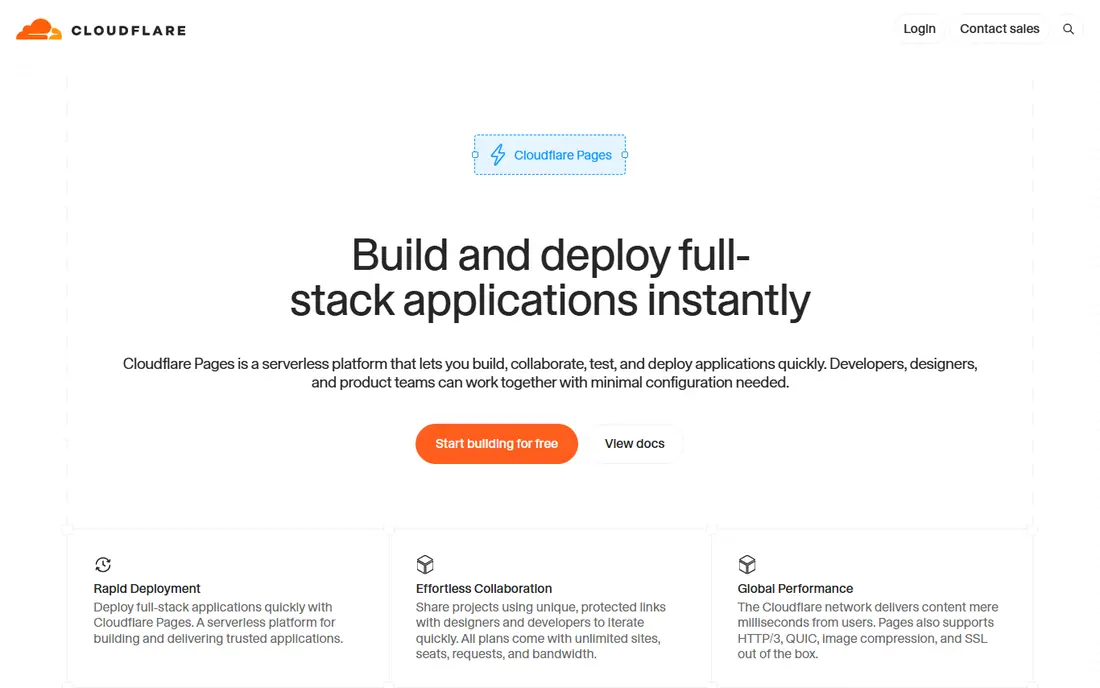
Cloudflare Pages is the value leader for static sites because bandwidth is unlimited on the free plan. That removes the fear of a traffic spike turning into a large bill. Workers, KV, D1 and R2 add a full-stack option for teams already using Cloudflare for DNS and security.
Next.js support runs through OpenNext, which brings edge runtime limits and extra maintenance. Teams with heavy Node dependencies should test early. For static and edge-friendly apps, Cloudflare Pages is hard to beat on cost.
- Unlimited static bandwidth
- Workers ecosystem
- Generous free builds
- Next.js needs OpenNext adapter
- Some Node features are limited
Firebase Hosting suits teams that want hosting plus a backend from Google in one project. Hosting is fast and global, while Authentication, Firestore and Cloud Functions cover logins and data for many apps. The Spark free tier lets prototypes start at no cost.
Usage-based pricing beyond the free tier needs monitoring, and deeper use of Google services can create lock-in. Teams that only need static hosting may find Firebase more than they need. For Google-centred app teams, it is a practical all-in-one choice.
- Fast global hosting
- Auth and database add-ons
- Generous free tier
- Google ecosystem lock-in
- Pricing is usage-based beyond free tier
GitHub Pages is the simplest option for docs, portfolios and project sites already on GitHub. It is free for public repositories, supports custom domains and needs almost no setup. For open-source docs, it is often the obvious choice.
It is not a full app platform. There are no server functions, databases or dynamic backends, so interactive apps need another service. Private repo hosting has limits that teams should check. For static content, its simplicity is the point.
- Free for public repos
- Simple setup
- Custom domains
- No server functions
- Best for static sites and docs
Render appeals to teams that want static hosting and backend services from one vendor. Static sites deploy from Git with a clear dashboard, while web services, databases and background jobs cover fuller apps. That breadth helps small teams avoid juggling several vendors.
Some free services sleep when idle, which can cause slow first loads. Paid plans remove that limit but add cost. For small full-stack projects, Render offers a clean middle path between static-only hosting and a large cloud platform.
- Static sites plus backends
- Simple deploys
- Clear dashboard
- Free tier sleeps on some services
- Scale features are paid
DigitalOcean App Platform suits developers who want cloud hosting without the complexity of a large cloud provider. Apps deploy from Git, databases can be attached, and pricing is more predictable than usage-heavy alternatives. The dashboard is clear for small teams.
Its edge network is smaller than Vercel or Cloudflare, so global latency may vary. The free tier is also limited compared with static-first rivals. For teams already using DigitalOcean, App Platform is a natural and simple choice.
- Simple app deploys
- Databases included
- Predictable pricing
- Smaller edge network than leaders
- Free tier is limited
AWS Amplify suits teams already invested in AWS that want frontend hosting plus backend services in one workflow. Hosting, authentication, data and functions connect to the wider AWS ecosystem, which helps enterprises with existing AWS accounts and compliance needs.
AWS complexity is the main drawback. Pricing and service choices take more learning than Vercel or Netlify, and small teams may find it heavy. For AWS-centred organisations, Amplify gives scale and integration that simpler platforms cannot match.
- AWS hosting plus backend
- Auth and data
- Enterprise scale
- AWS complexity
- Pricing needs careful modelling
How we picked these
We started with the topic and the products that genuinely fit it, then checked official vendor pages for features, pricing and access rules. We removed products that were discontinued, that did not fit the topic, or whose official homepage could not be verified. We compared strengths and weaknesses from documentation, pricing pages and public user feedback, and we favoured products with clear safety, privacy and support practices where those mattered.
We did not claim hands-on testing we did not do. Instead, we compared what vendors publish, what reviewers report and what pricing pages show in October 2026. Where a vendor does not publish a price, we wrote See website rather than guessing a number. That approach keeps the comparison honest, even when it means less detail for quote-based enterprise tools.
Before you shortlist, note the limits of any comparison. Vendor pages show best-case features, and public reviews skew toward very happy or very unhappy users. That is why we weigh official pricing and documentation most heavily, use reviews only for recurring themes, and flag quote-based pricing instead of inventing a figure. If a feature matters to your workflow, confirm it in a trial or demo with your own data and your own team, since a checklist match does not always mean a good daily fit.
How to choose a frontend cloud platform
Match the platform to your framework and traffic shape. Next.js apps get the most from Vercel, while Astro, SvelteKit and static sites run well almost anywhere. High-traffic static sites benefit from Cloudflare Pages, while teams that need forms, identity or serverless functions may prefer Netlify or Firebase. Test a real deploy, not just a starter template.
Watch build minutes, bandwidth and function limits. A free tier that looks generous can tighten quickly with frequent deploys or image-heavy pages. Set usage alerts, check commercial-use rules for hobby tiers, and confirm preview deploys, rollbacks and custom domains work as you expect. A short trial on your actual repo reveals the true cost and speed.
Before you pay, run a short trial with real work and real users, not just a demo dataset. Set a clear success measure, such as time saved, tickets deflected, errors found or conversion improved, and review it after two to four weeks. Check onboarding help, support response times and export options, since switching later is often more costly than the first subscription. If two options look close, choose the one your team actually enjoys using, because adoption decides whether the tool delivers value.
FAQ
What is a frontend cloud platform?
It hosts your website or web app, runs builds from Git, serves pages from a global network and often adds serverless functions, previews and analytics. You push code and the platform handles deployment, scaling and certificates.
Is Vercel only for Next.js?
No, Vercel hosts many frameworks, but Next.js support is its strongest point because the same company builds both. Other frameworks work well, yet some features are tuned first for Next.js.
Which platform is cheapest for a high-traffic static site?
Cloudflare Pages is often cheapest for static traffic because bandwidth is unlimited on its free plan. Check function and build limits if your site needs dynamic features, since those have separate quotas.
Can I use a free tier for a business site?
It depends on the platform. Some hobby tiers are for personal, non-commercial use only, while others allow commercial use. Read the terms for your plan before launching a business site on a free tier.
Do I still need a backend?
For static sites, no. For apps with logins, databases or payments, you will need a backend or backend-as-a-service alongside the frontend platform. Many of these platforms offer functions and database add-ons to cover simple needs.