Best Cloud Printing Service in 2026: 8 Services Compared
We compared the best cloud printing service options for 2026, covering driver-free printing, secure release, pricing and admin controls for teams in detail.
- Editor's choice
 ezeep
Most small and mid-sized teams
Starts at$2.75 per user per monthVisit ezeep.comFull review - Great alternative
 PaperCut
Schools and larger workplaces
Starts atSee websiteVisit papercut.comFull review - Also consider
 PrinterLogic
IT teams dropping print servers
Starts atSee websiteVisit printerlogic.comFull review
TL;DR:
- ezeep is our pick for most small and mid-sized teams, with driver-free printing, a free plan for up to 10 users, and clear per-user pricing.
- PaperCut suits schools and larger workplaces that need print quotas, secure release and detailed cost tracking.
- PrinterLogic is the strongest choice for IT teams that want to drop print servers entirely while keeping central control.
- PrintNode fits developers and retailers that need an API to send receipts and labels to printers from web apps.
- Print security matters: check pull printing, user authentication and data handling before you route sensitive documents through any cloud service.
Quick comparison
| Tool | Best for | Starts at | Free plan? | |
|---|---|---|---|---|
| ezeep | Most small and mid-sized teams | $2.75 per user per month | Yes | Visit |
| PaperCut | Schools and larger workplaces | See website | No | Visit |
| PrinterLogic | IT teams dropping print servers | See website | No | Visit |
 PrintNode | Developers and retailers | See website | No | Visit |
 Printix | Microsoft 365 workplaces | $1.99 per user per month | No | Visit |
 MyQ | Fleet management and control | See website | No | Visit |
 YSoft SAFEQ | Secure enterprise printing | See website | No | Visit |
 DirectPrint.io | Google Workspace and ChromeOS teams | See website | No | Visit |
The best cloud printing services
Cloud printing moves print management off local servers and into a hosted service. Users print from any device without installing drivers for every printer, while admins control access, track usage and hold jobs until the user releases them at the device. These eight services cover that job in different ways.
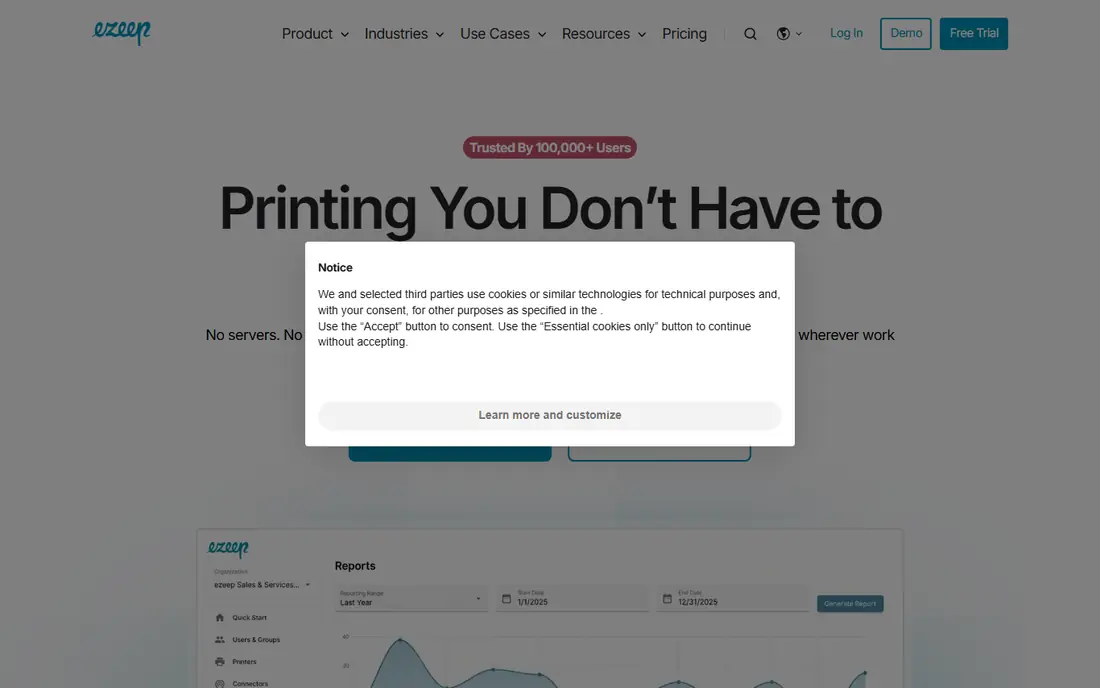
ezeep is the easiest cloud printing service to adopt. Its free Personal plan supports up to 10 users and one connector, which is enough for a small office to test driver-free printing properly. Pro starts at 2.75 dollars per user per month billed annually, adding group management, admin-assigned printers and reporting, while Business adds secure pull printing and Entra ID group sync.
The main limits are the 10-user minimum on paid plans and the Enterprise gating of unlimited connectors and custom API access. Very small teams with two or three users may find the paid step steep. For teams of ten or more, spread across offices or working remotely, ezeep is a clean and affordable default.
- Free plan for up to 10 users
- Driver-free printing across platforms
- Secure pull printing on Business plan
- Paid plans need a 10-user minimum
- Advanced API access is on Enterprise
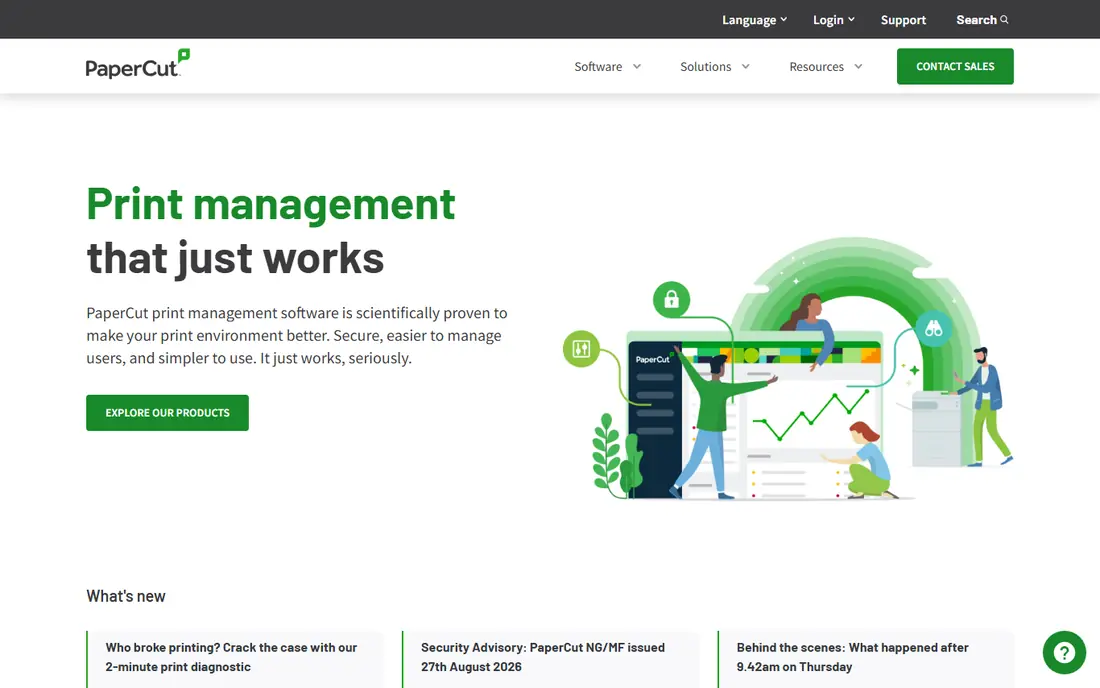
PaperCut is the long-standing choice for organisations that need to control print costs, not just make printing work. Quotas, chargeback reports, secure release and find-me printing help schools, universities and offices cut waste and keep documents private. Its cloud options let users print from anywhere while admins keep central rules.
The drawback is buying friction. PaperCut pricing is quote-based through resellers, so you cannot budget from a public price page, and setup takes more planning than ezeep. If your main problem is cost control and accountability across many users, that effort pays off. If you just need printing to work for a small team, a simpler service fits better.
- Strong quotas and cost tracking
- Secure release options
- Broad printer and platform support
- Pricing is quote-based
- Setup is heavier than pure cloud rivals
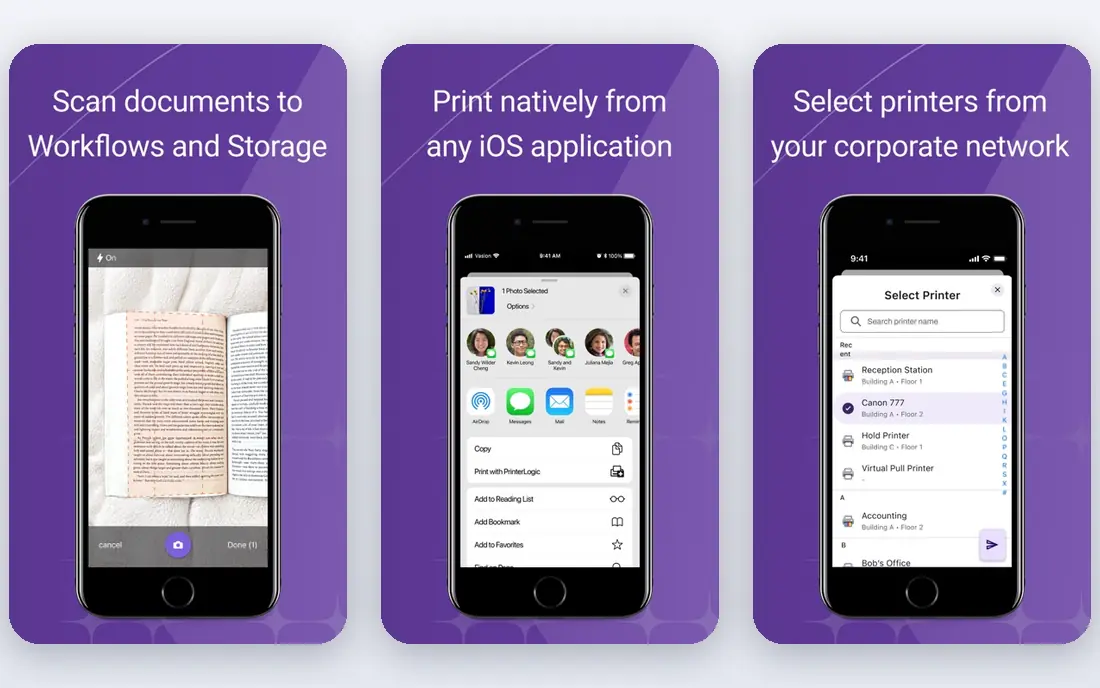
PrinterLogic targets IT teams tired of maintaining print servers, VPN print routes and driver packages. It centralises printer deployment, driver management and queue control in a web console, so a user moving offices or switching devices still gets the right printer without a helpdesk ticket. Admins can set policies, track usage and push changes from one place.
Pricing is quote-based, which makes small-team budgeting harder, and its depth is most valuable once you manage many printers or sites. A single office with three printers will not use much of it. For a distributed organisation that wants to retire print servers, PrinterLogic is one of the most complete replacements available.
- Removes print servers
- Central driver and queue management
- Strong admin controls
- Quote-based pricing
- Best value at mid-market scale and above
PrintNode is different from the admin-focused tools above: it is built for software that needs to print. A web app, point-of-sale system or warehouse tool sends a job through its API, and PrintNode delivers it to the right printer at the right site. That makes it popular with retailers, restaurants and developers building printing into their own products.
The trade-off is data flow. Jobs pass through PrintNode servers hosted on cloud infrastructure, encrypted in transit and at rest, but still outside your network. For receipts and labels that is usually fine, but for medical, legal or financial documents you should review its data handling first. If you need an API rather than an admin console, PrintNode is the natural pick.
- Simple API for web apps
- Multi-location printer management
- Good for receipts and labels
- Print jobs route through its cloud servers
- Pricing depends on volume and plan
Printix is a strong fit for workplaces already running Microsoft 365. It ties into Entra ID for user management, removes print servers, and lets users print without hunting for drivers. At 1.99 dollars per user per month, it is one of the cheapest paid cloud printing options here, which helps when you need to cover a whole workforce.
Its depth outside Microsoft environments is thinner, and some admin features sit on higher tiers. A Google Workspace shop may prefer DirectPrint.io, and a school needing quotas may prefer PaperCut. For a Microsoft-first office that wants simple, cheap cloud printing, Printix is hard to beat on price.
- Low per-user price
- Strong Microsoft 365 and Entra ID ties
- Driver-free printing
- Less depth for non-Microsoft environments
- Some features need higher tiers
MyQ is built around managing a printer fleet properly: device monitoring, user authentication, secure release, print accounting and custom workflows. It suits mid-sized and larger organisations that treat printers as managed assets rather than office extras. Customisation is a real strength, with rules and interfaces that adapt to different departments.
That depth comes with an IT-led setup and quote-based pricing, so small teams without IT support may find it heavy. If your organisation already manages devices centrally and wants printing to match that discipline, MyQ gives you control that simpler cloud tools lack. Check device compatibility for your exact printer models before committing.
- Strong fleet management and customisation
- Secure printing and accounting
- Broad device support
- Quote-based pricing
- Setup suits IT-led deployments
YSoft SAFEQ focuses on secure, managed printing for larger organisations. Users authenticate at the device, jobs wait until released, and admins get accounting and policy controls across the fleet. Embedded support on many multifunction devices means secure release feels built in rather than bolted on, which helps adoption.
It is an enterprise product with enterprise pricing, sold on quote, and it is far more than a small office needs. A five-person team should pick ezeep or Printix instead. For a larger organisation with security and compliance requirements around printed documents, SAFEQ is a credible, well-established option.
- Strong secure print and authentication
- Print management for enterprises
- Embedded device support
- Quote-based enterprise pricing
- Overkill for small offices
DirectPrint.io fills a specific gap: printing from Chromebooks and Google Workspace without the workarounds that ChromeOS printing used to need. Admins deploy printers centrally, users print from ChromeOS, Windows or Mac, and driver management largely disappears. Schools and organisations that standardised on Google tools benefit most.
Its pricing depends on deployment size, so confirm a quote for your user count. A Microsoft-heavy office will get more from Printix, and a fleet needing deep accounting may prefer MyQ. For a Google Workspace team, especially one with many Chromebooks, DirectPrint.io is the most purpose-built choice here.
- Built for Google Workspace and ChromeOS
- Simple admin setup
- Driver-free printing for Chromebooks
- Pricing varies by deployment
- Less suited to Microsoft-centric fleets
How we picked these
We compared official feature pages, pricing pages and public reviews, focusing on driver-free printing, admin control, secure release, platform support and data handling. We favoured services that work today across Windows, Mac and mobile, and we noted where pricing is quote-based rather than inventing a figure. Prices are annual-billing equivalents where vendors publish them.
What to check before you switch
Test with your actual printer models, not just a demo printer, since driver-free claims vary by device. Check how jobs are secured in transit and at rest, whether pull printing is included on your tier, and what happens if the internet drops: some services queue jobs locally, others stall. Also confirm user limits, minimums and API limits on your plan, since those decide the real monthly cost more than the headline per-user rate.
Security and cost controls to set on day one
Turn on user authentication and pull printing for any printer near public areas, so jobs do not sit in output trays. Set quotas or at least usage reports by department, and review colour and large-job usage monthly, since those drive costs fastest. Keep a fallback: one local printer route for critical documents ensures a cloud outage does not stop essential printing entirely.
FAQ
What is a cloud printing service?
It is a hosted service that manages printers, drivers and print jobs over the internet instead of through a local print server. Users print from any device, admins control access and track usage centrally, and jobs can be held until the user releases them at the printer. It suits remote teams, multiple offices and organisations retiring old servers.
Do I still need drivers with cloud printing?
Usually not for everyday printing, since the service renders jobs in the cloud or supplies a universal driver. Some specialised printers, label printers and finishing options may still need specific drivers, so test your exact models during a trial before you retire local print servers.
Is cloud printing secure?
It can be, but check the details. Look for encryption in transit and at rest, user authentication, pull printing and a clear data retention policy for print jobs. For sensitive documents, prefer services that offer on-premises options or short retention, and avoid routing regulated documents through a service whose data handling you have not reviewed.
How much does cloud printing cost?
Published entry prices here run from 1.99 dollars per user per month for Printix to 2.75 dollars for ezeep, with several services quote-based. Watch minimum user counts, connector limits and API page limits, since those often decide the real bill. A trial with your real user count gives the honest number.
Can cloud printing work offline?
Most cloud services need internet to submit and manage jobs, though some queue jobs locally or keep a local route as backup. If your site has unreliable internet and printing is business-critical, ask the vendor how jobs behave during an outage before you commit.