Best Cloud Platforms for Securing Code in 2026: 8 Platforms Compared
best cloud platforms for securing code compared: SAST, SCA, secrets and code review tools for developers in 2026. Read the full comparison before you choose.
- Editor's choice
 Snyk
Developer-first security scanning
Starts atFreeVisit snyk.ioFull review - Great alternative
 GitHub Advanced Security
Security inside GitHub
Starts at$49 per committer per monthVisit github.comFull review - Also consider
 SonarQube Cloud
Code quality plus security
Starts atFreeVisit sonarsource.comFull review
TL;DR:
- Snyk and Semgrep lead for developer-first scanning, with fast feedback in the IDE and pull request where fixes are cheapest.
- GitHub Advanced Security and GitLab suit teams already standardised on those platforms, since scanning sits inside the workflow.
- SonarQube Cloud pairs security with code quality, which helps teams enforce clean code and security gates together.
- Start with one scanner, tune false positives ruthlessly, and only add a second tool when it covers a gap the first misses.
Quick comparison
| Tool | Best for | Starts at | Free plan? | |
|---|---|---|---|---|
| Snyk | Developer-first security scanning | Free | Yes | Visit |
| GitHub Advanced Security | Security inside GitHub | $49 per committer per month | No | Visit |
| SonarQube Cloud | Code quality plus security | Free | Yes | Visit |
 Semgrep | Fast custom-rule scanning | Free | Yes | Visit |
 Checkmarx One | Enterprise SAST and AppSec | See website | No | Visit |
 Veracode | Policy-driven AppSec | See website | No | Visit |
 GitLab | DevSecOps in one platform | Free | Yes | Visit |
 Mend | Open-source risk at scale | See website | Yes | Visit |
The best cloud platforms for securing code
We compared official feature pages, pricing pages, app listings and public reviews to shortlist these 8 options for best cloud platforms for securing code. Our pick for most people is the first option in the list, but the best choice depends on your team size, budget and daily workflow, so read the trade-offs for each option before you decide.
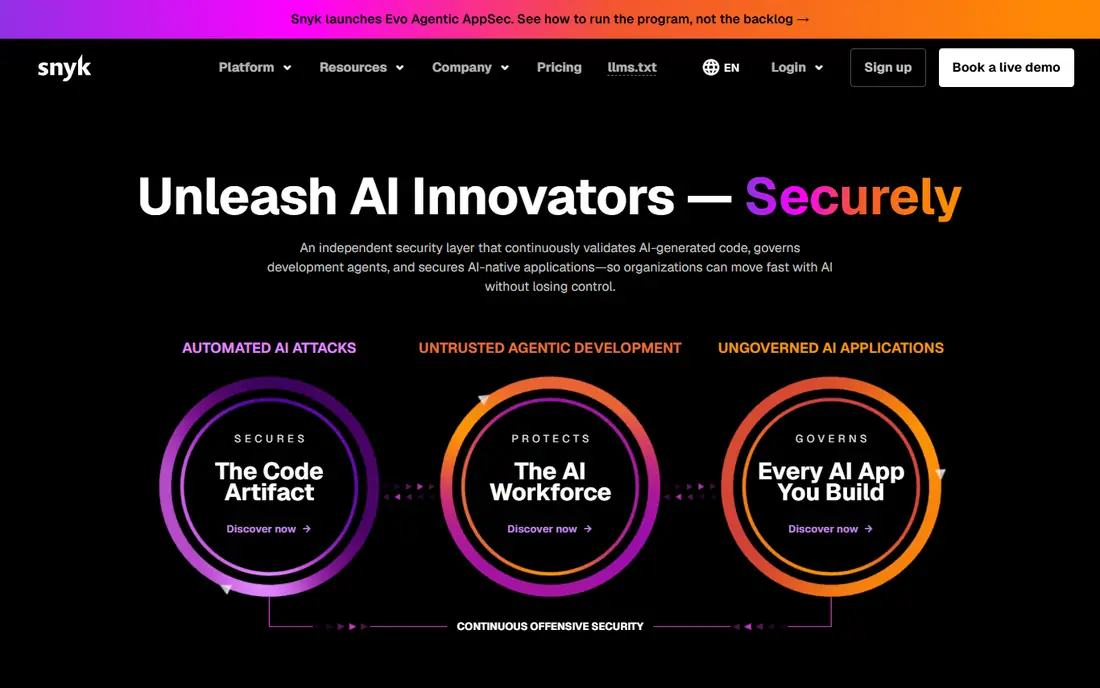
Snyk meets developers where they work, with IDE plugins, pull request checks and automated fix pull requests across open-source code, your own code, containers and infrastructure as code. That breadth makes it a good single starting point for many teams. Its priority scoring helps teams focus on reachable, exploitable issues first.
Alert volume still needs triage discipline, and per-developer pricing adds up as teams grow. Enterprise features sit on higher tiers. For developer-adopted application security, Snyk remains the benchmark many teams compare against.
- SAST, SCA, container and IaC in one
- Fix pull requests
- IDE plugins
- Team pricing scales with developers
- Alert volume needs triage
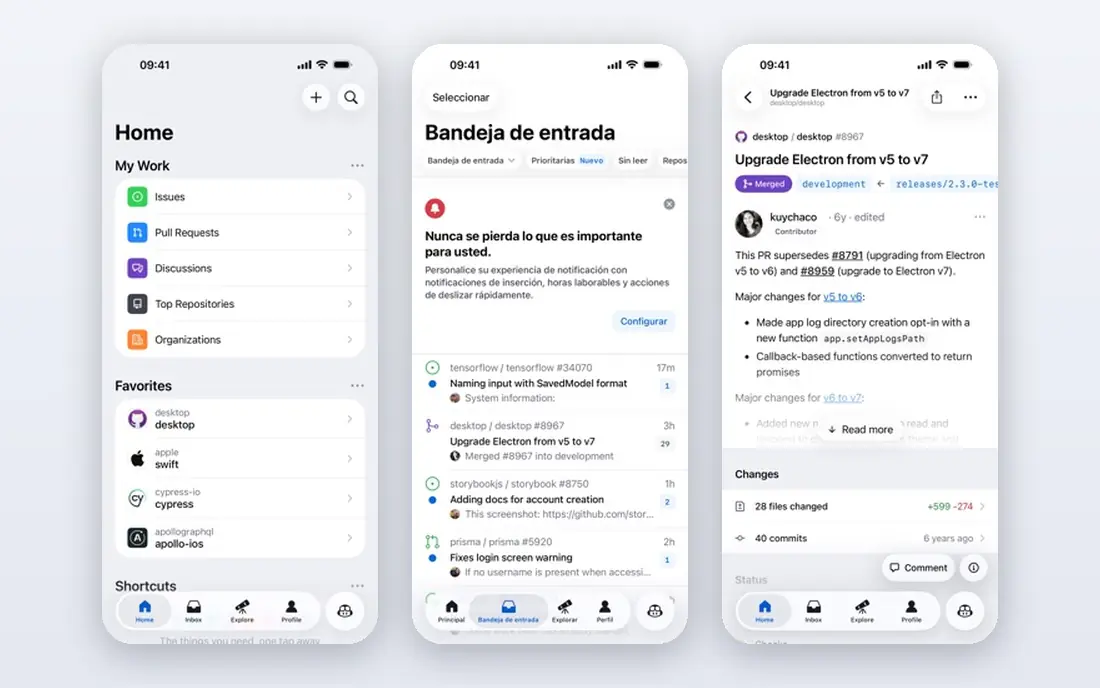
GitHub Advanced Security suits teams already standardised on GitHub because scanning sits inside repositories, pull requests and code review. CodeQL offers deep semantic analysis, while secret scanning and dependency alerts cover common risks without a separate dashboard. Developers see findings where they already work.
The price is per active committer, so budgeting depends on contributor counts, and value is strongest inside GitHub. Teams on other platforms may prefer a standalone tool. For GitHub shops, it is a natural and powerful baseline.
- CodeQL semantic analysis
- Secret scanning
- Dependency alerts
- Best value inside GitHub
- Price is per active committer
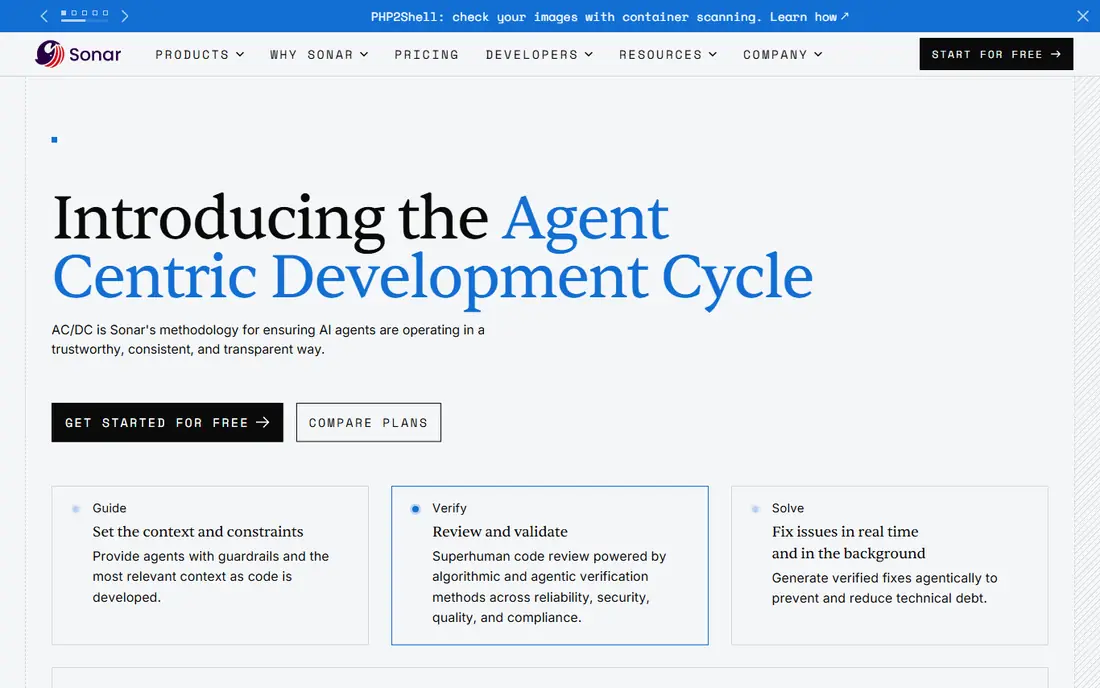
SonarQube Cloud pairs security findings with code quality, bugs and maintainability in one quality gate. That combination helps teams enforce a single bar for merges, rather than treating security as a separate check. Language coverage is broad, and the free tier covers small private projects.
Advanced security features, including deeper SAST and AI fixes, sit on higher tiers. Server editions price by lines of code, which needs modelling. For teams that want quality and security together, Sonar is a strong choice.
- Quality gates
- Security rules
- Broad language coverage
- Advanced security features sit on higher tiers
- Server pricing varies
Semgrep appeals to developers who want fast scans and rules they can write themselves. Its custom rule language lets teams encode their own patterns, such as banned APIs or internal security rules, without waiting for a vendor update. The open-source core is genuinely useful on its own.
Supply chain and secrets scanning are separate paid modules, so full coverage costs more than the code-only price. Hosted free tiers also have contributor and repo limits. For teams that value speed and customisation, Semgrep is a standout.
- Fast scans
- Custom rules developers can write
- Broad language support
- Supply chain and secrets are separate paid modules
- Hosted limits apply
Checkmarx One suits enterprises that need deep static analysis, broad language coverage and strong compliance reporting. Its platform approach helps central security teams govern many apps, languages and pipelines from one place. That depth matters for regulated industries with audit duties.
Pricing is quote-based and setup takes time, including tuning to reduce false positives. Smaller teams may find it heavy for their needs. For large enterprises with complex estates, Checkmarx offers depth that developer-first tools may not match.
- Deep SAST coverage
- Compliance reporting
- Enterprise governance
- Quote-based pricing
- Setup and tuning take time
Veracode suits organisations that need policy-driven security with clear attestation for customers or regulators. It offers SAST, SCA and dynamic testing options, with reporting that supports compliance programmes. That proof value matters in regulated sales cycles.
Pricing is quote-based and there is no free tier for private code, so evaluation needs a sales process. Scan workflows can feel more centralised than developer-first tools. For policy-led enterprises, Veracode is a credible choice.
- Policy and attestation features
- SAST, SCA and DAST options
- Compliance proof
- Quote-based pricing
- No free tier for private code
GitLab appeals to teams that want DevSecOps without tool sprawl. Security scanning, including SAST, SCA, secrets and container checks, sits inside the same platform as code, CI and deployment. That unity reduces integration work and keeps findings close to the pipeline.
Advanced security features sit on higher tiers, and the breadth of GitLab itself takes time to learn. Teams that only need scanning may prefer a focused tool. For GitLab shops, built-in security is a strong reason to stay.
- Security scanning inside DevOps
- SAST, SCA and secrets
- CI integration
- Advanced security features need higher tiers
- Breadth needs tuning
Mend focuses on open-source risk, helping teams find vulnerable and outdated dependencies, understand licences and prioritise fixes. That focus matters because dependency flaws are a leading source of application risk. Its remediation guidance helps developers update safely.
Paid pricing is quote-based, and SAST depth is not its main strength compared with dedicated SAST tools. Teams needing deep custom-code analysis may pair Mend with Semgrep or Snyk Code. For dependency risk at scale, Mend is a strong specialist.
- Strong SCA coverage
- Licence and vulnerability data
- Remediation guidance
- Quote-based paid pricing
- SAST depth varies by use case
How we picked these
We started with the topic and the products that genuinely fit it, then checked official vendor pages for features, pricing and access rules. We removed products that were discontinued, that did not fit the topic, or whose official homepage could not be verified. We compared strengths and weaknesses from documentation, pricing pages and public user feedback, and we favoured products with clear safety, privacy and support practices where those mattered.
We did not claim hands-on testing we did not do. Instead, we compared what vendors publish, what reviewers report and what pricing pages show in October 2026. Where a vendor does not publish a price, we wrote See website rather than guessing a number. That approach keeps the comparison honest, even when it means less detail for quote-based enterprise tools.
Before you shortlist, note the limits of any comparison. Vendor pages show best-case features, and public reviews skew toward very happy or very unhappy users. That is why we weigh official pricing and documentation most heavily, use reviews only for recurring themes, and flag quote-based pricing instead of inventing a figure. If a feature matters to your workflow, confirm it in a trial or demo with your own data and your own team, since a checklist match does not always mean a good daily fit.
How to choose a code security platform
Map the risks you actually face. Dependency vulnerabilities need software composition analysis, while flaws in your own code need static analysis. Secrets in code, container issues and infrastructure misconfigurations each need their own checks. A platform that covers your main risks in one workflow will get used more than a patchwork of tools.
Test in a real repository with your languages and frameworks. Check scan speed, false positive rate, fix guidance and pull request behaviour. Price by active developer or contributor, not by total staff, and confirm free tiers for open-source work. Set a rule that high-severity findings block merges, then tune rules so developers trust the signal.
Before you pay, run a short trial with real work and real users, not just a demo dataset. Set a clear success measure, such as time saved, tickets deflected, errors found or conversion improved, and review it after two to four weeks. Check onboarding help, support response times and export options, since switching later is often more costly than the first subscription. If two options look close, choose the one your team actually enjoys using, because adoption decides whether the tool delivers value.
FAQ
What is SAST?
Static application security testing analyses source code without running it, looking for flaws such as injection, broken authentication and insecure data handling. It finds issues early, but it can produce false positives that teams need to tune.
What is SCA?
Software composition analysis scans open-source dependencies and libraries for known vulnerabilities and licence issues. It matters because most modern apps rely heavily on third-party code, and a flaw in a library can affect many apps.
Do I need both SAST and SCA?
Yes, for most teams. SAST checks code you write, while SCA checks code you import. Together they cover the two largest sources of application risk, and many platforms now offer both in one product.
Are free tiers enough for a small team?
Often yes at first. Free tiers from Snyk, Sonar and Semgrep cover individuals and small teams well. Paid plans add more projects, contributors, rules and support, which matter as a team grows.
How do I reduce alert fatigue?
Prioritise by reachability and exploitability, not by raw count. Fix high-severity reachable issues first, tune noisy rules, and use fix pull requests where available. Review triage time weekly until developers trust the alerts.