Best 3D Modeling Software for Printing Art in 2026: Prices, Free Plans and 6 Picks
Weighing the best 3D modeling software for printing art? We lined up 6 products by cost, free access and fit. With pricing notes and limits. No filler.
- Editor's choice
 Fusion
Precise CAD and manufacturing
Starts atSee websiteVisit autodesk.comFull review - Great alternativeNomad Sculpt
Mobile digital sculpting
Starts at$35Visit nomadsculpt.comFull review - Also consider
 Cinema 4D
Motion-friendly modeling and rendering
Starts atSee websiteVisit maxon.netFull review
Direct answer
Fusion is the first pick on this list for precise CAD and manufacturing. Listed starting prices: Nomad Sculpt from $35. Nomad Sculpt is the stronger choice for mobile digital sculpting, while Cinema 4D suits motion-friendly modeling and rendering. All 6 tools are compared below on price, free plan and limits.
TL;DR:
- Fusion is the opening pick, best for precise CAD and manufacturing.
- For professional modeling and rendering, Autodesk 3ds Max is worth a look.
- Fusion, Cinema 4D, Houdini and others: pricing is by quote only, so plan time for a sales conversation.
- A permanent free plan is missing from all 6 tools, Fusion and Autodesk 3ds Max included; plan for a trial or a premium start.
- The main caution on Fusion: less suited to organic sculpting.
Last checked November 2026. Prices and plan details were read from the vendors' own pages in November 2026; vendors change plans often, so confirm the current price on the vendor site before you buy.
Quick comparison
| Tool | Best for | Starts at | Free plan? | |
|---|---|---|---|---|
| Fusion | Precise CAD and manufacturing | See website | Not stated | Visit |
| Nomad Sculpt | Mobile digital sculpting | $35 | Not stated | Visit |
| Cinema 4D | Motion-friendly modeling and rendering | See website | Not stated | Visit |
 Houdini | Procedural and iterative design | See website | Not stated | Visit |
 ZBrush | Organic sculpting and fine detail | See website | Not stated | Visit |
 Autodesk 3ds Max | Professional modeling and rendering | See website | Not stated | Visit |
Our 6 picks for 3D modeling software for printing art
Choosing 3D modeling software for printing art usually comes down to price, fit and limits. This LinkVetted guide sets 6 tools side by side on those three points, with the facts kept short and checkable.
For precise CAD and manufacturing, Fusion is a natural candidate. It suits artists who require precise, dimension-driven models for printing, like mechanical parts or geometric art.
Watch-outs: Needs internet for full features.
In practice, Fusion is not built for freeform organic sculpting, so it may frustrate artists concentrated on character or decorative work. This comparison lists no price for Fusion; ask the vendor. As for free access: Not stated.
- Cloud-based collaboration
- Parametric CAD modeling
- Less suited to organic sculpting
Nomad Sculpt
Best for: Mobile digital sculpting
Nomad Sculpt is designed for mobile digital sculpting. Nomad Sculpt is a digital sculpting app made for tablets, offering a touch-based workflow for creating organic models.
Where it is weaker: Fewer advanced features than ZBrush.
The interface is simplified for mobile use. On top of that, Nomad Sculpt lacks the depth of desktop sculpting suites and may not deal with very dense meshes as smoothly. The starting price for Nomad Sculpt: $35. On free options: Not stated.
- Portable on tablets
- Touch-friendly interface
- Restricted on desktop
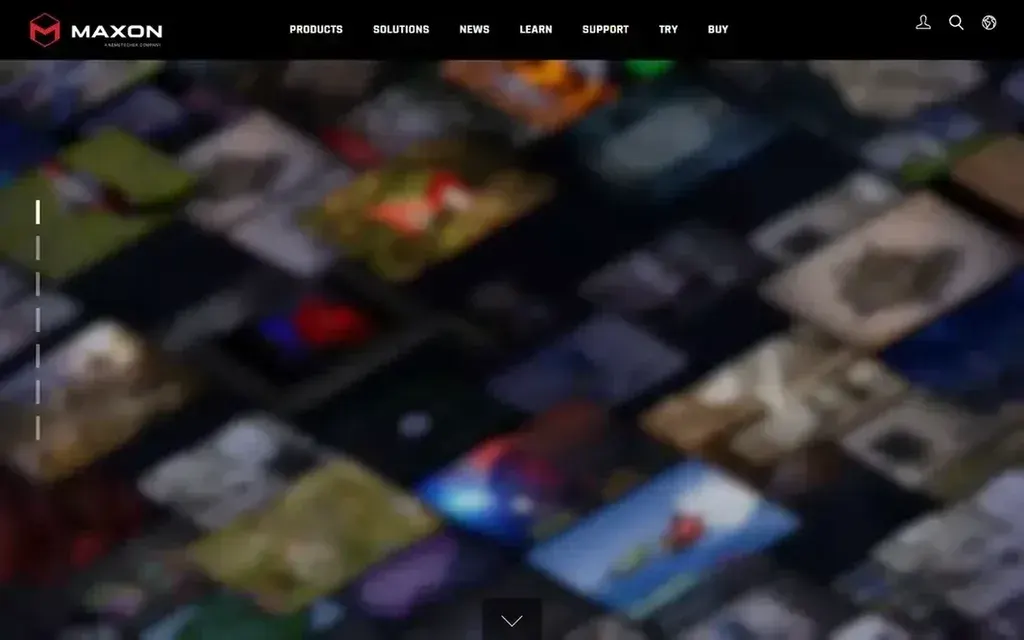
Cinema 4D was built for motion-friendly modeling and rendering. Cinema 4D is a 3D modeling, animation, and rendering package used in motion graphics and design. Its toolset supports both hard-surface and organic forms.
What to check first: Needs separate slicer for printing.
It does not contain dedicated tools for print preparation, so you will have to export models to a slicer. If your priority is sculpting for printing instead of animation, ZBrush or Nomad Sculpt may be a better fit. Cinema 4D shows no starting price here, so confirm the cost on the vendor site. As for free access: Not stated.
- Easy-to-learn modeling tools
- A decent match for presentation visuals
- Less concentrated on print-specific output
For procedural and iterative design, Houdini is a natural candidate. Its node-based workflow enables artists to produce several iterations and share workflows, which can be handy for generating intricate, print-ready art through procedural rules.
No starting price is listed for Houdini here; confirm pricing on the vendor site. Free options: Not stated.
What to check first: Very steep ramp-up time.
- Supports rapid iteration
- Feature-rich procedural system
- Overkill for straightforward models
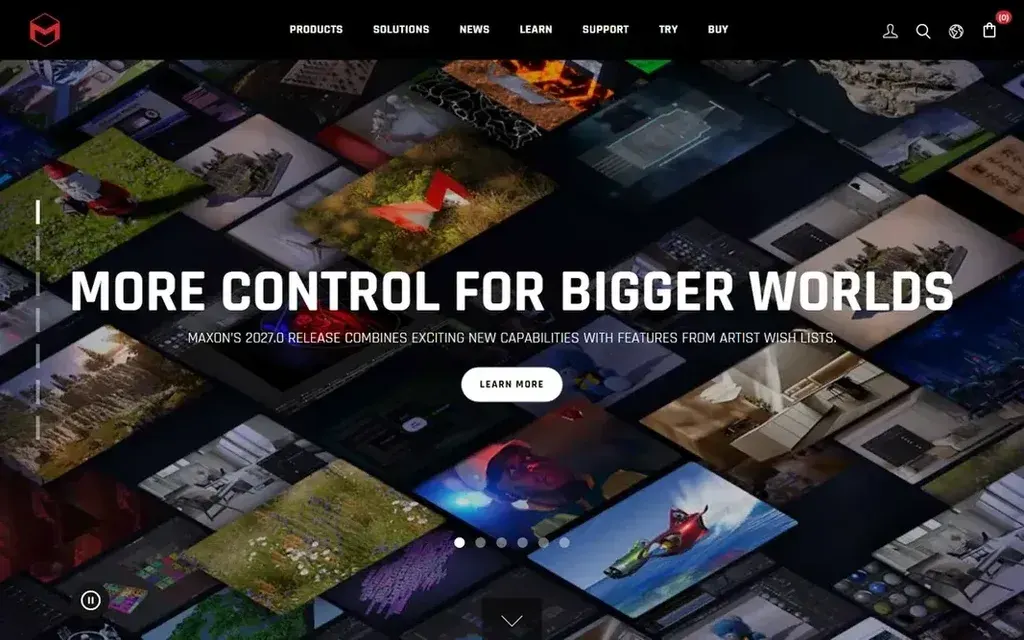
Choose ZBrush for organic sculpting and fine detail. If you need precise dimensions or CAD-style assemblies, consider Fusion or 3ds Max instead. The toolset emphasizes freeform shaping over parametric precision.
Its interface and workflow can be overwhelming for beginners, and it is not made for engineering-grade accuracy. Also, ZBrush is a digital sculpting application known for its brush-based workflow and capacity to manage dense meshes. Pricing for ZBrush is not stated here, so ask the vendor for current figures. Free options: Not stated.
Drawbacks to consider: Steep ramp-up time.
Best features of ZBrush: Industry-standard sculpting brushes.
- Capable for organic forms
- Deals with high-resolution meshes
- Less suited to hard-surface CAD
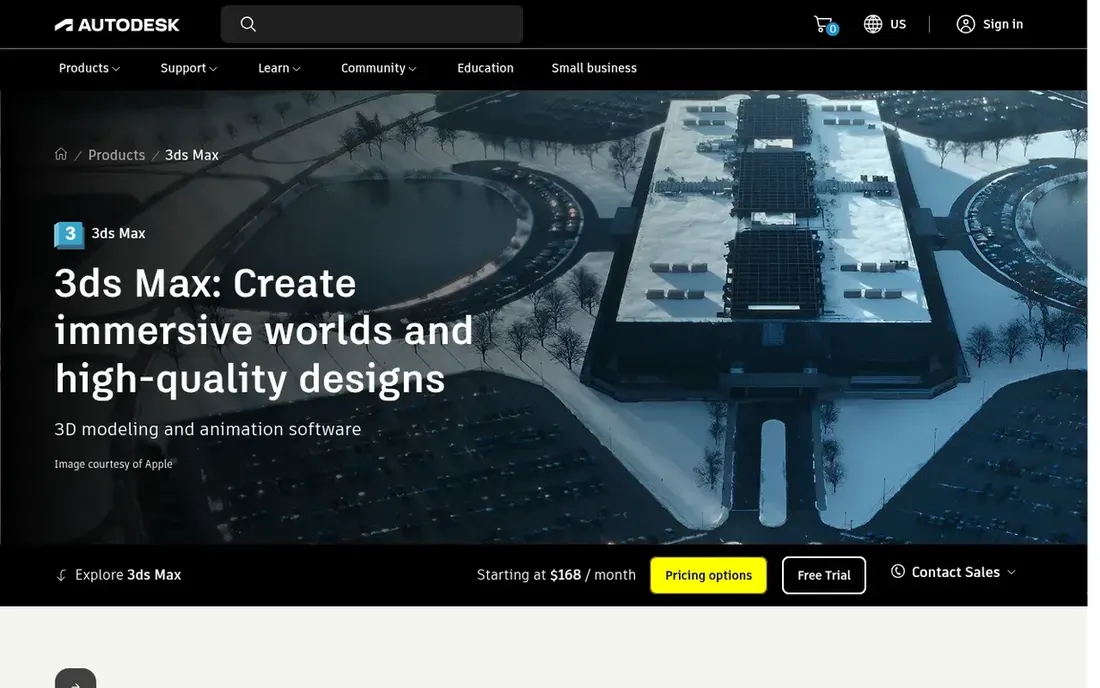
For professional modeling and rendering, Autodesk 3ds Max is a natural candidate. The software is deep and can be intimidating for newcomers, and it is available only on Windows.
Honest limits: Complicated for beginners.
Autodesk 3ds Max is a professional 3D modeling, animation, and rendering software used for creating expansive worlds and high-quality designs. Pricing for Autodesk 3ds Max is not stated here, so ask the vendor for current figures. Free plan details: Not stated.
- Full modeling toolkit
- Advanced rendering choices
- Windows-only product
How these tools were picked
The comparison looks at four things: starting price, free access, how well the feature set matches 3D modeling software for printing art, and the main limit of each tool. Figures are shown as the vendors publish them. Billing terms, seat minimums and add-ons can change the real cost. Order on the page follows fit for the typical buyer first, then price transparency and free access. Your own requirements should decide the final pick.
What to confirm before you sign up
- Ask Fusion, Cinema 4D, Houdini and others for a written quote, since no starting price is shown.
- Read the limits listed for Fusion first: less suited to organic sculpting.
- Total up the real monthly cost of Autodesk 3ds Max, including add-ons, extra users and usage-based fees.
- Confirm the exact ZBrush plan that includes your must-have features.
- See whether Nomad Sculpt offers onboarding or training, and whether it is included in the price.
FAQ
Do these tools publish their prices?
Not all of them. Fusion, Cinema 4D, Houdini and others publish no starting price, so expect a quote request for those. The rest, Nomad Sculpt included, show a starting price, though seats and billing terms still change the final cost.
Which 3D modeling software is a good match for organic sculpting for printing?
This list starts with Fusion, which fits precise CAD and manufacturing. For other needs, Nomad Sculpt is aimed at mobile digital sculpting, and Cinema 4D at motion-friendly modeling and rendering. Check each tool's price and main limit first.
Does any tool for 3D modeling software for printing art here have a free plan?
No tool in this list, Fusion and Autodesk 3ds Max included, has a permanent free plan. Trials and quotes are the usual route, so plan a short evaluation period.
Is Fusion the right pick for everyone comparing 3D modeling software for printing art?
No single tool suits every team. Fusion comes first because it fits precise CAD and manufacturing, while Nomad Sculpt suits mobile digital sculpting and Cinema 4D suits motion-friendly modeling and rendering. Match the tool to your own size, budget and workflow before deciding.
Can I try these tools before paying?
Not by default. None of the tools, from Fusion to Autodesk 3ds Max, lists a free plan or a free trial here, so ask each vendor for a demo before committing.
Sources
- https://www.autodesk.com/products/fusion-360
- https://nomadsculpt.com
- https://www.maxon.net/en/cinema-4d
- https://www.sidefx.com/products/houdini
- https://www.maxon.net/en/zbrush
- https://www.autodesk.com/products/3ds-max