Best CAD Software for 3D Printing in 2026: 8 Tools Compared
We compared the best CAD software for 3D printing, from free beginner tools to professional engineering CAD, with pricing, limits and export notes for makers.
- Editor's choice
 Autodesk Fusion
Serious hobby and pro projects
Starts atFree personal, paid from $680 per yearVisit autodesk.comFull review - Great alternative
 Tinkercad
Absolute beginners
Starts atFreeVisit tinkercad.comFull review - Also consider
 FreeCAD
Free parametric engineering
Starts atFreeVisit freecad.orgFull review
TL;DR:
- The best CAD software for 3D printing for most makers is Fusion, with full parametric CAD and a free personal tier, or FreeCAD for a fully free option.
- Beginners should start with Tinkercad in a browser, then move to Fusion or FreeCAD when precise dimensions matter.
- Our pick for most hobbyists is FreeCAD for mechanical parts, with Blender for organic shapes and miniatures.
- Always export a clean, watertight model in STL or 3MF and check it in your slicer before printing, since CAD errors waste filament and time.
Quick comparison
| Tool | Best for | Starts at | Free plan? | |
|---|---|---|---|---|
| Autodesk Fusion | Serious hobby and pro projects | Free personal, paid from $680 per year | Yes | Visit |
| Tinkercad | Absolute beginners | Free | Yes | Visit |
| FreeCAD | Free parametric engineering | Free | Yes | Visit |
 Onshape | Cloud CAD and collaboration | Free | Yes | Visit |
 Blender | Organic shapes and sculpting | Free | Yes | Visit |
 SOLIDWORKS for Makers | Professional mechanical design at home | $48 per year | No | Visit |
 Shapr3D | Tablet and touch modeling | Free Basic, Pro $299 per year | Yes | Visit |
 SketchUp | Fast concept and woodworking models | Free web, paid from $129 per year | Yes | Visit |
The best cad software for 3d printing
We compared CAD tools on parametric modeling, STL and 3MF export, ease of learning, platform support and price, so you can find one that fits your printer, your skill level and your budget.

Fusion is the closest a hobbyist gets to professional CAD without paying professional prices. Parametric sketches, assemblies, sheet metal and CAM tools live in one program, and exports to STL, 3MF and STEP are clean for slicers. The tutorial library is large, which helps when you move from simple brackets to real assemblies.
The free personal tier is non-commercial and limits active editable documents to ten, with reduced CAM and electronics features. Commercial users pay from 680 dollars per year. If you design functional parts regularly, Fusion is still the strongest all-round choice.
- Full parametric CAD with CAM
- Clean STL and 3MF export
- Large tutorial library
- Personal tier limits active documents
- Subscription for commercial use
- Needs a capable computer
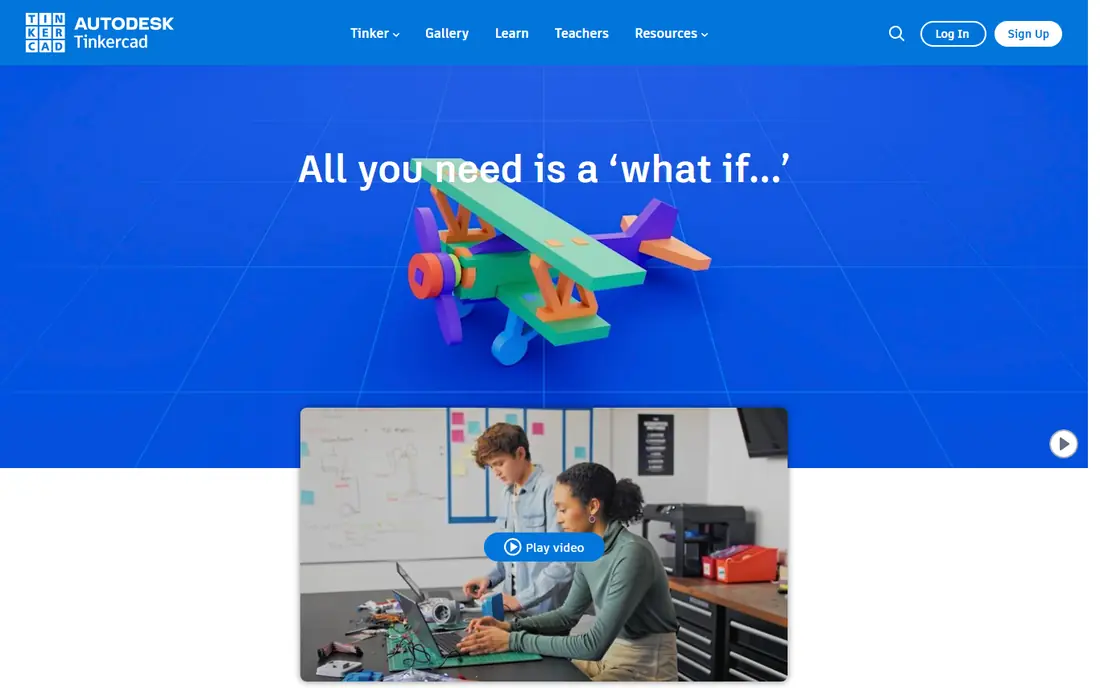
Tinkercad is the fastest way to make a first printable model. It runs in a browser, uses drag-and-drop shapes and holes, and exports directly to STL or 3MF, so most people print a first part within an hour. Teachers, kids and new makers benefit most, since there is nothing to install and little to learn.
Precision and complexity are limited, with no parametric timeline to edit dimensions later. Use Tinkercad to learn the basics and prototype simple shapes, then move to Fusion or FreeCAD when you need exact measurements and revisions.
- Runs in a browser
- Drag-and-drop shapes
- Instant STL export
- No parametric history
- Limited precision
- Not suited to complex engineering parts
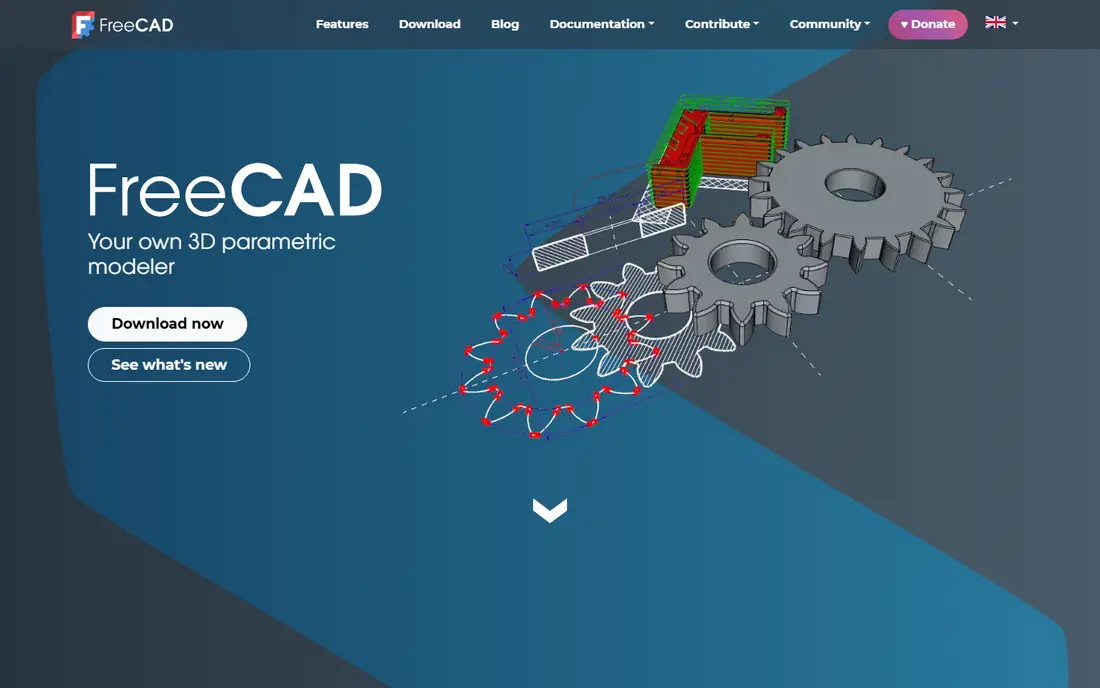
FreeCAD is the best fully free option for mechanical and functional parts. Parametric sketches, part design, assemblies and technical drawings work without a subscription, license cap or public-document rule, and files export to STEP, STL and OBJ for slicers and other CAD tools. The 1.0 and 1.1 releases improved stability and modeling behavior notably.
The interface is less polished than Fusion, and new users need patience with workbenches and terminology. If you want professional-style parametric CAD at zero cost and you are willing to learn, FreeCAD is the pick.
- Fully free and open source
- Real parametric modeling
- STEP, STL and OBJ support
- Interface is less polished
- Learning curve
- Some workbenches feel uneven
Onshape brings professional cloud CAD to a browser, with real-time collaboration, built-in version control and parametric modeling that rivals desktop tools. Teams can review and edit the same model without file juggling, and branching lets you test design variants safely. For classrooms and distributed teams, the cloud model is a real advantage.
The free tier makes all documents public and non-commercial, which rules it out for private commercial work. Paid plans are expensive for a hobbyist. Use the free tier to learn and collaborate openly, and pay only when privacy and commercial use matter.
- Runs in a browser
- Real-time collaboration
- Version control built in
- Free documents are public
- Paid plans start at 1,500 dollars per year
- Needs internet
Blender is the standard free tool for organic shapes, miniatures, figures and artistic models for resin and filament printing. Sculpting, mesh editing and the 3D Print Toolbox help you check for non-manifold edges and fix models before slicing. The community and tutorial base is huge, which helps new sculptors.
It is a mesh modeler, not parametric CAD, so precise engineering dimensions and later edits are harder than in Fusion or FreeCAD. Pair Blender with a parametric tool when a project mixes artistic shells with exact mechanical fits.
- Free and open source
- Powerful sculpting
- 3D Print Toolbox for mesh checks
- Not parametric CAD
- Steep learning curve
- Dimensions need care for functional parts
SOLIDWORKS for Makers gives hobbyists access to professional mechanical CAD for 48 dollars per year, a fraction of commercial pricing. Assemblies, drawings, sheet metal and simulation-adjacent tools cover serious home engineering projects, from robotics parts to workshop jigs. The modeling depth exceeds Fusion in some mechanical workflows.
The license is for personal use, with an earnings cap, and maker files do not open in commercial SOLIDWORKS licenses, so commercial work needs a different license. Windows-only support also matters for Mac users. For a dedicated maker on Windows, the value is exceptional.
- Professional SOLIDWORKS modeling
- Very low maker price
- Strong assemblies and drawings
- Personal use only with an earnings cap
- Files do not open in commercial licenses
- Windows only
Shapr3D is the standout for modeling on an iPad with an Apple Pencil. Sketching and pushing shapes with touch feels direct in a way mouse CAD rarely matches, and concept models come together fast. It also runs on Mac and Windows, with export to STL and STEP on paid plans.
The free Basic plan limits you to two designs with basic export, so serious use needs Pro at 299 dollars per year. If you design away from a desk or love pen input, Shapr3D is worth that price, but desktop users may prefer Fusion or FreeCAD.
- Excellent Apple Pencil modeling
- Fast concept work
- Clean export on Pro
- Basic plan limited to two designs
- Pro is 299 dollars per year
- Best on iPad and Mac
SketchUp suits fast concept models, woodworking projects, architectural ideas and simple printable parts. Push and pull modeling is quick to learn, and the 3D Warehouse offers a huge library of starting models. The free web version lets beginners test the workflow before paying.
It is not fully parametric CAD, so editing dimensions later is less clean than in Fusion or FreeCAD, and STL export can need a plugin depending on plan. Use SketchUp for concepts and simple prints, and move to parametric CAD for parts that must fit precisely.
- Fastest concept modeling
- Large model library
- Easy to learn
- Not fully parametric
- STL export needs a plugin on some plans
- Precision work needs care
How we picked these
We compared official pricing pages, feature lists and public reviews, focusing on parametric modeling, mesh quality, STL and 3MF export, learning curve and price. We included free, maker and professional options so beginners, hobbyists and engineers can compare realistic choices. Prices and free tier limits change, so confirm the current terms on the vendor site before you commit.
How to go from CAD model to a good print
Design for printing, not just for the screen. A printable model needs to be a closed, watertight solid, with walls thick enough for your printer and nozzle, and overhangs your printer can handle without excessive support. Check wall thickness, hole sizes and tolerances for mating parts before you slice, since small errors cause failed prints.
Choose the right export format
Prefer 3MF when your slicer supports it, since it carries units, colors and multiple objects more reliably than STL. Fall back to STL when a slicer or service requires it, and confirm units on import, since a millimeter model read as inches will print at the wrong scale. Run a mesh repair or analysis pass in your CAD tool or slicer before printing.
Match the tool to the part
Use parametric CAD for brackets, enclosures, gears and parts that must fit other objects, since dimensions and revisions matter there. Use sculpting tools for figures, miniatures and organic shapes, where surface form matters more than exact dimensions. Mixing tools is normal, and many makers keep one parametric tool and Blender side by side.
Test small before you commit filament
Print a small test piece for fit-critical parts, such as a section of a joint or a single hole size, before printing the full model. A ten-minute test can save hours of filament and a failed overnight print. Keep notes on tolerances for your printer and material, since each machine prints holes and fits slightly differently.
FAQ
What is the best free CAD software for 3D printing?
FreeCAD is the best free parametric option for mechanical parts, Blender for organic models and miniatures, and Tinkercad for first projects. Fusion personal use and Onshape free tiers are also capable, with limits on documents and commercial use. The best free pick depends on whether you need precise dimensions or sculpted shapes.
What is the best CAD software for 3D printing for beginners?
Tinkercad is the easiest start, since it runs in a browser, uses drag-and-drop shapes and exports to STL in minutes. Once you need precise dimensions, move to Fusion personal use or FreeCAD. Starting simple builds confidence before tackling parametric sketches and assemblies.
Is Fusion 360 still free in 2026?
Yes, through a free personal-use license for non-commercial work, with limits including ten active editable documents and reduced CAM features. Paid Fusion starts from 680 dollars per year for commercial use. Check the current personal-use terms on the Autodesk site, since limits can change.
Do I need CAD software or just a slicer?
A slicer turns a model into printer instructions, but it cannot design a new part from scratch. You need CAD or sculpting software to create original models, while a slicer is enough when you download ready-made models. Most makers use both, with CAD for design and a slicer for print settings.
What file format should I export for 3D printing?
Export 3MF when your slicer supports it, since it handles units and multi-object models well, or STL as a widely supported fallback. Always check the model in your slicer for manifold errors, scale and orientation before printing. A clean export prevents most common print failures.