Best CAD Design Software in 2026: 8 Tools Compared
The best CAD design software for 2026, compared on 2D drafting, 3D modeling, price and learning curve, for beginners, makers and professionals alike today.

- Editor's choice
 AutoCAD
2D drafting and DWG work
Starts atSee websiteVisit autodesk.comFull review - Great alternative
 Fusion 360
Small teams and makers
Starts at$680 per yearVisit autodesk.comFull review - Also consider
 SOLIDWORKS
Professional mechanical design
Starts atSee websiteVisit solidworks.comFull review
TL;DR:
- AutoCAD remains the standard for 2D drafting and DWG files, while Fusion 360 gives small teams design, simulation and manufacturing in one tool.
- SOLIDWORKS and PTC Creo suit professional mechanical work, but they cost more and need stronger computers and training.
- FreeCAD and Onshape lower the entry cost, with FreeCAD free and Onshape offering a free plan for non-commercial work.
- SketchUp, Shapr3D and Rhino suit faster concept work, though each one trades depth in one area for speed in another.
Quick comparison
| Tool | Best for | Starts at | Free plan? | |
|---|---|---|---|---|
| AutoCAD | 2D drafting and DWG work | See website | Free trial | Visit |
| Fusion 360 | Small teams and makers | $680 per year | Free plan | Visit |
| SOLIDWORKS | Professional mechanical design | See website | Free trial | Visit |
 Onshape | Cloud collaboration teams | $1,500 per user per year | Free plan | Visit |
 SketchUp | Fast concept and building models | See website | Free trial | Visit |
 Rhino | Freeform and surface modeling | See website | Free trial | Visit |
 FreeCAD | Free parametric CAD | Free | Yes | Visit |
 Shapr3D | Concept design on iPad and desktop | $299 per year | Free plan | Visit |
The best CAD design software
We compared the options below on features, price and real fit, so you can shortlist two or three and test them before you commit.
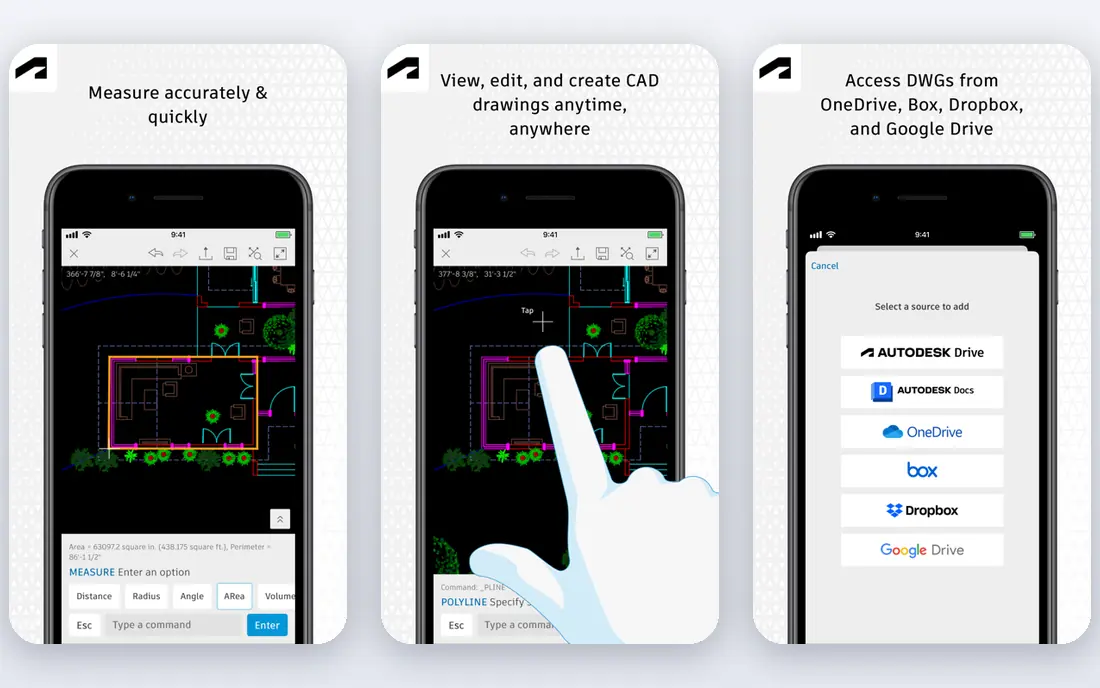
AutoCAD is the tool most people picture when they hear CAD, and for drafting work that reputation is earned.
It owns the DWG format, so drawings open cleanly across firms, and its layers, blocks and dimension tools make precise documentation fast.
The catch is focus. It handles 3D, but its center of gravity is 2D drafting, so pure product designers may prefer a 3D first tool. If your deliverables are drawings, test AutoCAD with a real drawing set during the trial, including your title blocks and standards.
- Industry standard DWG support
- Deep drafting and annotation tools
- Industry toolsets included
- Subscription pricing
- 3D modeling is less central than drafting

Fusion 360 is the value pick for small teams that design and make parts in the same workflow.
It combines modeling, simulation, rendering and toolpath work in one platform, which cuts the need to juggle several apps.
The catch is the cloud model. Offline work is limited, and larger shops may need higher tiers for advanced manufacturing. Start on the personal tier if your work is non-commercial, then move to a paid plan when collaboration or commercial use requires it.
- CAD, CAM and simulation in one cloud tool
- Free personal use tier
- Strong collaboration
- Cloud based workflow needs a good connection
- Advanced manufacturing features cost more

SOLIDWORKS is the workhorse of professional mechanical design, especially for assemblies and manufactured parts.
Its parametric history, assembly tools and drawing output suit teams that revise parts often and need tight control.
The catch is cost and setup. Pricing runs through resellers, training takes time, and hardware needs are real for large assemblies. Ask a reseller for a quote tied to your seat count and add-ons, since headline prices rarely cover the full package.
- Mature parametric modeling
- Deep assembly tools
- Large user community
- High price through resellers
- Windows focused
- Steep learning curve
Onshape suits teams that design together from different places and hate file version confusion.
Because it runs in a browser, there is no install to manage, and version control is built in rather than bolted on.
The catch is the free plan. Non-commercial free designs are public, so paid plans are needed for private commercial work. Test a shared project with two or three teammates during the trial to see how branching and comments work in practice.
- Browser based CAD
- Built-in version control
- Real time collaboration
- Free plan makes designs public
- Advanced surfacing is less deep than some desktop tools
SketchUp is the fastest way to get a building or interior idea into 3D and show it to a client.
Push-pull modeling feels direct, the extension library adds useful tools, and learning the basics takes days rather than months.
The catch is precision work. Mechanical parts with tight tolerances are better served by a parametric tool. Use the web version to test the workflow, then step up to Pro when you need desktop tools and professional export options.
- Very fast push-pull modeling
- Huge extension library
- Friendly for beginners
- Less suited to precise mechanical parts
- Advanced features need higher tiers
Rhino is the pick when shape matters most, from product curves to jewelry and architecture surfaces.
Its surface modeling is flexible and precise, and Grasshopper adds parametric control for complex patterns.
The catch is workflow. It is not a parametric history tool in the same way as SOLIDWORKS, so design changes need a different approach. Try a curved model you have struggled with elsewhere, since that is where Rhino shows its clearest advantage.
- Superb freeform surface tools
- Flexible file support
- Grasshopper for parametric design
- No built-in parametric history like SOLIDWORKS
- Rendering and drafting need add-ons
FreeCAD is the best free parametric CAD tool, and it is genuinely useful, not just a demo.
It covers sketches, parts, assemblies and drawings, and its open source nature means no license cost at any team size.
The catch is polish. The interface and some workbenches feel uneven, and support comes from the community rather than a vendor. Start with the Part Design workbench and a small project, then add workbenches only as your work requires them.
- Free and open source
- Parametric modeling
- Runs on Windows, Mac and Linux
- Interface is less polished
- Some workbenches vary in quality
Shapr3D is for designers who sketch ideas on an iPad and want those sketches to become real CAD models.
Direct modeling feels natural with a pencil or mouse, and the interface stays out of the way while you shape a concept.
The catch is depth. It is not a full replacement for a large parametric engineering platform on complex assemblies. Use the free tier for a concept project first, then check export formats against the tool your engineers use downstream.
- Fast direct modeling
- Excellent Apple Pencil support
- Clean interface
- Smaller feature set than full desktop CAD
- Subscription only for Pro
How we picked these
We compared official product pages, pricing pages and documentation, plus public user reviews, for each tool. We checked modeling style, file compatibility, collaboration, platform support and price, and we favored tools that are still actively sold and supported in 2026. We did not include tools that only view files or only render, since this guide is about creating designs.
Decide what you will actually make
A 2D floor plan, a machined part, a building model and a freeform product shape need different tools. AutoCAD leads for drawings, SOLIDWORKS and Creo lead for precise mechanical parts, and Rhino leads for freeform surfaces. Buying a general tool for a specialist job often leads to extra work later.
Check file compatibility early
Ask what files your clients, suppliers or manufacturers expect. DWG, STEP, IGES and native formats all matter, and a clean export can save hours of rework. If you collaborate often, cloud tools such as Onshape and Fusion 360 make sharing simpler than passing files by email.
Weigh price against training time
A cheaper tool that takes months to learn can cost more than a pricier tool your team already knows. Check for student plans, free personal tiers and trial periods, and test a real project during the trial, not just a sample file.
Test on your own computer
CAD tools vary widely in hardware needs. Large assemblies, simulations and rendering need more memory and a stronger graphics card. Run your largest typical model on a trial before you buy seats for a whole team.
A final check before you pay
Before you pay, confirm the current price, plan limits and cancellation terms on the vendor site, since prices and tiers change often. Check whether a free trial needs a card, when it converts to a paid plan, and how to cancel if the tool does not fit. Read the privacy and data terms for any service that stores your work, recordings, location or payment details, and check who can access that data. Finally, test the tool with a real task from your own work, not just a demo file, and keep notes on what worked and what did not. That short test, plus a clear price check, prevents most buyer's regret and makes the choice above much easier to defend.
FAQ
What is the best CAD software for beginners?
SketchUp and Fusion 360 are friendly starting points, with clear modeling steps and plenty of tutorials. FreeCAD is free and powerful, but its interface takes longer to learn. Pick the one that matches the kind of model you want to make first.
What is the best CAD software to learn for a job?
AutoCAD is still widely requested for drafting roles, and SOLIDWORKS is widely requested for mechanical design roles. Fusion 360 is also common in smaller firms and maker shops. Check job listings in your field before you commit to one path.
Is FreeCAD good enough for professional work?
FreeCAD can handle real parametric modeling and is a strong choice for learning and for small projects. Large teams may miss the polished collaboration, support and file compatibility of paid tools. Many users learn on FreeCAD and move to a paid tool later.
Do I need a powerful computer for CAD software?
Simple 2D work and small 3D models run on modest machines, but large assemblies and simulation need more memory and graphics power. Cloud based tools shift some load online, yet they still need a stable connection. Check the vendor system requirements for your largest models.
Can I use CAD software on a Mac or iPad?
Yes, but options vary. Onshape and Shapr3D work well beyond Windows, while SOLIDWORKS and some other desktop tools are Windows focused. Check platform support on the vendor page before you buy, especially for iPad only workflows.