Best 3D Modeling Software for Enterprise in 2026: Prices, Free Plans and 5 Picks
Shortlisting the best 3D modeling software for enterprise? 5 products compared on cost, free access and ideal buyer. Real limits included. Numbers first.
- Editor's choiceSiemens Solid Edge
Mechanical design and engineering
Starts atPricing on requestVisit solidedge.siemens.comFull review - Great alternativePTC Creo
Parametric product design
Starts atPricing on requestVisit ptc.comFull review - Also consider
 Autodesk 3ds Max
Design visualization and animation
Starts atPricing on requestVisit autodesk.comFull review
Direct answer
Start with Siemens Solid Edge if you need mechanical design and engineering. PTC Creo is better for Parametric product design, and Autodesk 3ds Max is better for design visualization and animation. The remaining 2 options are covered below with pricing notes and limits. None of these vendors publish plan prices, so pricing is on request for every option.
TL;DR:
- Top of the list is Siemens Solid Edge, which targets mechanical design and engineering.
- Maxon Cinema 4D fits motion graphics and visualization.
- Before buying Siemens Solid Edge, weigh this: less concentrated on artistic animation.
- Pricing across the list, from Siemens Solid Edge to Maxon Cinema 4D, is by quote only.
- Siemens Solid Edge, Maxon Cinema 4D and the 3 others all need a premium plan or a trial, since no free plan is listed.
Last checked November 2026. Pricing on request: vendors did not publish plan prices when this guide was last checked (November 2026), so ask each vendor for a written quote.
Quick comparison
| Tool | Best for | Starts at | Free plan? | |
|---|---|---|---|---|
| Siemens Solid Edge | Mechanical design and engineering | Pricing on request | Not stated | Visit |
| PTC Creo | Parametric product design | Pricing on request | Not stated | Visit |
| Autodesk 3ds Max | Design visualization and animation | Pricing on request | Not stated | Visit |
 Houdini | Procedural content creation | Pricing on request | Not stated | Visit |
| Maxon Cinema 4D | Motion graphics and visualization | Pricing on request | Not stated | Visit |
3D Modeling Software for Enterprise profiles
Choosing 3D modeling software for enterprise usually comes down to price, fit and limits. This LinkVetted guide sets 5 tools side by side on those three points, with the facts kept short and checkable.
Siemens Solid Edge
Best for: Mechanical design and engineering
Think of Siemens Solid Edge for mechanical design and engineering. Solid Edge is not intended for animation, visual effects, or creative motion graphics.
In daily use, Siemens Solid Edge is a 3D CAD software for mechanical design and engineering, offering both parametric and synchronous modeling approaches. Check the vendor site for Siemens Solid Edge pricing; none is listed in this comparison. As for free access: Not stated.
Drawbacks to consider: Less concentrated on artistic animation.
- Parametric and synchronous modeling
- Part of Siemens digital industries portfolio
- Needs engineering-oriented training
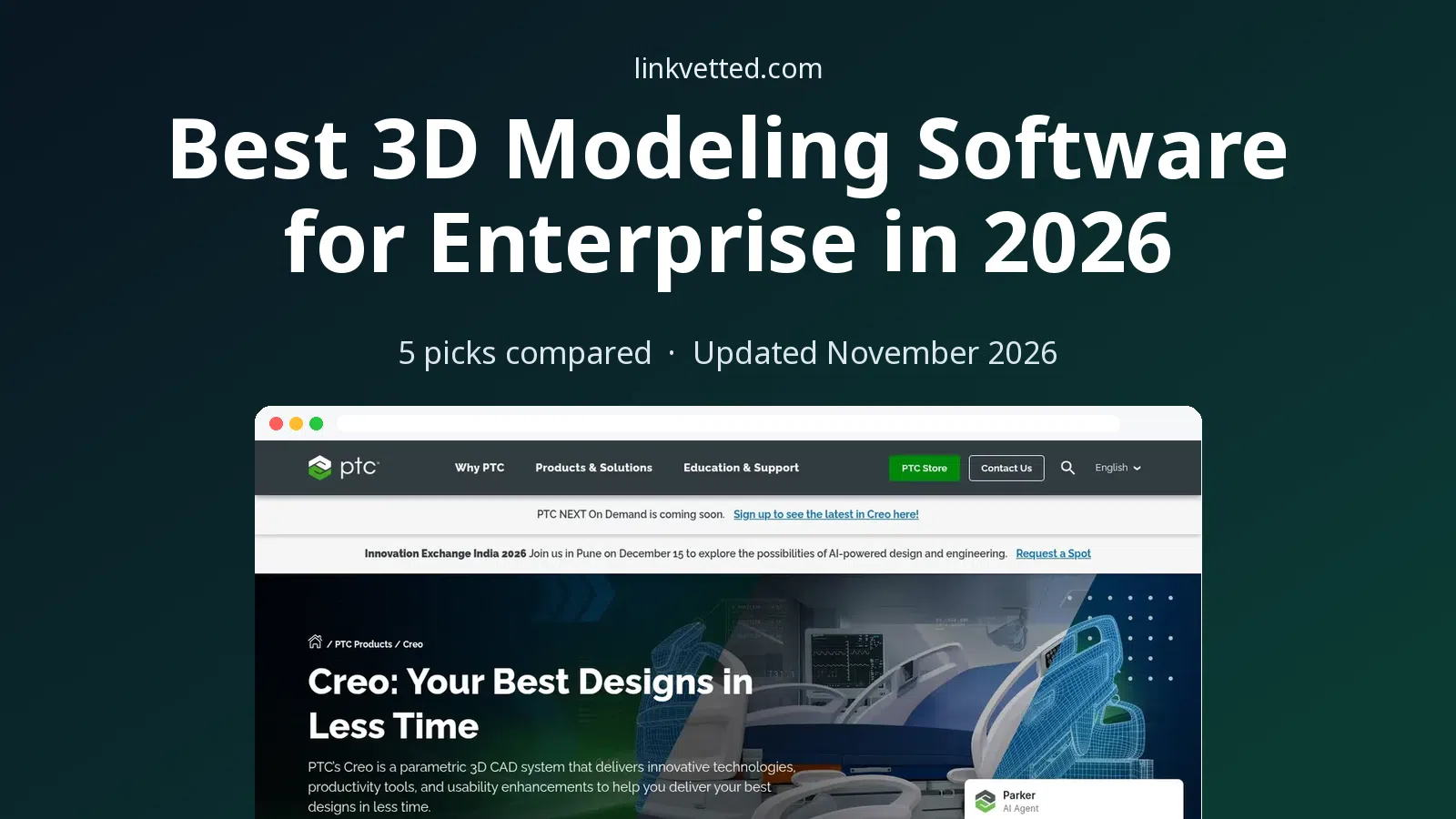
PTC Creo
Best for: Parametric product design

PTC Creo is designed for Parametric product design. On top of that, teams concentrated on creative visualization or procedural content should look at 3ds Max or Houdini.
Creo Parametric is the core application, and the vendor promotes it for advancing design capabilities across product development. PTC Creo does not show a starting price in this comparison, so check the vendor site for current pricing. On free options: Not stated.
Limits to weigh: Less suited to artistic animation.
- Parametric 3D CAD capabilities
- Focus on advancing design capabilities
- Needs parametric modeling expertise
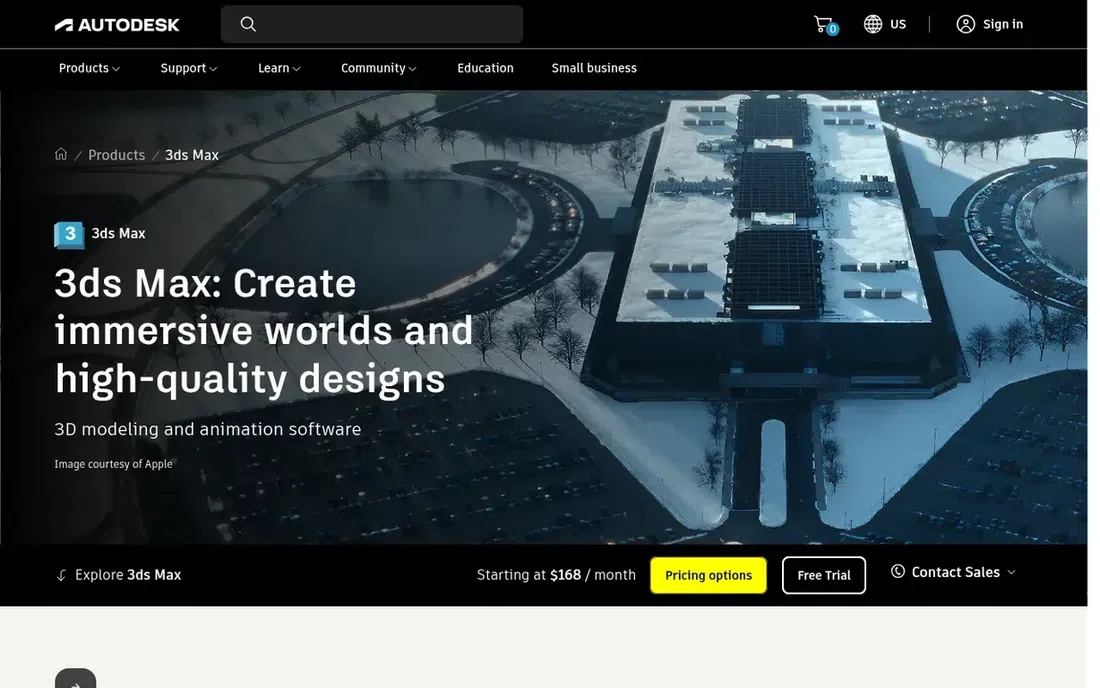
In short, Autodesk 3ds Max is for design visualization and animation. It suits enterprise teams concentrated on architectural visualization, product rendering, and animation pipelines that need solid asset creation and scene assembly.
No starting price is listed for Autodesk 3ds Max here; confirm pricing on the vendor site. On free options: Not stated.
Where it falls short: Primarily Windows-based.
- High-quality rendering for expansive worlds
- Professional modeling and animation tools
- Can be complicated for straightforward modeling tasks
Where Houdini fits: procedural content creation. Its procedural system is built to enable artists to work freely and produce several iterations.
Points against: Steep ramp-up time.
Strengths: Rapid sharing of workflows.
Worth adding: Houdini's procedural paradigm can be challenging for artists used to direct modeling, and it is not a parametric CAD option. Houdini shows no starting price here, so confirm the cost on the vendor site. Trial and free access: Not stated.
- Made for film, TV
- Procedural system for adaptable iteration
- Procedural approach may not suit all modelers
Maxon Cinema 4D
Best for: Motion graphics and visualization

Maxon Cinema 4D was built for motion graphics and visualization. Maxon Cinema 4D is a 3D modeling, animation, and rendering application widely used in motion graphics, broadcast design, and product visualization.
Cinema 4D is not designed for parametric engineering or manufacturing documentation, so it is a poor fit for mechanical CAD workflows. Maxon Cinema 4D does not show a starting price in this comparison, so check the vendor site for current pricing. Free plan details: Not stated.
Drawbacks to consider: Not a parametric CAD tool.
- Links up with broadcast and design pipelines
- Capable modeling and animation toolset
- Can be less suited to large assembly design
Selection criteria
Pre-purchase checklist
- Request quotes from Siemens Solid Edge, Maxon Cinema 4D and the others; the list shows no fixed prices.
- Before choosing Siemens Solid Edge, weigh its main limit: less concentrated on artistic animation.
- Confirm that PTC Creo connects to the apps your team already uses, on the plan you would actually buy.
- The entry price of Autodesk 3ds Max is only the starting point; model the full cost with seats and extras.
- Check whether the features you need in Siemens Solid Edge sit on the entry plan or only on higher tiers.
FAQ
Do these tools publish their prices?
No. None of the tools, from Siemens Solid Edge to Maxon Cinema 4D, shows a fixed starting price here, so budget time for quotes.
Is Siemens Solid Edge the right pick for everyone comparing 3D modeling software for enterprise?
No single tool suits every team. Siemens Solid Edge comes first because it fits mechanical design and engineering, while PTC Creo suits Parametric product design and Autodesk 3ds Max suits design visualization and animation. Match the tool to your own size, budget and workflow before deciding.
How are the tools for 3D modeling software for enterprise ordered?
Siemens Solid Edge sits first and Maxon Cinema 4D last because the order follows typical fit for 3D modeling software for enterprise, then price clarity and free access. It is a judgement call, so read each profile for fit and limits.
Can 3D modeling software for enterprise manage both design and animation?
Some tools, for example Autodesk 3ds Max, are solid in both modeling and animation, whereas CAD-focused tools like Solid Edge and Inventor prioritize engineering design. Identify whether your primary need is visualization, product design, or both.
Can I try these tools before paying?
Not by default. None of the tools, from Siemens Solid Edge to Maxon Cinema 4D, lists a free plan or a free trial here, so ask each vendor for a demo before committing.
Sources
- https://solidedge.siemens.com
- https://www.ptc.com/en/products/creo
- https://www.autodesk.com/products/3ds-max
- https://www.sidefx.com/products/houdini
- https://www.maxon.net/en/cinema-4d