Best 3D Modeling Software for Bambu Printer in 2026: 5 Tools Compared
Best 3D modeling software for Bambu printer, compared. 5 tools with published prices, free plans and limits. Each entry gets a plain verdict. Straight answers.
- Editor's choice
 Blender
Artistic and organic 3D modeling
Starts atPricing on requestVisit blender.orgFull review - Great alternative
 Cinema 4D
Motion graphics and product visualization
Starts atPricing on requestVisit maxon.netFull review - Also consider3ds Max
Professional modeling and rendering
Starts atPricing on requestVisit autodesk.comFull review
Direct answer
If you need artistic and organic 3D modeling, Blender is the first tool to look at here. Look at Cinema 4D for motion graphics and product visualization, and at 3ds Max for professional modeling and rendering. Free plan facts and limits for all 5 tools follow. None of these vendors publish plan prices, so pricing is on request for every option.
TL;DR:
- This list starts with Blender, which is built for artistic and organic 3D modeling.
- Bambu Studio fits Bambu printer preparation and entry-level modeling.
- What to know about Blender first: interface can be overwhelming.
- No starting price is shown for any of the 5 tools, Blender and Bambu Studio included, so plan time for sales calls.
Last checked November 2026. Pricing on request: vendors did not publish plan prices when this guide was last checked (November 2026), so ask each vendor for a written quote.
Quick comparison
| Tool | Best for | Starts at | Free plan? | |
|---|---|---|---|---|
| Blender | Artistic and organic 3D modeling | Pricing on request | Not stated | Visit |
| Cinema 4D | Motion graphics and product visualization | Pricing on request | Not stated | Visit |
| 3ds Max | Professional modeling and rendering | Pricing on request | Not stated | Visit |
 ZBrush | High-detail digital sculpting | Pricing on request | Not stated | Visit |
 Bambu Studio | Bambu printer preparation and entry-level modeling | Pricing on request | Not stated | Visit |
Our 5 picks for 3D modeling software for Bambu printer
Short on time? The summary and table above give the quick view of 5 tools for 3D modeling software for Bambu printer, and the profiles that follow give the detail behind each entry.
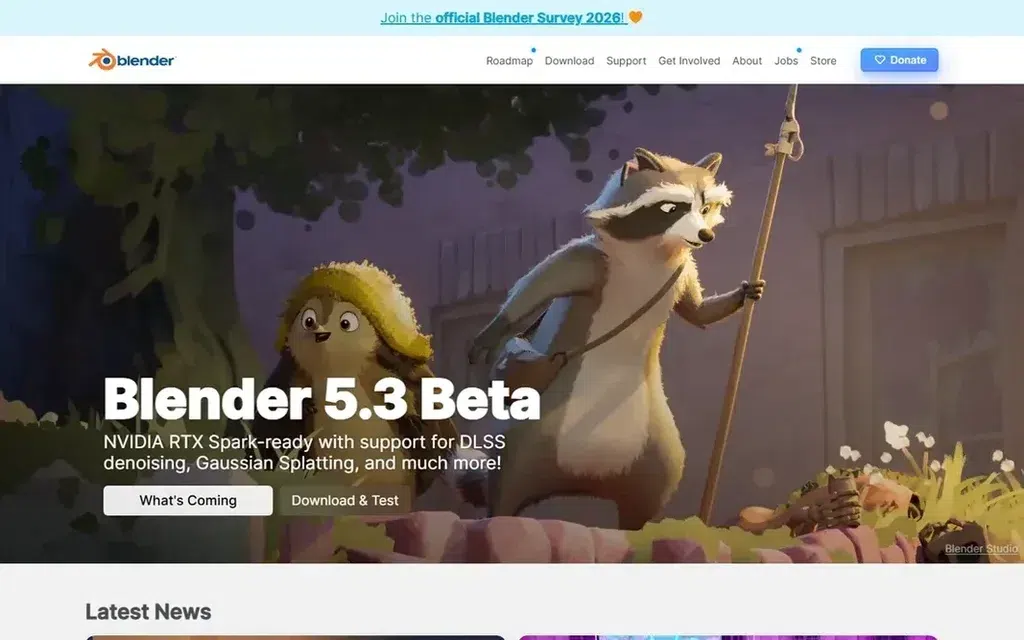
Blender works best for artistic and organic 3D modeling. Pick Blender for creative freedom, but be prepared to deal with print preparation separately.
Blender is not specifically tailored for 3D printing, so you may have to use extras or export models to a slicer like Bambu Studio. Blender shows no starting price here, so confirm the cost on the vendor site. As for free access: Not stated.
Limits to weigh: Not optimized for 3D printing workflow.
- Thorough modeling and sculpting tools
- Large community and resources
- Interface can be overwhelming
Cinema 4D targets motion graphics and product visualization. Cinema 4D is a professional 3D modeling, animation, and rendering application known for its simplicity and capable motion graphics capabilities. It is frequently used for product visualization and broadcast graphics, and its modeling tools can produce clean, printable designs for Bambu printer users.
Honest limits: Restricted parametric modeling.
Cinema 4D is not concentrated on engineering or parametric design, and it needs a subscription. It may be overkill for straightforward 3D printing projects. Pricing for Cinema 4D is not stated here, so ask the vendor for current figures. As for free access: Not stated.
- Approachable interface
- Efficient rendering
- Subscription-based
3ds Max
Best for: Professional modeling and rendering
3ds Max targets professional modeling and rendering. Autodesk 3ds Max is a professional 3D modeling, animation, and rendering software used for creating expansive worlds and high-quality designs.
Also, 3ds Max is a heavyweight application with a subscription cost and a steep ramp-up time. This comparison lists no price for 3ds Max; ask the vendor. Trial and free access: Not stated.
Limits to weigh: Subscription-based.
- Widely used in professional studios
- Solid modeling and animation tools
- Complicated for beginners
ZBrush is built with high-detail digital sculpting in mind. ZBrush is a digital sculpting tool known for its capacity to manage very in-depth models.
The main drawbacks: Steep ramp-up time.
Worth adding: choose ZBrush if high-detail sculpting is your primary need and you are prepared to invest in learning it. Pricing for ZBrush is not stated here, so ask the vendor for current figures. On free options: Not stated.
- Advanced detailing capabilities
- Industry-standard sculpting tools
- Costly for hobbyists
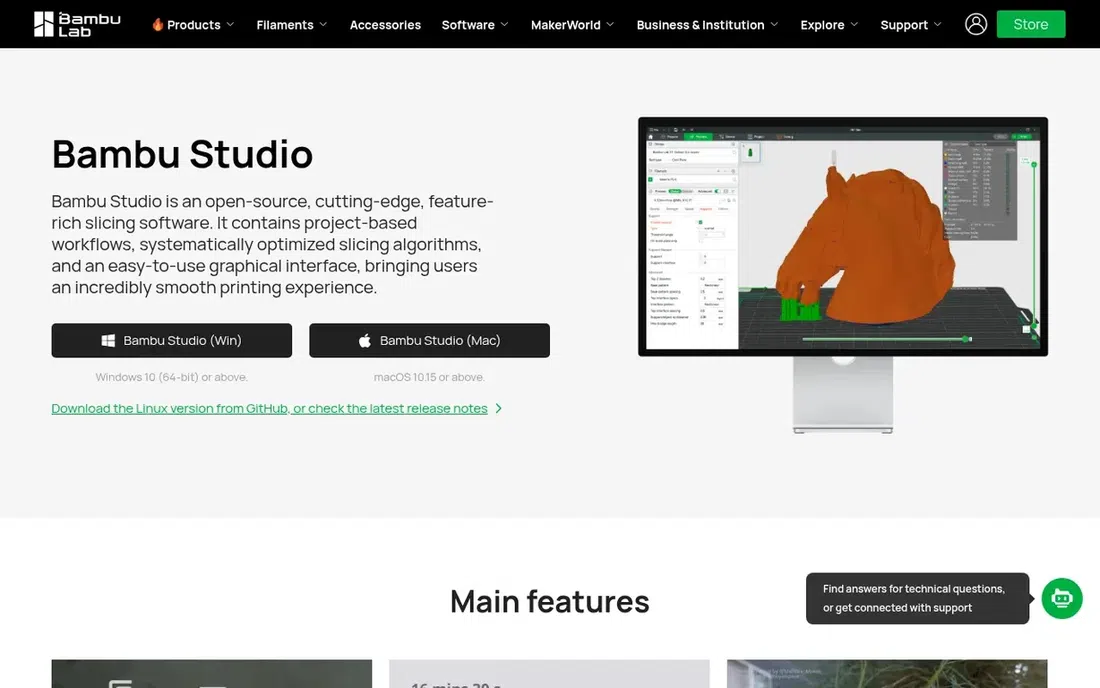
Bambu Studio is a good fit for Bambu printer preparation and entry-level modeling. If you have to design complicated mechanical parts or organic shapes from scratch, you will want to pair it with a dedicated modeler. Bambu Studio is the official software for preparing models for Bambu 3D printers.
What to check first: Concentrated on Bambu ecosystem.
It is not a full-featured CAD or artistic modeling suite. More specifically, choose Bambu Studio when your primary goal is efficient print preparation for Bambu hardware. Bambu Studio does not show a starting price in this comparison, so check the vendor site for current pricing. On free options: Not stated.
- Native integration with Bambu printers
- Supports entry-level model adjustments
- Restricted advanced modeling features
How we chose
Selection started from tools commonly considered for 3D modeling software for Bambu printer, then narrowed to 5 that have clear pricing information or a clear quote process. Where a price is missing, the vendor does not list one publicly or ties it to a quote. Always confirm before budgeting. Order on the page follows fit for the typical buyer first, then price transparency and free access. Your own requirements should decide the final pick.
What to check before you buy
- Ask each vendor, from Blender to Bambu Studio, for a written quote; none of them publishes a starting price.
- Before choosing Blender, weigh its main limit: interface can be overwhelming.
- Verify that exporting from Cinema 4D is possible on your plan and covers all your records.
- Look at the renewal terms for ZBrush: auto-renewal, notice periods and price changes can matter more than the first-year price.
- Ask whether Bambu Studio integrates with your current software, and whether that comes standard or as an add-on.
FAQ
Can I use Blender with a Bambu printer?
Even so, Blender is not specifically made for 3D printing, so you may have to check model watertightness and scale before printing.
Do these tools publish their prices?
No. None of the tools, from Blender to Bambu Studio, shows a fixed starting price here, so budget time for quotes.
Is Blender the right pick for everyone comparing 3D modeling software for Bambu printer?
No single tool suits every team. Blender comes first because it fits artistic and organic 3D modeling, while Cinema 4D suits motion graphics and product visualization and 3ds Max suits professional modeling and rendering. Match the tool to your own size, budget and workflow before deciding.
Can I try these tools before paying?
Not by default. None of the tools, from Blender to Bambu Studio, lists a free plan or a free trial here, so ask each vendor for a demo before committing.
How are the tools for 3D modeling software for Bambu printer ordered?
The order follows typical fit for 3D modeling software for Bambu printer, with Blender first and Bambu Studio last, then price clarity and free access. It is editorial judgement, not a score, so another team could rank the tools differently.
What is the best software for designing functional parts for my Bambu printer?
Start with Blender if you need artistic and organic 3D modeling. Cinema 4D is the better match for motion graphics and product visualization, and 3ds Max for professional modeling and rendering. The best choice depends on budget, team size and workflow.
Sources
- https://www.blender.org
- https://www.maxon.net/en/cinema-4d
- https://www.autodesk.com/products/3ds-max
- https://www.maxon.net/en/zbrush
- https://bambulab.com/en/download/studio