Best Cross Platform App Development Tools in 2026: 8 Tools Compared
Compare the best cross platform app development tools, from Flutter and React Native to .NET MAUI, Ionic and Expo for teams for 2026 for 2026 for 2026.
- Editor's choice
 Flutter
Custom UI that looks the same on both platforms
Starts atFreeVisit flutter.devFull review - Great alternative
 React Native
JavaScript teams building for iOS and Android
Starts atFreeVisit reactnative.devFull review - Also consider
 .NET MAUI
.NET shops building cross platform apps
Starts atFreeVisit dotnet.microsoft.comFull review
TL;DR:
- Flutter suits teams that want one UI that looks the same on iOS and Android.
- React Native suits teams with JavaScript skills and a large library ecosystem.
- .NET MAUI suits .NET shops, while Kotlin Multiplatform suits teams that want native UIs with shared logic.
- Ionic and Capacitor suit web teams that need a store app fast from web skills.
Quick comparison
| Tool | Best for | Starts at | Free plan? | |
|---|---|---|---|---|
| Flutter | Custom UI that looks the same on both platforms | Free | Yes | Visit |
| React Native | JavaScript teams building for iOS and Android | Free | Yes | Visit |
| .NET MAUI | .NET shops building cross platform apps | Free | Yes | Visit |
 Kotlin Multiplatform | Native UIs with shared business logic | Free | Yes | Visit |
 Ionic | Web teams building store apps fast | Free | Yes | Visit |
 Capacitor | Turning a web app into a native app | Free | Yes | Visit |
 Expo | Fast React Native development | Free | Yes | Visit |
 NativeScript | Native UI from JavaScript or TypeScript | Free | Yes | Visit |
The best cross platform app development tools
We compared cross platform tools on language, UI control, performance, ecosystem and cost, so you can pick one codebase for iOS and Android.
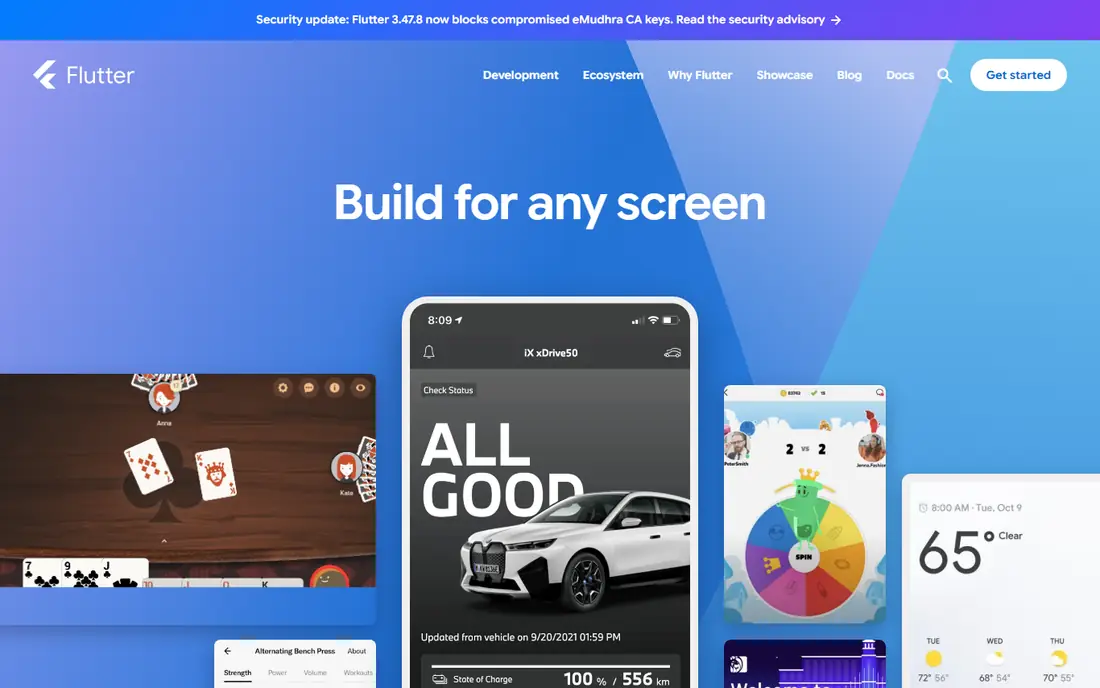
Flutter fits teams that want a polished, identical UI on iOS and Android. In practice, the key strength is its widget system, which renders the same design on both platforms, and that strength shapes how the product feels in daily use. For most buyers in this group, that core job matters more than a long feature list, so judge the product on whether it does that job well and without extra friction.
The honest catch is teams without Dart experience face a learning curve at the start. That trade off does not make it a bad pick, but it should shape your shortlist and your trial. Check the current plan, the free tier limits and the export or backup options before you commit, since those details change the real cost and the real value over time. If the catch matters a lot for your case, compare the next product on this list before you decide.
- Single Dart codebase
- Pixel consistent UI
- Strong performance and tooling
- Dart hiring pool is smaller than JavaScript
- App size can be larger
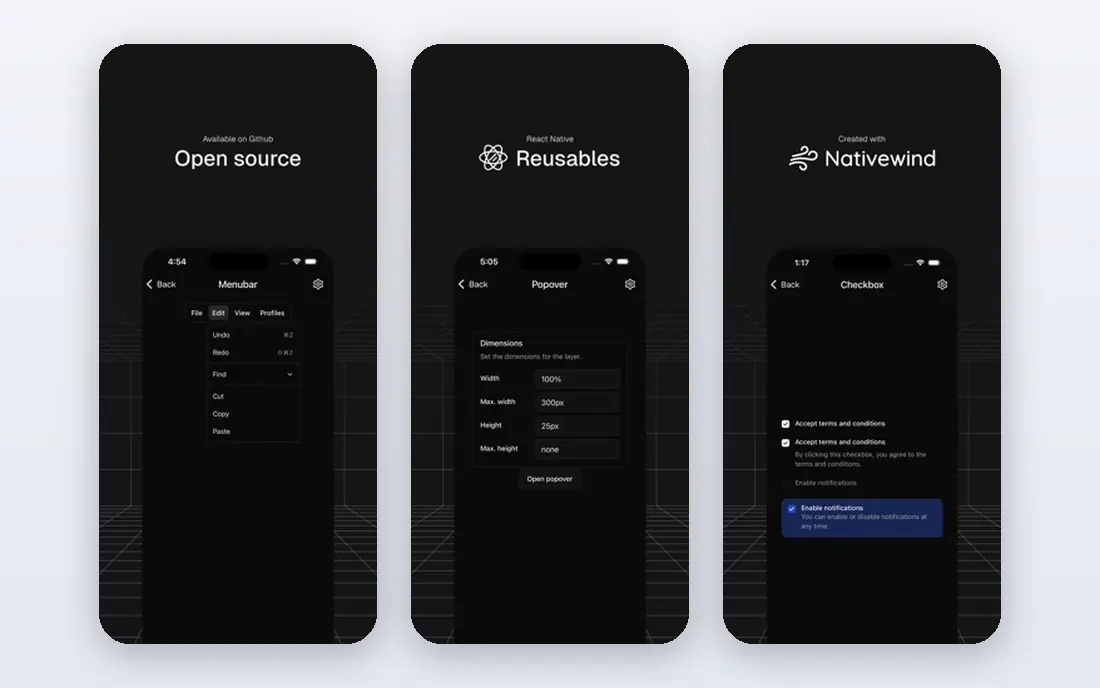
React Native fits web and JavaScript teams shipping a mobile app. In practice, the key strength is its ecosystem, which covers payments, maps and many common features, and that strength shapes how the product feels in daily use. For most buyers in this group, that core job matters more than a long feature list, so judge the product on whether it does that job well and without extra friction.
The honest catch is UI heavy apps may need extra tuning to look right on both platforms. That trade off does not make it a bad pick, but it should shape your shortlist and your trial. Check the current plan, the free tier limits and the export or backup options before you commit, since those details change the real cost and the real value over time. If the catch matters a lot for your case, compare the next product on this list before you decide.
- JavaScript and TypeScript skills transfer
- Huge library ecosystem
- Large hiring pool
- Native bridging needed for some features
- UI can need platform tuning
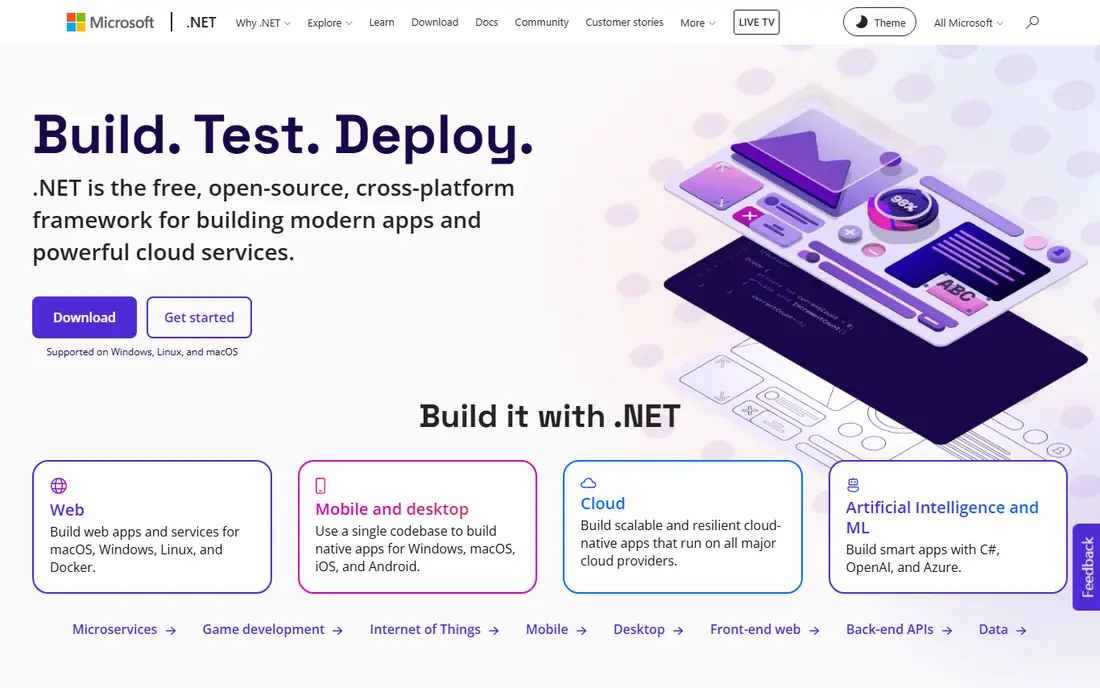
.NET MAUI fits enterprises already invested in C# and .NET. In practice, the key strength is its .NET integration, which suits firms with existing C# code and skills, and that strength shapes how the product feels in daily use. For most buyers in this group, that core job matters more than a long feature list, so judge the product on whether it does that job well and without extra friction.
The honest catch is new teams without .NET experience have little reason to pick it over Flutter. That trade off does not make it a bad pick, but it should shape your shortlist and your trial. Check the current plan, the free tier limits and the export or backup options before you commit, since those details change the real cost and the real value over time. If the catch matters a lot for your case, compare the next product on this list before you decide.
- Successor to Xamarin
- C# and .NET skills transfer
- Single project for multiple platforms
- Smaller community than Flutter or React Native
- Tooling still maturing in places
Kotlin Multiplatform fits teams that want native feel with shared logic. In practice, the key strength is its shared logic model, which keeps native UI quality while cutting duplicate code, and that strength shapes how the product feels in daily use. For most buyers in this group, that core job matters more than a long feature list, so judge the product on whether it does that job well and without extra friction.
The honest catch is it needs more setup and native skill than a single UI framework. That trade off does not make it a bad pick, but it should shape your shortlist and your trial. Check the current plan, the free tier limits and the export or backup options before you commit, since those details change the real cost and the real value over time. If the catch matters a lot for your case, compare the next product on this list before you decide.
- Shares logic while keeping native UIs
- Kotlin skills transfer from Android
- Growing adoption
- UI sharing is limited
- Setup is more complex than Flutter
Ionic fits web teams with HTML, CSS and JavaScript skills. In practice, the key strength is its web first speed, which turns a web app into a store app quickly, and that strength shapes how the product feels in daily use. For most buyers in this group, that core job matters more than a long feature list, so judge the product on whether it does that job well and without extra friction.
The honest catch is graphics heavy or hardware heavy apps may hit performance limits. That trade off does not make it a bad pick, but it should shape your shortlist and your trial. Check the current plan, the free tier limits and the export or backup options before you commit, since those details change the real cost and the real value over time. If the catch matters a lot for your case, compare the next product on this list before you decide.
- Web skills transfer directly
- Large component library
- Fast for simpler apps
- Performance can lag native for heavy apps
- Native features need Capacitor plugins
Capacitor fits teams with an existing web app that need store presence. In practice, the key strength is its bridge to native features, which adds camera, push and storage to a web app, and that strength shapes how the product feels in daily use. For most buyers in this group, that core job matters more than a long feature list, so judge the product on whether it does that job well and without extra friction.
The honest catch is it is not a full UI framework, so you still need a web UI layer. That trade off does not make it a bad pick, but it should shape your shortlist and your trial. Check the current plan, the free tier limits and the export or backup options before you commit, since those details change the real cost and the real value over time. If the catch matters a lot for your case, compare the next product on this list before you decide.
- Wraps web apps for iOS and Android
- Native plugin access
- Works with many web frameworks
- App store review needs care
- Performance depends on the web app quality
Expo fits React Native teams that want fast setup and updates. In practice, the key strength is its developer experience, which removes much of the native setup pain, and that strength shapes how the product feels in daily use. For most buyers in this group, that core job matters more than a long feature list, so judge the product on whether it does that job well and without extra friction.
The honest catch is teams needing deep native modules may outgrow the managed workflow. That trade off does not make it a bad pick, but it should shape your shortlist and your trial. Check the current plan, the free tier limits and the export or backup options before you commit, since those details change the real cost and the real value over time. If the catch matters a lot for your case, compare the next product on this list before you decide.
- Speeds up React Native setup
- Over the air updates
- Strong developer tools
- Some native modules need ejecting to bare React Native
- Larger apps need care
NativeScript fits JavaScript teams that want native UI without a web view. In practice, the key strength is its native UI approach, which avoids a web view for the interface, and that strength shapes how the product feels in daily use. For most buyers in this group, that core job matters more than a long feature list, so judge the product on whether it does that job well and without extra friction.
The honest catch is the smaller ecosystem means more custom work for niche features. That trade off does not make it a bad pick, but it should shape your shortlist and your trial. Check the current plan, the free tier limits and the export or backup options before you commit, since those details change the real cost and the real value over time. If the catch matters a lot for your case, compare the next product on this list before you decide.
- Truly native UI components
- JavaScript and TypeScript support
- Angular and Vue options
- Smaller community than Flutter or React Native
- Fewer third party plugins
How we picked these
We compared official documentation, framework pages and independent framework comparisons for each tool. We looked at language, UI approach, performance, library ecosystem, hiring pool and long term support. We did not claim hands on testing. Xamarin reached end of life and was replaced by .NET MAUI, so we do not recommend starting a new project on Xamarin. Most frameworks here are free and open source, so the real cost is engineering time, not licenses.
How to pick a cross platform tool for your app
Start with your team skills. A React team will move faster in React Native, a Dart friendly team will enjoy Flutter, and a .NET team will be at home in .NET MAUI. A web team with HTML and CSS skills can ship faster with Ionic and Capacitor, at least for simpler apps. Skills matter more than hype, since the team must maintain the app for years.
Next, check the hard requirements. Apps with heavy camera work, Bluetooth hardware, AR or background processing may need native code or plugins, so test those features early. If your design must look identical on both platforms, Flutter has an edge. If your app must feel fully native on each platform, Kotlin Multiplatform or React Native may fit better. Prototype the riskiest feature before you commit to a framework.
FAQ
What is the best cross platform app development tool?
Flutter and React Native lead for most apps, with Flutter stronger on custom UI and React Native stronger on JavaScript ecosystem depth. .NET MAUI and Kotlin Multiplatform suit teams already invested in those stacks.
What is the best cross platform app development company approach?
Many firms build with Flutter or React Native and price by project, with MVPs often in the $15,000 to $35,000 range in industry guides. Ask a firm to show recent cross platform apps in both stores before hiring.
Is Flutter better than React Native?
It depends on the app. Flutter gives pixel consistent UI from one codebase, while React Native gives a larger JavaScript library pool and easier hiring in many markets. Budgets for the two are often close at mid complexity.
Is Xamarin still a good choice?
No for new projects, since Microsoft retired Xamarin in 2024 and replaced it with .NET MAUI. Existing Xamarin apps should plan a migration to .NET MAUI or another cross platform tool.
Can cross platform apps match native performance?
For most business, social and commerce apps, yes, with careful engineering. For heavy graphics, AR or hardware heavy apps, native code still has an edge, so test performance early.