Best Cross Platform Mobile App Development in 2026: 8 Frameworks Compared
Looking for the best cross platform mobile app development tools? We compare 8 frameworks on language, performance, hiring, and fit in 2026 for your next app.
- Editor's choice
 Flutter
Custom design and animation
Starts atFreeVisit flutter.devFull review - Great alternative
 React Native
React teams shipping native-feeling apps
Starts atFreeVisit reactnative.devFull review - Also consider
 Kotlin Multiplatform
Shared logic with native screens
Starts atFreeVisit kotlinlang.orgFull review
TL;DR:
- Flutter is the best pick for custom, brand-led apps with rich animation.
- React Native is the best pick for teams that already know React and JavaScript.
- Kotlin Multiplatform is the best pick for sharing logic while keeping native screens.
- .NET MAUI is the best pick for Microsoft and C# teams that also need desktop apps.
- Ionic and Capacitor are the fastest routes for web teams shipping a mobile app.
Quick comparison
| Tool | Best for | Starts at | Free plan? | |
|---|---|---|---|---|
| Flutter | Custom design and animation | Free | Yes | Visit |
| React Native | React teams shipping native-feeling apps | Free | Yes | Visit |
| Kotlin Multiplatform | Shared logic with native screens | Free | Yes | Visit |
 .NET MAUI | Microsoft and C# teams | Free | Yes | Visit |
 Ionic | Web teams building mobile apps | Free | Yes | Visit |
 Capacitor | Turning a web app into a native app | Free | Yes | Visit |
 NativeScript | Native UI with JavaScript | Free | Yes | Visit |
 Expo | Fast React Native development | Free | Yes | Visit |
The best cross platform mobile app development
Cross-platform development means building one codebase that runs on iOS and Android, instead of two separate native apps. The frameworks here differ in language, how screens are drawn, performance, and hiring. We compared official documentation, feature pages, and public reviews to match each framework to the team it serves best.
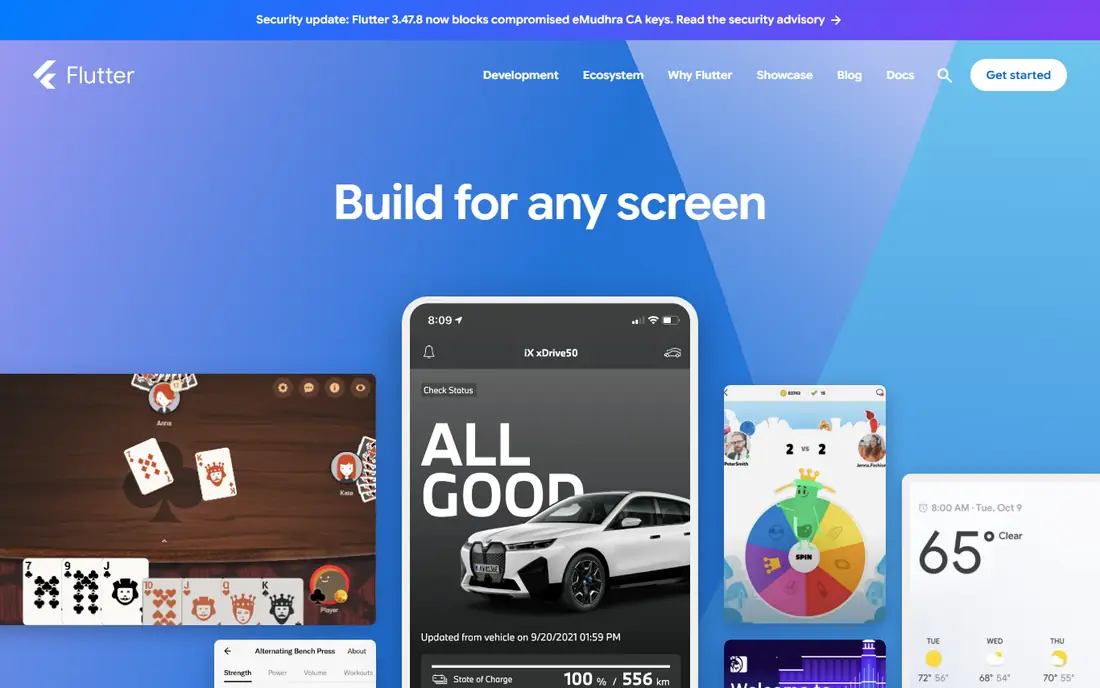
Flutter, from Google, draws every pixel with its own engine, so an app looks the same on iOS and Android. That control suits brand-led apps, custom layouts, and rich animation, where the design should not change between platforms. Hot reload lets developers see changes quickly, which speeds up design work.
The main cost is hiring. Dart developers are fewer than JavaScript developers, so recruiting can take longer. App size also tends to be larger than a native app. For design-led consumer apps, Flutter remains our top pick.
- Consistent design on every platform
- Fast hot reload
- Strong animation and custom UI
- Dart talent pool is smaller than JavaScript
- Larger app size
- Extra work to match native controls exactly
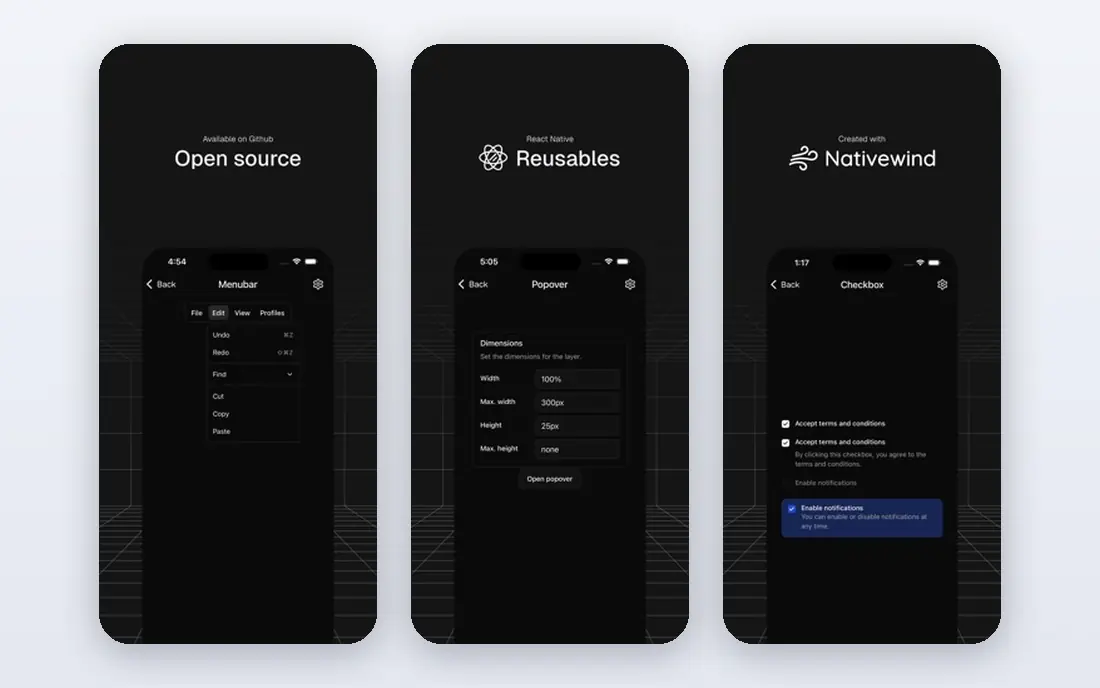
React Native, from Meta, lets JavaScript and TypeScript teams build iOS and Android apps with React. Its components render as each platform's native interface elements, so apps feel like iOS apps on iPhone and Android apps on Android. That native feel, plus the size of the React community, makes hiring and library support easier than for most rivals.
Complex animations and heavy native work can still require custom modules in Swift or Kotlin. Upgrades between major versions also need planning. For teams with React web experience, React Native is the most practical cross-platform choice.
- Huge JavaScript hiring pool
- Renders native interface elements
- Large library ecosystem
- Major upgrades take work
- Heavy native features may need custom modules
- Performance needs care on complex screens
Kotlin Multiplatform, from JetBrains, takes a different route. It shares business logic, data, and networking code, while screens can stay fully native in SwiftUI and Jetpack Compose. That approach suits teams that already have native apps and want to share code bit by bit, rather than rewrite everything at once.
Adoption is more gradual and more technical than Flutter or React Native, and the library ecosystem is smaller. iOS teams need some Kotlin familiarity. For Android-first companies adding iOS, or native teams moving toward shared code, this is the most flexible long-term option.
- Shares business logic while screens stay native
- Gradual adoption
- Strong for Android-first teams
- IOS tooling still maturing
- Smaller library ecosystem
- Needs Kotlin skills on both sides
.NET MAUI, from Microsoft, lets C# teams build iOS, Android, macOS, and Windows apps from a single project. It renders shared controls as native controls on each platform, and it fits well with Azure, Visual Studio, and enterprise systems. Business and line-of-business apps are its natural home.
The community is smaller than those for Flutter and React Native, so some libraries arrive later or need custom work. Teams outside the Microsoft stack will find less benefit here. For .NET shops, MAUI is the clear cross-platform pick.
- Single project for mobile and desktop
- Strong Microsoft tooling
- Good for business apps
- Smaller community than Flutter or React Native
- Fewer third-party libraries
- Microsoft stack dependency
Ionic lets web teams build mobile apps with the skills they already have: HTML, CSS, and JavaScript, plus Angular, React, or Vue. Screens run in a web view inside a native shell, which makes it fast to ship content apps, forms, and business tools from one codebase that also runs on the web.
Graphics-heavy apps and complex animations are not its strength, and matching native feel takes extra effort. For startups, internal tools, and content apps with a deadline, Ionic offers the fastest path from web team to mobile app.
- Uses HTML, CSS, and JavaScript
- Works with Angular, React, or Vue
- Fast for content apps
- Web view performance limits graphics-heavy apps
- Native feel needs extra work
- Some paid services changed over time
Capacitor, from the Ionic team, is a runtime that turns a web app into a native iOS or Android app. If you already have a working web app, Capacitor is often the quickest way to get it into app stores with access to camera, files, push notifications, and other device features through plugins.
Like Ionic, it is web view based, so it does not suit games or graphics-heavy apps. App store rules for web-wrapped apps also need attention, especially around payments and content. For web teams that want a native presence without a rewrite, Capacitor is a practical choice.
- Ships an existing web app as native
- Works with any web framework
- Plugin access to device features
- Still web view based
- Performance limits for heavy graphics
- App store rules need care
NativeScript gives JavaScript and TypeScript developers direct access to native APIs and true native interface elements, without a web view. That combination suits teams that want native performance and native controls but do not want to learn Swift and Kotlin for every feature.
The community is smaller than React Native, so plugins and answers to edge-case problems can be harder to find. For teams that value direct native access and already work in JavaScript, NativeScript remains a credible option, though React Native usually offers a larger safety net.
- Direct native API access
- True native interface elements
- JavaScript and TypeScript support
- Smaller community
- Fewer ready-made plugins
- Hiring pool is smaller than React Native
Expo is a toolchain and set of services built around React Native. It removes much of the native setup work, so a solo developer or startup can ship an app faster than with plain React Native. Managed builds, over-the-air updates, and a large library of ready modules make early development much smoother.
Deep native customization can require leaving the managed workflow, which adds complexity later. Larger teams with heavy native needs may prefer plain React Native. For fast MVPs and small teams, Expo is the best way to start with React Native.
- Fastest way to start a React Native app
- Managed builds and updates
- Good for startups and solo developers
- Some native modules need extra setup
- Managed workflow limits deep customization
- Larger teams may outgrow it
How we picked these
We compared official documentation, feature pages, and public reviews for frameworks that were active and supported in October 2026. We excluded discontinued frameworks such as Xamarin, which was replaced by .NET MAUI, and PhoneGap, which ended in 2020. We kept only frameworks a team could start with today, and we weighted language fit, performance, hiring, ecosystem, and long-term support.
How to choose the right cross-platform framework
Start with your team, not the framework rankings. A React team should pick React Native or Expo. A C# team should pick .NET MAUI. A web team should pick Ionic or Capacitor. A design-led team should pick Flutter. An Android-first team should consider Kotlin Multiplatform.
Performance is about the app, not just the framework
All eight frameworks can build fast apps, and all can build slow ones. Graphics-heavy screens, large lists, and offline data handling matter more than the framework name. Build a prototype of your hardest screen early, on a mid-range phone, before committing to a full build.
Plan for hiring and maintenance
A framework is a multi-year commitment. Check how many developers in your market know the language, how often the framework releases breaking changes, and how long each version is supported. A slightly less fashionable framework your team already knows often beats a trendier one that needs a full hiring round.
FAQ
What is the best cross platform mobile app development framework?
Flutter is the best overall pick for custom design, while React Native is the best pick for React teams. The right framework depends on your team's language, the app design, and whether you need desktop support. Prototype your hardest screen in two frameworks before deciding.
What is the best framework for app development for beginners?
Expo is the easiest starting point for beginners, because it removes native setup and lets you build a React Native app quickly. Flutter is also beginner-friendly, thanks to clear documentation and hot reload. Ionic is easiest if you already know web development.
Is cross-platform better than native?
Cross-platform is better when you need iOS and Android from one team and one budget. Native is better when you need deep platform features, maximum performance, or a very large app with complex graphics. Many teams start cross-platform and add native code only where it matters.
Which cross platform framework has the best performance?
Flutter and Kotlin Multiplatform offer strong performance, because Flutter compiles to native code and Kotlin Multiplatform keeps native screens. React Native is close for most business apps. For games and graphics-heavy apps, a native or game engine approach may still be better.
How much does cross-platform app development cost?
Costs vary by complexity and location, but cross-platform builds are usually cheaper than two separate native builds, because one team maintains one codebase. Simple apps can cost far less than complex apps with payments, offline data, and integrations. Get quotes based on a feature list, not on a framework name alone.