Best Cross-Platform Developers Software for Enterprise in 2026: Prices, Free Plans and 5 Picks
5 products for the best cross-platform developers software for enterprise, ranked by fit, with starting costs and free tiers. Each entry gets a plain verdict.
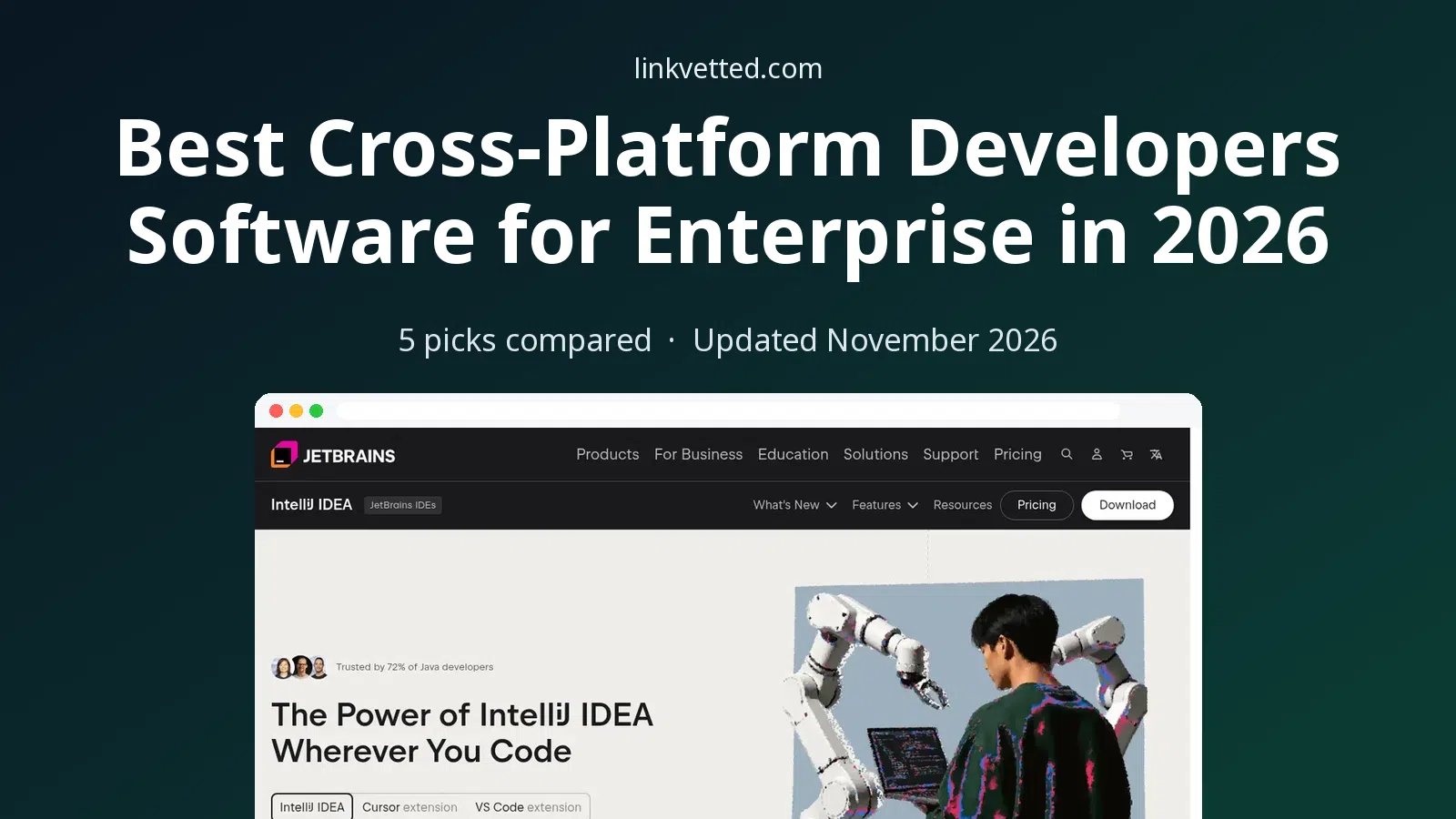
- Editor's choice
 IntelliJ IDEA
Java and Kotlin development teams
Starts atSee websiteVisit jetbrains.comFull review - Great alternative
 Docker
Secure containers and sandboxes
Starts at$9 per user per monthVisit docker.comFull review - Also consider
 Visual Studio
Wide cross-platform IDE and code editor
Starts at$45 per user a monthVisit visualstudio.microsoft.comFull review
Direct answer
Our first pick is IntelliJ IDEA, best for Java and Kotlin development teams. Listed starting prices: Docker from $9 per user per month, Visual Studio from $45 per user a month and GitLab from $29 per user per month. Docker is the stronger choice for secure containers and sandboxes, while Visual Studio suits wide cross-platform IDE and code editor. Prices, free plans and limits for all 5 tools follow.
TL;DR:
- IntelliJ IDEA takes the first slot, best suited to Java and Kotlin development teams.
- A free plan is available from 3 of the 5 tools: Docker, GitLab, Postman.
- Starting prices begin at $9 per user per month with Docker.
- For API engineering and collaboration, Postman is worth a look.
- The main caution on GitLab: wide scope can need configuration effort.
Last checked November 2026. Prices and plan details were read from the vendors' own pages in November 2026; vendors change plans often, so confirm the current price on the vendor site before you buy.
Quick comparison
| Tool | Best for | Starts at | Free plan? | |
|---|---|---|---|---|
| IntelliJ IDEA | Java and Kotlin development teams | See website | Not stated | Visit |
| Docker | Secure containers and sandboxes | $9 per user per month | Yes | Visit |
| Visual Studio | Wide cross-platform IDE and code editor | $45 per user a month | Not stated | Visit |
 GitLab | Lifecycle orchestration with governance | $29 per user per month | Yes | Visit |
 Postman | API engineering and collaboration | $9 a month | Yes | Visit |
Tool-by-tool breakdown
Short on time? The summary and table above give the quick view of 5 tools for cross-platform developers software for enterprise, and the profiles that follow give the detail behind each entry.

In short, IntelliJ IDEA is for Java and Kotlin development teams. Pick IntelliJ IDEA when JVM productivity is the priority; otherwise consider a more general environment.
Pricing for IntelliJ IDEA is not stated here, so ask the vendor for current figures. Free options: Not stated.
Watch-outs: Less handy for non-JVM primary stacks.
- Built-in developer tools
- Deep code intelligence for JVM languages
- Narrower focus than general-purpose IDEs
Docker makes the most sense for secure containers and sandboxes. Container workflows carry a ramp-up time, and image and registry management add operational work. Choose Docker when environment consistency and supply chain security are central to your delivery approach.
Worth adding: Docker offers trusted sandboxes, governance and a secure supply chain for modern software. Its homepage flags running AI agents and containers safely anywhere. The starting price for Docker: $9 per user per month. Docker includes a free tier.
What to check first: Brings operational layers to run.
- Trusted sandboxes for agents and containers
- Governance and secure supply chain focus
- Needs container knowledge

Pick Visual Studio if this describes you: wide cross-platform IDE and code editor. Visual Studio is an integrated development environment and code editor geared toward building apps for any product and language.
Where it is weaker: Best value inside Microsoft-centric stacks.
Choose Visual Studio when breadth across languages and systems matters more than a narrow, specialized workflow. Price to start with Visual Studio: $45 per user per month. Trial and free access: Not stated.
- Merges a full IDE with a code editor
- Backed by deep Microsoft tooling
- Heavier footprint for straightforward edits
For lifecycle orchestration with governance, GitLab is a natural candidate. GitLab describes itself as an intelligent orchestration system with context and governance for the whole software lifecycle, helping teams and agents ship trusted software quicker. More specifically, teams with a narrow need may find it more than required.
The main drawbacks: Wide scope can need configuration effort.
Choose GitLab when lifecycle-wide governance is the goal. Since it spans numerous stages, initial configuration and process design can take time, and some areas may be less deep than dedicated tools. On cost, GitLab starts like this: $29 per user per month. You can start on GitLab without paying.
- Supports agentic software engineering
- Context and governance across the lifecycle
- Feature depth varies by area
Postman targets API engineering and collaboration. Postman is not a replacement for an IDE, source control system or CI server, so it complements instead of replaces the rest of the toolchain.
Price to start with Postman: $9 per month. Free access exists with Postman.
The main drawbacks: Value relies on API-centric work.
- Handy for shared API definitions
- Supports agent-driven API work
- Not a full IDE or CI system
How these tools were picked
A buyer's checklist
- Confirm the entry price on the vendor page. For IntelliJ IDEA that means a quote rather than a fixed price.
- Check what the free option really includes: Docker, GitLab and Postman offer a free plan, and usage caps differ.
- Before choosing IntelliJ IDEA, weigh its main limit: narrower focus than general-purpose IDEs.
- Read the plan comparison for IntelliJ IDEA carefully; key features often start on a higher tier.
- See whether Docker offers onboarding or training, and whether it is included in the price.
FAQ
Do these tools publish their prices?
Not all of them. IntelliJ IDEA publishes no starting price, so expect a quote request for it. The rest, Docker included, show a starting price, though seats and billing terms still change the final cost.
How are the tools for cross-platform developers software for enterprise ordered?
IntelliJ IDEA sits first and Postman last because the order follows typical fit for cross-platform developers software for enterprise, then price clarity and free access. It is a judgement call, so read each profile for fit and limits.
Is IntelliJ IDEA the right pick for everyone comparing cross-platform developers software for enterprise?
No single tool suits every team. IntelliJ IDEA comes first because it fits Java and Kotlin development teams, while Docker suits secure containers and sandboxes and Visual Studio suits broad cross-platform IDE and code editor. Match the tool to your own size, budget and workflow before deciding.
Can I try these tools before paying?
Often, yes. Docker, GitLab and Postman have a free plan. Use your own data and a real task during the test, and check what the free tier or trial limits before you rely on it.
Sources
- https://www.jetbrains.com/idea
- https://www.docker.com
- https://visualstudio.microsoft.com
- https://about.gitlab.com
- https://www.postman.com