Best Cross-Platform Mobile Development Frameworks in 2026: 8 Compared
We compared the best cross-platform mobile development frameworks on performance, tooling, hiring and app store fit, so teams can build once well in 2026.
- Editor's choice
 Flutter
Most cross-platform apps
Starts atFreeVisit flutter.devFull review - Great alternative
 React Native
JavaScript teams
Starts atFreeVisit reactnative.devFull review - Also consider
 .NET MAUI
Microsoft and C Sharp teams
Starts atFreeVisit dotnet.microsoft.comFull review
TL;DR:
- Flutter and React Native lead for most teams, with large communities, strong tooling and proven app store apps.
- .NET MAUI suits Microsoft shops that already build in C Sharp and need desktop as well as mobile.
- Ionic and Capacitor suit web teams that want to ship a mobile app from web skills fast.
- NativeScript and Kotlin Multiplatform suit teams that need closer native control or shared logic with native UI.
- Qt suits embedded and desktop-led products that also need mobile, but it is less common for consumer mobile apps.
Quick comparison
| Tool | Best for | Starts at | Free plan? | |
|---|---|---|---|---|
| Flutter | Most cross-platform apps | Free | Yes | Visit |
| React Native | JavaScript teams | Free | Yes | Visit |
| .NET MAUI | Microsoft and C Sharp teams | Free | Yes | Visit |
 Ionic | Web teams shipping mobile fast | Free | Yes | Visit |
 Capacitor | Web apps as native apps | Free | Yes | Visit |
 NativeScript | Native UI with JavaScript | Free | Yes | Visit |
 Kotlin Multiplatform | Shared logic, native UI | Free | Yes | Visit |
 Qt | Embedded and desktop-led apps | Free | Yes | Visit |
The best cross-platform mobile development frameworks
A cross-platform framework lets one codebase run on iOS and Android, and often on web or desktop too. That saves time, but the trade is performance, native feel and access to new platform features. These eight frameworks cover the main routes, from shared UI to shared logic, and all are live and supported in October 2026.
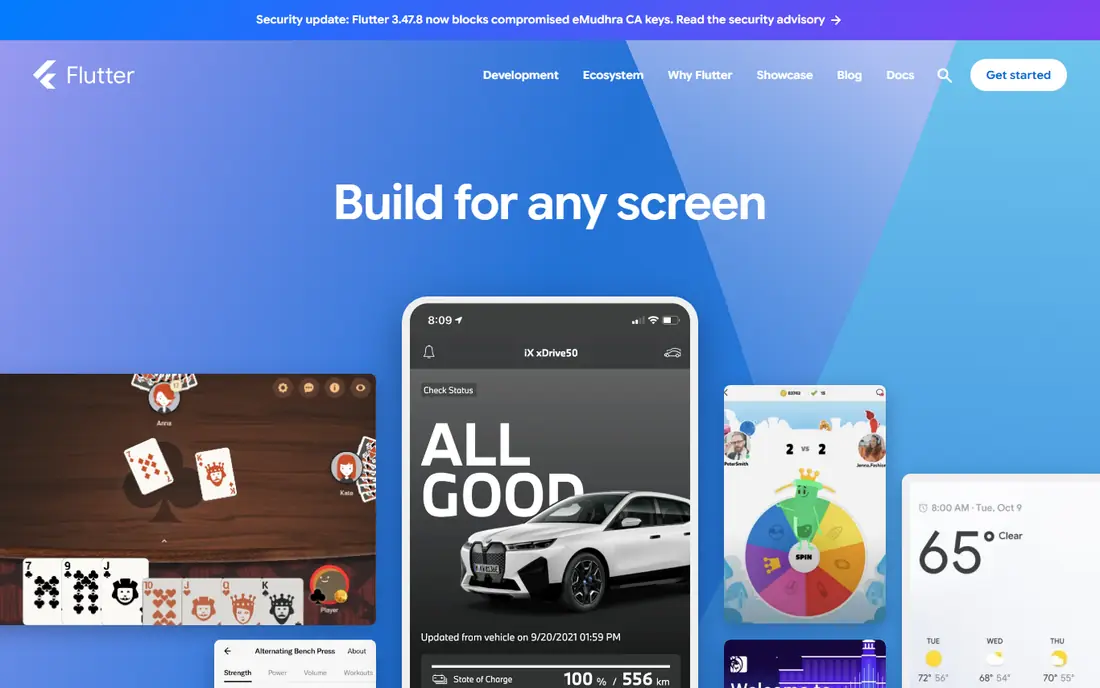
Flutter is our pick for most teams starting a cross-platform app. Built by Google, it uses Dart and a widget system that renders its own UI, giving consistent design on iOS and Android. Hot reload speeds up development, and the package ecosystem covers common needs like maps, payments and storage.
The catches are app size and hiring. Flutter apps can be larger than native apps, and Dart developers are fewer than JavaScript developers, though the community is large and growing. For a polished consumer or business app from one team, Flutter is the strongest all-round choice.
- Fast UI building with Dart
- Strong performance
- One codebase for mobile, web and desktop
- Larger app size than some rivals
- Dart talent pool is smaller than JavaScript
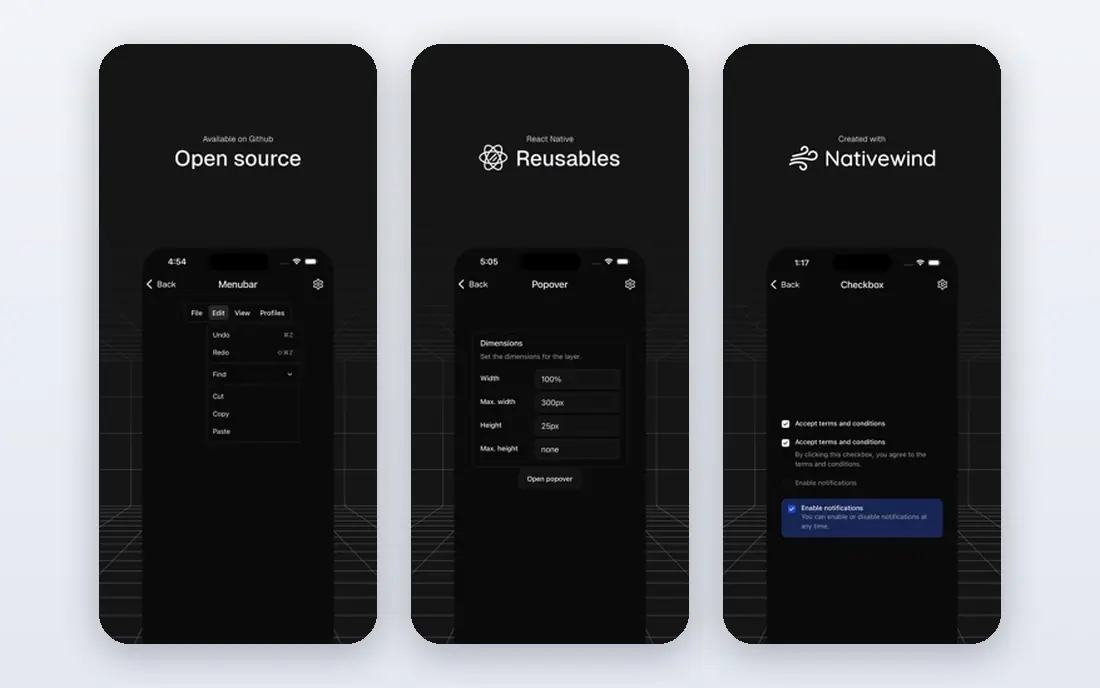
React Native suits any team that already builds in JavaScript or React. It renders native UI components, so apps feel closer to platform norms than a web view, and the hiring pool is huge. Meta, Microsoft and a large open source community keep it moving, with a new architecture that improves performance.
Heavy apps still need care. Complex animations, large lists and native modules may need Swift, Kotlin or Objective-C help. For a JavaScript team that wants one codebase and a native feel, React Native is the natural pick, and it pairs well with Expo for faster setup.
- Huge JavaScript talent pool
- Native UI components
- Strong community and libraries
- Complex native modules need native skills
- Performance tuning takes care for heavy apps
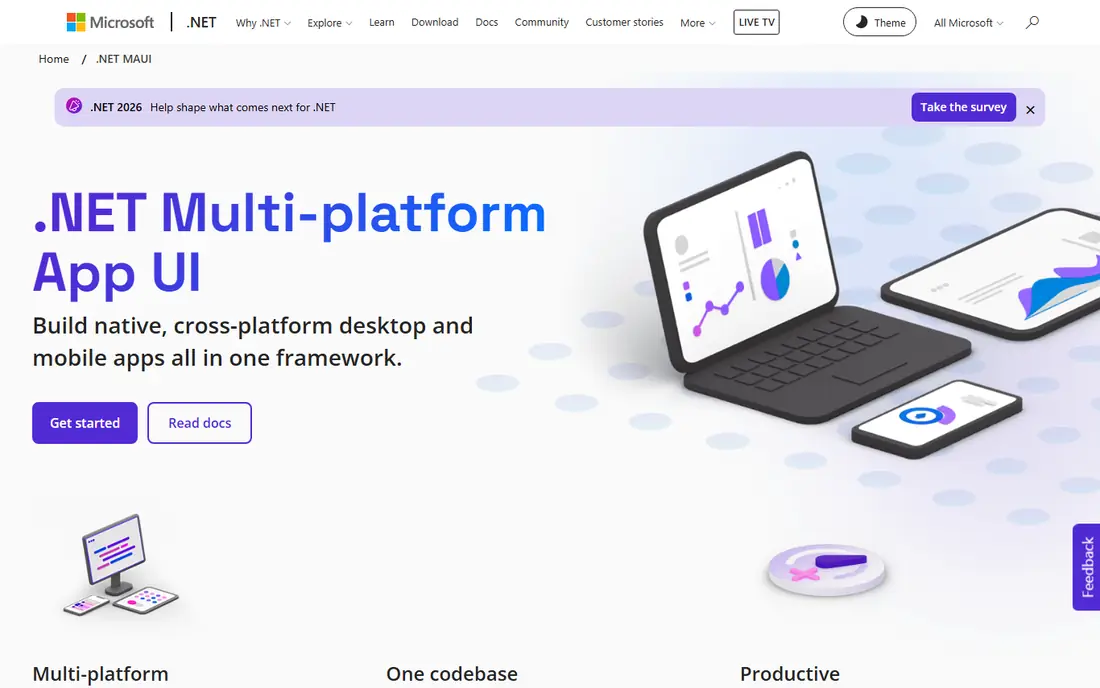
.NET MAUI, the successor to Xamarin.Forms, suits Microsoft shops that already build in C Sharp. One project can target Android, iOS, Windows and Mac, and Visual Studio tooling helps teams that live in the Microsoft stack. For internal business apps, that breadth is a real advantage.
The mobile community is smaller than Flutter or React Native, so third-party packages and hiring take more effort. UI polish also needs attention to match platform norms. For a .NET team building business apps across mobile and desktop, MAUI is the logical choice.
- C Sharp and .NET skills transfer
- Mobile plus Windows and Mac from one codebase
- Visual Studio tooling
- Smaller mobile community than Flutter or React Native
- Mobile UI polish needs care
Ionic suits web teams that need a mobile app quickly. Built on web technologies, it offers a large library of UI components that adapt to iOS and Android styles. A team that already ships a web app can reuse skills, and often code, to launch mobile versions fast.
Performance is the limit. Since Ionic apps run in a web view, heavy animations and complex native interactions can feel slower than Flutter or React Native. For business apps, forms, dashboards and prototypes, Ionic is fast and practical. For a graphics-heavy consumer app, a native-rendered framework fits better.
- Web skills transfer directly
- Large UI component library
- Fast for prototypes and business apps
- Web view performance limits for heavy apps
- Native feel needs extra work
Capacitor, from the Ionic team, takes a different route: it wraps an existing web app as a native app, with plugins for camera, storage, push and more. That makes it ideal for a team with a good web app that needs an app store presence without a rewrite. It works with React, Vue, Angular or plain web code.
The same web view limits apply, so performance and native feel need testing on real devices. Plugin gaps may need custom native code. For a web-first product that needs mobile distribution, Capacitor is the lowest-friction path to the app stores.
- Turns any web app into a native app
- Access to native plugins
- Works with any web framework
- Same web view limits as Ionic
- Native plugin work needs native skills at times
NativeScript suits teams that want native UI without learning Swift or Kotlin. It lets JavaScript and TypeScript code call native APIs directly, so apps render with real native components. That control helps for apps that need platform-specific behavior that a web view cannot match.
The community is smaller than React Native, so packages, examples and hiring are thinner. Teams should be comfortable reading native docs when a plugin is missing. For a skilled JavaScript team that values native control, NativeScript is a credible, if less common, choice.
- True native UI from JavaScript or TypeScript
- Direct native API access
- Good for skilled teams
- Smaller community than React Native
- Fewer ready-made packages and hiring options
Kotlin Multiplatform takes a shared-logic route, not a shared-UI route. Teams write business logic, networking and data code once in Kotlin, then build native UI in SwiftUI and Jetpack Compose. That keeps a fully native feel while cutting duplicate logic, which is where many apps waste time.
The trade is effort on UI, since screens are still built twice. Setup also needs Kotlin and native skills, so it suits teams already invested in Android and iOS. For a firm that wants native quality with less duplicate logic, Kotlin Multiplatform is the most honest cross-platform compromise.
- Share business logic across iOS and Android
- Keep fully native UI
- Strong Kotlin tooling
- UI is still written per platform
- Setup and hiring need Kotlin and native skills
Qt suits products that span embedded devices, desktop and mobile, such as industrial tools, medical devices and automotive interfaces. Its C Plus Plus codebase and mature tooling handle complex, performance-sensitive apps across many platforms. For that world, Qt is a proven choice.
For a typical consumer mobile app, Qt is less common, with a smaller mobile hiring pool and fewer mobile-first packages. Licensing also needs care, since commercial use has different terms from open source use. For embedded and desktop-led products that also need mobile, Qt earns its place.
- One C Plus Plus codebase for many platforms
- Strong for embedded and desktop
- Mature tooling
- Less common for consumer mobile apps
- Licensing needs care for commercial use
How we picked these
We compared official documentation, release activity, community size and app store track records. We required each framework to be live and supported in October 2026 and to target both iOS and Android from one project or shared codebase. We favored frameworks with real production apps, not just demos, since app store review, performance and updates matter more than a quick prototype.
We also weighed hiring and maintenance. A framework with a small community can still be right, but only if the team already has the skills to support it long term.
How to choose the right framework
Start with your team, not the hype. A JavaScript team will move fastest on React Native, Ionic or Capacitor. A Dart or Google Cloud team will move fastest on Flutter. A .NET team will move fastest on MAUI, and a Kotlin team on Kotlin Multiplatform. Skill fit beats a small performance edge in most projects.
Performance, UI and native features
Test performance on a low-end Android device, not just a flagship phone. Check animations, lists and offline behavior, since those reveal web view limits fast. Then check native features you need, such as payments, maps, camera and push, and confirm packages exist and are maintained. A missing package can cost weeks.
Long-term maintenance
Check release cadence, breaking changes and app store support for new iOS and Android versions. Ask who will maintain the app in two years, and whether hiring for that framework is realistic in your market. The best framework is the one your team can still support after launch, not just the one that ships fastest.
FAQ
What is the best cross-platform mobile development framework?
For most teams, Flutter or React Native. Flutter offers consistent UI and strong performance, while React Native offers a huge JavaScript talent pool and native UI. Pick Flutter for design-led apps and React Native for JavaScript teams, and test both with a small prototype if you are unsure.
Is cross-platform as good as native?
For most business and consumer apps, yes, with care. Flutter and React Native handle common apps well, while graphics-heavy games and very platform-specific apps still benefit from native code. Test performance on real devices, especially low-end Android, before you decide.
Can one codebase really run on iOS and Android?
Yes, for shared UI frameworks like Flutter, React Native and Ionic. For shared-logic frameworks like Kotlin Multiplatform, logic is shared but UI is still native per platform. Both routes save time, but they save it in different places, so pick based on how much native UI control you need.
Do cross-platform apps get accepted in app stores?
Yes, if they meet Apple and Google rules on performance, privacy and design. Flutter, React Native, Ionic and other frameworks all have many apps in both stores. Follow store guidelines on payments, tracking and design, since those rules matter more than the framework you pick.
Is Flutter free?
Yes, Flutter is open source and free to use, as are React Native, Ionic, Capacitor, NativeScript and Kotlin Multiplatform. Costs come from developer time, app store fees, back-end services and any paid packages or support, not from the framework license itself.
Should a startup build native or cross-platform first?
Most startups should build cross-platform first, since one team can serve both iOS and Android faster and cheaper. Go native only if you need platform-specific performance, hardware access or design that a cross-platform tool cannot match. You can add native modules later where needed.