Best Frameworks for Cross-Platform Mobile Apps in 2026: Prices, Free Plans and 5 Picks
Best frameworks for Cross-Platform mobile apps in 2026: 5 contenders with entry costs and free tiers. Weaknesses are named for every tool. Facts only.
- Editor's choice
 React Native
JavaScript and React developers
Starts atPricing on requestVisit reactnative.devFull review - Great alternative
 NativeScript
TypeScript with direct native access
Starts atPricing on requestVisit nativescript.orgFull review - Also considerApache Cordova
Legacy web-view app projects
Starts atPricing on requestVisit cordova.apache.orgFull review
Direct answer
If you need JavaScript and React developers, React Native is the first tool to look at here. NativeScript is better for TypeScript with direct native access, and Apache Cordova is better for legacy web-view app projects. The full list of 5 tools follows, with free plan facts. None of these vendors publish plan prices, so pricing is on request for every option.
TL;DR:
- React Native takes the first slot, best suited to JavaScript and React developers.
- A permanent free plan is missing from all 5 tools, React Native and Capacitor included; plan for a trial or a premium start.
- Every tool from React Native to Capacitor works by quote, with no list price shown.
- Capacitor fits modern web apps with native access.
- Before buying NativeScript, weigh this: smaller ecosystem than mainstream rivals.
Last checked November 2026. Pricing on request: vendors did not publish plan prices when this guide was last checked (November 2026), so ask each vendor for a written quote.
Quick comparison
| Tool | Best for | Starts at | Free plan? | |
|---|---|---|---|---|
| React Native | JavaScript and React developers | Pricing on request | Not stated | Visit |
| NativeScript | TypeScript with direct native access | Pricing on request | Not stated | Visit |
| Apache Cordova | Legacy web-view app projects | Pricing on request | Not stated | Visit |
 Flutter | Single codebase across numerous screens | Pricing on request | Not stated | Visit |
 Capacitor | Modern web apps with native access | Pricing on request | Not stated | Visit |
The full frameworks for Cross-Platform mobile apps list
This LinkVetted guide covers 5 frameworks for Cross-Platform mobile apps. Each profile lists a starting price, free plan details, strengths and drawbacks, so you can drop poor fits quickly.
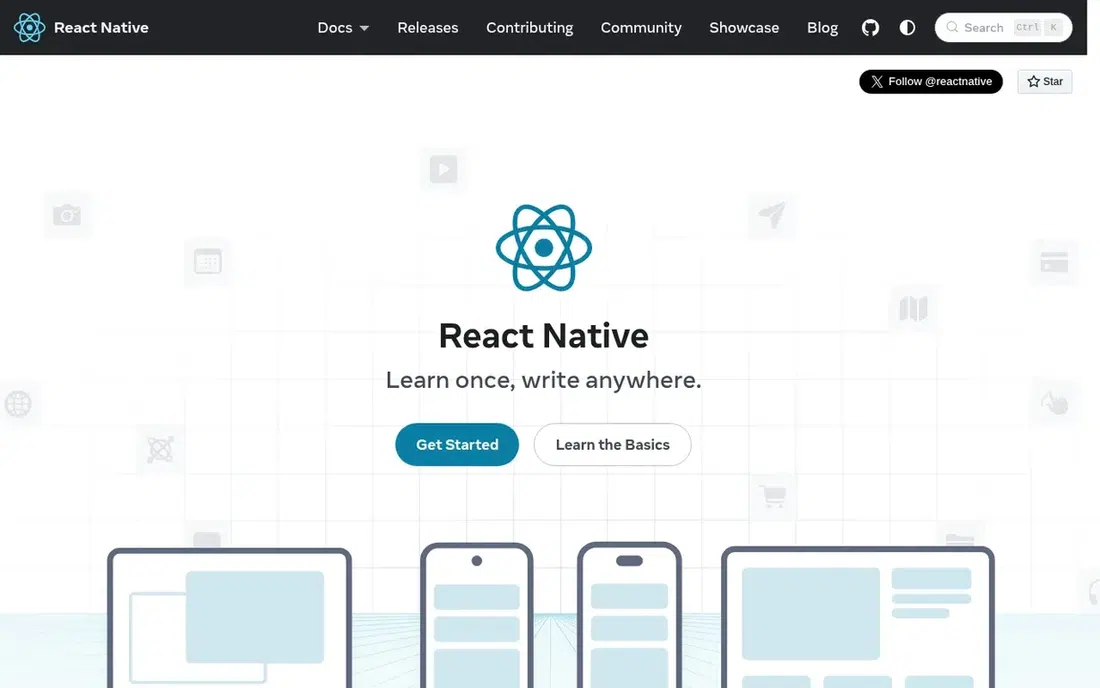
React Native is aimed squarely at JavaScript and React developers. Some device features still need native modules or platform-specific code, and keeping dependencies current takes continuing effort. Teams without JavaScript experience may find Flutter or.NET MAUI a better cultural match.
More specifically, React Native follows a learn once, write anywhere approach, letting developers use JavaScript and React patterns to target several mobile systems. In practice, performance-sensitive or highly custom interfaces may call for native work alongside it. No starting price is listed for React Native here; confirm pricing on the vendor site. On free options: Not stated.
Where it falls short: Native modules may still be needed.
- Learn once and write for several systems
- Familiar React component model
- Tooling changes can need upkeep
In short, NativeScript is for TypeScript with direct native access. NativeScript lets developers build native iOS and Android apps with TypeScript, direct system API access and the JavaScript tooling they already know. It appeals to JavaScript developers who need to reach native device capabilities without writing separate product projects.
What users get: Direct access to product APIs.
What to check first: Requires system knowledge for advanced work.
Direct API access makes it a reasonable choice when integrations go beyond what web-view frameworks expose. Its community and external library ecosystem are smaller than those of bigger frameworks, so some problems need custom options. Teams wanting the widest possible support network may prefer React Native or Flutter. More specifically, advanced native work still demands product knowledge. This comparison lists no price for NativeScript; ask the vendor. Free access: Not stated.
- Write in TypeScript
- Works with existing JavaScript tooling
- Smaller ecosystem than mainstream rivals
Apache Cordova
Best for: Legacy web-view app projects
Apache Cordova is aimed squarely at legacy web-view app projects. Apache Cordova wraps web applications in a native container so HTML, CSS and JavaScript code can run on mobile devices, with plugins exposing device features. It has a long history in cross-platform development and remains relevant for teams maintaining existing hybrid apps or moving straightforward web projects to mobile.
The main drawbacks: Plugin maintenance can lag.
The web-view architecture can produce slower, less native-feeling interfaces than newer approaches, and plugin upkeep at times trails product updates. Beyond that, new projects frequently get more from Capacitor or a native-rendering framework. Apache Cordova does not show a starting price in this comparison, so check the vendor site for current pricing. Trial and free access: Not stated.
- Plugin model for device features
- Long-established web-view approach
- Older architecture with slower interfaces
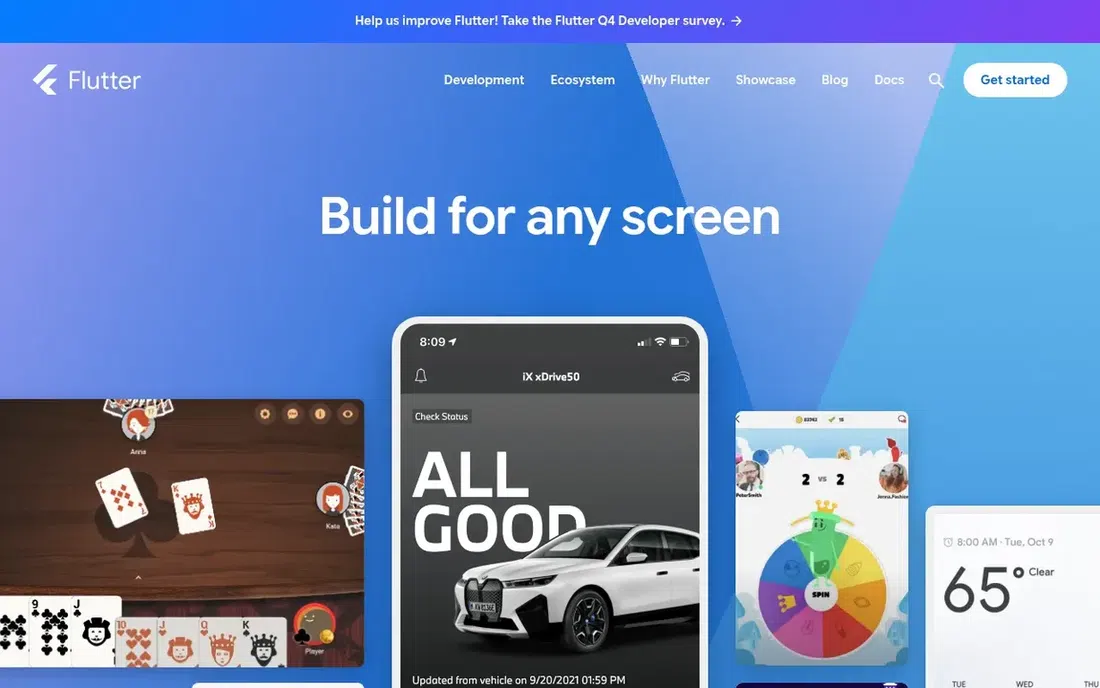
Pick Flutter if this describes you: single codebase across plenty of screens. If your team is already deep in JavaScript or C#, a framework aligned with that stack may be a smoother fit. Apps may also carry more runtime weight than lean native builds.
What works well: One codebase for mobile, web.
Beyond that, Flutter is a Google framework that lets you build, test and deploy apps for mobile, web, desktop and embedded targets from a single codebase. Its homepage emphasizes transforming the whole development process, so teams can share logic and interface code instead of maintaining separate native projects. As for the details, the tradeoff is language commitment: Dart is less widespread than JavaScript or C#, so hiring and onboarding can take longer. Pricing for Flutter is not stated here, so ask the vendor for current figures. Trial and free access: Not stated.
The main drawbacks: a less typical language.
- Solid UI consistency across systems
- Desktop and embedded
- Uses Dart
Capacitor is aimed squarely at modern web apps with native access. It works alongside typical web frameworks, so developers can keep their preferred front-end tools whereas adding native capabilities through plugins.
Pricing for Capacitor is not stated here, so ask the vendor for current figures. Free plan details: Not stated.
Drawbacks to consider: Native plugins may need custom work.
- Works with numerous web frameworks
- Android and PWAs
- Web-view rendering limits heavy graphics
Our selection method
Each tool was reviewed on what its vendor publishes: price, plan limits, core features and stated drawbacks. We did not run hands-on tests. Where a vendor does not publish a price, the entry says quote. Where a price depends on seats or billing term, the entry says so. The order reflects how well each tool fits the most common buying scenario for frameworks for Cross-Platform mobile apps, then price clarity, then free plan access. It is a starting point, not a verdict.
What to check before you buy
- Ask each vendor, from React Native to Capacitor, for a written quote; none of them publishes a starting price.
- Read the limits listed for React Native first: Native modules may still be needed.
- Read the plan comparison for Capacitor carefully; key features often start on a higher tier.
- Ask Flutter which support channels and response times come with the plan you would buy.
- Price React Native for your actual team size; headline prices rarely include add-ons or overage.
FAQ
Which framework is a good match for a small web development team?
This list starts with React Native, which fits JavaScript and React developers. For other needs, NativeScript is aimed at TypeScript with direct native access, and Apache Cordova at legacy web-view app projects. Check each tool's price and main limit first.
Does any tool for frameworks for Cross-Platform mobile apps here have a free plan?
No tool in this list, React Native and Capacitor included, has a permanent free plan. Trials and quotes are the usual route, so plan a short evaluation period.
Can I try these options before paying?
Not by default. None of the tools, from React Native to Capacitor, lists a free plan or a free trial here, so ask each vendor for a demo before committing.
Do these tools publish their prices?
No. None of the tools, from React Native to Capacitor, shows a fixed starting price here, so budget time for quotes.
Is React Native the right pick for everyone comparing frameworks for Cross-Platform mobile apps?
No single tool suits every team. React Native comes first because it fits JavaScript and React developers, while NativeScript suits TypeScript with direct native access and Apache Cordova suits legacy web-view app projects. Match the tool to your own size, budget and workflow before deciding.
Can one codebase really include both mobile and desktop?
Flutter and.NET MAUI both document desktop and mobile targets from a single codebase, with Flutter also including web and embedded screens. Web-first frameworks usually focus on mobile and Progressive Web Apps.
Sources
- https://reactnative.dev
- https://nativescript.org
- https://cordova.apache.org
- https://flutter.dev
- https://capacitorjs.com