Best Free CAD Software in 2026: 9 Tools Compared
Looking for the best free CAD software in 2026? We compare 9 free CAD tools for beginners, engineers and makers, with honest limits, prices and picks.
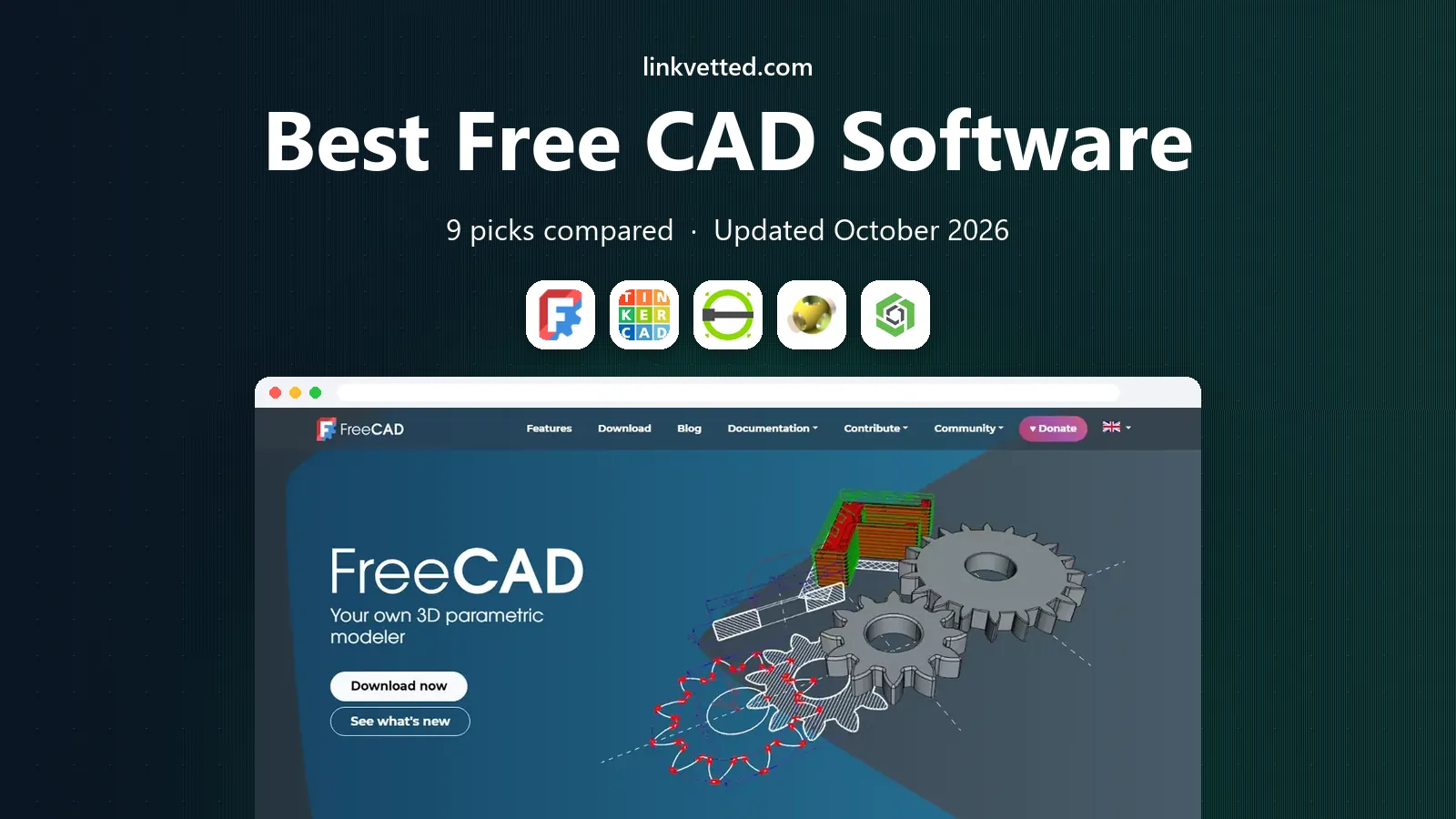
- Editor's choice
 FreeCAD
Free parametric 3D modeling
Starts atFreeVisit freecad.orgFull review - Great alternative
 Tinkercad
Absolute beginners and first models
Starts atFreeVisit tinkercad.comFull review - Also consider
 LibreCAD
Free 2D drafting
Starts atFreeVisit librecad.orgFull review
TL;DR:
- FreeCAD is our pick for most people who want real parametric CAD at no cost, while Tinkercad is the easiest first step.
- SketchUp Free and Onshape Free work in a browser, but free documents and designs are not private in the same way as a desktop file.
- LibreCAD is the strongest free choice for pure 2D drafting, and OpenSCAD suits people who prefer to model with code.
- Fusion 360 for personal use is the closest free route to a professional engineering workflow, with limits on documents and commercial use.
Quick comparison
| Tool | Best for | Starts at | Free plan? | |
|---|---|---|---|---|
| FreeCAD | Free parametric 3D modeling | Free | Yes | Visit |
| Tinkercad | Absolute beginners and first models | Free | Yes | Visit |
| LibreCAD | Free 2D drafting | Free | Yes | Visit |
 OpenSCAD | Programmers who model with code | Free | Yes | Visit |
 Onshape | Browser based parametric CAD and teamwork | Free | Yes | Visit |
 SketchUp Free | Fast concept models and rooms | Free | Yes | Visit |
 Fusion 360 | Personal engineering and maker projects | Free | Yes | Visit |
 SolveSpace | Lightweight parametric modeling on any computer | Free | Yes | Visit |
 QCAD | Clean professional 2D drawings | See website | Yes | Visit |
The best free CAD software
Free CAD tools now cover a wide range, from a first 3D print to a detailed engineering part. The right choice depends on whether you need 2D drafting, parametric 3D modeling, or a quick concept model in a browser.
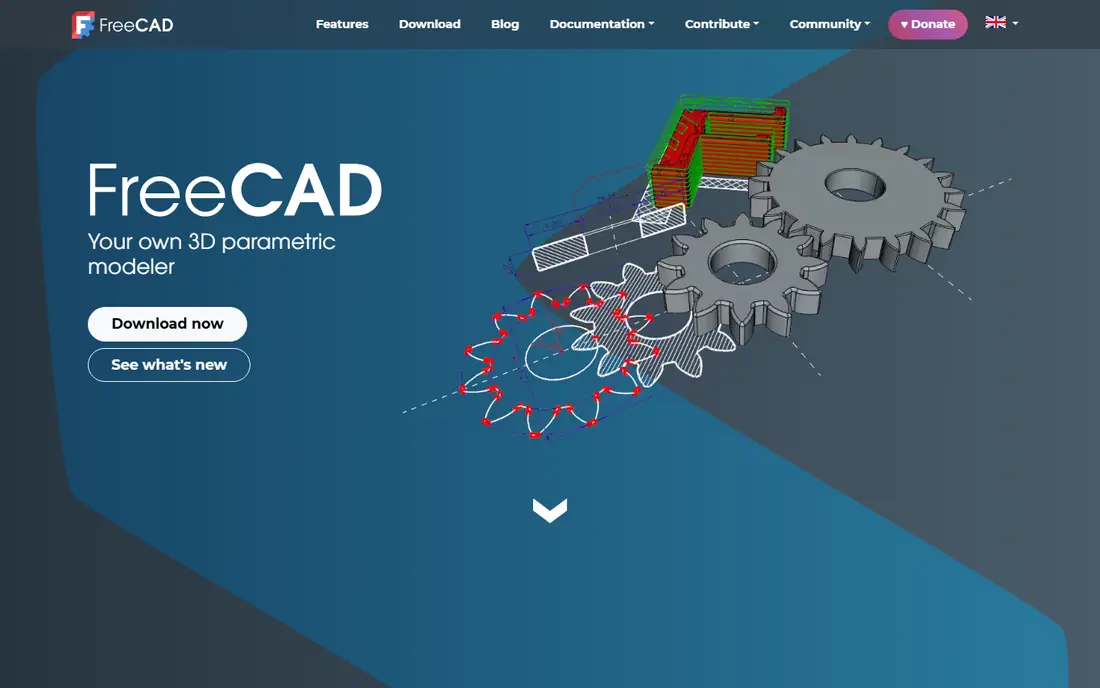
FreeCAD is the most capable fully free CAD program in this list. You build sketches, add constraints, and change a dimension later without rebuilding the whole part. That parametric approach is the same habit professional engineers use, so skills learned here transfer to paid tools.
The workbench system covers a lot of ground. There are tools for part design, technical drawings, sheet metal, architecture, and computer aided manufacturing. Python scripting is also built in, which helps when you need to repeat a pattern or automate a boring task.
The catch is polish. Menus and workbenches do not always feel like one product, and help pages vary in quality. If you are patient and willing to watch a few tutorials, FreeCAD gives you serious capability for nothing. For a student, a maker, or a small shop watching costs, it is hard to beat.
- Real parametric modeling
- Workbenches for parts, assemblies, drawings and CAM
- Runs on Windows, Mac and Linux
- Interface feels inconsistent
- Learning curve is steep for new users

Tinkercad starts where most people should start. You drag basic shapes onto a workspace, combine them, cut holes, and export a file for 3D printing. There is almost nothing to learn before your first model appears on screen.
Teachers use it because the lessons are clear and the interface stays out of the way. Hobbyists use it for simple brackets, stands, name plates, and replacement parts. It also includes simple electronics and coding activities, which makes it a useful classroom tool beyond 3D design.
The limit shows up fast if you need exact dimensions, threads, or a parametric history. Tinkercad is a sketchpad, not an engineering system. Use it to learn 3D thinking, then move to FreeCAD or Onshape when a project needs tighter control.
- Runs in a browser with no install
- Very easy shape based building
- Good lessons for schools
- Not suited to precise engineering parts
- Limited tools for complex assemblies
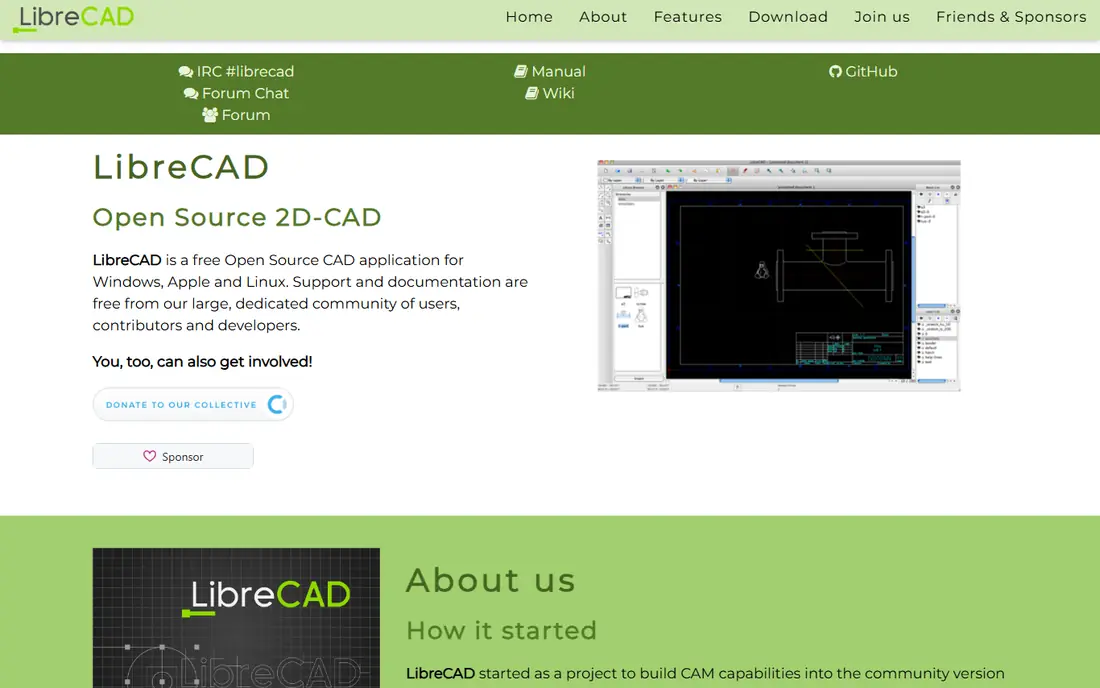
LibreCAD does one job well, and that focus is its strength. It is a free, open source 2D CAD program for floor plans, schematics, laser cutter files, and technical drawings. It runs on Windows, Mac, and Linux without asking for an account or a trial.
For drafting fundamentals, it has the tools that matter. You can draw lines, circles, and splines, add dimensions, work in layers, and export DXF files that other CAD tools can open. That makes it practical for students, woodworkers, and makers who work in two dimensions.
Do not expect 3D features, rendering, or a modern interface. Updates arrive slowly from a volunteer team. If your work lives on a flat sheet, LibreCAD is enough. If you need a solid model, pair it with a 3D tool from this list.
- Lightweight and fast on modest computers
- Reads and writes DXF files
- No account needed
- No 3D modeling at all
- Interface looks dated
OpenSCAD turns modeling into writing. Instead of clicking and dragging, you write code that defines cubes, cylinders, differences, and unions. Change a variable at the top of the file and the whole model updates. That makes it ideal for parts with many sizes, such as boxes, mounts, and enclosures.
Programmers tend to love this approach. Designs live in plain text, so they work well with version control and can be shared as a short script. The preview updates as you type, which helps you catch a mistake before you export a print file.
The trade is obvious. If you think visually, code first modeling can feel slow. There is no sculpting, no freehand sketching, and no easy way to shape a curved, organic form. For exact, repeatable, code driven parts, though, OpenSCAD is a strong free pick.
- Precise parametric models from code
- Easy to share and version control designs
- Exports STL and 3MF
- No interactive drawing or dragging shapes
- Poor choice for organic shapes
Onshape brings professional style parametric CAD to a web browser. You sketch, extrude, assemble parts, and share a link with a teammate who can open the same document. Version history is built in, so you can roll back a change without keeping a folder full of old files.
That browser approach has a practical benefit. You do not need a powerful workstation, and a Chromebook or a borrowed laptop can handle a real project. Collaboration feels natural, because everyone works on the same live document rather than emailing files back and forth.
The free plan has a clear limit. Documents are public and the plan is for non-commercial use, so it is not the place for a private product design. Paid plans add private documents and support. For learning, open source work, and school projects, the free tier is generous.
- Full parametric CAD in a browser
- Strong version control and sharing
- Runs on modest hardware
- Free documents are public and for non-commercial use
- No offline mode
SketchUp Free is the quickest way to model a room, a piece of furniture, or a building concept. Its push and pull tool lets you draw a shape and stretch it into three dimensions in seconds. That speed is why architects, interior designers, and hobbyists keep returning to it.
The web version keeps the core experience simple. You get a clean workspace, a large library of models made by other users, and enough tools for early stage design. For a client sketch, a renovation idea, or a woodworking plan, it is often faster than a full engineering tool.
Precision is the weak point. SketchUp Free is not a parametric engineering system, and detailed manufacturing drawings need a different tool or a paid plan. The free subscription is also not for commercial use. Treat it as a concept tool, and it does that job very well.
- Very fast to learn
- Huge library of shared models
- Works in a browser
- Free version is not for commercial use
- Less precise than parametric CAD
Fusion 360 for personal use is the closest free option to a professional engineering workflow. It combines sketching, parametric modeling, assemblies, rendering, and basic manufacturing tools in one application. A part designed here can move toward CNC machining or 3D printing without switching programs.
For serious hobbyists, that breadth matters. You can model a bracket, check how parts fit together, render a clean image, and prepare toolpaths for a machine. The tutorial library is large, and many maker projects online share Fusion files.
The personal plan is limited. It caps active documents, restricts some import and export types, and is only for non-commercial projects. If you start selling parts, you need a paid plan. For learning and personal projects, it is still one of the best free CAD experiences available.
- CAD, CAM, and rendering in one program
- Strong for parts meant to be manufactured
- Large tutorial community
- Free personal use has document and feature limits
- Not for commercial work
SolveSpace is a small, free parametric modeler that feels refreshingly direct. You sketch a profile, add constraints, extrude it, and build a simple assembly. The program is tiny by modern standards, so it runs well on older machines and starts in seconds.
That simplicity suits mechanical parts, linkages, and brackets. The constraint solver is the heart of the tool, and it forces good habits. When a dimension changes, related geometry follows, which is the point of parametric design.
It is not a full product suite. There is little in the way of rendering, sheet metal tools, or a large tutorial library. If you want a lean tool for straightforward parts and you value speed over breadth, SolveSpace earns a place on the list.
- Small and fast
- Constraint based sketching
- Exports common CAD formats
- Small community and fewer tutorials
- Limited rendering and assembly tools
QCAD is a mature 2D CAD application with roots in professional drafting. It offers layers, blocks, dimensioning, and a large set of drawing tools that feel more polished than many free alternatives. For architectural plans, mechanical drawings, and workshop layouts, it is a dependable choice.
The community edition is free and open source, while the professional edition adds extra tools and support. That split is worth knowing before you start. The free edition covers most everyday drafting, but some advanced features sit behind the paid version.
QCAD is not the tool for 3D modeling. Its strength is flat, precise, printable drawings. If you already use LibreCAD and want a slightly more polished drafting experience, or if you work with DXF files every day, QCAD is worth a close look.
- Mature 2D drafting tools
- Good DXF support
- Runs on Windows, Mac, and Linux
- 3D features are very limited
- Full professional features need a paid edition
How we picked these
We compared official feature pages, pricing pages, and documentation for tools that are free to use in October 2026, and we favored programs that are still maintained and genuinely usable for real projects. A tool made the list only if a new user could download it or open it in a browser and start a real drawing or model without paying. We also kept the range broad, so 2D drafting, code based modeling, and browser based 3D work are all represented.
What to check before you commit
Start with the job, not the brand. A 2D laser cutting project needs different tools from a parametric part for a 3D printer, and a room layout needs different tools again. Pick the category first, then test two tools with the same small project.
Check the free plan limits
Free does not always mean unrestricted. Some plans make documents public, limit commercial use, or cap the number of active files. Read that part of the pricing page before you store an important project in a free account.
Test file exports early
Export a test file in the format your printer, laser cutter, or collaborator needs, such as STL, STEP, or DXF. A tool that cannot export cleanly to your next step will slow every project down, no matter how nice it feels to use.
Plan your learning path
A simple tool gets you started fast, but a parametric tool teaches habits that carry into paid engineering software. If you plan to study engineering or work in manufacturing, start simple, then move to FreeCAD, Onshape, or Fusion 360 once the basics feel easy.
FAQ
What is the best free CAD software for beginners?
Tinkercad is the easiest starting point, because it runs in a browser and uses simple shapes. Once you want exact dimensions and editable parts, move to FreeCAD or Onshape Free for parametric modeling.
What is the best free CAD software for engineers?
FreeCAD is the strongest fully free engineering option, with parametric modeling, assemblies, and CAM workbenches. Fusion 360 for personal use is a close second for makers who want CAD and manufacturing tools in one program, with limits on commercial use.
Is there a good free online CAD software option?
Yes. Onshape Free and SketchUp Free both run in a browser, and Tinkercad is also web based. Onshape is best for precise parametric work, while SketchUp Free is faster for rooms and concept models.
What is the best free CAD software for drafting?
LibreCAD and QCAD are the best free choices for 2D drafting. Both handle DXF files well, and QCAD feels a little more polished for professional style drawings.
Can I use free CAD software for commercial work?
It depends on the license. FreeCAD, LibreCAD, OpenSCAD, SolveSpace, and QCAD community edition allow commercial use in general, while Onshape Free, SketchUp Free, and Fusion 360 personal use are for non-commercial projects. Always check the current license before selling work made in a free plan.
Which free CAD tool is best for 3D printing?
FreeCAD and OpenSCAD are strong for precise printable parts, and Tinkercad is best for simple first prints. Export a test STL early and check it in your slicer, since print readiness depends on clean, watertight geometry.