Frameworks for Web Development in 2026: The 6 Best Options Side by Side
Best frameworks for web development: 6 contenders ranked by fit, with entry costs and free tiers. The catches are listed up front. Pricing and limits included.
- Editor's choiceVue.js
Progressive adoption in existing apps
Starts atPricing on requestVisit vuejs.orgFull review - Great alternative
 Svelte
Lean, compiler-driven interfaces
Starts atPricing on requestVisit svelte.devFull review - Also consider
 React
Component-based user interfaces
Starts atPricing on requestVisit react.devFull review
Direct answer
Our first pick is Vue.js, best for progressive adoption in existing apps. Svelte is better for lean, compiler-driven interfaces, and React is better for Component-based user interfaces. Details and limits for the rest of the 6 tools are below. None of these vendors publish plan prices, so pricing is on request for every option.
TL;DR:
- Number one here is Vue.js, a fit for progressive adoption in existing apps.
- One limit worth knowing about React: not a full framework on its own.
- Astro is the one to check for quick content sites and apps.
- Every tool from Vue.js to Astro works by quote, with no list price shown.
- Neither Vue.js nor Astro, nor any of the other 4 tools, has a permanent free plan; trials and quotes are the norm.
Last checked November 2026. Pricing on request: vendors did not publish plan prices when this guide was last checked (November 2026), so ask each vendor for a written quote.
Quick comparison
| Tool | Best for | Starts at | Free plan? | |
|---|---|---|---|---|
| Vue.js | Progressive adoption in existing apps | Pricing on request | Not stated | Visit |
| Svelte | Lean, compiler-driven interfaces | Pricing on request | Not stated | Visit |
| React | Component-based user interfaces | Pricing on request | Not stated | Visit |
| Next.js | Full-stack React applications | Pricing on request | Not stated | Visit |
| Nuxt | Full-stack Vue applications | Pricing on request | Not stated | Visit |
| Astro | Quick content sites and apps | Pricing on request | Not stated | Visit |
Frameworks for Web Development compared in detail
LinkVetted put together this guide to frameworks for web development for readers who want a clear shortlist without reading every vendor page. It compares 6 tools on starting price, free plans, who each one suits and where each one falls short.
Vue.js
Best for: Progressive adoption in existing apps
Vue.js is aimed squarely at progressive adoption in existing apps. Teams wanting batteries-included Vue should look at Nuxt.
Vue.js does not show a starting price in this comparison, so check the vendor site for current pricing. Free access: Not stated.
Where it falls short: Smaller corporate backing than some rivals.
- Approachable component model
- Can be adopted incrementally
- Ecosystem choices still needed at scale
In short, Svelte is for lean, compiler-driven interfaces. It suits developers who want concise component code and a lean runtime, and who are comfortable with a smaller surrounding ecosystem.
Drawbacks to consider: Fewer ready-made integrations.
If wide external support is a priority, a more established choice may be safer. Check the vendor site for Svelte pricing; none is listed in this comparison. Trial and free access: Not stated.
- Concise component syntax
- Compiler-based approach
- Smaller ecosystem than React
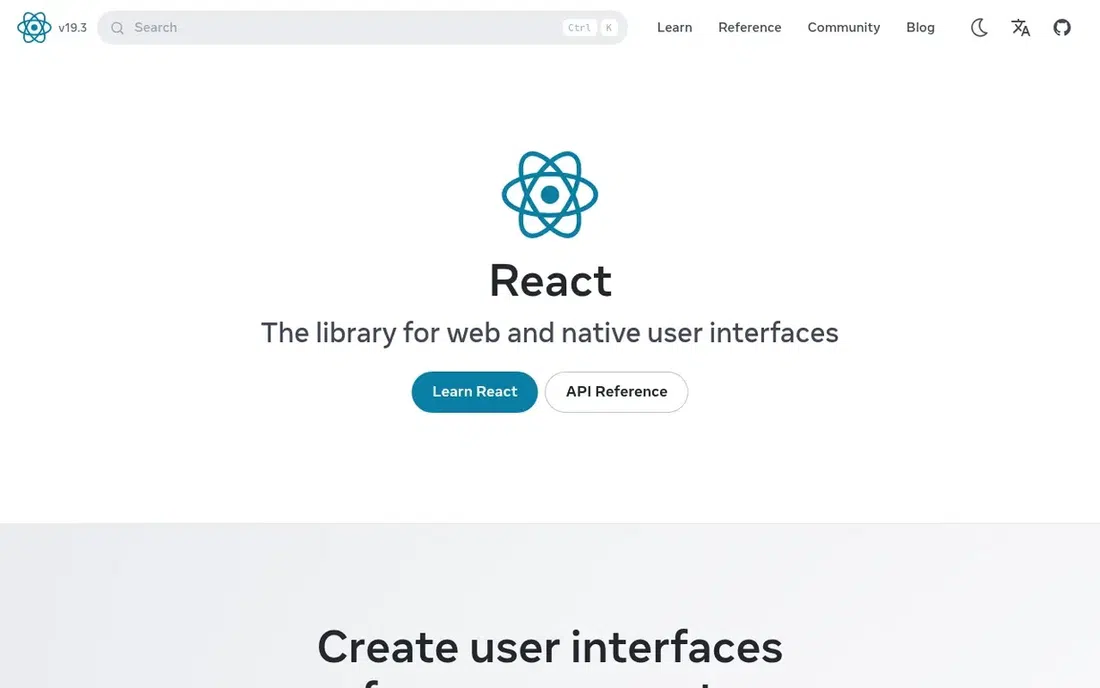
Choose React for Component-based user interfaces. Since React centres on the view layer, you will have to make extra decisions about routing, server rendering and project structure.
Watch-outs: Not a full framework on its own.
Pricing for React is not stated here, so ask the vendor for current figures. Free options: Not stated.
- Composable component model
- Huge ecosystem of companion tools
- Routing and data fetching need additional choices
Next.js
Best for: Full-stack React applications
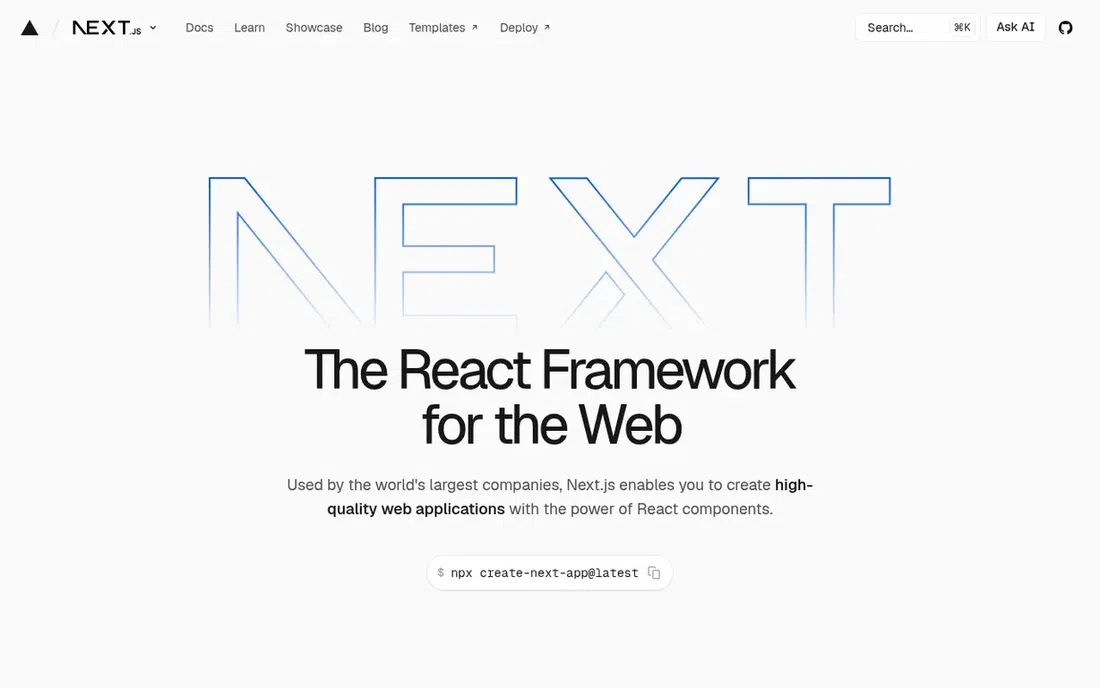
Next.js makes the most sense for full-stack React applications. Next.js is described by its vendor as the full-stack React framework for the web, extending React with the structure needed for production applications.
What to check first: Brings framework-specific conventions.
In practice, the framework brings its own conventions and abstractions, which layers on a ramp-up time and ties your project to its model. Worth adding: for straightforward static content sites, a lighter tool like Astro may be a better match. Check the vendor site for Next.js pricing; none is listed in this comparison. On free options: Not stated.
- Built on React
- Backed by dedicated vendor documentation
- Overkill for very small static pages
Nuxt
Best for: Full-stack Vue applications
For full-stack Vue applications, Nuxt is a natural candidate. Nuxt is the full-stack Vue framework, offering file-based routing, auto-imports and server-side rendering already configured so teams can build production-ready apps quicker.
Very small projects may not need the full framework layer. Choosing Nuxt means committing to Vue and to its conventions, and the added abstractions take time to learn. No starting price is listed for Nuxt here; confirm pricing on the vendor site. Free access: Not stated.
Downsides: Conventions add a ramp-up time.
- Server-side rendering configured for you
- File-based routing
- Tied to the Vue ecosystem
Astro
Best for: Quick content sites and apps
Astro works best for quick content sites and apps. Astro states that it builds quick content sites, capable web applications, dynamic server APIs and everything in between, making it a flexible choice for teams whose work spans marketing pages and interactive features.
Where it falls short: Less suited to highly interactive apps.
This comparison lists no price for Astro; ask the vendor. Free access: Not stated.
- Adaptable across site types
- Suited to content-heavy sites
- Different mental model from SPA frameworks
What went into this list
We compared the tools on published pricing, free plan or trial availability, feature coverage for frameworks for web development, and the limits each vendor documents. Seat minimums, billing terms and add-ons can move the real cost, so the starting prices here are a guide and not a quote. Position on the page reflects fit for a typical buyer first, with price clarity and free access breaking ties. Treat it as a guide, not a ruling.
Before you commit
- Ask each vendor, from Vue.js to Astro, for a written quote; none of them publishes a starting price.
- Read the limits listed for Vue.js first: smaller corporate backing than some rivals.
- Add up seats, add-ons and usage charges for Astro before comparing it with cheaper entries.
- Get the contract term, renewal terms and any onboarding fees from Vue.js in writing.
- Check whether the features you need in Nuxt sit on the entry plan or only on higher tiers.
FAQ
Is Vue.js the right pick for everyone comparing frameworks for web development?
No single tool suits every team. Vue.js comes first because it fits progressive adoption in existing apps, while Svelte suits lean, compiler-driven interfaces and React suits Component-based user interfaces. Match the tool to your own size, budget and workflow before deciding.
Does any tool for frameworks for web development here have a free plan?
A permanent free plan is not offered by Vue.js, Astro or the other tools here. Plan a short evaluation period instead.
Which option fits content-heavy websites?
Astro is positioned around quick content sites and adaptable web applications, which makes it a solid candidate for content-led projects. Svelte can also work well when you want lean output with selective interactivity.
Do these tools publish their prices?
No. None of the tools, from Vue.js to Astro, shows a fixed starting price here, so budget time for quotes.
Can I try these tools before paying?
Not by default. None of the tools, from Vue.js to Astro, lists a free plan or a free trial here, so ask each vendor for a demo before committing.
Sources
- https://vuejs.org
- https://svelte.dev
- https://react.dev
- https://nextjs.org
- https://nuxt.com
- https://astro.build