GPU Benchmark Software in 2026: The 6 Best Options Side by Side
Compare 6 picks for the best GPU benchmark software, with prices, free plans and who each fits. Includes honest limits for each tool. Reviewed this month.
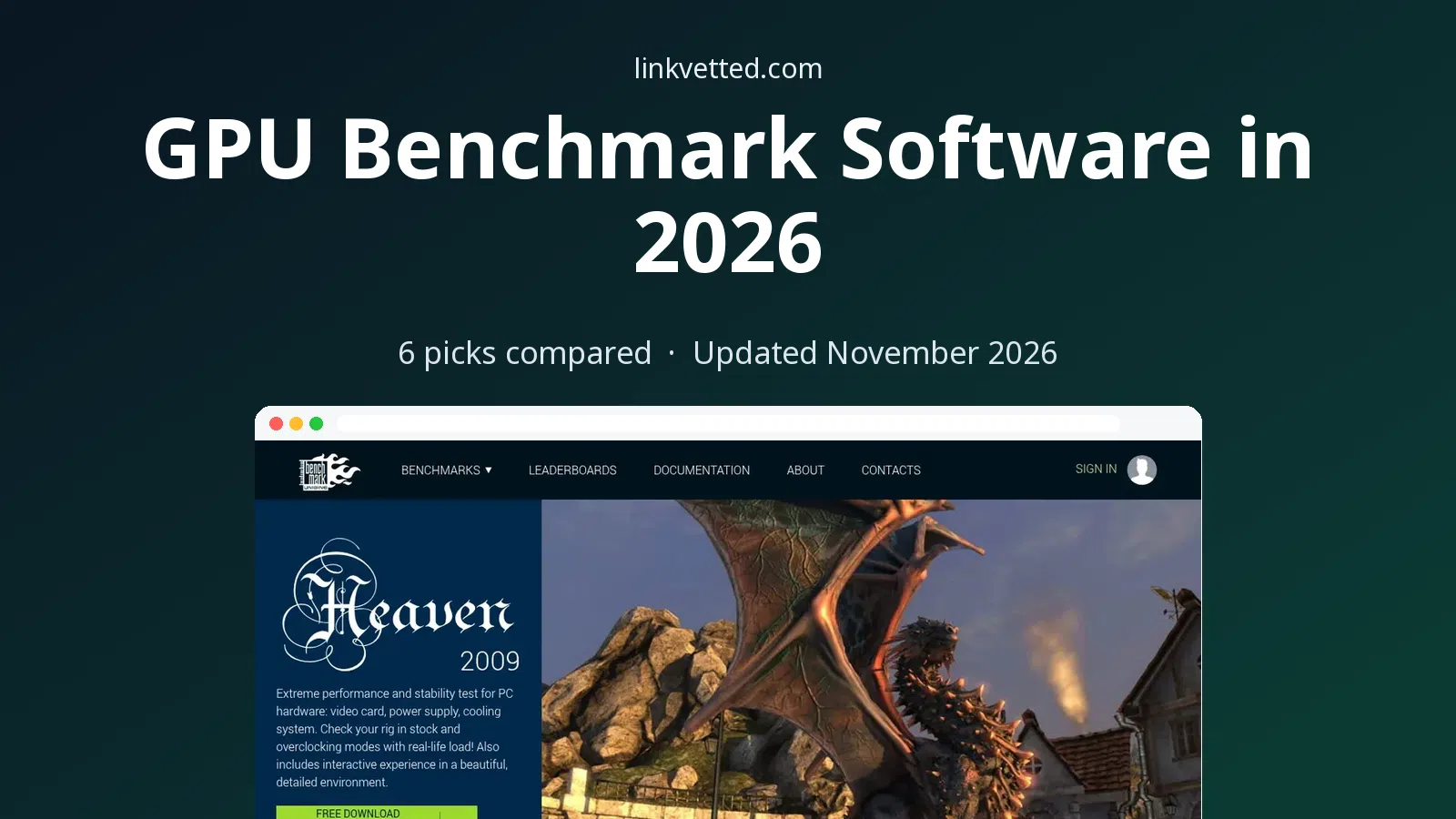
- Editor's choice
 Cinebench
CPU and GPU rendering performance
Starts atPricing on requestVisit maxon.netFull review - Great alternativeUnigine Valley
GPU benchmarking with scenic environments
Starts atPricing on requestVisit benchmark.unigine.comFull review - Also considerUnigine Heaven
DirectX 11 GPU benchmarking
Starts atPricing on requestVisit benchmark.unigine.comFull review
Direct answer
For CPU and GPU rendering performance, Cinebench is where this list starts. Unigine Valley is the stronger choice for GPU benchmarking with scenic environments, while Unigine Heaven suits DirectX 11 GPU benchmarking. The other 3 tools in the list cover narrower or pricier cases. None of these vendors publish plan prices, so pricing is on request for every option.
TL;DR:
- Top of the list is Cinebench, which targets CPU and GPU rendering performance.
- None of the 6 tools, from Cinebench to Unigine Superposition, has a free plan, so budget for a subscription or use a trial.
- Unigine Superposition is the one to check for modern GPU performance benchmarking.
- No starting price is shown for any of the 6 tools, Cinebench and Unigine Superposition included, so plan time for sales calls.
- The main caution on Unigine Heaven: based on older DirectX 11 API.
Last checked November 2026. Pricing on request: vendors did not publish plan prices when this guide was last checked (November 2026), so ask each vendor for a written quote.
Quick comparison
| Tool | Best for | Starts at | Free plan? | |
|---|---|---|---|---|
| Cinebench | CPU and GPU rendering performance | Pricing on request | Not stated | Visit |
| Unigine Valley | GPU benchmarking with scenic environments | Pricing on request | Not stated | Visit |
| Unigine Heaven | DirectX 11 GPU benchmarking | Pricing on request | Not stated | Visit |
 PassMark PerformanceTest | Full PC benchmarking | Pricing on request | Free trial | Visit |
| FurMark | GPU stress testing and stability checks | Pricing on request | Not stated | Visit |
| Unigine Superposition | Modern GPU performance benchmarking | Pricing on request | Not stated | Visit |
The full GPU benchmark software list
LinkVetted put together this guide to GPU benchmark software for readers who want a clear shortlist without reading every vendor page. It compares 6 tools on starting price, free plans, who each one suits and where each one falls short.
Pick Cinebench if this describes you: CPU and GPU rendering performance. If your primary goal is GPU stability testing, consider FurMark or an Unigine benchmark.
Downsides: Primarily CPU-focused.
In practice, Cinebench is not a dedicated GPU stress test and may not push the GPU as hard as tools like FurMark. This comparison lists no price for Cinebench; ask the vendor. On free options: Not stated.
- Simple to run
- Also tests GPU rendering
- Restricted GPU stress testing
Unigine Valley
Best for: GPU benchmarking with scenic environments
Unigine Valley is built with GPU benchmarking with scenic environments in mind. Unigine Valley is another performance benchmark from UNIGINE that tests GPUs using a vast outdoor environment.
Points against: Older benchmark.
It appeals to users who want a visually representative GPU benchmark. Unigine Valley shows no starting price here, so confirm the cost on the vendor site. Trial and free access: Not stated.
- Stress on GPU with large draw distances
- Beautiful outdoor scenes
- Not as feature-rich as newer Unigine tools
Unigine Heaven
Best for: DirectX 11 GPU benchmarking

Pick Unigine Heaven if this describes you: DirectX 11 GPU benchmarking. Unigine Heaven is a performance benchmark from UNIGINE that tests GPU capabilities using DirectX 11.
It features a visually rich environment and is commonly used to compare graphics card performance. Heaven uses an older API compared with newer benchmarks, so it may not reflect performance in the latest games. Unigine Heaven shows no starting price here, so confirm the cost on the vendor site. Free options: Not stated.
Limits to weigh: Restricted to GPU testing.
- A decent match for comparing GPU performance
- Free version available
- Based on older DirectX 11 API
Think of PassMark PerformanceTest for full PC benchmarking. PassMark PerformanceTest is a PC benchmark software that measures overall system speed with tests for disk, 3D graphics, and CPU.
What to check first: Not solely centred on GPU.
It suits users who want an all-in-one benchmarking option. No starting price is listed for PassMark PerformanceTest here; confirm pricing on the vendor site. Free access: Free trial.
- 3D and CPU tests
- Comes with disk
- May be overwhelming for beginners
FurMark
Best for: GPU stress testing and stability checks
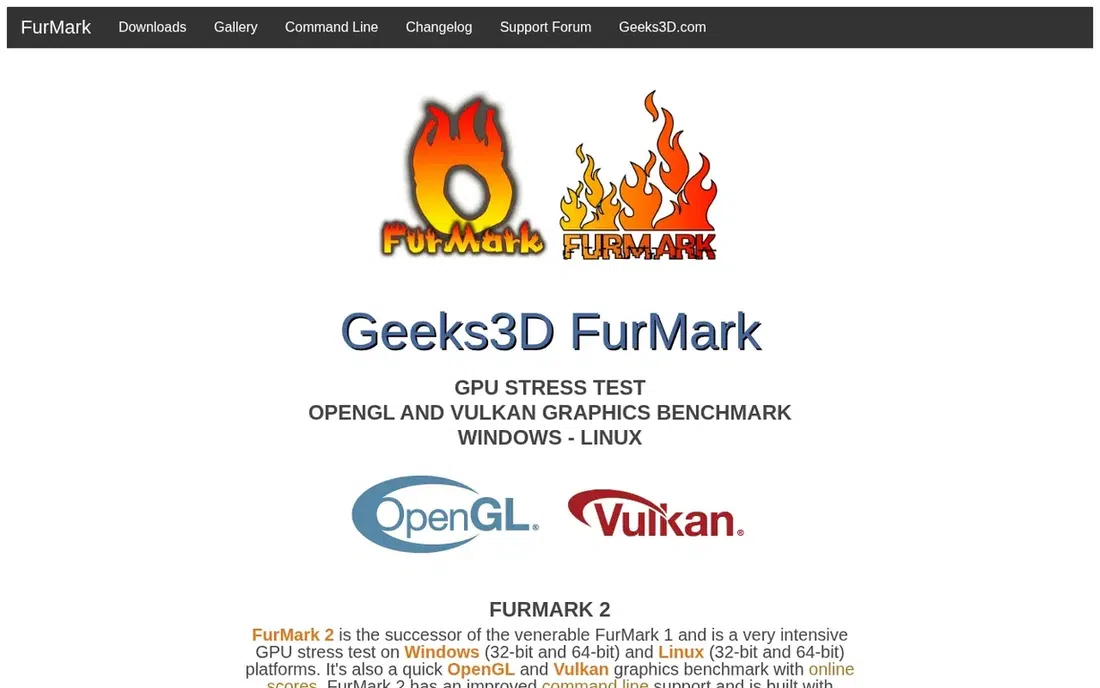
Think of FurMark for GPU stress testing and stability checks. It is meant to push graphics cards to their limits, making it well suited to checking stability and cooling performance.
The main drawbacks: Not a full benchmark suite.
Worth adding: FurMark focuses solely on stress testing, so it does not offer a wide set of benchmarks for other components. FurMark shows no starting price here, so confirm the cost on the vendor site. As for free access: Not stated.
- Concentrated on GPU stress testing
- Effective for thermal validation
- Restricted to GPU stress
Unigine Superposition
Best for: Modern GPU performance benchmarking

Unigine Superposition is a good fit for modern GPU performance benchmarking. Unigine Superposition is a performance benchmark by UNIGINE that supports DirectX 12 and Vulkan, making it right for testing modern graphics cards. It supplies VR and 4K benchmarking choices, offering a glimpse into performance under demanding scenarios.
Trade-offs to know: Primarily GPU-focused.
Worth adding: if you need a benchmark for older systems, Unigine Heaven might be more appropriate. As for the details, Superposition demands a reasonably capable GPU to achieve smooth frame rates, which may limit its usefulness on older hardware. Unigine Superposition shows no starting price here, so confirm the cost on the vendor site. Free access: Not stated.
- Supports DirectX 12 and Vulkan
- VR-ready benchmark
- Requires a capable GPU to run smoothly
Selection criteria
We compared the tools on published pricing, free plan or trial availability, feature coverage for GPU benchmark software, and the limits each vendor documents. Where a vendor does not publish a price, the entry says quote. Where a price depends on seats or billing term, the entry says so. Tools are placed by general fit for GPU benchmark software, with price clarity and free access as tie-breakers. A different team can reasonably rank them differently.
Things to verify first
- Ask each vendor, from Cinebench to Unigine Superposition, for a written quote; none of them publishes a starting price.
- Take the trial from PassMark PerformanceTest and push a live task through it before you pay.
- Read the limits listed for Cinebench first: primarily CPU-focused.
- The entry price of Cinebench is only the starting point; model the full cost with seats and extras.
- Find out whether the entry plan of Unigine Heaven covers your must-haves or only a trimmed-down version.
FAQ
Is Cinebench the right pick for everyone comparing GPU benchmark software?
No single tool suits every team. Cinebench comes first because it fits CPU and GPU rendering performance, while Unigine Valley suits GPU benchmarking with scenic environments and Unigine Heaven suits DirectX 11 GPU benchmarking. Match the tool to your own size, budget and workflow before deciding.
Do these tools publish their prices?
No. None of the tools, from Cinebench to Unigine Superposition, shows a fixed starting price here, so budget time for quotes.
Can I use these tools to compare different graphics cards?
Yes, most benchmarks offer scores that can be compared across systems. That said, ensure you run the same tests under similar conditions for fair comparisons.
Does any tool for GPU benchmark software here have a free plan?
A permanent free plan is not offered by Cinebench, Unigine Superposition or the other tools here. PassMark PerformanceTest offer a trial. Plan a short evaluation period instead.
How are the tools for GPU benchmark software ordered?
The order follows typical fit for GPU benchmark software, with Cinebench first and Unigine Superposition last, then price clarity and free access. It is editorial judgement, not a score, so another team could rank the tools differently.
Which tool is a good match for testing a new GPU's stability?
This list starts with Cinebench, which fits CPU and GPU rendering performance. For other needs, Unigine Valley is aimed at GPU benchmarking with scenic environments, and Unigine Heaven at DirectX 11 GPU benchmarking. Check each tool's price and main limit first.
Sources
- https://www.maxon.net/en/cinebench
- https://benchmark.unigine.com/valley
- https://benchmark.unigine.com/heaven
- https://www.passmark.com/products/performancetest
- https://geeks3d.com/furmark
- https://benchmark.unigine.com/superposition