Graph Databases for Remote Teams in 2026: The 6 Best Options Side by Side
Shortlisting the best graph databases for remote teams? 6 products compared on cost, free access and ideal buyer. Pros and cons for every tool. Pick by budget.
- Editor's choiceDgraph
Open-source terabyte-scale graphs
Starts atSee websiteVisit dgraph.ioFull review - Great alternativeJanusGraph
Massively scalable open-source graphs
Starts atSee websiteVisit janusgraph.orgFull review - Also considerArangoDB
Unified contextual data system
Starts atSee websiteVisit arango.aiFull review
Direct answer
Dgraph leads the list, best for open-source terabyte-scale graphs. Listed starting prices: Neo4j from $0.09 per GB per hour. JanusGraph fits massively scalable open-source graphs; ArangoDB fits unified contextual data system. The other 3 tools in the list cover narrower or pricier cases.
TL;DR:
- The list opens with Dgraph, aimed at open-source terabyte-scale graphs.
- 3 of 6 tools offer a free plan: ArangoDB, Neo4j, Amazon Neptune.
- Amazon Neptune fits AWS-integrated managed service.
- Dgraph, JanusGraph, ArangoDB and others: pricing is by quote only, so plan time for a sales conversation.
Last checked November 2026. Prices and plan details were read from the vendors' own pages in November 2026; vendors change plans often, so confirm the current price on the vendor site before you buy.
Quick comparison
| Tool | Best for | Starts at | Free plan? | |
|---|---|---|---|---|
| Dgraph | Open-source terabyte-scale graphs | See website | Not stated | Visit |
| JanusGraph | Massively scalable open-source graphs | See website | Not stated | Visit |
| ArangoDB | Unified contextual data system | See website | Yes | Visit |
 Neo4j | General-purpose graph product | $0.09 per GB per hour | Yes | Visit |
| TigerGraph | Live AI and analytics | See website | Free trial | Visit |
| Amazon Neptune | AWS-integrated managed service | See website | Yes | Visit |
The full graph databases for remote teams list
If you are comparing graph databases for remote teams, this page covers 6 tools in one place: what each is best for, what it costs to start, whether it has a free plan, and the main limit to know about.
Dgraph
Best for: Open-source terabyte-scale graphs
Dgraph targets open-source terabyte-scale graphs. Dgraph is an open, complete graph database used at terabyte-scale to power live use cases.
Where it is weaker: Operational complexity.
Beyond that, Dgraph can be operationally complicated, especially for teams without dedicated DevOps support. In practice, managed services or more turnkey options might be preferable for teams seeking simplicity. Dgraph shows no starting price here, so confirm the cost on the vendor site. Free plan details: Not stated.
Main advantages: Live use cases.
- Scalable to terabytes
- Open source
- Smaller community
JanusGraph
Best for: Massively scalable open-source graphs
JanusGraph is built with massively scalable open-source graphs in mind. JanusGraph is a scalable, transactional graph database optimized for storing and querying graphs with hundreds of billions of vertices and edges across a multi-machine cluster.
Consider more managed or approachable choices for more straightforward needs. JanusGraph does not show a starting price in this comparison, so check the vendor site for current pricing. On free options: Not stated.
Points against: Complicated setup.
- Open source
- Distributed architecture
- Needs expertise
ArangoDB
Best for: Unified contextual data system
ArangoDB targets unified contextual data system. ArangoDB is a contextual data product that offers unified, current, and trusted business context for AI agents, assistants, and apps to reason, decide, and act.
Teams seeking a pure graph database with more straightforward semantics might prefer a dedicated graph solution. As for the details, ArangoDB's wide feature set can come with a ramp-up time, and documentation may not handle every edge case. ArangoDB shows no starting price here, so confirm the cost on the vendor site. ArangoDB includes a free tier.
Where it is weaker: Steeper ramp-up time.
- Unified context for AI
- Multi-model support
- Documentation gaps

Neo4j makes the most sense for general-purpose graph system. It suits remote teams needing a solid, general-purpose graph database with capable query capabilities and a wide range of use cases from knowledge graphs to recommendation engines.
Teams seeking a simpler or more specialized option might consider lighter alternatives or managed services. What you pay to start with Neo4j: $0.09 per GB per hour. You can start on Neo4j without paying.
The main drawbacks: Ramp-up time for beginners.
- Mature ecosystem
- Feature-rich query language
- Can be resource-intensive
TigerGraph
Best for: Live AI and analytics

TigerGraph works best for real-time AI and analytics. Teams with more straightforward needs or restricted resources might find alternatives simpler to manage.
Beyond that, TigerGraph is a graph database for live AI and analytics, enabling fraud detection, entity resolution, and uncovering hidden connections at enterprise scale. More specifically, TigerGraph can be complicated to set up and operate, potentially requiring specialized knowledge. This comparison lists no price for TigerGraph; ask the vendor. As for free access: Free trial.
Drawbacks to consider: May need specialized skills.
- High-performance analytics
- Supports complicated queries
- Complicated setup
Amazon Neptune
Best for: AWS-integrated managed service
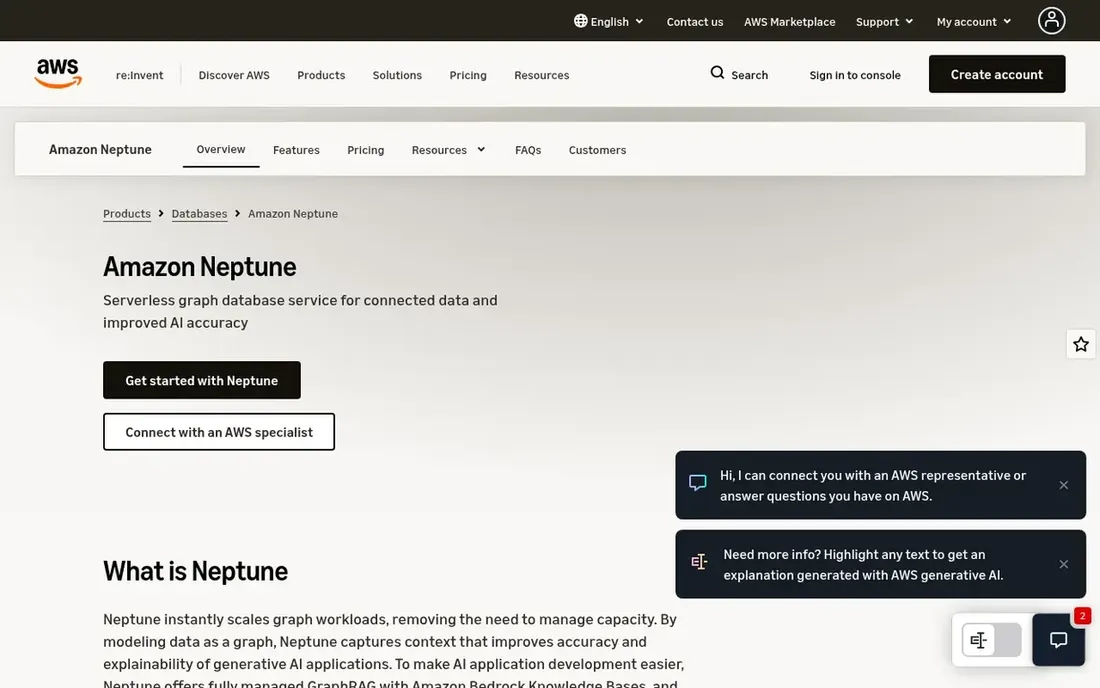
In short, Amazon Neptune is for AWS-integrated managed service. Consider other choices if you need portability or are not invested in AWS.
Downsides: Restricted to AWS regions.
More specifically, Amazon Neptune is a quick, completely managed graph database service on AWS, powering use cases like identity graphs, knowledge graphs, and fraud detection. Neptune is tightly coupled with AWS, which can be a limitation for teams using multi-cloud or on-premises environments. No starting price is listed for Amazon Neptune here; confirm pricing on the vendor site. A free plan is available with Amazon Neptune.
- Completely managed
- Supports several graph models
- Tied to AWS ecosystem
How we compared the tools
For each of the 6 tools we noted price, free plan or trial, fit for graph databases for remote teams and the main limit, using vendor pages and documentation. Where a price is missing, the vendor does not list one publicly or ties it to a quote. Always confirm before budgeting. Position on the page reflects fit for a typical buyer first, with price clarity and free access breaking ties. Treat it as a guide, not a ruling.
Questions to settle before buying
- Get a written quote from Dgraph, JanusGraph, ArangoDB and others; the list shows no starting price for them.
- Look at free plan limits closely: ArangoDB, Neo4j and Amazon Neptune have one, and the caps decide whether it is usable for real work.
- Take the trial from TigerGraph and push a live task through it before you pay.
- Before choosing Dgraph, weigh its main limit: operational complexity.
- Test how quickly ArangoDB answers a pre-sales question; it hints at how support will feel later.
- Check the integration list for Neo4j against the tools you run today, and note which ones need a higher plan.
FAQ
Which options for graph databases for remote teams have a free plan?
On this list, ArangoDB, Neo4j and Amazon Neptune include a free plan. Caps on seats, usage or features are common, so test the free plan against your real workload. One other tool offers a trial instead.
Is a managed graph database better for remote teams?
Managed services like Amazon Neptune can be beneficial for remote teams as they deal with maintenance and scaling, reducing the need for dedicated operations staff. Evaluate based on your team's expertise and infrastructure.
How are the tools for graph databases for remote teams ordered?
Dgraph sits first and Amazon Neptune last because the order follows typical fit for graph databases for remote teams, then price clarity and free access. It is a judgement call, so read each profile for fit and limits.
Can I try these tools before paying?
Often, yes. ArangoDB, Neo4j and Amazon Neptune have a free plan and TigerGraph offers a free trial. Use your own data and a real task during the test, and check what the free tier or trial limits before you rely on it.
Is Dgraph the right pick for everyone comparing graph databases for remote teams?
No single tool suits every team. Dgraph comes first because it fits open-source terabyte-scale graphs, while JanusGraph suits massively scalable open-source graphs and ArangoDB suits unified contextual data platform. Match the tool to your own size, budget and workflow before deciding.
Sources
- https://dgraph.io
- https://janusgraph.org
- https://arango.ai
- https://neo4j.com
- https://www.tigergraph.com
- https://aws.amazon.com/neptune