5 Graph Databases for Enterprise Worth Shortlisting in 2026
Compare 5 picks for the best graph databases for enterprise, with prices, free plans and who each fits. Plain-spoken summaries throughout. Start here.
- Editor's choiceGoogle Cloud Bigtable
Wide-column NoSQL at low latency
Starts atSee websiteVisit cloud.google.comFull review - Great alternative
 Azure Cosmos DB
Multi-model NoSQL on Microsoft Azure
Starts atSee websiteVisit azure.microsoft.comFull review - Also consider
 Neo4j
Native graph queries at enterprise scale
Starts at$0.09 per GB per hourVisit neo4j.comFull review
Direct answer
This list puts Google Cloud Bigtable first for wide-column NoSQL at low latency. Listed starting prices: Neo4j from $0.09 per GB per hour. Look at Azure Cosmos DB for multi-model NoSQL on Microsoft Azure, and at Neo4j for native graph queries at enterprise scale. Details, prices and limits for the rest of the 5 tools are below.
TL;DR:
- Number one here is Google Cloud Bigtable, a fit for wide-column NoSQL at low latency.
- One limit worth knowing about TigerGraph: specialized product to learn.
- Expect to ask for a quote from Google Cloud Bigtable, Azure Cosmos DB, TigerGraph and Amazon Neptune; the other tools show a starting price.
- A free plan is available from 2 of the 5 tools: Neo4j, Amazon Neptune.
Last checked November 2026. Prices and plan details were read from the vendors' own pages in November 2026; vendors change plans often, so confirm the current price on the vendor site before you buy.
Quick comparison
| Tool | Best for | Starts at | Free plan? | |
|---|---|---|---|---|
| Google Cloud Bigtable | Wide-column NoSQL at low latency | See website | Not stated | Visit |
| Azure Cosmos DB | Multi-model NoSQL on Microsoft Azure | See website | Not stated | Visit |
| Neo4j | Native graph queries at enterprise scale | $0.09 per GB per hour | Yes | Visit |
| TigerGraph | Live AI and analytics on graphs | See website | Free trial | Visit |
| Amazon Neptune | Managed graph workloads on AWS | See website | Yes | Visit |
Graph Databases for Enterprise profiles
Choosing graph databases for enterprise usually comes down to price, fit and limits. This LinkVetted guide sets 5 tools side by side on those three points, with the facts kept short and checkable.
Google Cloud Bigtable
Best for: Wide-column NoSQL at low latency
For wide-column NoSQL at low latency, Google Cloud Bigtable is a natural candidate. Teams whose primary need is graph analytics should look at a dedicated graph product instead and treat Bigtable as complementary infrastructure. Bigtable is not a native graph database, so relationship-heavy queries require additional engineering instead of out-of-the-box graph traversal.
Downsides: Not a dedicated graph database.
In practice, Google Cloud Bigtable is an enterprise-grade NoSQL database that is HBase and Cassandra compatible, with sub-millisecond latency and limitless scale as its stated design goals. It can serve as a storage foundation when graph processing is layered on top with extra tooling. This comparison lists no price for Google Cloud Bigtable; ask the vendor. Trial and free access: Not stated.
- HBase and Cassandra compatible
- Aimed at very large scale
- Graph work needs added tooling
Choose Azure Cosmos DB for multi-model NoSQL on Microsoft Azure. It suits enterprises building cloud-native applications on Azure that want graph capability alongside other data models in a single managed service.
Downsides: Graph is one model among multiple.
Azure Cosmos DB shows no starting price here, so confirm the cost on the vendor site. Free plan details: Not stated.
- High availability and low latency focus
- Completely managed and serverless choices
- Needs careful data modeling choices
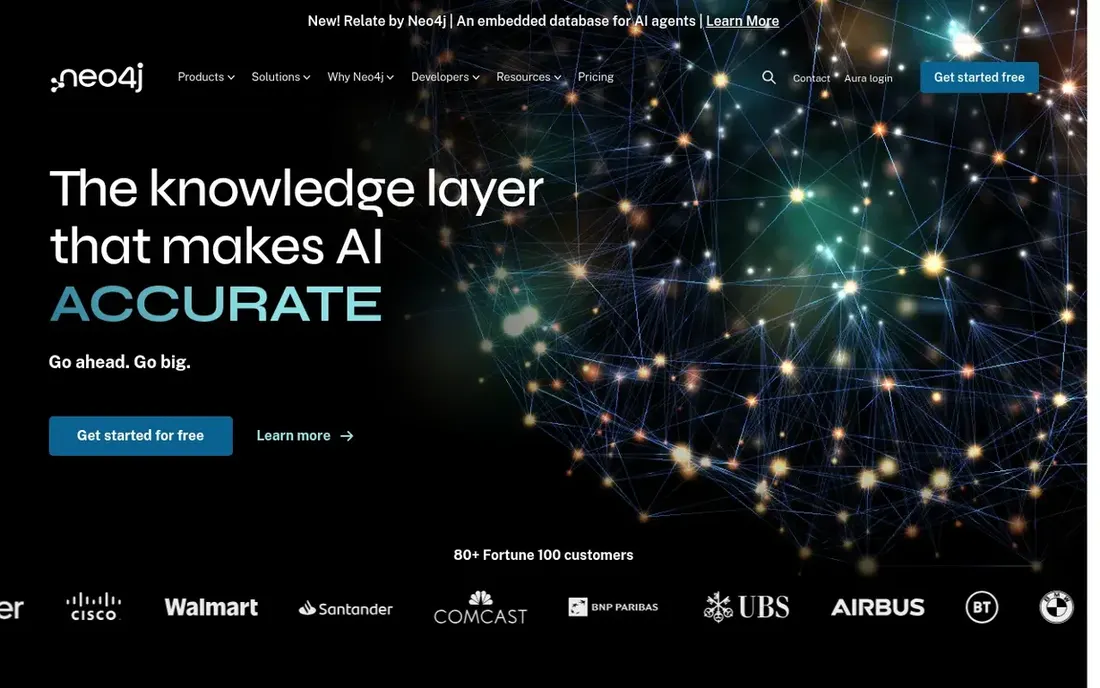
Neo4j is aimed squarely at native graph queries at enterprise scale. Since it is a specialized platform, teams need graph modeling skills and should plan for operational overhead as data volumes grow.
On top of that, if your workloads are largely key-value or document reads with only occasional relationship queries, a general-purpose database may be the more straightforward choice. Starting cost for Neo4j: $0.09 per GB per hour. Neo4j includes a free tier.
Watch-outs: Graph model needs deliberate schema design.
- Mature graph system positioning
- Solid fit for complicated connected-data queries
- Operational care needed for large deployments
TigerGraph
Best for: Live AI and analytics on graphs
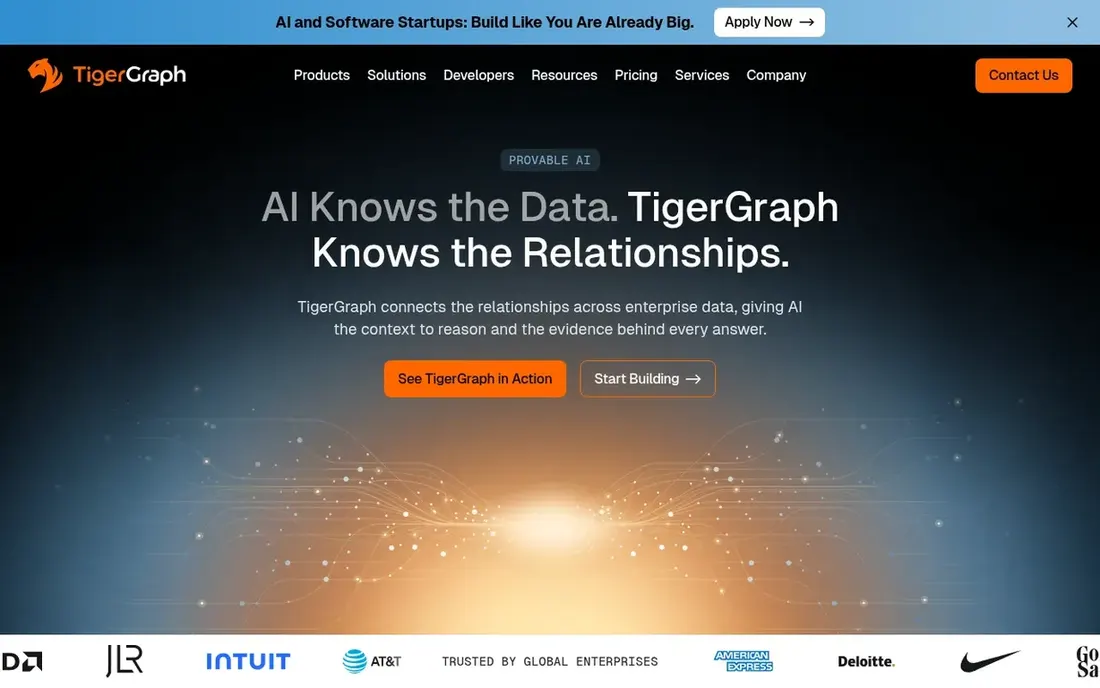
In short, TigerGraph is for live AI and analytics on graphs. It fits organizations whose graph work is analytics-heavy and time-sensitive, like risk and compliance teams that require to surface patterns across connected data rapidly.
Pricing for TigerGraph is not stated here, so ask the vendor for current figures. On free options: Free trial.
The main drawbacks: Specialized system to learn.
- Centred on live analytics
- Aimed at enterprise-scale connection analysis
- Best value when analytics is the core need
Amazon Neptune
Best for: Managed graph workloads on AWS
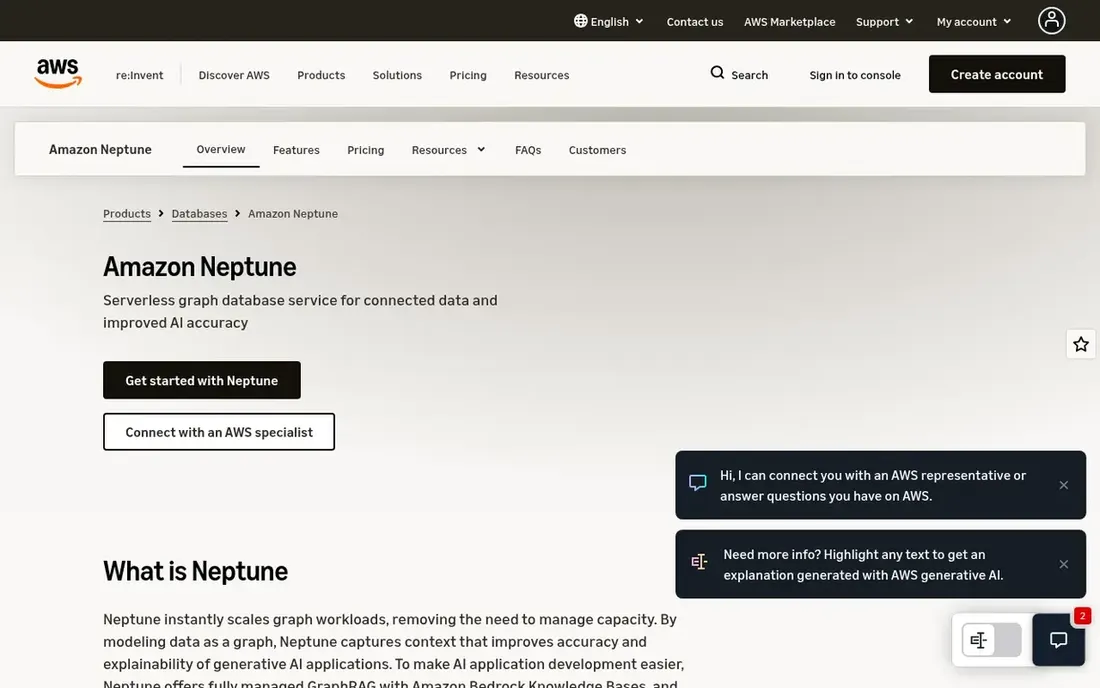
For managed graph workloads on AWS, Amazon Neptune is a natural candidate. The primary constraint is ecosystem gravity: organizations running substantial workloads on other clouds may find a managed graph choice native to their product simpler to integrate.
Where it is weaker: Graph modeling still needs expertise.
Teams needing very specialized graph analytics should confirm that the service's documented capabilities match their query patterns. Amazon Neptune shows no starting price here, so confirm the cost on the vendor site. A free plan is available with Amazon Neptune.
- Supports fraud detection use cases
- Completely managed database service
- Tied closely to the AWS ecosystem
How the list was put together
For each of the 5 tools we noted price, free plan or trial, fit for graph databases for enterprise and the main limit, using vendor pages and documentation. Where a vendor does not publish a price, the entry says quote. Where a price depends on seats or billing term, the entry says so. The order reflects how well each tool fits the most common buying scenario for graph databases for enterprise, then price clarity, then free plan access. It is a starting point, not a verdict.
What to confirm before you sign up
- Ask Google Cloud Bigtable, Azure Cosmos DB, TigerGraph and Amazon Neptune for a written quote, since no starting price is shown.
- Read the fine print on the free plans from Neo4j and Amazon Neptune; seat, project and feature caps differ.
- Run a trial of TigerGraph with real work before paying for a year; your own workflow is the best test.
- Before choosing Google Cloud Bigtable, weigh its main limit: not a dedicated graph database.
- Check how data leaves Azure Cosmos DB: formats, limits and whether exports are available on every plan.
- Ask the daily users to test Google Cloud Bigtable on a live task before you roll it out to everyone.
FAQ
Which options for graph databases for enterprise have a free plan?
Neo4j and Amazon Neptune offer a free plan in this list. Free plans usually cap users, projects or features, so check the limits on the vendor page. One other tool offers a trial instead.
Can a wide-column store like Bigtable serve graph workloads?
It can complement a graph strategy for very large datasets, but teams needing out-of-the-box graph queries should choose a dedicated graph system.
Do these tools publish their prices?
Not all of them. Google Cloud Bigtable, Azure Cosmos DB, TigerGraph and Amazon Neptune publish no starting price, so expect a quote request for those. The rest, Neo4j included, show a starting price, though seats and billing terms still change the final cost.
Is Google Cloud Bigtable the right pick for everyone comparing graph databases for enterprise?
No single tool suits every team. Google Cloud Bigtable comes first because it fits wide-column NoSQL at low latency, while Azure Cosmos DB suits multi-model NoSQL on Microsoft Azure and Neo4j suits native graph queries at enterprise scale. Match the tool to your own size, budget and workflow before deciding.
How are the tools for graph databases for enterprise ordered?
Google Cloud Bigtable sits first and Amazon Neptune last because the order follows typical fit for graph databases for enterprise, then price clarity and free access. It is a judgement call, so read each profile for fit and limits.
What makes a graph database enterprise-ready?
Enterprise readiness typically means managed operations or clear operational guidance, high availability choices, documented scaling behavior, security controls and support arrangements. Confirm each of these on the vendor site, since they vary by deployment model and region.
Sources
- https://cloud.google.com/bigtable
- https://azure.microsoft.com/en-us/products/cosmos-db
- https://neo4j.com
- https://www.tigergraph.com
- https://aws.amazon.com/neptune