Choosing Graph Databases for Small Business in 2026: 6 Options Compared
6 tools for the best graph databases for small business, compared on pricing, free plans and best-fit use. Plain-spoken summaries throughout. Clear verdicts.
- Editor's choiceMemgraph
In-memory live graph work
Starts atSee websiteVisit memgraph.comFull review - Great alternativeAmazon Neptune
AWS-centered managed graph workloads
Starts atSee websiteVisit aws.amazon.comFull review - Also considerTigerGraph
Live analytics at bigger scale
Starts atSee websiteVisit tigergraph.comFull review
Direct answer
Our first pick is Memgraph, best for in-memory live graph work. Listed starting prices: Neo4j from $0.09 per GB per hour. Look at Amazon Neptune for AWS-centered managed graph workloads, and at TigerGraph for live analytics at bigger scale. All 6 tools are compared below on price, free plan and limits.
TL;DR:
- Top of the list is Memgraph, which targets in-memory real-time graph work.
- Neo4j is the one to check for general purpose connected data.
- No starting price is published for Memgraph, Amazon Neptune, TigerGraph and others; expect a quote.
- Before buying Amazon Neptune, weigh this: tied to AWS ecosystem.
Last checked November 2026. Prices and plan details were read from the vendors' own pages in November 2026; vendors change plans often, so confirm the current price on the vendor site before you buy.
Quick comparison
| Tool | Best for | Starts at | Free plan? | |
|---|---|---|---|---|
| Memgraph | In-memory live graph work | See website | Free trial | Visit |
| Amazon Neptune | AWS-centered managed graph workloads | See website | Yes | Visit |
| TigerGraph | Live analytics at bigger scale | See website | Free trial | Visit |
 Azure Cosmos DB | Managed multi-model data on Azure | See website | Not stated | Visit |
| OrientDB | Multi-model open source projects | See website | Not stated | Visit |
 Neo4j | General purpose connected data | $0.09 per GB per hour | Yes | Visit |
Our 6 picks for graph databases for small business
LinkVetted put together this guide to graph databases for small business for readers who want a clear shortlist without reading every vendor page. It compares 6 tools on starting price, free plans, who each one suits and where each one falls short.
Memgraph
Best for: In-memory live graph work
Memgraph makes the most sense for in-memory live graph work. Memgraph describes itself as an in-memory graph database for GraphRAG, AI memory, agentic AI and live analytics like fraud detection, and it is Cypher-compatible.
Pricing for Memgraph is not stated here, so ask the vendor for current figures. Trial and free access: Free trial.
What to check first: Less suited to cold archival data.
- Cypher-compatible
- In-memory engine
- Memory sizing needs care
Amazon Neptune
Best for: AWS-centered managed graph workloads
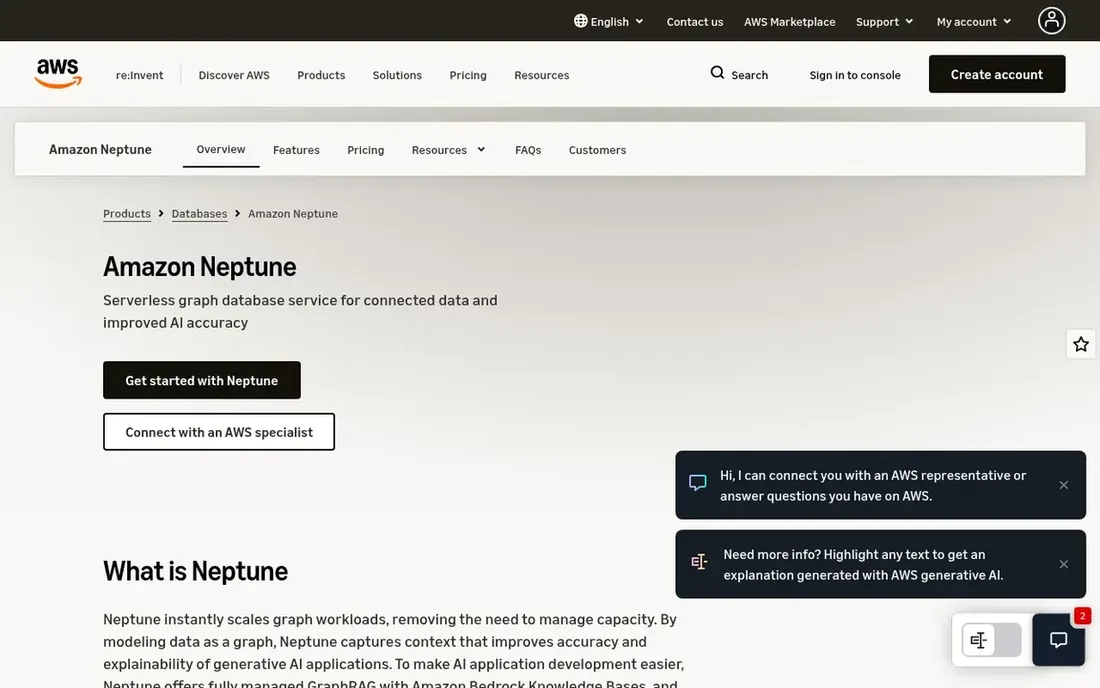
Amazon Neptune targets AWS-centered managed graph workloads. A small business already running workloads on AWS can keep data and access controls in one place and avoid operating graph infrastructure straight.
Limits to weigh: Less appealing outside AWS.
The service is closely tied to AWS, so teams on other clouds may find the fit awkward. In daily use, if your stack is not on AWS or you want an in-memory engine, look at other choices first. Check the vendor site for Amazon Neptune pricing; none is listed in this comparison. You can start on Amazon Neptune without paying.
- Completely managed service
- Supports typical graph use cases
- Tied to AWS ecosystem
TigerGraph
Best for: Live analytics at bigger scale
TigerGraph makes the most sense for live analytics at bigger scale. For more straightforward connected-data projects, lighter choices may be enough.
Watch-outs: More setup complexity.
As for the details, TigerGraph markets itself as a graph database for live AI and analytics, with uses like fraud detection, entity resolution and uncovering hidden connections at enterprise scale. Also, a growing small business with heavy relationship analysis, such as supplier networks or risk patterns, may value its analytics orientation. Check the vendor site for TigerGraph pricing; none is listed in this comparison. Trial and free access: Free trial.
- Aimed at live analytics
- Solid on connection analysis
- Enterprise focus may overwhelm small teams
Azure Cosmos DB is built with managed multi-model data on Azure in mind. If graph queries are your core workload, a purpose-built graph database may be a better fit.
A small business already on Azure can keep applications and data in one cloud environment. Pricing for Azure Cosmos DB is not stated here, so ask the vendor for current figures. Trial and free access: Not stated.
The main drawbacks: Costs need careful monitoring.
- Suits Azure environments
- Several data models
- Graph is one feature among numerous
OrientDB
Best for: Multi-model open source projects
For multi-model open source projects, OrientDB is a natural candidate. Small firms that want to experiment with connected records without committing to a single model may find it worth a look. It can suit technical teams comfortable running and maintaining their own database software.
Its community and ecosystem are smaller than those of the largest graph products, so finding help can take longer. Documentation and tooling may not match more established products. Check the vendor site for OrientDB pricing; none is listed in this comparison. Trial and free access: Not stated.
Points against: Smaller community footprint.
- Open source option
- Adaptable schema approach
- Documentation can lag

Neo4j was built for general purpose connected data. Neo4j describes itself as a graph intelligence system that stores data as connected records and runs complicated queries at scale and speed. Small teams without graph experience should budget time for learning the query language and data model.
For a small business mapping relationships for example customers, orders and suppliers, this approach can ease questions that would need numerous joins in a relational database. If you chiefly need a managed service inside an existing cloud account, a cloud-native alternative may be more straightforward. The platform is wide, so setup and modeling effort can be higher than a light choice. Neo4j pricing: $0.09 per GB per hour. A free plan is available with Neo4j.
Where it falls short: Needs graph modeling skills.
- Widely documented ecosystem
- Capable query tooling
- Can feel heavy for tiny teams
How the list was put together
For each of the 6 tools we noted price, free plan or trial, fit for graph databases for small business and the main limit, using vendor pages and documentation. Where a vendor does not publish a price, the entry says quote. Where a price depends on seats or billing term, the entry says so. The ranking is editorial: typical fit first, then clear pricing, then free access. If your needs are unusual, read the profiles rather than relying on position.
Questions to settle before buying
- Ask Memgraph, Amazon Neptune, TigerGraph and others for a written quote, since no starting price is shown.
- Look at free plan limits closely: Amazon Neptune and Neo4j have one, and the caps decide whether it is usable for real work.
- Use real work to test the free trial from Memgraph and TigerGraph, rather than a demo project.
- Read the limits listed for Memgraph first: memory sizing needs care.
- Test how quickly TigerGraph answers a pre-sales question; it hints at how support will feel later.
- Work out what Memgraph costs with your real seat count, add-ons and usage, not just the entry price.
FAQ
Do these tools publish their prices?
Not all of them. Memgraph, Amazon Neptune, TigerGraph and others publish no starting price, so expect a quote request for those. The rest, Neo4j included, show a starting price, though seats and billing terms still change the final cost.
Can I try these tools before paying?
Often, yes. Amazon Neptune and Neo4j have a free plan and Memgraph and TigerGraph offer a free trial. Use your own data and a real task during the test, and check what the free tier or trial limits before you rely on it.
What should a small business look for in a graph database?
Start with the query language your team can learn rapidly, then check the deployment model and how much operational work you can absorb. Also confirm that the data model matches your connected-data questions.
How are the tools for graph databases for small business ordered?
Memgraph sits first and Neo4j last because the order follows typical fit for graph databases for small business, then price clarity and free access. It is a judgement call, so read each profile for fit and limits.
Which options for graph databases for small business have a free plan?
Amazon Neptune and Neo4j offer a free plan in this list. Free plans usually cap users, projects or features, so check the limits on the vendor page. Several others offer a trial instead.
Sources
- https://memgraph.com
- https://aws.amazon.com/neptune
- https://www.tigergraph.com
- https://azure.microsoft.com/en-us/products/cosmos-db
- https://orientdb.dev
- https://neo4j.com