Choosing GPU Testing Software in 2026: 6 Options Compared
Compare 6 picks for the best GPU testing software, with prices, free plans and who each fits. The weak spots sit next to the strengths. Clear verdicts.
- Editor's choiceMSI Afterburner
Overclocking and hardware monitoring
Starts atPricing on requestVisit msi.comFull review - Great alternative
 AIDA64
System diagnostics and benchmarking
Starts atPricing on requestVisit aida64.comFull review - Also considerOCCT
All-in-one stability and stress testing
Starts atPricing on requestVisit ocbase.comFull review
Direct answer
For Overclocking and hardware monitoring, MSI Afterburner is where this list starts. AIDA64 is the stronger choice for system diagnostics and benchmarking, while OCCT suits all-in-one stability and stress testing. The other 3 tools in the list cover narrower or pricier cases. None of these vendors publish plan prices, so pricing is on request for every option.
TL;DR:
- The list opens with MSI Afterburner, aimed at Overclocking and hardware monitoring.
- Unigine Heaven is the one to check for GPU benchmarking with a visual scene.
- Neither MSI Afterburner nor Unigine Heaven, nor any of the other 4 tools, has a permanent free plan; trials and quotes are the norm.
- One limit worth knowing about MSI Afterburner: not a dedicated stress test tool.
Last checked November 2026. Pricing on request: vendors did not publish plan prices when this guide was last checked (November 2026), so ask each vendor for a written quote.
Quick comparison
| Tool | Best for | Starts at | Free plan? | |
|---|---|---|---|---|
| MSI Afterburner | Overclocking and hardware monitoring | Pricing on request | Not stated | Visit |
| AIDA64 | System diagnostics and benchmarking | Pricing on request | Not stated | Visit |
| OCCT | All-in-one stability and stress testing | Pricing on request | Not stated | Visit |
| FurMark | Dedicated GPU stress testing | Pricing on request | Not stated | Visit |
| Unigine Superposition | Modern GPU benchmarking | Pricing on request | Not stated | Visit |
| Unigine Heaven | GPU benchmarking with a visual scene | Pricing on request | Not stated | Visit |
The 6 tools in detail
If you are comparing GPU testing software, this page covers 6 tools in one place: what each is best for, what it costs to start, whether it has a free plan, and the main limit to know about.
MSI Afterburner
Best for: Overclocking and hardware monitoring
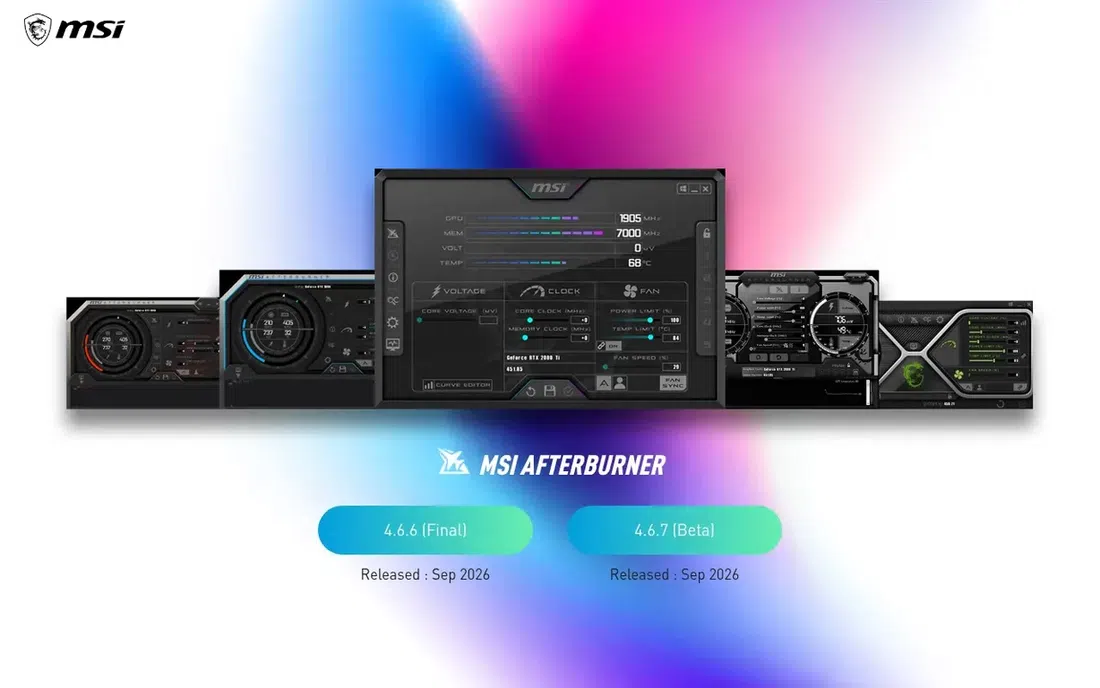
MSI Afterburner was built for Overclocking and hardware monitoring. If you only have to test GPU stability without overclocking or monitoring, a more straightforward stress test tool may suffice. Worth adding: MSI Afterburner is a graphics card overclocking utility that offers a detailed overview of your hardware and bundles features for example customizing fan profiles and benchmarking.
What to check first: Overclocking features may be excessive for non-enthusiasts.
It is widely used for monitoring and tuning GPU performance, making it a solid fit for users interested in overclocking, fan curve adjustments and live hardware monitoring during GPU tests. It is best used alongside dedicated stress test software. This comparison lists no price for MSI Afterburner; ask the vendor. Free plan details: Not stated.
- Widely used overclocking utility
- In-depth hardware overview
- Not a dedicated stress test tool
AIDA64 works best for system diagnostics and benchmarking. If your primary goal is GPU-specific testing, a dedicated GPU tool might be more straightforward and economical. AIDA64 is a full tool that may be more than needed for straightforward GPU stress testing.
Its interface and feature depth can be complicated for casual users. Beyond that, AIDA64 is a system information, diagnostics and benchmarking software with advanced hardware monitoring and in-depth system reports. AIDA64 shows no starting price here, so confirm the cost on the vendor site. On free options: Not stated.
Drawbacks to consider: premium software with restricted free version.
- Advanced hardware monitoring
- Full system information
- Can be overkill for entry-level GPU testing
OCCT
Best for: All-in-one stability and stress testing

In short, OCCT is for all-in-one stability and stress testing. It offers a suite of tests to check system stability, including GPU stress testing, and comes with monitoring features to observe hardware behavior during tests. Some tests may need careful configuration to avoid false positives or to target specific components.
Points against: May need configuration for specific tests.
OCCT's wide feature set can make it overwhelming for those who only need a straightforward GPU stress test. Beyond that, if you prefer a minimal, single-purpose tool, a dedicated stress test utility might be more appropriate. OCCT shows no starting price here, so confirm the cost on the vendor site. As for free access: Not stated.
- Combines stress test and benchmark
- Supports Windows and Linux
- Interface can be complicated for beginners
FurMark
Best for: Dedicated GPU stress testing
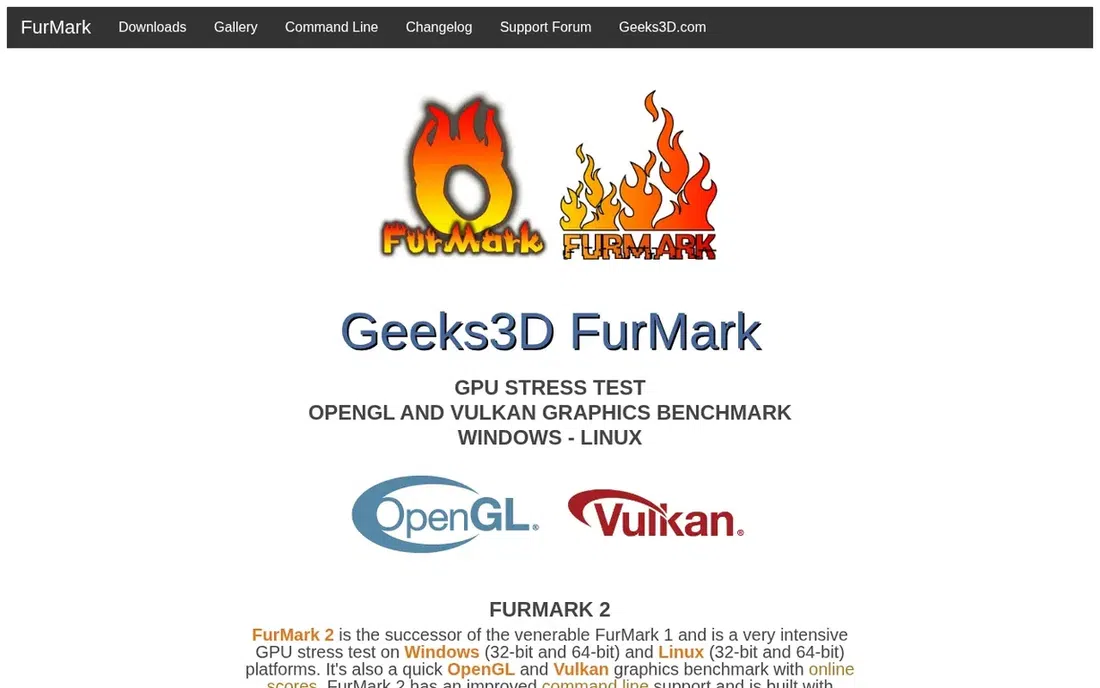
FurMark serves dedicated GPU stress testing. It is meant to push graphics cards to high load, making it handy for checking stability and cooling performance.
Worth adding: users who want a straightforward way to stress test a GPU will find it suits well, notably when the goal is to verify system stability under sustained load instead of to produce a wide set of benchmark scores. Check the vendor site for FurMark pricing; none is listed in this comparison. On free options: Not stated.
Trade-offs to know: Restricted benchmarking features.
- Focused stress test
- Straightforward interface
- Not a full monitoring suite
Unigine Superposition
Best for: Modern GPU benchmarking
In short, Unigine Superposition is for modern GPU benchmarking. Unigine Superposition is resource-intensive and may not run smoothly on older or less feature-rich GPUs. It concentrates on Unigine's benchmark scenarios, so it may not handle all use cases.
Unigine Superposition is a modern performance benchmark that supports testing at high resolutions and in VR. It gives you a demanding 3D scene to evaluate GPU performance and bundles a stress test mode. As for the details, if you need a lighter benchmark or broader test coverage, other tools might be more suitable. Unigine Superposition does not show a starting price in this comparison, so check the vendor site for current pricing. On free options: Not stated.
Downsides: Restricted to Unigine's benchmark scenarios.
- Contains stress test mode
- Modern benchmark engine
- Needs a capable GPU
Unigine Heaven
Best for: GPU benchmarking with a visual scene
Unigine Heaven makes the most sense for GPU benchmarking with a visual scene. Unigine Heaven is an older benchmark and may not completely represent performance in the latest games or applications.
This comparison lists no price for Unigine Heaven; ask the vendor. Free plan details: Not stated.
Trade-offs to know: Restricted to a single scene.
- Widely used for comparisons
- Realistic 3D benchmark
- Older benchmark engine
Our selection method
We compared the tools on published pricing, free plan or trial availability, feature coverage for GPU testing software, and the limits each vendor documents. Plan names, prices and limits change often. Treat the figures here as a starting point and verify them with the vendor. We ordered the tools by general fit, then by how clearly pricing is shown, then by free access. A buyer with unusual needs may reorder them.
What to confirm before you sign up
- Request quotes from MSI Afterburner, Unigine Heaven and the others; the list shows no fixed prices.
- Read the limits listed for MSI Afterburner first: not a dedicated stress test tool.
- Before you load data into Unigine Heaven, check what an export looks like and who can run it.
- Check whether the features you need in AIDA64 sit on the entry plan or only on higher tiers.
- Before rolling out OCCT, verify the integrations your workflow depends on.
FAQ
Can I try these options before paying?
Not by default. None of the tools, from MSI Afterburner to Unigine Heaven, lists a free plan or a free trial here, so ask each vendor for a demo before committing.
Does any tool for GPU testing software here have a free plan?
A permanent free plan is not offered by MSI Afterburner, Unigine Heaven or the other tools here. Plan a short evaluation period instead.
How are the tools for GPU testing software ordered?
MSI Afterburner sits first and Unigine Heaven last because the order follows typical fit for GPU testing software, then price clarity and free access. It is a judgement call, so read each profile for fit and limits.
Which tool is a good match for beginners?
Start with MSI Afterburner if you need Overclocking and hardware monitoring. AIDA64 is the better match for system diagnostics and benchmarking, and OCCT for all-in-one stability and stress testing. The best choice depends on budget, team size and workflow.
Is MSI Afterburner the right pick for everyone comparing GPU testing software?
No single tool suits every team. MSI Afterburner comes first because it fits Overclocking and hardware monitoring, while AIDA64 suits system diagnostics and benchmarking and OCCT suits all-in-one stability and stress testing. Match the tool to your own size, budget and workflow before deciding.
Sources
- https://www.msi.com/Landing/afterburner/graphics-cards
- https://www.aida64.com
- https://www.ocbase.com
- https://geeks3d.com/furmark
- https://benchmark.unigine.com/superposition
- https://benchmark.unigine.com/heaven