Best A/B Testing Software for App Developers in 2026: 8 Tools Compared
Compare the best a/b testing software for app developers in 2026, with mobile experiments, feature flags, stats, and tools for iOS and Android apps today.
- Editor's choice
 Firebase
Free mobile experiments
Starts atFreeVisit firebase.google.comFull review - Great alternative
 Optimizely
Large team experimentation
Starts atSee websiteVisit optimizely.comFull review - Also consider
 VWO
Visual testing and targeting
Starts atSee websiteVisit vwo.comFull review
TL;DR:
- Firebase Remote Config and A/B Testing is the best free starting point for mobile developers, especially on Android and iOS with Google tooling.
- Optimizely and VWO lead for larger teams that need visual editing, targeting, and detailed experiment reports.
- LaunchDarkly and Statsig suit teams that want feature flags plus experiments in one system, with fast rollout control.
- Split and Amplitude Experiment fit product teams that already use those platforms for releases or analytics.
- Our pick for most app developers is Firebase for early experiments, with LaunchDarkly or Statsig when flag control becomes central.
Quick comparison
| Tool | Best for | Starts at | Free plan? | |
|---|---|---|---|---|
| Firebase | Free mobile experiments | Free | Yes | Visit |
| Optimizely | Large team experimentation | See website | No | Visit |
| VWO | Visual testing and targeting | See website | Free trial | Visit |
 LaunchDarkly | Feature flags plus experiments | See website | Free trial | Visit |
 Statsig | Product experiments at scale | Free | Yes | Visit |
 Split | Feature flags for releases | See website | Free trial | Visit |
 AB Tasty | Visual and server-side tests | See website | No | Visit |
 Amplitude Experiment | Analytics-linked experiments | See website | Free trial | Visit |
The best a/b testing software for app developers
We compared official feature pages, pricing pages, and documentation for tools that support mobile app experiments in October 2026. The list covers client-side and server-side testing, feature flags, and stats, with a focus on iOS and Android workflows.
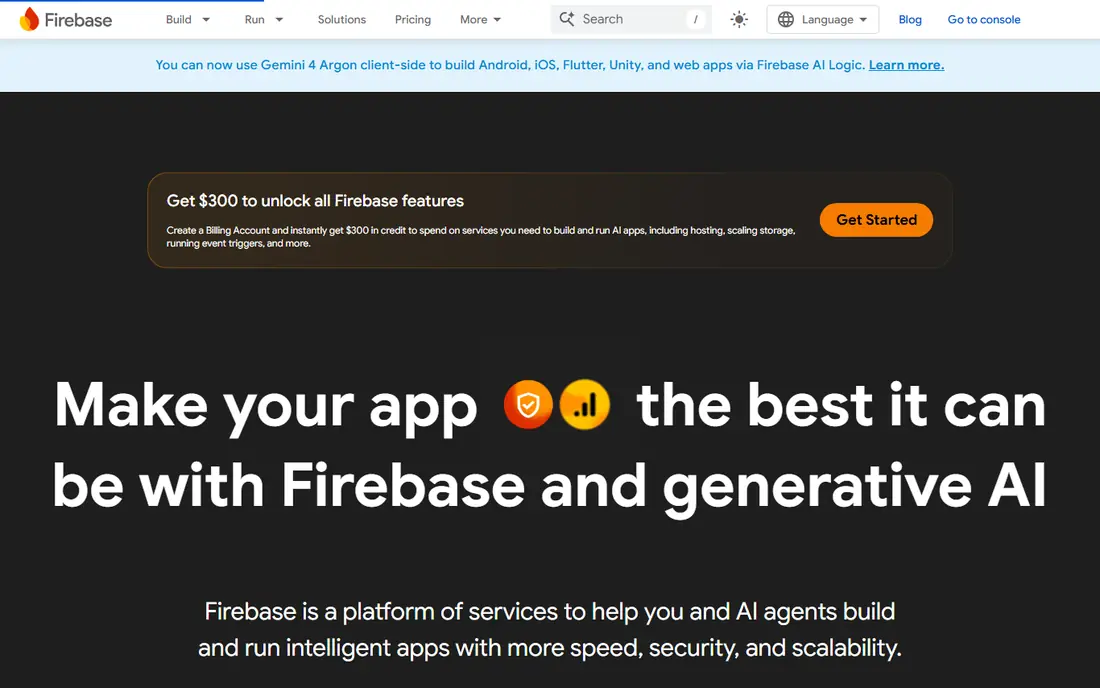
Firebase is the natural first experiment tool for many app developers. Remote Config lets you change app behavior, copy, and settings without a full app store release, and A/B Testing builds experiments on top of those configs with Analytics goals. That means you can test onboarding copy, pricing screens, or feature defaults and see results tied to retention and other events.
The trade-off is flexibility. Firebase is less visual than web-focused tools, and complex server-side tests may need more code. For small and mid-size mobile teams, though, the free tier and tight link to Analytics make it the best place to start. Set a clear primary goal before you launch, and run one test at a time per screen to keep results clean.
- Free tier for mobile A/B testing
- Remote Config for no-code changes
- Works with Analytics and Crashlytics
- Less visual editing than Optimizely or VWO
- Google ecosystem focus
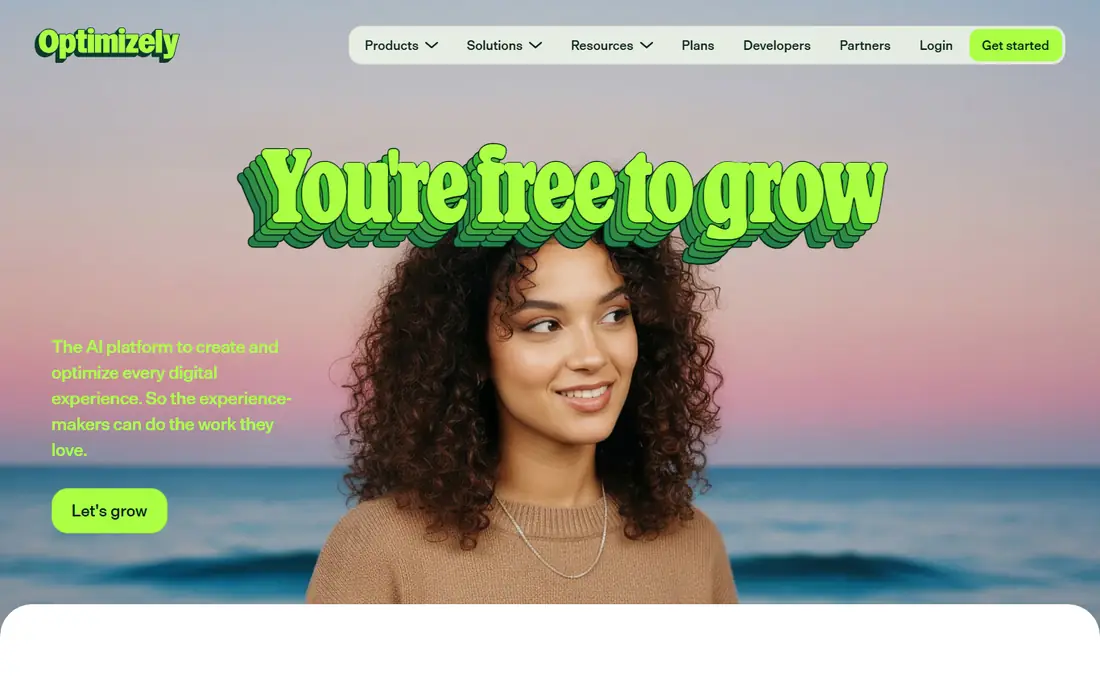
Optimizely is built for teams that run many experiments across web and mobile with governance. You get experiment planning, targeting by audience and device, and stats that help teams decide when a result is reliable. Feature experimentation tools let developers test behind flags and roll out winning variants gradually.
That power comes with cost and complexity. Pricing is quote-based, and small indie teams will likely find Firebase or Statsig more affordable. For product teams with dedicated experiment owners, Optimizely offers the control and reporting needed to scale testing without losing track of what ran and why.
- Strong experiment management
- Targeting and audience tools
- Detailed stats and reports
- Pricing is quote-based and high for small teams
- Setup needs planning
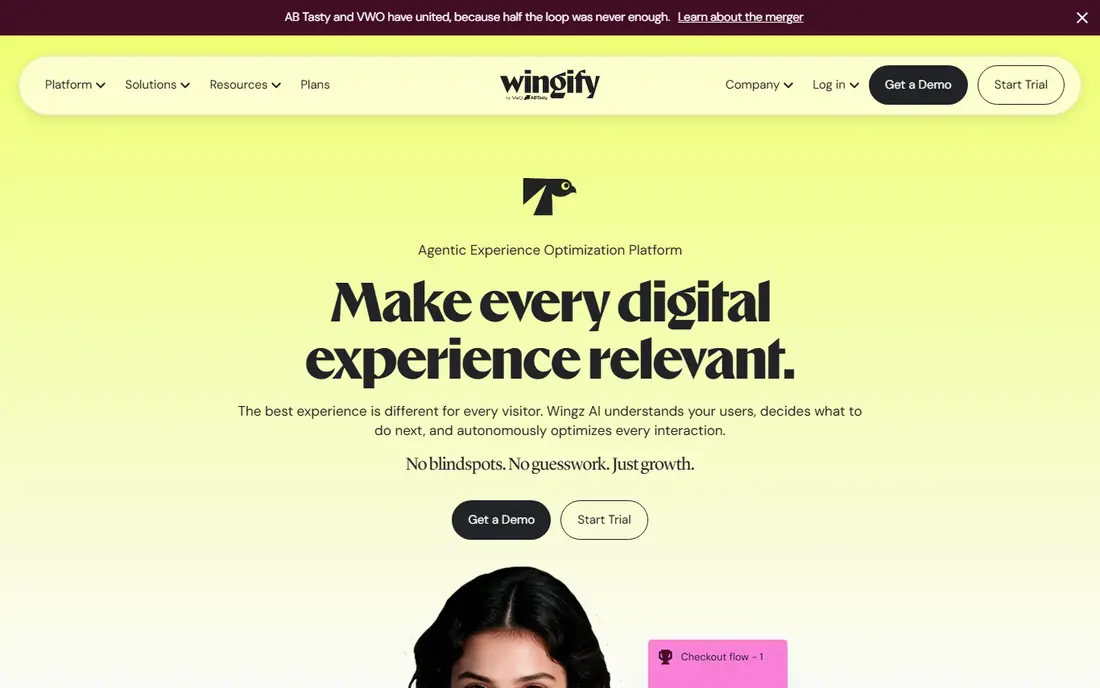
VWO is best known for web testing, but it also supports mobile app experiments and server-side tests for developers who want code-level control. The visual editor helps non-developers change copy and layout for web tests, while mobile teams can use SDKs to test app flows. Targeting lets you limit a test to new users, a country, or a device type.
Mobile-first teams should check the current app SDK support and pricing before committing, since VWO pricing depends on traffic and plan. For teams that test both web and app, VWO gives one platform for both, with shared reporting and audience tools.
- Visual editor for many tests
- Targeting and segmentation
- Heatmaps and session insights in related plans
- Mobile app testing is less central than web
- Pricing varies by traffic and features
LaunchDarkly starts with feature flags, which is how many app teams actually ship safely. Wrap a new feature in a flag, roll it out to a small group, watch crashes and metrics, then expand or turn it off instantly if something goes wrong. Experimentation builds on that same flag system, so you can test variants without a separate release process.
That workflow suits developers who value release safety as much as test results. Stats are solid for flag-based tests, but teams that need advanced experiment design may pair LaunchDarkly with a dedicated analytics tool. For mobile teams that ship often, LaunchDarkly is one of the most practical picks on this list.
- Fast feature flag control
- Gradual rollouts and kill switches
- Experiment support on flags
- Experiment stats are less deep than Optimizely
- Pricing rises with seats and usage
Statsig combines feature gates, experiments, and analytics in one platform built for product teams. Developers can gate a feature, run an experiment on it, and track metrics such as retention, revenue, and engagement without stitching several tools together. The free tier makes it accessible for startups and indie developers who want real experiment stats early.
Setup takes care, especially around metric definitions and event tracking, so plan your events before you launch a test. Once events are clean, Statsig scales well from a first test to many concurrent experiments. For app developers who want a modern, developer-friendly experiment platform, Statsig is a strong choice.
- Free tier for early use
- Feature gates and experiments in one place
- Strong stats and metric tracking
- Learning curve for stats setup
- Advanced features need paid plans
Split, now part of Harness, focuses on feature flags and controlled releases with experiment support. You can target flags by user, segment, or percentage, roll out gradually, and measure impact on key metrics. That makes it useful for teams that release often and want to limit risk for each change.
Split is less well known among indie developers than LaunchDarkly, and pricing for larger teams is quote-based. For enterprise mobile teams that already use Harness or want flag governance, Split is worth a look. Smaller teams should compare its trial with Statsig free tier before committing.
- Feature flag management with targeting
- Experiment support
- Good for staged rollouts
- Smaller community than LaunchDarkly
- Pricing is quote-based for larger use
AB Tasty offers visual editing for web tests and server-side testing for developers who need code-level experiments. Personalization tools let teams show different content to different audiences, which can sit alongside A/B tests. For app developers, server-side tests are the most relevant path, since they control app logic and content from the server.
Mobile app support should be checked against current SDK docs, since AB Tasty is stronger on web than on native apps. Teams that test web and app together, or that want personalization plus testing, will get more value than pure mobile teams. Pricing is quote-based, so budget for a sales conversation.
- Visual editor and server-side testing
- Personalization tools
- Good reporting for marketing teams
- Web focus is stronger than mobile app focus
- Pricing is quote-based
Amplitude Experiment links tests directly to Amplitude analytics, which helps teams see how a variant affects funnels, retention, and revenue, not only clicks. Developers can use flags and SDKs to run tests in apps, then analyze results in the same platform where product analytics already live. That link reduces the need to export data between tools.
If you do not already use Amplitude, the case is weaker, since you would adopt analytics and experiments together. For teams already on Amplitude, Experiment is a natural addition and avoids a second analytics setup. Check trial limits and SDK support for iOS and Android before you plan a test roadmap.
- Experiments tied directly to Amplitude analytics
- Strong funnel and retention analysis
- Flag support
- Best value if you already use Amplitude
- Standalone use is less compelling
How we picked these
We compared official docs, pricing pages, and SDK support, and we favored tools that support mobile app experiments in October 2026, that offer a free tier or trial for testing, and that publish clear guidance for iOS and Android. We left out web-only tools with no mobile SDK or server-side path, since app developers need tests that run inside an app, not only on a website.
We also weighed the difference between testing and flagging. Some tools lead with visual editing, others with flags and safe rollouts, and others with stats. The best tool depends on whether your main need is design tests, release safety, or measurement depth. We note that difference in each write-up so you can match the tool to your team stage.
How to run app A/B tests that give clear answers
Start with one clear question and one primary metric. For example, test whether a shorter onboarding flow improves completion, or whether a different paywall copy improves trial starts. Changing several things at once makes it hard to know what caused a change, so keep variants focused and document what each variant changed.
Plan sample size and runtime
Check how many users you need before you launch, using the tool sample size calculator or a basic stats guide. Small apps may need to run a test for weeks to reach a reliable result, and that is normal. Do not stop a test early because an early lead looks exciting, since early results often swing. Set a minimum runtime and a minimum sample in advance, and stick to it unless a variant causes crashes or harm.
Use flags for safe rollout
Wrap test features in flags so you can turn off a losing or broken variant without an app store release. Roll out to a small percentage first, watch crash rates and core metrics, then expand. That habit protects users and gives you a clean way to ship the winner after the test ends.
Measure what matters, not only clicks
Track downstream metrics such as retention, trial starts, purchases, and support contacts, not only taps on a button. A variant that raises clicks but hurts retention is not a win. Pair experiment results with qualitative feedback, such as user interviews or app store reviews, to understand why a variant worked.
FAQ
What is the best a/b testing tool for developers?
For mobile developers starting out, Firebase is the best free choice. For teams that need flag control plus experiments, LaunchDarkly and Statsig are strong picks. For larger teams with dedicated experiment programs, Optimizely offers deeper management and reporting.
Is Firebase A/B testing free?
Firebase offers a free tier for A/B Testing and Remote Config, with limits based on usage. That free tier covers many small and mid-size apps. Check current Firebase pricing and limits on the vendor site, since costs can rise with scale and with related services such as Analytics and Cloud Messaging.
What is the difference between feature flags and A/B testing?
Feature flags control who sees a feature and let you turn it off fast. A/B testing splits users into variants and measures which variant performs better on a chosen metric. Many tools combine both, using flags to run tests and to roll out winners safely.
Do I need an SDK for mobile A/B testing?
Yes, for native app tests you need an SDK or a server-side setup that delivers variant config to the app. Firebase, LaunchDarkly, Statsig, and Amplitude all offer iOS and Android SDKs. Web visual editors alone do not test native app screens without that SDK link.
How long should an app A/B test run?
It depends on traffic and the size of change you expect. Low-traffic apps may need several weeks to reach a reliable sample, while high-traffic apps may reach it in days. Set a minimum sample and runtime before launch, and avoid stopping early on a partial lead.
Can I run A/B tests without an app store release?
Yes, with Remote Config or server-side flags you can change copy, settings, and feature access without a new release. That is one of the main benefits of Firebase Remote Config, LaunchDarkly, and Statsig. Full UI redesigns may still need a release, but many tests can run through config alone.