Docker Alternatives in 2026: 8 Tools Compared
Docker alternatives compared for desktop and server use, including free and open source container tools that run Docker images and Compose files in 2026.
- Editor's choice
 Podman
Free Docker-compatible engine
Starts atFreeVisit podman.ioFull review - Great alternative
 Rancher Desktop
Desktop containers and Kubernetes
Starts atFreeVisit rancherdesktop.ioFull review - Also consider
 OrbStack
Fast Mac container desktop
Starts atSee websiteVisit orbstack.devFull review
TL;DR:
- Podman is our pick for most people who want a free, Docker-compatible engine without a paid desktop licence.
- Desktop users on Mac should start with OrbStack, Rancher Desktop, or Colima, depending on how much setup they want to handle.
- For servers and Kubernetes nodes, containerd and Lima-style runtimes matter more than a desktop interface.
- Check Docker Compose compatibility before you switch, because a few tools need a plugin or a small change in workflow.
Quick comparison
| Tool | Best for | Starts at | Free plan? | |
|---|---|---|---|---|
| Podman | Free Docker-compatible engine | Free | Yes | Visit |
| Rancher Desktop | Desktop containers and Kubernetes | Free | Yes | Visit |
| OrbStack | Fast Mac container desktop | See website | Free trial | Visit |
 Colima | Lightweight Mac and Linux containers | Free | Yes | Visit |
 Lima | Linux virtual machines on Mac | Free | Yes | Visit |
 containerd | Server and Kubernetes runtime | Free | Yes | Visit |
 Finch | Open source Mac container tool | Free | Yes | Visit |
 nerdctl | Docker-like CLI for containerd | Free | Yes | Visit |
The best Docker alternatives
Docker set the standard for containers, but it is not the only way to build and run them. The tools below cover desktop use, servers, and Kubernetes work, and several are free and open source.
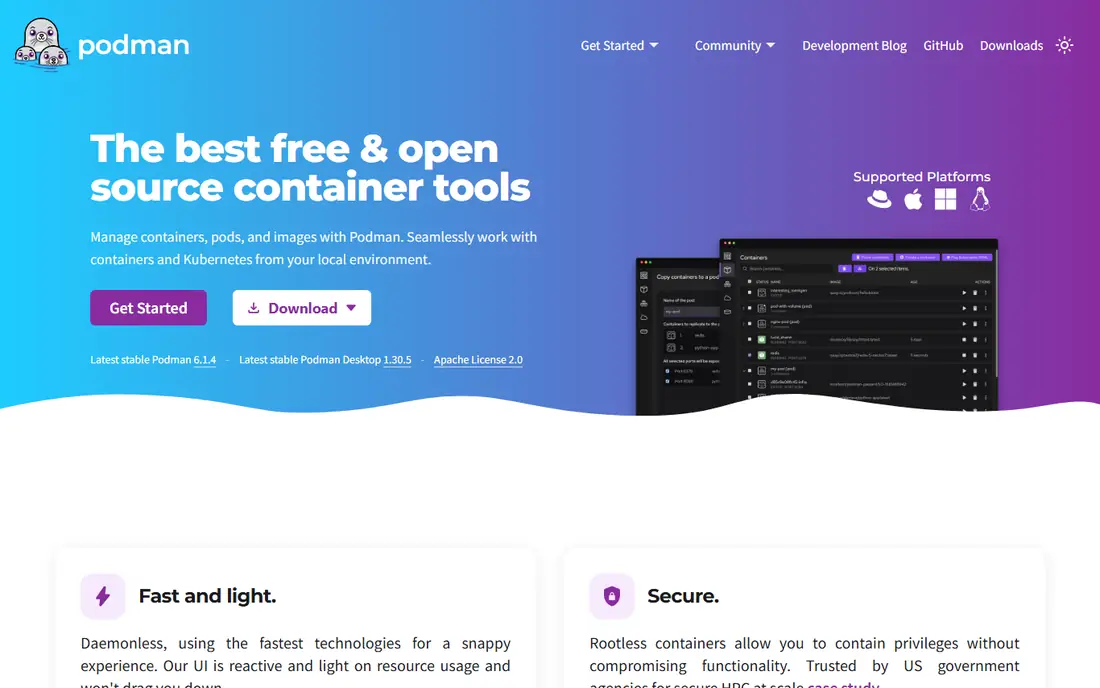
Podman is the closest direct replacement for the Docker engine for many developers. It runs OCI containers and images, and its command line will feel familiar if you already use Docker commands day to day. The daemonless design means there is no background service holding containers open, and rootless operation lowers the risk when a container is compromised.
Our pick for most people is Podman because it removes licence cost and keeps the workflow close to Docker. The trade-off is at the edges, where tools that expect a Docker daemon or specific Docker Desktop features may need a workaround. If your team relies on Docker extensions or a very specific desktop workflow, test those parts before you commit.
- Daemonless and rootless by design
- Docker-compatible commands
- Free and open source
- Some Docker Desktop features and networking setups need workarounds
- Desktop app is separate
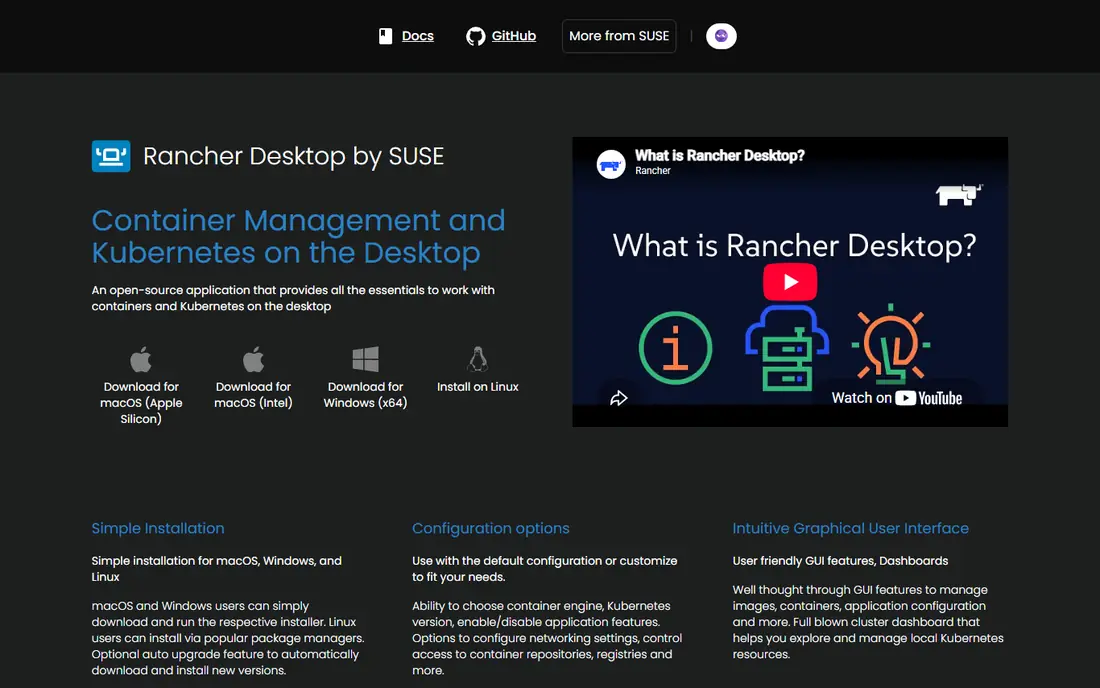
Rancher Desktop gives desktop users a full environment in one install. You get container management plus a local Kubernetes cluster, which suits developers who build containers and also need to check how they behave in Kubernetes. It is maintained as an open source project, so there is no per-seat desktop fee to worry about.
The catch is weight. If you only run a couple of containers for a web project, the Kubernetes side may be more than you need. Turn off what you do not use, or pick a lighter desktop tool, and keep Rancher Desktop for teams that actually test against Kubernetes.
- Free desktop app
- Includes Kubernetes
- Works on Mac, Windows, and Linux
- Can feel heavy for simple container runs
- Kubernetes features add setup choices
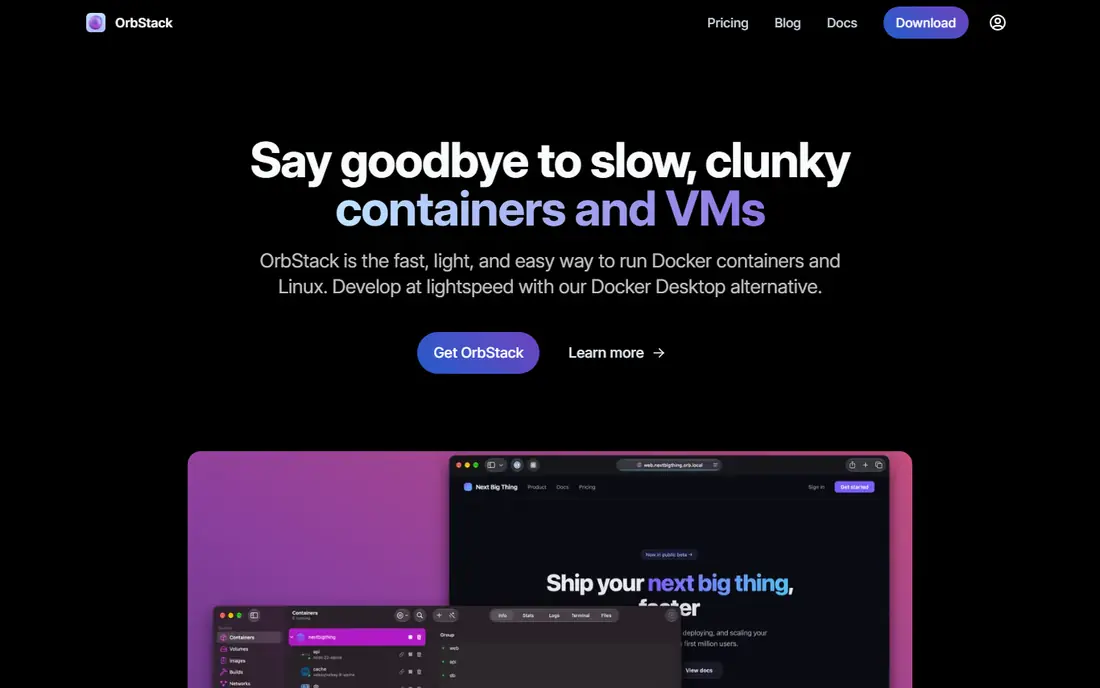
OrbStack is built for Mac users who want containers to start quickly and stay out of the way. Its interface is clean, and it aims to be a drop-in replacement for Docker Desktop for everyday development. Many Mac developers pick it after finding other desktop tools slow to start or heavy on memory.
The main limit is platform. Windows and Linux users need a different tool from this list. Pricing also matters for commercial teams, so check the current plan page before rolling it out to a whole company, even if personal use looks free.
- Very fast startup on Mac
- Simple interface
- Docker-compatible
- Mac only
- Some advanced features sit behind a paid plan
Colima is a good fit for developers who like the terminal and want a light container runtime on Mac or Linux. It builds on Lima to run a Linux virtual machine, then exposes a Docker-compatible endpoint that your existing tools can use. It stays out of the way once it is running, which is part of its appeal.
The lack of a graphical interface is the honest downside. You will manage containers from the terminal, and troubleshooting takes more reading than clicking through a dashboard. For terminal-first developers, that is a fair trade for speed and simplicity.
- Light and fast
- Uses Lima virtual machines
- Docker-compatible command line
- Command line only, with no built-in graphical interface
- Setup is less guided than a desktop app
Lima lets Mac users run Linux virtual machines with container tooling inside them. It is the foundation under Colima and similar tools, and it gives experienced users fine control over networking, mounts, and guest configuration. If you want to shape the environment yourself, Lima is a strong base.
Most people should not start with Lima alone unless they enjoy configuration. It does not present itself as a polished container desktop, and you will assemble the container workflow on top of it. Treat it as a building block, and pick Colima or another wrapper if you want a simpler daily experience.
- Runs Linux containers on Mac
- Flexible configuration
- Open source
- Primarily a virtual machine tool, not a full container desktop
- Setup takes care
containerd is the runtime that powers a large share of production Kubernetes clusters. It handles image transfer, storage, and container execution, and it is designed to be embedded in larger platforms rather than used alone by a developer on a laptop. For server teams, that focus is a strength.
Do not pick containerd as a Docker Desktop replacement on its own. You will need a client, a build tool, and orchestration around it to get a usable workflow. Its place on this list is for production and platform teams who already run Kubernetes and want a proven runtime underneath it.
- Industry-standard runtime used by Kubernetes
- Stable and widely supported
- No desktop interface or developer tooling on its own
- Needs other tools around it
Finch is an open source client for building, running, and pushing containers on Mac. It wraps a virtual machine and container runtime into a command line tool, with an optional desktop view for basic management. Teams already working in AWS may find its approach familiar and easy to adopt.
The community and plugin range are smaller than Podman, so you may find fewer ready-made answers when something unusual breaks. Finch is best for Mac developers who want a simple, open tool and do not need the full Kubernetes desktop that Rancher Desktop provides.
- Open source client from AWS
- Simple commands
- Supports building and running containers
- Smaller community than Podman
- Mac focus limits wider team use
nerdctl gives containerd a command line that feels much like Docker. That makes it useful for developers and operators who already run containerd on servers and want a familiar way to run, list, and manage containers without adding a heavy platform. It is light, focused, and easy to script.
The downside is polish. Compose-style workflows exist, but they are not as smooth as the Docker Compose experience for every project. Use nerdctl when containerd is already your runtime and you want a Docker-like CLI, not when you need a guided desktop product.
- Docker-compatible commands for containerd
- Lightweight
- Open source
- Command line only
- Compose support is separate and less polished than Docker Compose
How we picked these
We compared official project pages, pricing pages, and documentation for each tool, and checked whether each one runs OCI images and works with common Docker commands or Compose files. We favoured tools that are actively maintained and that fit a clear use case, rather than listing every container project we could find.
We did not claim hands-on testing in a lab. Instead, we weighed licence cost, platform support, desktop versus server fit, and the gaps that show up in public documentation and user reports, such as daemon assumptions and Compose edge cases.
Choosing the right Docker alternative
Start with your platform and your daily workflow. Mac desktop developers should weigh speed and interface first, while server teams should weigh Kubernetes support and long-term maintenance. A tool that is perfect on a laptop can be the wrong choice for a production cluster, and the reverse is also true.
Before you migrate, test your real projects, not just a hello-world container. Check image builds, volume mounts, networking, and Compose files, and confirm that any registry login or private image workflow still works. A short trial with one project will reveal more than a feature table ever can.
Also check licensing for your company size. Several tools on this list are free and open source with no per-seat fee, which removes the desktop licence question entirely. For paid desktop tools, confirm whether personal use and commercial use are priced differently before you deploy them widely.
FAQ
What is the best free alternative to Docker?
Podman is the best free starting point for most people, because it is open source, daemonless, and Docker-compatible for common commands. Rancher Desktop is also free and adds a local Kubernetes cluster. Pick Podman for a close engine replacement and Rancher Desktop if Kubernetes testing matters.
Are Docker alternatives compatible with Docker images?
Most tools on this list run OCI images, which is the standard Docker images follow, so your existing images should generally work. Compatibility can break at the edges, especially with Docker Desktop features, extensions, or daemon-specific tooling. Test your images and Compose files before a full switch.
What is a Docker container alternative for Mac?
OrbStack is our pick for Mac users who want speed and a simple interface, while Colima suits terminal users who want a light setup. Rancher Desktop is a good Mac choice if you also need local Kubernetes. All three avoid a Docker Desktop licence question.
Can I use Podman instead of Docker for production?
Yes, Podman is used in production settings, and containerd is the standard runtime under many Kubernetes clusters. Production use still needs care around networking, storage, monitoring, and updates. Plan those pieces as part of the platform, not as an afterthought to the engine choice.
Do alternatives to Docker containers support Docker Compose?
Many do, but support varies. Podman and Rancher Desktop handle common Compose workflows well, while nerdctl and containerd-based setups may need extra steps. If Compose is central to your projects, test your actual Compose files early in any trial.