Best Enterprise Database Software in 2026: 8 Platforms Compared
We compared the best enterprise database software for transactions, analytics, and scale, covering relational, document, and cloud platforms for large teams.
- Editor's choice
 Oracle Database
Mission-critical enterprise workloads
Starts atSee websiteVisit oracle.comFull review - Great alternative
 Microsoft SQL Server
Microsoft and Azure shops
Starts atSee websiteVisit microsoft.comFull review - Also consider
 PostgreSQL
Open-source enterprise standard
Starts atFreeVisit postgresql.orgFull review
TL;DR:
- Transaction systems and analytics systems solve different problems, so most large firms run more than one database type.
- Licensing and usage costs matter as much as speed, since the wrong model can dwarf the technical differences.
- Open-source options such as PostgreSQL now anchor many enterprise stacks, with paid support filling the gaps.
- Cloud-native platforms suit analytics and variable workloads, while traditional systems suit strict transaction and compliance needs.
- Test with your real queries and data shapes, since benchmark speed rarely predicts production behavior.
Quick comparison
| Tool | Best for | Starts at | Free plan? | |
|---|---|---|---|---|
| Oracle Database | Mission-critical enterprise workloads | See website | Free trial | Visit |
| Microsoft SQL Server | Microsoft and Azure shops | See website | Free trial | Visit |
| PostgreSQL | Open-source enterprise standard | Free | Yes | Visit |
 Snowflake | Cloud analytics and data sharing | See website | Free trial | Visit |
 MongoDB | Flexible document data at scale | See website | Free trial | Visit |
 IBM Db2 | Hybrid and regulated environments | See website | Free trial | Visit |
 Amazon Aurora | AWS-native relational workloads | See website | Free trial | Visit |
 MySQL | Widely deployed web and app data | Free | Yes | Visit |
The best enterprise database software
Enterprise database software stores the data a business cannot afford to lose, from orders and payments to customer records and analytics. The right choice depends on workload, cloud strategy, compliance needs, and team skill. We compared official documentation, pricing pages, and product descriptions to build this list.
Oracle Database remains the default for large organizations with mission-critical, compliance-heavy workloads. The current 23ai edition handles relational, document, graph, and spatial data in one converged system, with high-availability and security features built for systems that must stay up. Firms already invested in Oracle applications often find the integration and support path straightforward.
The cost and complexity are the honest drawbacks. Licensing needs careful planning, and running Oracle well requires experienced administrators. Smaller teams or firms without Oracle expertise will likely find simpler options cheaper and easier to run. For a large enterprise where downtime is costly, though, Oracle depth is the point.
- Deep transaction and high-availability features
- Broad compliance options
- Mature tooling
- Licensing is complex and costly
- Needs skilled database administration
Microsoft SQL Server is the natural enterprise database for firms standardized on Microsoft, Azure, and .NET. It handles transactions, reporting, and analytics with mature management tooling, and free Express and Developer editions let teams build and test without a license. Azure options extend the same engine into the cloud for firms moving off local servers.
Licensing still deserves attention, since edition and core choices change the bill sharply. Firms outside the Microsoft stack may also find better value elsewhere, since some of the strongest integrations assume Windows, Azure, or Microsoft business tools. Inside a Microsoft shop, however, the fit is hard to beat.
- Strong fit with .NET and Azure
- Express and Developer editions free
- Mature management tools
- Licensing needs careful planning
- Fullest value comes inside the Microsoft stack
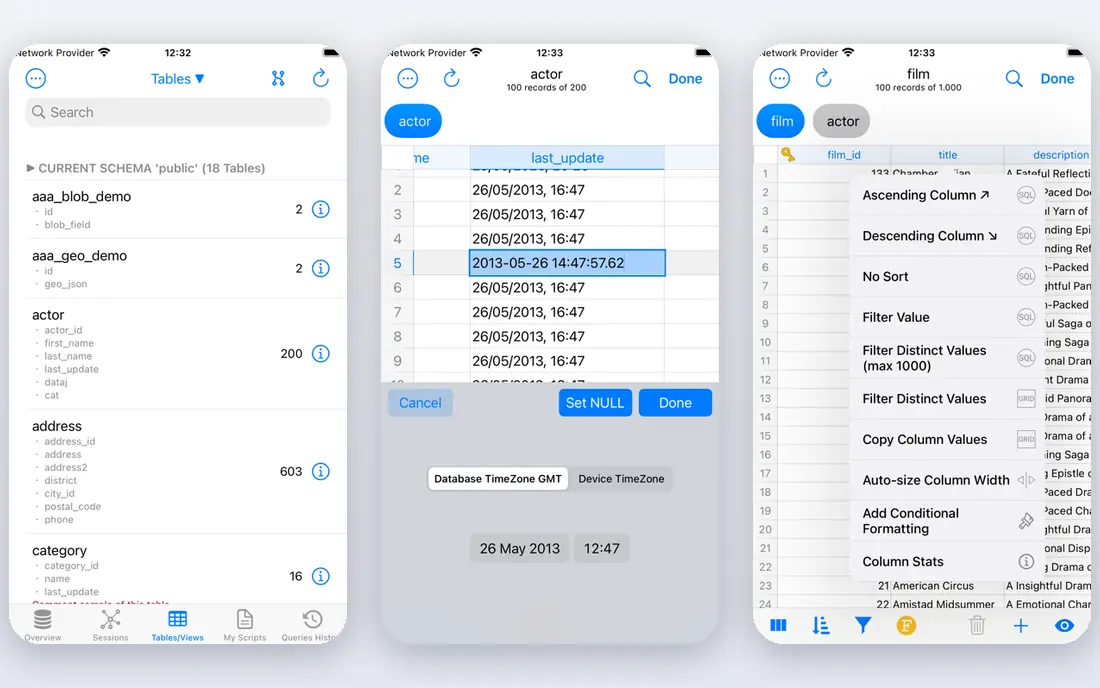
PostgreSQL is the open-source relational database that many enterprises now build around. It supports complex queries, transactions, and a wide range of extensions for search, geospatial data, and analytics, without license fees. That combination of power and freedom explains why it appears in startups and large firms alike.
The trade-off is support. There is no single vendor behind every deployment, so firms that need guaranteed support usually buy it from a provider or a managed cloud service. Tuning for very large workloads also needs skilled staff. For teams with that skill, or with a managed service, PostgreSQL offers enterprise capability without enterprise license costs.
- Free and open source
- Wide extension support
- Strong standards and community
- No single vendor support by default
- Tuning needs skilled staff
Snowflake is a cloud data platform built for analytics, data sharing, and AI workloads rather than day-to-day transactions. Storage and compute scale separately, so a team can store large data sets and spin up compute only when queries run. Standard edition compute is listed at $2.00 per credit on AWS US East, with storage at $23.00 per terabyte per month, though actual bills depend on usage and edition.
That usage model is both the strength and the risk. Costs can climb quickly if warehouses run idle or queries scan too much data, so cost controls and monitoring matter from day one. Snowflake also does not replace a transaction database for orders or payments. For analytics consolidation and sharing, it is one of the strongest options available.
- Elastic cloud analytics
- Data sharing across clouds
- Separation of storage and compute
- Usage bills can surprise without controls
- Not a transaction database
MongoDB stores data as flexible documents, which suits product teams whose data shapes change often. Developers can ship new fields without a rigid schema migration, and MongoDB Atlas offers a managed cloud service with a free tier for starting out. Horizontal scaling helps applications that grow quickly across regions.
Flexibility can become a weakness without discipline, since inconsistent documents create messy queries later. Teams used to SQL joins and strict reporting may also need to adjust their data modeling habits. For applications with varied, fast-changing data, MongoDB offers speed and freedom that rigid tables slow down.
- Flexible document model for changing data
- Atlas free tier
- Horizontal scaling
- Schema freedom needs discipline
- Analytics joins differ from SQL habits
IBM Db2 serves enterprises that need a database across cloud and on-premises systems, often in regulated industries. Its warehouse and transaction options support hybrid estates where some data must stay local while other workloads move to the cloud. IBM support and tooling appeal to firms that want a single vendor relationship for a long-lived system.
Pricing is not published on a simple list, so budgeting requires a quote and a clear view of edition and deployment. The community is also smaller than those around PostgreSQL or MySQL, which can make hiring and finding examples slower. For a hybrid, regulated estate with IBM ties, Db2 is a steady enterprise choice.
- Hybrid cloud and on-premises options
- Strong for regulated industries
- Mature enterprise tooling
- Pricing is not published
- Smaller community than PostgreSQL or MySQL
Amazon Aurora is a managed relational database for teams already building on AWS. It offers MySQL and PostgreSQL compatibility, so many applications move with limited changes, while AWS handles scaling, backups, and failover. That managed model removes much of the operational work that self-hosted databases require.
The value drops outside AWS, since the deepest integrations assume Amazon services and pricing. Usage-based costs also need monitoring, especially for large or always-on workloads. For an AWS-native team that wants relational data without running servers, Aurora is a practical and well-supported pick.
- MySQL and PostgreSQL compatibility
- Managed scaling and backups
- AWS integration
- Best value only on AWS
- Usage pricing needs monitoring
MySQL remains one of the most widely deployed open-source SQL engines, powering web applications and services at every scale. The free Community Edition covers core relational needs, and almost every hosting provider and cloud platform supports it. That ubiquity makes hiring, migration, and tooling easier than with a niche system.
Advanced enterprise features, including some management and high-availability options, sit in paid editions, so large firms should check what the free edition lacks for their needs. Very large workloads also need careful tuning and architecture. For standard application data with a proven, well-understood engine, MySQL is a safe and low-cost foundation.
- Free Community Edition
- Most widely deployed open-source SQL engine
- Broad hosting support
- Advanced enterprise features sit in paid editions
- Tuning matters at large scale
How we picked these
We compared official documentation, pricing pages, and product descriptions for databases used in large organizations. We favored systems with proven transaction or analytics strength, enterprise security and availability options, and active support paths. We included relational, document, and cloud-native options, since no single type serves every enterprise workload, and we used See website where vendors price by quote or usage.
How to choose an enterprise database
Start with the workload, not the brand. Transaction systems need strong consistency, fast writes, and reliable recovery, while analytics systems need fast scans over large data and easy sharing. A database that excels at one often struggles at the other, which is why many firms run both and move data between them.
Next, model the full cost over three years. Licenses, support, cloud usage, storage, staff time, and migration effort all count, and a cheap license with heavy administration can cost more than a managed service. Ask vendors for a cost model based on your data size, query volume, and availability needs, not just a headline rate.
Also check the operational fit. Confirm backup and recovery, failover, security controls, audit logging, and compliance certifications your industry requires. Run a proof of concept with real queries and realistic data, and measure both speed and the effort your team needs to keep the system healthy. The database your team can run well beats the faster one they cannot support.
FAQ
What is enterprise database software?
It is database software built for large-scale, business-critical data, with features for transactions, availability, security, backups, and compliance. It differs from a small app database mainly in scale, reliability controls, and support options.
Should we choose SQL or NoSQL for enterprise use?
SQL suits structured data, transactions, and reporting, while document databases suit flexible, fast-changing data shapes. Many enterprises use both, with SQL for core transactions and document or cloud platforms for apps and analytics.
Is open-source PostgreSQL safe for enterprise use?
Yes, PostgreSQL is widely used in enterprises, but firms should plan support, backups, and tuning. Managed cloud services or a commercial support provider can fill the gap left by having no single vendor by default.
How is Snowflake pricing different from traditional databases?
Snowflake charges by usage, mainly compute credits and storage, rather than a fixed license. That suits variable analytics workloads, but bills can vary month to month, so cost controls and warehouse management matter.
Can we run one database for everything?
In theory yes, but in practice most large firms run several, since transaction, search, and analytics workloads have different needs. A converged system such as Oracle can cover more ground, but even then firms often add a dedicated analytics platform.
What matters most in an enterprise database trial?
Test with real data, real queries, and failure cases such as failover and restore. Measure speed, but also measure admin effort, backup reliability, and how clearly costs track with usage.