Replit Alternatives in 2026: 9 Tools Compared
Compare the best Replit alternatives in 2026, from browser IDEs and AI code editors to prompt-to-app builders, with free plans and pricing notes included.
- Editor's choice
 GitHub Codespaces
VS Code in the browser
Starts atFreeVisit github.comFull review - Great alternative
 Cursor
AI-assisted coding on your machine
Starts atSee websiteVisit cursor.comFull review - Also consider
 CodeSandbox
shareable browser sandboxes
Starts atFreeVisit codesandbox.ioFull review
TL;DR:
- Replit bundles three jobs, coding in a browser, AI app building, and hosting, so pick the alternative that matches the job you actually used.
- Prompt-to-app builders suit non-coders and fast prototypes, while AI editors suit developers working on an existing codebase.
- Free plans are real across this list, but check token, credit, or usage limits before you build something you need to keep running.
- Code export matters if you plan to grow a prototype, since some builders make it easier to take your code elsewhere than others.
Quick comparison
| Tool | Best for | Starts at | Free plan? | |
|---|---|---|---|---|
| GitHub Codespaces | VS Code in the browser | Free | Yes | Visit |
| Cursor | AI-assisted coding on your machine | See website | Yes | Visit |
| CodeSandbox | shareable browser sandboxes | Free | Yes | Visit |
 Lovable | prompt-to-app React builds | $25 per month | Yes | Visit |
 Bolt.new | fast full-stack prototypes | $25 per month | Yes | Visit |
 v0 | React front ends | $30 per user per month | Yes | Visit |
 Windsurf | AI-native editing with agents | $15 per month | Yes | Visit |
 Glide | no-code business apps | $25 per month | Yes | Visit |
 StackBlitz | instant browser web projects | See website | Yes | Visit |
The best Replit alternatives
The best Replit alternatives split into two camps, tools for people who write code and tools for people who describe an app and let AI build it. This list covers both, plus a no-code option for business apps, so you can match the tool to your skill level and your project.
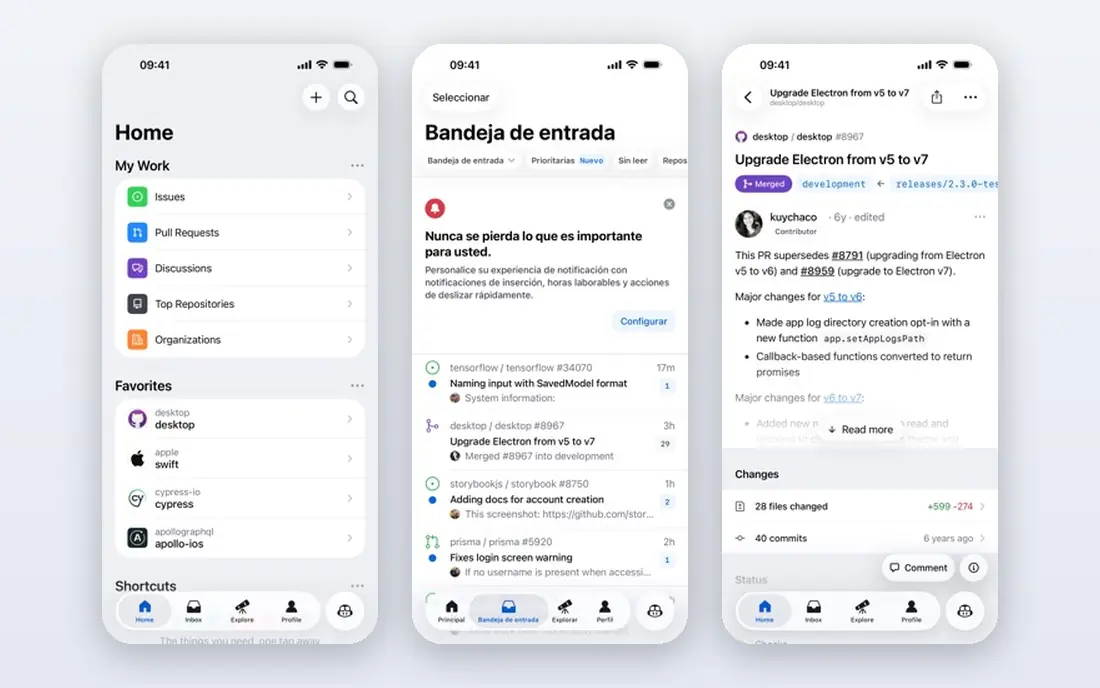
GitHub Codespaces is the closest like-for-like replacement if you mainly used Replit as a browser IDE. It spins up a cloud development environment tied to a GitHub repository, with the familiar VS Code editor, terminal, and extensions, so you can code from any machine without installing a local toolchain. Teams can share a standard environment definition, which cuts the usual setup drift between machines.
The cost model is usage-based after included hours, so a developer who leaves a large machine running will pay more than one who works in short sessions. That is still more predictable than some credit systems, since you pay for machine time rather than for each AI action. If you already code and already use GitHub, Codespaces is our pick for most developers leaving Replit.
- Full VS Code experience in a browser
- Works directly with GitHub repos
- Predictable usage-based billing after free hours
- Usage costs can grow with large machines
- Needs a GitHub account and some setup comfort
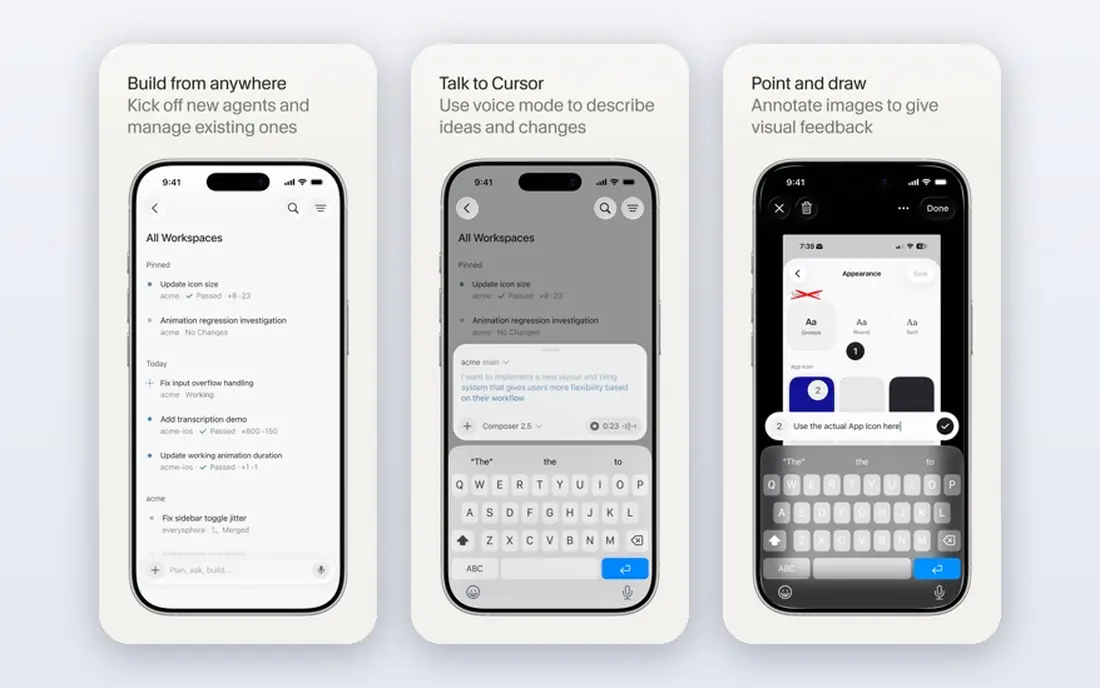
Cursor is an AI-native code editor that runs on your own machine, built around patterns VS Code users already know. It can read across a codebase, suggest edits, and run agentic tasks that touch several files, which suits developers working on a real project rather than a small demo. Importing settings and extensions from VS Code keeps the switch fairly painless.
It is not a browser tool, so it does not replace Replit for a student on a Chromebook or a developer who only has a tablet. Heavy AI use also moves you to a paid plan, and pricing has changed over time, so check the current page before budgeting. For a professional developer who wants AI help inside a serious editor, Cursor is a strong choice.
- AI editor built on familiar VS Code patterns
- Strong codebase awareness
- Good for existing projects
- Desktop only, not a browser IDE
- Paid tiers are needed for heavy AI use
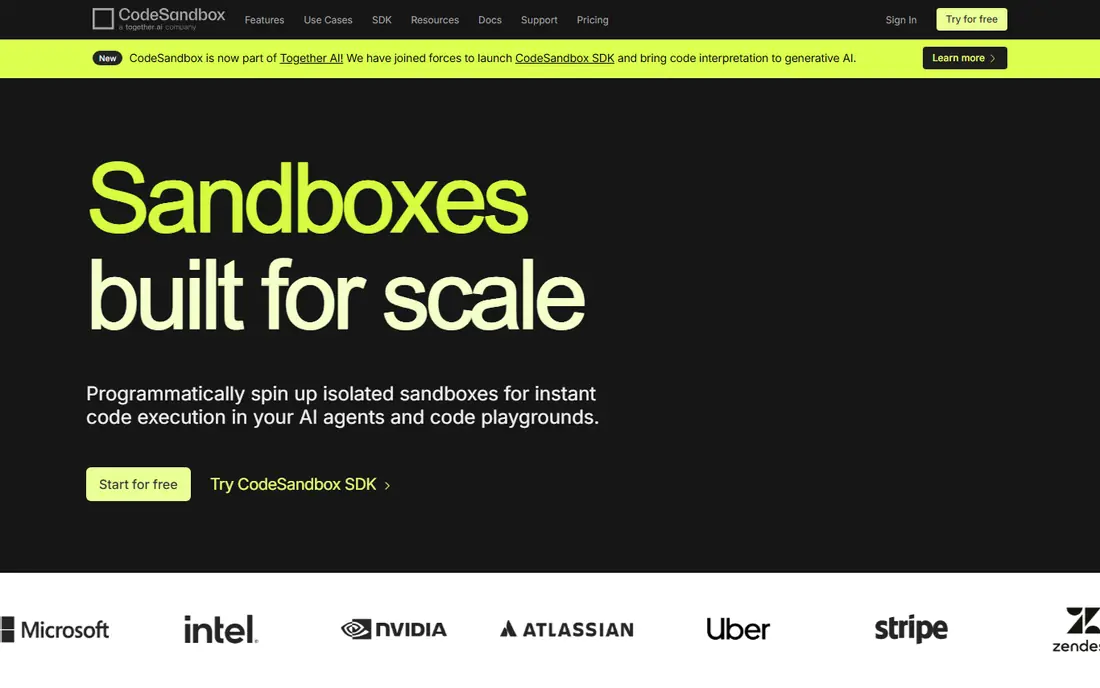
CodeSandbox started as a front-end playground and grew into full cloud development environments, with sandboxes for quick experiments and virtual machine-backed environments for larger work. Its sharing model is a highlight, since a link can show a running app to a teammate or reviewer without them setting anything up. Real-time editing with live cursors makes pairing and review feel natural.
The focus stays on web development, so it is less suited to mobile apps or systems programming than a general IDE. Free plans cover experiments well, but team workspaces move to paid pricing that should be checked against team size. If your Replit use was mostly web demos, prototypes, and shared previews, CodeSandbox is a close match.
- Instant shareable previews
- Real-time multiplayer editing
- Strong GitHub and pull request workflow
- Web-focused, weaker for mobile or systems work
- Team plans are priced per workspace
Lovable lets you describe an app in plain language and get a working React app with a live preview, which is why it appeals to founders, designers, and small teams without a developer. You can iterate by chatting, ask for design or feature changes, and connect common services as the app grows. The fact that the underlying code is accessible matters, since a developer can later take over and refine it.
Credits are the main limit. The free plan gives a small daily allowance, and the paid plan adds a monthly credit pool, so a long build with many revisions can run through credits faster than expected. Lovable is best for prototypes, landing pages, and small products, rather than for a large system you expect to scale without engineering help.
- Builds working React apps from plain prompts
- Code can be exported and edited
- Good for founders and designers
- Monthly credits limit how much you can build
- Complex apps still need a developer to finish well
Bolt.new builds full-stack web apps from a text prompt, with the project running in the browser so you can see and test it at once. It suits hackathons, demos, and early product tests, where speed matters more than perfect architecture. The free tier offers a monthly token allowance, which lets a new user try several ideas before paying.
Token-based pricing is the catch, since a large or messy build can consume tokens quickly, and the final code still needs a developer review before it handles real users or payments. Bolt.new is a good pick if you want the cheapest-feeling way to turn an idea into a clickable prototype, and you accept that a prototype is not yet a finished product.
- Full-stack prototypes from a prompt
- Runs in the browser
- Generous free token allowance to start
- Token use can be hard to predict on big builds
- Generated code needs review before production use
v0, from Vercel, turns prompts into React front ends, with an emphasis on polished, modern interfaces. It suits designers and developers who need a landing page, dashboard, or marketing site quickly, and who already use React or Next.js. Deployment to Vercel is straightforward, which removes a common friction point for a first public version.
The limit is scope. v0 is not a general back-end builder, so a data-heavy app will still need a back end, a database, and auth work elsewhere. The free tier is limited to a small daily message count, so regular use means a paid plan. If your Replit use was mainly front-end work, v0 is a focused, high-quality replacement.
- Strong React and Next.js front ends
- Deploys well to Vercel
- Good for polished interfaces
- Front-end focused, not a full back-end builder
- Paid plan needed for serious use
Windsurf is an AI-native editor with an agentic assistant that tracks context across files and editing sessions, which helps on larger codebases where a simple autocomplete is not enough. It offers visual navigation aids that map a codebase, and its entry paid price undercuts some rivals, which matters for solo developers paying out of pocket. A free tier with limited credits lets you test the workflow before paying.
It is desktop only, so it does not serve browser-only users, and the product has been through rebranding that may worry buyers who want a stable roadmap. Check the current name and plan details on the vendor site before you commit a team. For a developer who wants an AI editor at a lower price than Cursor, Windsurf is worth a trial.
- Agentic assistant with broad codebase context
- Lower entry price than some rivals
- Visual code navigation aids
- Desktop only
- Branding and ownership changes have confused some users
Glide is for a different Replit user, the non-technical team member who wants a business app without writing code. You can turn a spreadsheet or data source into a working app with forms, lists, and workflows, which suits internal tools, client portals, and field apps. The visual builder is approachable, and a free tier lets a team test an idea before paying.
Glide will not replace a code editor for developers, and it is not the right tool for a complex public app with custom logic. Higher tiers add users, data, and automation that a growing internal tool will need. If your goal is a working business app rather than learning to code, Glide is a practical, honest pick.
- Business apps from spreadsheets and data
- No code needed
- Good for internal tools and portals
- Not for general coding or public consumer apps at scale
- Advanced features sit in higher tiers
StackBlitz runs web projects directly in the browser, with near-instant start for popular JavaScript frameworks. It suits learning, teaching, demos, and quick bug reproductions, since a link can open a working project without any install step. That speed is why many tutorials and docs use it for runnable examples.
The trade-off is scope, since StackBlitz is web-centred and not a general-purpose cloud IDE for every language or back-end stack. Teams that need containers, databases, and long-running services should compare CodeSandbox or Codespaces instead. For fast web experiments and shared demos, StackBlitz is hard to beat on start time.
- Very fast browser start for web frameworks
- Shareable links
- Good for learning and demos
- Web-focused
- Larger or back-end-heavy projects may need a fuller environment
How we picked these
We compared official product pages, pricing pages, free tier terms, and public comparisons, and we favoured tools that are current in October 2026 and that truly replace one of Replit's jobs. We left out Glitch, since its project hosting ended in 2025, and we left out tools that are mainly support or analytics products rather than coding environments. We checked pricing where published and used See website where pricing has changed often or depends on usage.
We also weighed export and lock-in. A prompt builder that lets you take your code elsewhere is safer for a growing project than one that keeps you tied to its hosting, and a browser IDE that ties to your GitHub repos is safer than one that stores code only inside its own system.
How to choose between them
Start by naming the job. If you write code already, pick Codespaces for browser work or Cursor or Windsurf for desktop AI editing, and keep CodeSandbox or StackBlitz for shared web demos. If you describe apps in plain language, pick Lovable for React products, Bolt.new for fast full-stack prototypes, or v0 for polished front ends. If you need a business app without code, pick Glide.
Then test with a real project, not a toy example. Build one small feature end to end, export the code if the tool allows it, and check how credits or usage are consumed. That one test will tell you more about cost and fit than a feature table, since token and usage pricing varies a lot with how you work.
FAQ
What are the best Replit alternatives for free?
GitHub Codespaces, CodeSandbox, StackBlitz, Lovable, Bolt.new, and v0 all offer free tiers, with limits on hours, credits, tokens, or messages. For coding, Codespaces and CodeSandbox give the most Replit-like free experience, while Lovable and Bolt.new give the best free taste of prompt-to-app building.
What is the best alternative to Replit for beginners?
Lovable and Glide are the friendliest for beginners, since Lovable builds from prompts and Glide builds from data without code. CodeSandbox and StackBlitz are better for beginners who want to learn real code in a browser, since they show the code behind the running app.
Are Replit alternatives free for students?
Many offer free tiers that students can use for coursework and small projects, including Codespaces, CodeSandbox, and StackBlitz. Check each vendor's student or education terms, since free allowances differ and usage beyond the allowance may be charged.
What is the best Replit alternative for professional developers?
GitHub Codespaces is the closest browser replacement, while Cursor and Windsurf are the strongest desktop AI editors for existing codebases. Professional teams should also weigh Git integration, environment consistency, and data controls, not only AI features.
Can I export code from a Replit alternative?
It depends on the tool. Lovable, CodeSandbox, Codespaces, and StackBlitz are built around code you can access and move, while some prompt builders make export harder or tie hosting to their platform. Check export and Git options before you build a product you plan to keep.
Why would I leave Replit at all?
Common reasons are unpredictable credit or checkpoint costs, a desire for a fuller desktop editor, or a need for stronger Git workflows and predictable billing. If Replit still fits your work and your budget, staying put is a fair choice, and these alternatives are for cases where one of those pains has become real.