Top 6 Columnar Databases for Remote Teams for 2026 (Prices and Free Plans)
Best columnar databases for remote teams in 2026: 6 tools with starting prices, free plans and limits. The catches are listed up front. See which fits.
- Editor's choiceSAP HANA Cloud
Single database foundation across enterprise data
Starts atSee websiteVisit sap.comFull review - Great alternativeClickHouse
Live, data-intensive analytics workloads
Starts at$0.056 per unit per hourVisit clickhouse.comFull review - Also consider
 SingleStore
Live apps plus analytics in one engine
Starts atSee websiteVisit singlestore.comFull review
Direct answer
SAP HANA Cloud comes first here, mainly for single database foundation across enterprise data. Listed starting prices: ClickHouse from $0.056 per unit per hour. For a different need, ClickHouse covers live, data-intensive analytics workloads and SingleStore covers live apps plus analytics in one engine. The remaining 3 options are covered below with prices and limits.
TL;DR:
- SAP HANA Cloud is the opening pick, best for single database foundation across enterprise data.
- SAP HANA Cloud, SingleStore, Vertica and others: pricing is by quote only, so plan time for a sales conversation.
- SAP HANA Cloud, Amazon Redshift and the 4 others all need a premium plan or a trial, since no free plan is listed.
- Amazon Redshift fits managed cloud data warehousing on AWS.
- One limit worth knowing about Vertica: needs database administration skills.
Last checked November 2026. Prices and plan details were read from the vendors' own pages in November 2026; vendors change plans often, so confirm the current price on the vendor site before you buy.
Quick comparison
| Tool | Best for | Starts at | Free plan? | |
|---|---|---|---|---|
| SAP HANA Cloud | Single database foundation across enterprise data | See website | Not stated | Visit |
| ClickHouse | Live, data-intensive analytics workloads | $0.056 per unit per hour | Free trial | Visit |
| SingleStore | Live apps plus analytics in one engine | See website | Not stated | Visit |
| Vertica | Large-scale analytics on very big datasets | See website | Not stated | Visit |
 Google BigQuery | Serverless analytics with automation | See website | Not stated | Visit |
 Amazon Redshift | Managed cloud data warehousing on AWS | See website | Not stated | Visit |
The best columnar databases for remote teams
LinkVetted compared 6 columnar databases for remote teams. The goal is a practical shortlist: published prices, free plan facts, best-fit use cases and honest limits for every entry.
SAP HANA Cloud
Best for: Single database foundation across enterprise data
SAP HANA Cloud works best for single database foundation across enterprise data. SAP HANA Cloud is presented as a single database as a service foundation for modern applications and analytics across all enterprise data.
The enterprise scope can also mean a steeper ramp-up time for distributed teams. HANA Cloud is most compelling when your applications and data already live in the SAP world; outside it, the fit is less obvious. SAP HANA Cloud shows no starting price here, so confirm the cost on the vendor site. Free plan details: Not stated.
The main drawbacks: Most valuable within the SAP landscape.
- Supports modern applications and analytics
- Database as a service foundation
- Enterprise scope can be complicated
ClickHouse
Best for: Live, data-intensive analytics workloads
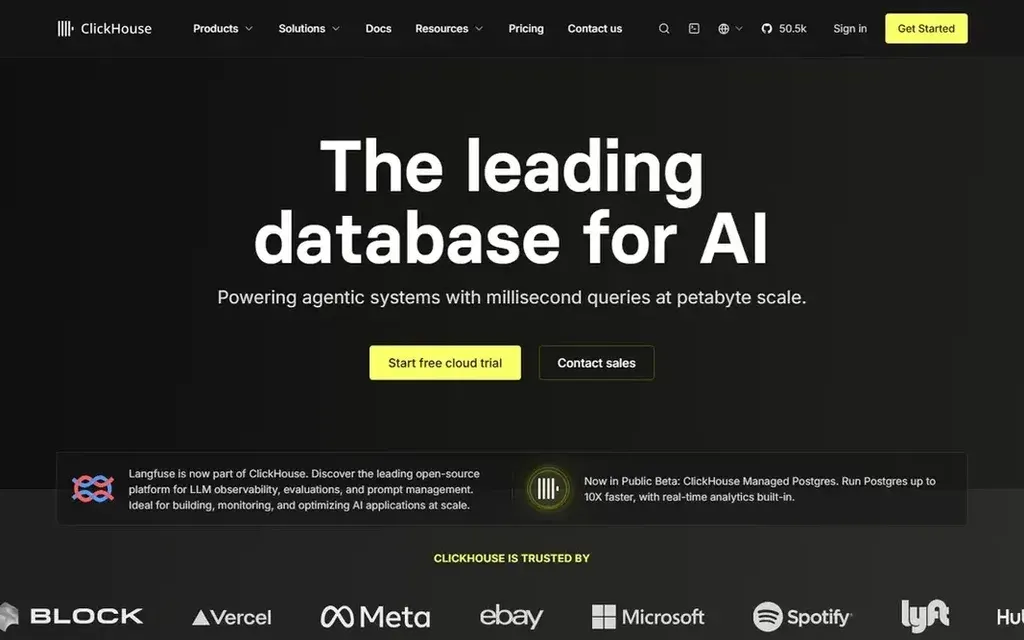
Think of ClickHouse for live, data-intensive analytics workloads. ClickHouse presents itself as the open, composable system for data-intensive workloads, spanning live analytics and transactions to observability, security and AI engineering.
In practice, since it is open and composable, ClickHouse places more operational responsibility on the team than a completely managed warehouse does. Worth adding: remote engineering teams frequently favor it when they need quick analytical queries over large event streams and want open foundations instead of a closed warehouse. What you pay to start with ClickHouse: $0.056 per unit per hour. On free options: Free trial.
Points against: Not a general-purpose transactional database.
- Spans analytics
- Open and composable product
- Needs more operational knowledge
SingleStore is a good fit for live apps plus analytics in one engine. Combining transactional and analytical workloads in one engine calls for thoughtful schema and workload design, which can be challenging for distributed teams without database expertise. Teams with purely batch reporting needs may not use its strengths.
A conventional warehouse could be more straightforward in that case. Remote product and data teams may shortlist it when they need fresh data served to applications and dashboards without copying between systems. SingleStore describes itself as the live database for AI, apps and analytics, offering live reads and writes, one engine for transactions and analytics, and open data access. Pricing for SingleStore is not stated here, so ask the vendor for current figures. On free options: Not stated.
Limits to weigh: Less suited to pure batch warehousing.
- Live reads and writes for apps
- One engine for transactions and analytics
- Hybrid workloads need careful design
Vertica
Best for: Large-scale analytics on very big datasets
More specifically, compare it against managed cloud warehouses if administrative capacity is restricted. For everyday use, Vertica, from Rocket Software, is described as an AI-driven analytics database for analyzing petabytes of data in no time. Vertica does not show a starting price in this comparison, so check the vendor site for current pricing. On free options: Not stated.
Limits to weigh: Needs database administration skills.
- AI-driven analytics database
- Backed by Rocket Software
- Less familiar to smaller teams Vertica if this describes you: large-scale analytics on very big datasets. Vertica is a specialized analytics database, so teams expecting a completely managed, hands-off cloud warehouse should weigh the operational effort involved.
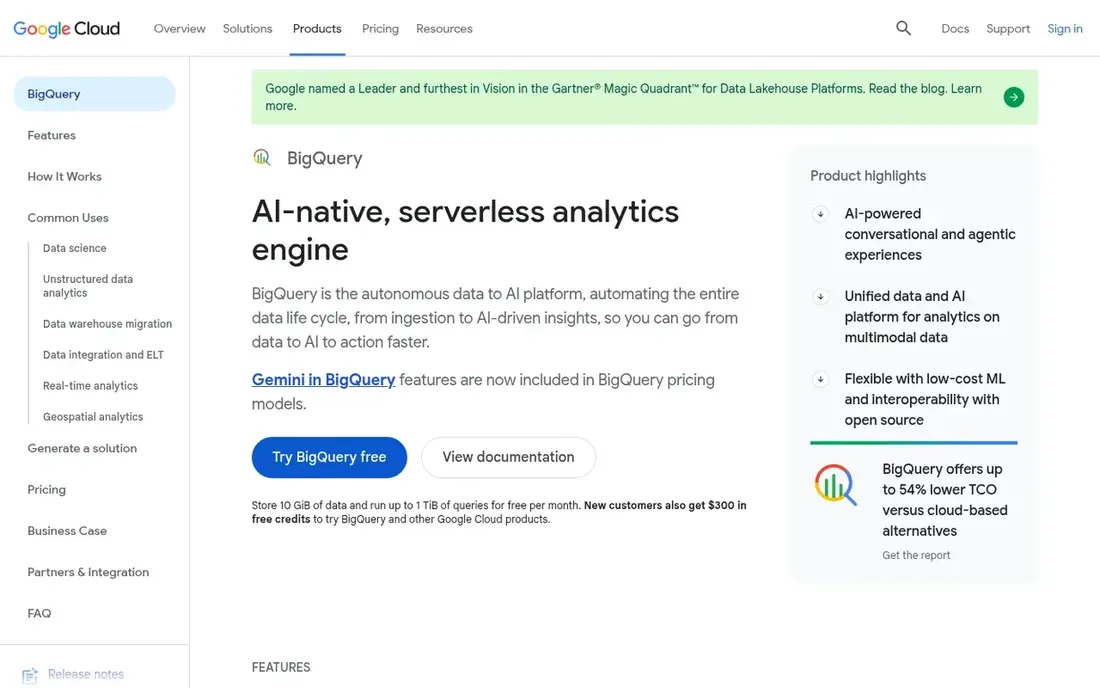
Google BigQuery is aimed squarely at serverless analytics with automation. BigQuery is most natural for teams already invested in Google Cloud, and cross-cloud setups add complexity.
Automation does not replace data governance, so distributed teams still need clear ownership of datasets and access. Google BigQuery describes itself as an autonomous data and AI product that automates the whole data life cycle so teams can go from data to AI to action quicker. Google BigQuery does not show a starting price in this comparison, so check the vendor site for current pricing. On free options: Not stated.
Honest limits: Best experience inside Google Cloud.
- Aims to move from data to action quicker
- Autonomous data and AI product
- Sprawl can grow without governance
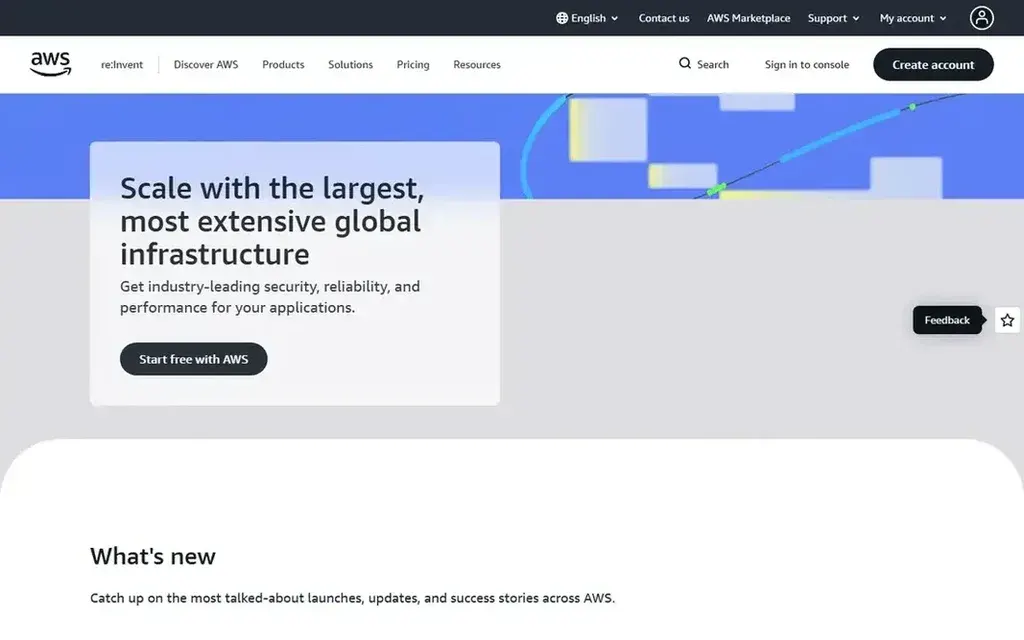
Where Amazon Redshift fits: managed cloud data warehousing on AWS. Amazon Redshift is a quick, completely managed cloud data warehouse that makes it straightforward and economical to analyze all your data, based on its homepage.
What to check first: Deepest fit for teams already on AWS.
No starting price is listed for Amazon Redshift here; confirm pricing on the vendor site. Free options: Not stated.
- Built for analyzing all your data
- Positioned as straightforward and economical
- Warehouse tuning still needs expertise
Selection criteria
Selection started from tools commonly considered for columnar databases for remote teams, then narrowed to 6 that have clear pricing information or a clear quote process. Where a price is missing, the vendor does not list one publicly or ties it to a quote. Always confirm before budgeting. We ordered the tools by general fit, then by how clearly pricing is shown, then by free access. A buyer with unusual needs may reorder them.
What to confirm before you sign up
- Confirm the entry price on the vendor page. For SAP HANA Cloud, SingleStore, Vertica and others that means a quote rather than a fixed price.
- Use real work to test the free trial from ClickHouse, rather than a demo project.
- Before choosing SAP HANA Cloud, weigh its main limit: most valuable within the SAP landscape.
- List the apps you already depend on and check that Amazon Redshift supports each one on the plan you would buy.
- Check whether the features you need in Google BigQuery sit on the entry plan or only on higher tiers.
FAQ
Can one database deal with both transactions and analytics for a remote team?
SingleStore explicitly positions one engine for transactions and analytics with live reads and writes. If your team needs both workloads together, review that choice closely and confirm the design constraints on the vendor site.
Is SAP HANA Cloud the right pick for everyone comparing columnar databases for remote teams?
No single tool suits every team. SAP HANA Cloud comes first because it fits single database foundation across enterprise data, while ClickHouse suits real-time, data-intensive analytics workloads and SingleStore suits real-time apps plus analytics in one engine. Match the tool to your own size, budget and workflow before deciding.
Does any tool for columnar databases for remote teams here have a free plan?
No tool in this list, SAP HANA Cloud and Amazon Redshift included, has a permanent free plan. ClickHouse offer a trial. Trials and quotes are the usual route, so plan a short evaluation period.
What makes a database columnar, and why does it matter for remote teams?
For remote teams, that means quicker reporting and dashboards accessed over the network. The tools here all target analytical workloads in different ways.
Can I try these tools before paying?
Often, yes. ClickHouse offers a free trial. Use your own data and a real task during the test, and check what the free tier or trial limits before you rely on it. For the full picture, the cards above cover all 6 entries of this Columnar databases for remote teams list, including price, free plan and limits.
How do I evaluate these databases without running a full trial?
Start with vendor documentation on deployment models, supported query languages and stated limits, then map those to your team's skills and cloud stack.
Sources
- https://www.sap.com/products/technology-platform/hana.html
- https://clickhouse.com
- https://www.singlestore.com
- https://www.vertica.com
- https://cloud.google.com/bigquery
- https://aws.amazon.com/redshift