Top 6 Cloud Kitchen Management Software for Enterprise for 2026 (Prices and Free Plans)
Best cloud kitchen management software for enterprise: 6 tools compared on price, free plans and fit. With pricing notes and limits. Pick with confidence.
- Editor's choiceChowly
Marketing and online ordering growth
Starts atSee websiteVisit chowly.comFull review - Great alternative
 Lightspeed Restaurant
Configurable POS with capable insights
Starts atSee websiteVisit lightspeedhq.comFull review - Also considerDeliverect
Smooth digital ordering across channels
Starts atSee websiteVisit deliverect.comFull review
Direct answer
Chowly leads the list, best for marketing and online ordering growth. Listed starting prices: Otter from $79 a month. If your case is different, Lightspeed Restaurant suits configurable POS with solid insights and Deliverect suits Smooth digital ordering across channels. The remaining 3 options are covered below with prices and limits.
TL;DR:
- This list starts with Chowly, which is built for marketing and online ordering growth.
- What to know about Chowly first: marketing-led rather than operations-led.
- A permanent free plan is missing from all 6 tools, Chowly and Restaurant365 included; plan for a trial or a premium start.
- Restaurant365 suits accounting, operations and workforce in one.
Last checked November 2026. Prices and plan details were read from the vendors' own pages in November 2026; vendors change plans often, so confirm the current price on the vendor site before you buy.
Quick comparison
| Tool | Best for | Starts at | Free plan? | |
|---|---|---|---|---|
| Chowly | Marketing and online ordering growth | See website | Not stated | Visit |
| Lightspeed Restaurant | Configurable POS with capable insights | See website | Not stated | Visit |
| Deliverect | Smooth digital ordering across channels | See website | Not stated | Visit |
 Square for Restaurants | Straightforward order and payment tracking | See website | Not stated | Visit |
 Otter | Multichannel order and app control | $79 a month | No | Visit |
 Restaurant365 | Accounting, operations and workforce in one | See website | Not stated | Visit |
Cloud Kitchen Management Software for Enterprise compared in detail
LinkVetted compared 6 tools for cloud kitchen management software for enterprise. The goal is a practical shortlist: published prices, free plan facts, best-fit use cases and honest limits for every entry.
Chowly
Best for: Marketing and online ordering growth
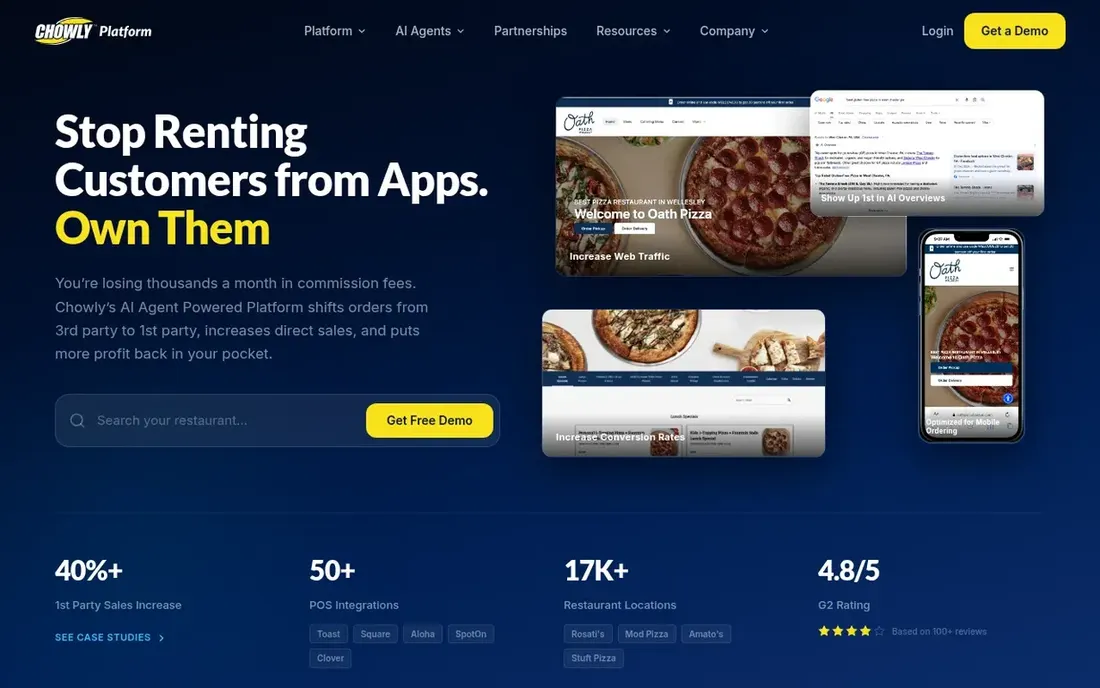
Pick Chowly if this describes you: marketing and online ordering growth. The emphasis on marketing and online ordering means deep operational or accounting functions are not the core of the product.
Trade-offs to know: Enterprise back-office needs other tools.
As for the details, choose Chowly when customer acquisition and direct channels matter most, and look elsewhere for heavy back-office control. Chowly shows no starting price here, so confirm the cost on the vendor site. Free options: Not stated.
- Websites and online ordering included
- Pitched at growing revenue
- Marketing-led instead of operations-led
Pick Lightspeed Restaurant if this describes you: configurable POS with capable insights. Choose Lightspeed when POS customization and reporting depth outweigh the appeal of a single order-management hub.
Enterprise operators who want to shape the POS around their own workflows, whereas keeping payments and reporting in one place, will find the configurability relevant. Adaptability includes configuration work, and delivery app aggregation usually relies on additional integrations. This comparison lists no price for Lightspeed Restaurant; ask the vendor. Free options: Not stated.
Honest limits: Customization needs configuration effort.
- Insights positioned as industry-leading
- Payments and management combined
- Order aggregation needs extras
Deliverect
Best for: Smooth digital ordering across channels
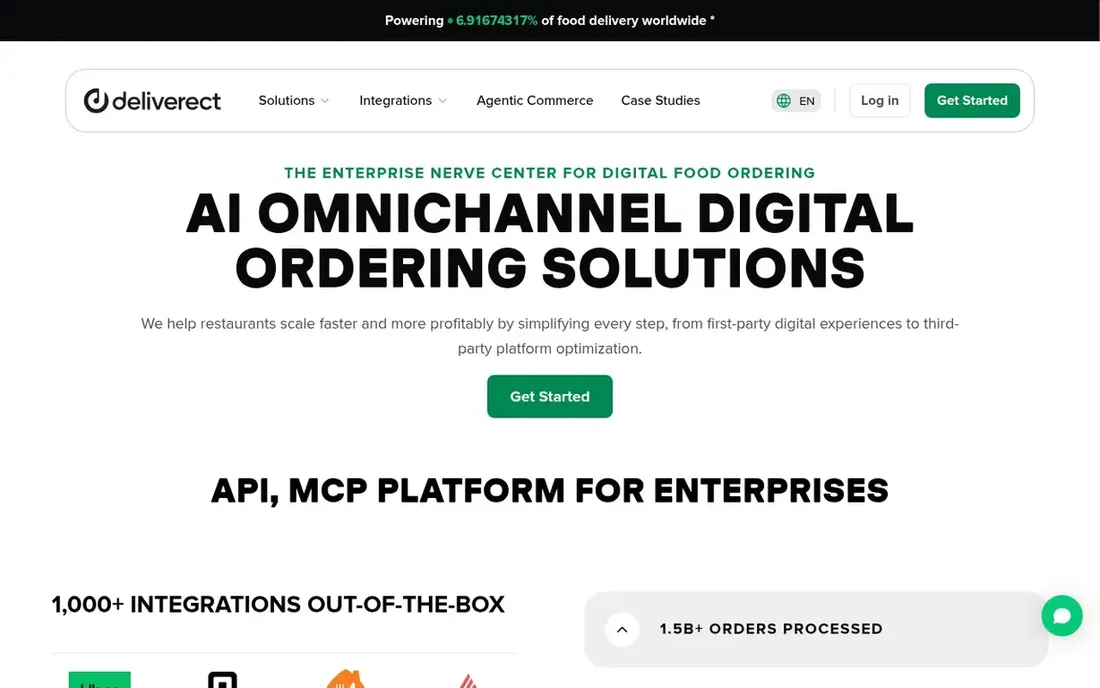
For Smooth digital ordering across channels, Deliverect is a natural candidate. Since the product centers on digital ordering, finance and workforce management usually come from connected systems.
Pricing for Deliverect is not stated here, so ask the vendor for current figures. On free options: Not stated.
What to check first: Back-office depth relies on integrations.
- Comes with catering and drive-through
- Unified ordering for every channel
- Ordering-centric scope
Square for Restaurants is designed for straightforward order and payment tracking. Cloud kitchen operators who value a clear, accessible POS experience for staff will recognize the core workflow: orders in, payments processed, team organized. On top of that, very large or heavily multi-brand enterprises should review how far the system scales against their reporting and integration needs.
What to check first: Enterprise depth varies by need.
Also, Square for Restaurants handles managing and tracking orders, taking payments, organizing your team and attracting new diners and regulars. Choose Square for Restaurants when simplicity and quick staff adoption matter more than a sprawling enterprise suite. No starting price is listed for Square for Restaurants here; confirm pricing on the vendor site. Free access: Not stated.
- Team organization tools
- Order and payment tracking
- Complicated multi-brand setups need review
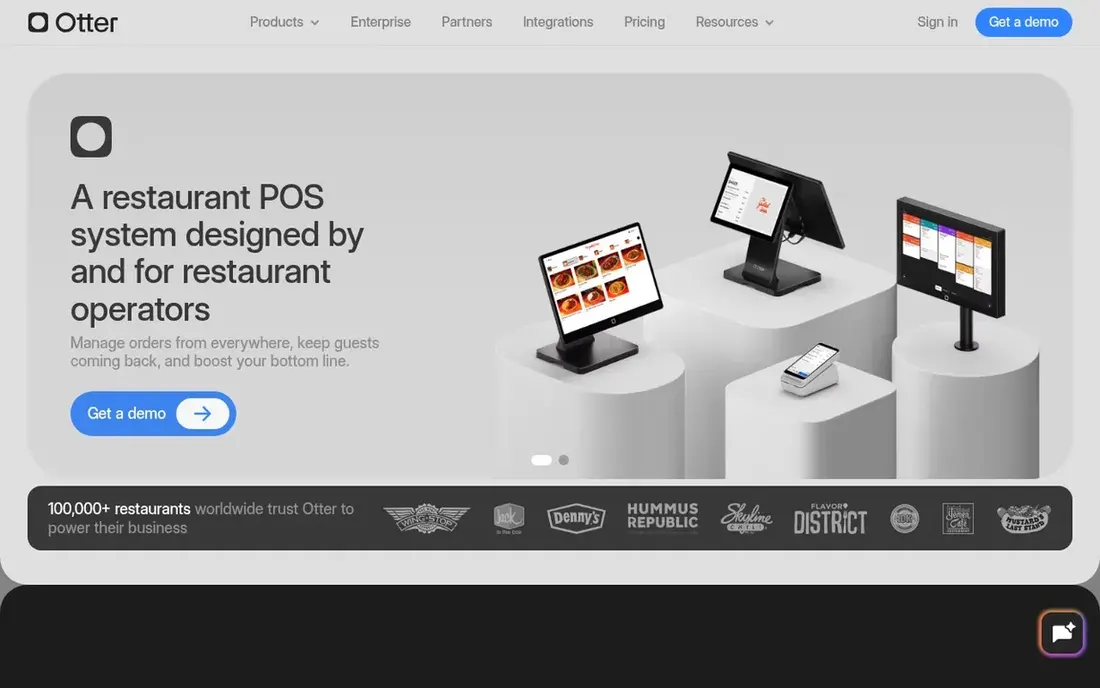
Otter is designed for multichannel order and app control. Otter describes itself as a multichannel POS and command center for restaurants, letting teams run all of their apps, orders and analytics from a single system. On top of that, choose Otter when channel sprawl and order efficiency are the core problem you want solved.
For everyday use, for enterprise cloud kitchens that run numerous delivery channels at once, that consolidation is the main appeal: fewer separate dashboards and a clearer view of order flow across brands and locations. Its strengths sit in the ordering and analytics layer instead of deep accounting or workforce suites, so groups that require full back-office finance may pair it with another system. Price to start with Otter: $79 per month. No free plan comes with Otter.
Limits to weigh: Focus is ordering and analytics.
- Consolidated analytics dashboard
- Runs orders across delivery apps
- Less depth in accounting workflows
In short, Restaurant365 is for accounting, operations and workforce in one. Restaurant365 gives you cloud-based restaurant management software that helps leaders master accounting, operations and workforce.
What to check first: Setup spans several departments.
In daily use, pick Restaurant365 when accounting accuracy and workforce oversight across numerous units are the deciding factors. Pricing for Restaurant365 is not stated here, so ask the vendor for current figures. Trial and free access: Not stated.
- Cloud-based management suite
- Comes with workforce tools
- Wide suite may exceed ordering-only needs
How these tools were picked
LinkVetted looked at what each vendor publishes: pricing, plan limits, feature coverage for cloud kitchen management software for enterprise and stated drawbacks. No hands-on testing is claimed. Where a vendor does not publish a price, the entry says quote. Where a price depends on seats or billing term, the entry says so. The ranking is editorial: typical fit first, then clear pricing, then free access. If your needs are unusual, read the profiles rather than relying on position.
Things to verify first
- Confirm the entry price on the vendor page. For Chowly, Lightspeed Restaurant, Deliverect and others that means a quote rather than a fixed price.
- Before choosing Chowly, weigh its main limit: marketing-led instead of operations-led.
- Ask Square for Restaurants how an export works before you move any records in; an easy exit lowers the risk.
- Test the integrations you rely on with Restaurant365 before committing; some connectors sit on upper tiers.
- Look at which plan of Chowly unlocks the features you need; entry tiers are often cut down.
FAQ
Do these tools publish their prices?
Not all of them. Chowly, Lightspeed Restaurant, Deliverect and others publish no starting price, so expect a quote request for those. The rest, Otter included, show a starting price, though seats and billing terms still change the final cost.
Does any tool for cloud kitchen management software for enterprise here have a free plan?
No tool in this list, Chowly and Restaurant365 included, has a permanent free plan. Trials and quotes are the usual route, so plan a short evaluation period.
Is an order aggregator enough, or do I need a full management suite?
A suite like Restaurant365 layers on accounting and workforce control. Many enterprises combine both layers, using the aggregator for orders and the suite for back-office oversight.
Is Chowly the right pick for everyone comparing cloud kitchen management software for enterprise?
No single tool suits every team. Chowly comes first because it fits marketing and online ordering growth, while Lightspeed Restaurant suits customizable POS with strong insights and Deliverect suits smooth digital ordering across channels. Match the tool to your own size, budget and workflow before deciding.
What should enterprise cloud kitchens look for first in management software?
Start with channel coverage: how plenty of delivery apps and ordering channels the system brings together, and whether that consolidation holds across numerous locations.
What is the cheapest option for cloud kitchen management software for enterprise in this list?
On published monthly entry prices, Otter is the lowest here at $79 per month. Entry price is only part of the cost, because seats, add-ons and billing terms can change the total.
Sources
- https://chowly.com
- https://www.lightspeedhq.com/pos/restaurant
- https://www.deliverect.com
- https://squareup.com/us/en/restaurants
- https://www.tryotter.com
- https://www.restaurant365.com