Best Cloud Cost Management Platforms in 2026: 8 Platforms Compared
Compare the best cloud cost management platforms in 2026. See FinOps features, pricing models, Kubernetes costs, and unit economics in detail. before you buy.
- Editor's choice
 Broadcom CloudHealth
enterprise multi-cloud governance
Starts atSee websiteVisit vmware.comFull review - Great alternative
 IBM Apptio Cloudability
enterprise chargeback and forecasting
Starts atSee websiteVisit apptio.comFull review - Also consider
 CloudZero
unit economics and cost per customer
Starts atSee websiteVisit cloudzero.comFull review
TL;DR:
- Apptio Cloudability suits large enterprises that need chargeback, forecasting, and business mapping.
- CloudHealth fits enterprises that want governance and multi-cloud reporting at scale.
- CloudZero is the pick for unit economics, such as cost per customer or per transaction.
- Vantage offers the friendliest start for smaller teams, with a free tier and clear pricing.
- Kubecost is the strongest choice for Kubernetes-native cost allocation.
Quick comparison
| Tool | Best for | Starts at | Free plan? | |
|---|---|---|---|---|
| Broadcom CloudHealth | enterprise multi-cloud governance | See website | No | Visit |
| IBM Apptio Cloudability | enterprise chargeback and forecasting | See website | Free trial | Visit |
| CloudZero | unit economics and cost per customer | See website | No | Visit |
 Vantage | developer-friendly cost visibility | $20 per month | Yes | Visit |
 Kubecost | Kubernetes cost allocation | $449 per month | Yes | Visit |
 Harness Cloud Cost Management | cost control inside engineering workflows | See website | Yes | Visit |
 Finout | unified cloud and SaaS cost view | See website | No | Visit |
 Cloudchipr | multi-cloud optimization for mid-size teams | See website | No | Visit |
The best cloud cost management platforms
We compared cloud cost management platforms on multi-cloud visibility, allocation, forecasting, optimization actions, and pricing models, with a focus on FinOps teams at different sizes.
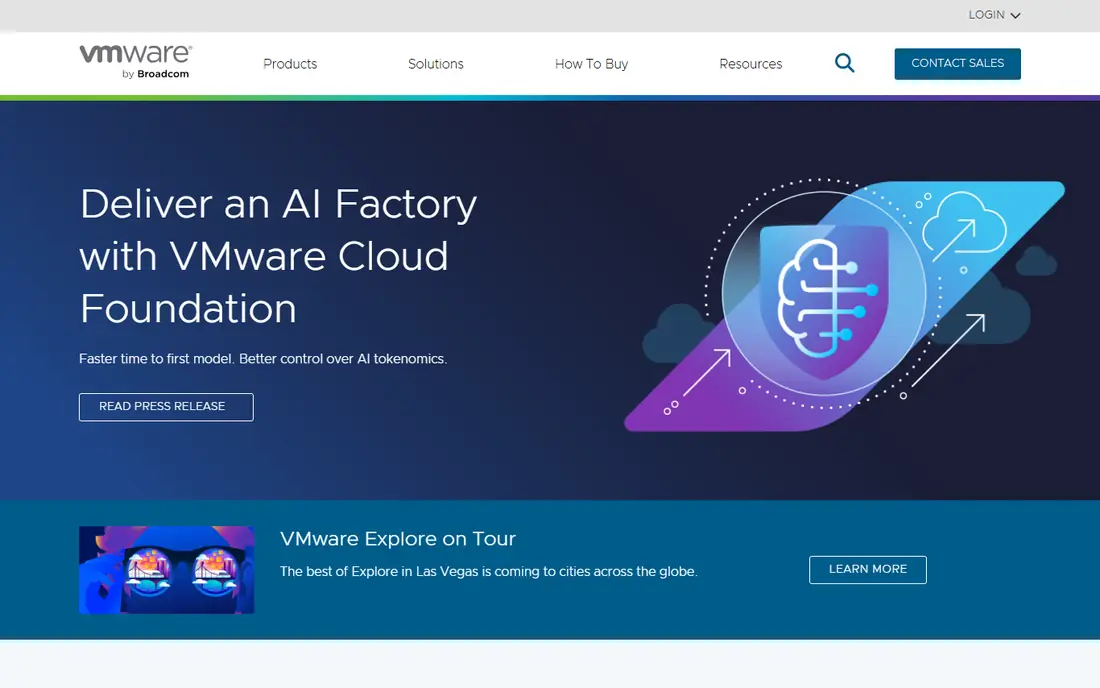
CloudHealth, now part of Broadcom, is a long-standing enterprise FinOps platform. It pulls AWS, Azure, and Google Cloud billing into one view, applies governance policies, and supports allocation by business unit. Rightsizing and commitment recommendations help teams act on waste, not just see it.
Pricing is quote-based and tied to managed spend, with marketplace listings showing tiered annual contracts. Implementation can take time, and small teams may find the platform more than they need. For large multi-cloud estates with governance needs, CloudHealth remains a safe enterprise pick.
- Multi-cloud cost and usage reporting
- Governance policies
- Rightsizing recommendations
- Quote-based pricing tied to managed spend
- Setup can be heavy for small teams
Cloudability is built for finance-led FinOps. Business mapping lets teams allocate shared and untagged costs to products, teams, and cost centers, which supports showback and chargeback. Forecasting, budgeting, and savings-plan analysis help finance teams plan commitments with more confidence.
Pricing is spend-based, with marketplace tiers starting near $30,000 per year for up to $1 million in annual managed spend. That puts it out of reach for startups. Optimization recommendations also often need engineering follow-up. For large enterprises, the allocation depth is a clear strength.
- Business mapping for allocation
- Forecasting and budgets
- Commitment optimization
- Annual contracts start around $30,000 for smaller spend tiers
- Optimization actions often need manual follow-up
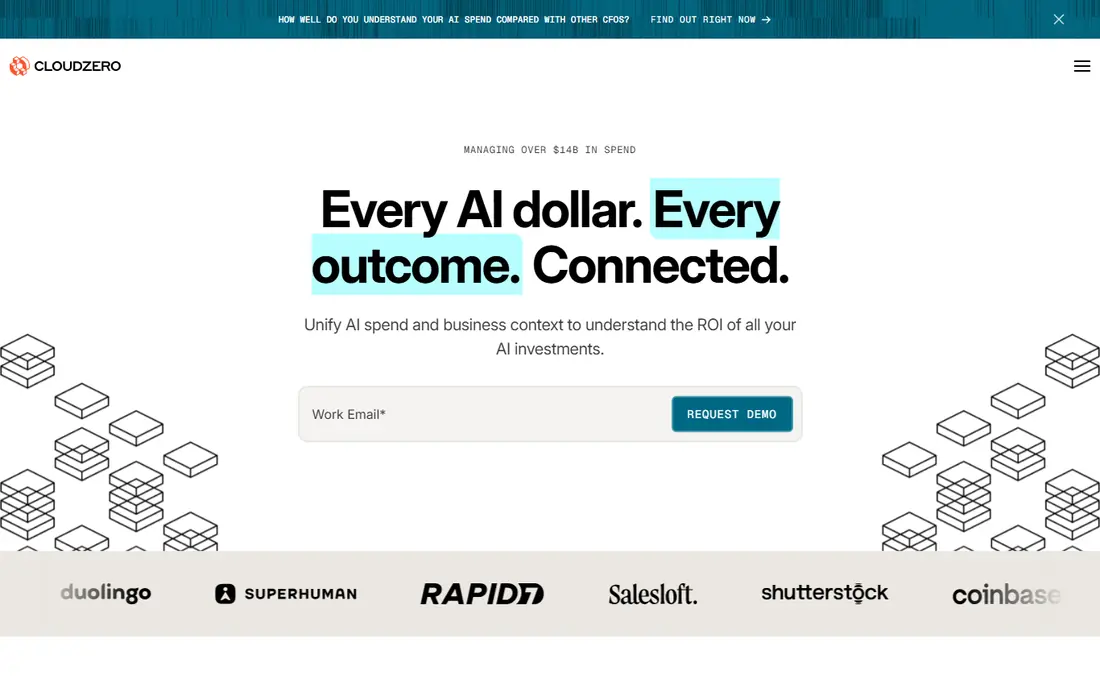
CloudZero focuses on a question other tools answer less well: what does each customer, feature, or product actually cost to serve. It maps cloud and related costs to business dimensions, so product and finance teams can judge margins by segment. Anomaly alerts flag sudden spend changes early.
Pricing is custom and scales with spend, so small teams should get a quote before assuming fit. If you only need a spend dashboard, CloudZero may be more than required. For companies where unit economics drives pricing or product decisions, it is a strong choice.
- Cost per customer and per product views
- Multi-cloud and Kubernetes cost data
- Anomaly alerts
- Custom pricing
- Less suited to teams that only need basic dashboards
Vantage is the friendliest entry point in this list. Its free tier covers multi-cloud visibility without a sales call, and paid plans start at a low monthly price. Reports are clean and easy to share with engineering teams, which helps FinOps habits spread beyond finance.
Kubernetes cost depth is limited on lower tiers, and governance features are thinner than enterprise rivals. For startups and mid-size teams that want clear visibility fast, Vantage is an excellent start. Larger enterprises may still need a heavier platform alongside it.
- Free tier with broad cloud coverage
- Clear cost reports
- SaaS cost tracking in higher tiers
- Kubernetes depth is limited without paid tiers
- Enterprise governance is thinner than CloudHealth
Kubecost is the Kubernetes-native choice. It allocates cluster costs by namespace, deployment, and team, and it surfaces rightsizing opportunities for overprovisioned workloads. Its free core covers smaller clusters, which makes it easy to trial in a real environment.
Business pricing starts at a level that suits teams running serious Kubernetes workloads, not hobby clusters. Non-Kubernetes cloud cost features are thinner than CloudHealth or Vantage. If Kubernetes drives most of your bill, Kubecost should be on your shortlist.
- Allocation by namespace, workload, and team
- Rightsizing for clusters
- Free core for smaller clusters
- Business pricing starts high for small clusters
- Multi-cloud non-Kubernetes depth is thinner
Harness Cloud Cost Management ties cost data to engineering workflows, including CI/CD pipelines. That link helps teams see which deploys or services drive spend changes. Anomaly detection and commitment guidance add actionability beyond a static dashboard.
Pricing is a percentage of cloud spend, and the platform makes most sense for teams already using Harness for delivery. Standalone FinOps buyers should compare it against Vantage and CloudZero on total cost. For Harness customers, the integration is a real advantage.
- Spend visibility tied to pipelines
- Anomaly detection
- Commitment and rightsizing guidance
- Pricing is a percentage of spend
- Best value mainly for teams already using Harness
Finout unifies cloud and SaaS costs into one view, which helps teams that otherwise track those bills separately. Virtual tagging lets you allocate costs even when cloud tags are incomplete. Forecasting and allocation tools support FinOps reporting across finance and engineering.
Pricing is custom, and Finout is a newer vendor than the enterprise incumbents. That means less long-term track record at very large scale. For mid-size teams that want cloud plus SaaS costs together, Finout offers a clean and practical approach.
- Unified view of cloud and SaaS costs
- Allocation and forecasting
- Virtual tagging
- Custom pricing
- Newer vendor than CloudHealth and Cloudability
Cloudchipr positions itself as a practical FinOps platform for mid-size and growing teams. It covers multi-cloud visibility, rightsizing, and commitment optimization, with reporting that suits both finance and engineering audiences. Automation features help turn recommendations into savings.
Pricing is custom, so teams should model total cost against their spend. Governance depth may vary by plan compared with CloudHealth. For teams that have outgrown native tools but do not need a full enterprise suite, Cloudchipr is a sensible middle option.
- Multi-cloud visibility
- Automated rightsizing and commitment actions
- FinOps reporting
- Custom pricing
- Enterprise governance depth varies by plan
How we picked these
We compared official product pages, marketplace listings, and recent FinOps comparisons for each platform. We checked cloud coverage, Kubernetes support, allocation and chargeback features, forecasting, and whether pricing was published or quote-based. We treated percentage-of-spend pricing with care, since the effective rate depends on how much spend sits under the contract cap. We also noted free tiers, since they change how fast a small team can start.
How to pick a cloud cost management platform
Start with your cloud footprint
Single-cloud teams can often start with native tools such as AWS Cost Explorer or Azure Cost Management. Multi-cloud teams need normalization across providers, which is where third-party platforms earn their cost. Kubernetes-heavy teams should shortlist tools with deep container cost allocation.
Decide what you need beyond visibility
A dashboard that shows spend is not the same as a platform that drives savings. Some tools focus on allocation and reporting, while others automate rightsizing, commitment purchases, or anomaly alerts. Match the tool to the FinOps job you actually need done this quarter.
Model the pricing, not just the rate
Percentage-of-spend pricing looks simple, but tier caps and overages change the effective rate. Ask for a quote based on your real monthly spend, including growth, and compare annual totals. A free tier can be enough for a startup, while an enterprise deal may need a multi-year view.
Check engineering workflow fit
Cost data helps only if engineers act on it. Look for integrations with ticketing, chat, and CI/CD tools, plus alerts that reach the team that owns the spend. A platform that only finance uses will struggle to change engineering behavior.
Before you commit, run a short trial with a real task from your own work, not a demo example. A trial with your own guest list, route, keywords, devices, spend data, candidates, accounts, study goals, workflows, or app scope will reveal limits that a feature page hides. Note what felt slow, what needed support help, and what the total price would be at your real volume. That short test usually tells you more than a second round of comparison reading, and it protects you from paying for features you will rarely use.
FAQ
What is cloud cost management?
Cloud cost management is the practice of tracking, allocating, forecasting, and reducing cloud spend. FinOps platforms pull billing data from cloud providers, normalize it, and show which teams, products, or customers drive costs.
How are cloud cost tools priced?
Many enterprise tools charge a percentage of managed cloud spend, often around 2 to 3 percent, with annual minimums. Smaller tools use flat monthly subscriptions, and some offer free tiers up to a spend or usage limit.
Do I need a third-party tool if I use AWS Cost Explorer?
Not always. Native tools cover single-cloud visibility well and cost nothing extra. Third-party platforms add value for multi-cloud estates, chargeback, unit economics, and automated optimization workflows.
What is unit economics in FinOps?
Unit economics links cloud cost to a business unit, such as cost per customer, per order, or per transaction. CloudZero specializes in this view, which helps product teams judge whether growth is profitable.
Which tool is best for Kubernetes costs?
Kubecost is the strongest Kubernetes-native option, with allocation by namespace, workload, and team. CloudHealth, Cloudability, and Harness also cover Kubernetes costs, but with less container depth.