Top 6 Bug Tracking Software for Salons for 2026 (Prices and Free Plans)
Shortlisting the best bug tracking software for salons? 6 products compared on cost, free access and ideal buyer. Plain-spoken summaries throughout. No filler.
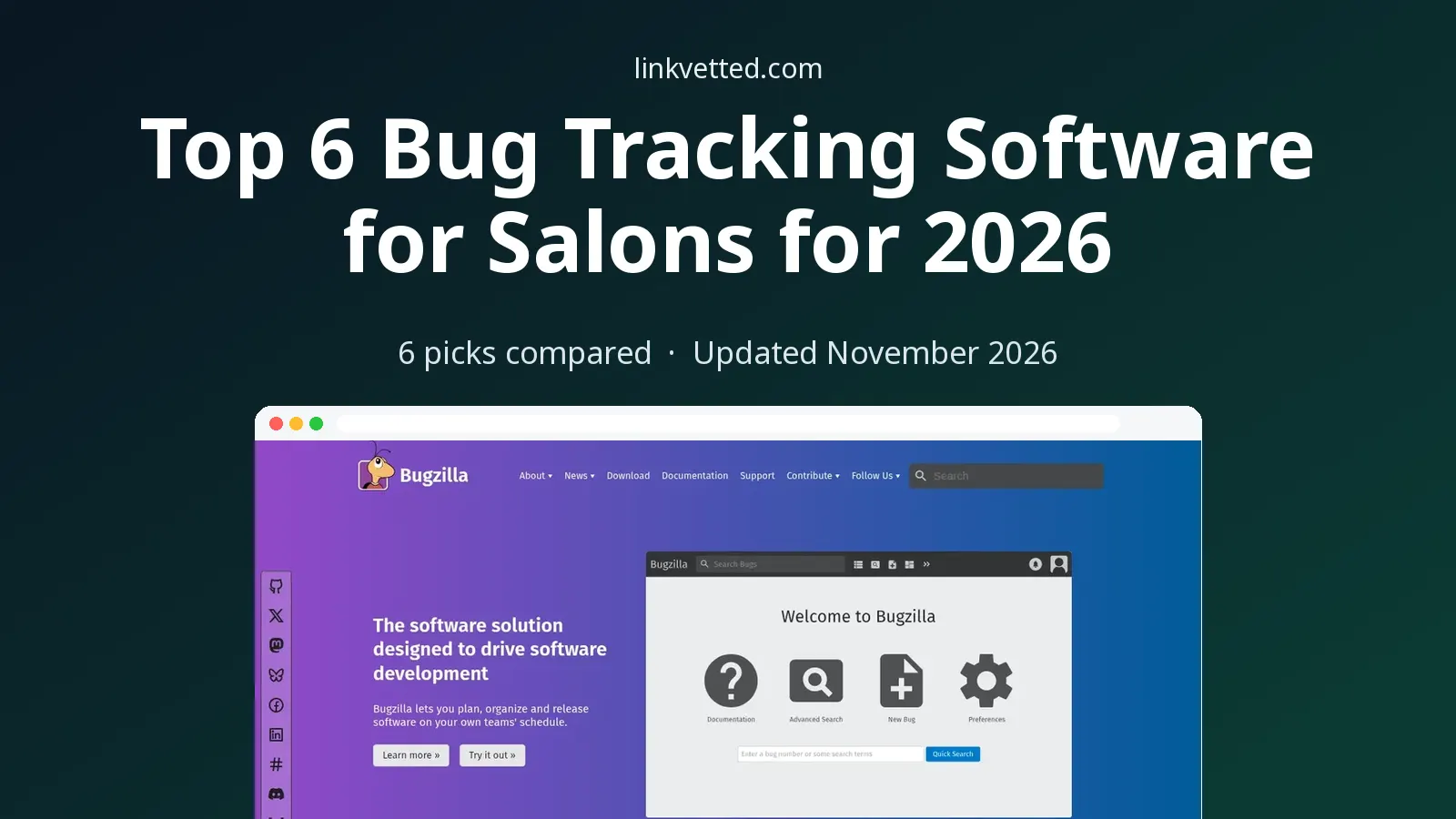
- Editor's choice
 Bugzilla
Open-source tracking for technical users
Starts atSee websiteVisit bugzilla.orgFull review - Great alternative
 Redmine
Self-hosted tracking plus project management
Starts atSee websiteVisit redmine.orgFull review - Also consider
 MantisBT
Straightforward self-hosted bug tracking
Starts atSee websiteVisit mantisbt.orgFull review
Direct answer
Bugzilla leads the list, best for open-source tracking for technical users. Listed starting prices: GitLab from $29 per user a month. Alternatives: Redmine for self-hosted tracking plus project management, and MantisBT for straightforward self-hosted bug tracking. The full list of 6 tools follows, with prices and free plan facts.
TL;DR:
- Bugzilla is the opening pick, best for open-source tracking for technical users.
- Jira is the one to check for structured issue workflows at scale.
- The main caution on Azure DevOps: wide platform with a ramp-up time.
- The cheapest monthly starting price in the list is $29 per user per month, offered by GitLab.
- Just one of the 6 tools, GitLab, has a free plan.
Last checked November 2026. Prices and plan details were read from the vendors' own pages in November 2026; vendors change plans often, so confirm the current price on the vendor site before you buy.
Quick comparison
| Tool | Best for | Starts at | Free plan? | |
|---|---|---|---|---|
| Bugzilla | Open-source tracking for technical users | See website | Not stated | Visit |
| Redmine | Self-hosted tracking plus project management | See website | Not stated | Visit |
| MantisBT | Straightforward self-hosted bug tracking | See website | Not stated | Visit |
 Azure DevOps | Salon groups with in-house developers | See website | Not stated | Visit |
 GitLab | Development teams shipping salon software | $29 per user a month | Yes | Visit |
 Jira | Structured issue workflows at scale | See website | Not stated | Visit |
Every option for bug tracking software for salons explained
Choosing bug tracking software for salons usually comes down to price, fit and limits. This LinkVetted guide sets 6 tools side by side on those three points, with the facts kept short and checkable.
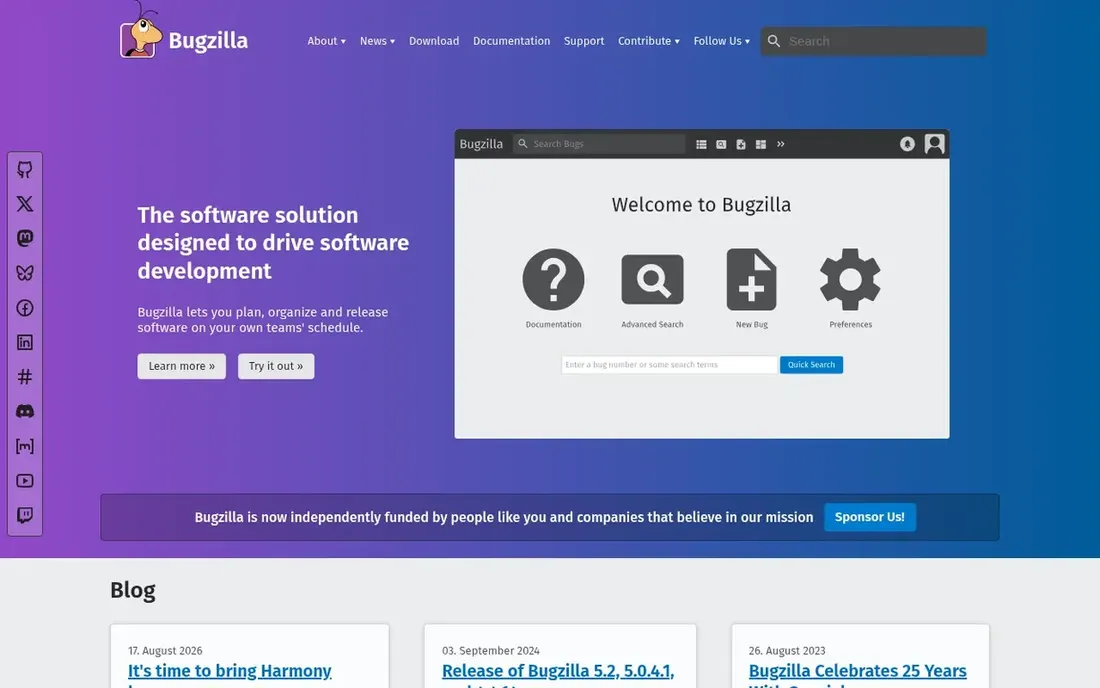
In short, Bugzilla is for open-source tracking for technical users. Bugzilla is built around software release cycles, so salon staff without a development background may find its terminology and screens unfamiliar. It is not a general task manager for front-desk chores.
Limits to weigh: Interface feels dated to newcomers.
A salon that runs its own booking system or works with an in-house developer could use it to record defects and feature requests in a disciplined queue. Bugzilla is the open-source bug tracker built to drive software development, letting teams plan, organize and release software. Bugzilla does not show a starting price in this comparison, so check the vendor site for current pricing. Free plan details: Not stated.
- Widely documented and self-hostable
- Long-established open-source tracker
- Assumes software development context
For self-hosted tracking plus project management, Redmine is a natural candidate. Like other self-hosted choices, Redmine puts hosting, updates and backups on your side, and its default interface is plain.
Worth adding: Redmine is an open-source project management and issue tracking application that pairs bug tracking with broader project features. From a buyer's view, a salon group managing a website rebuild, a new booking integration or a multi-site rollout could keep tasks and defects in one self-hosted system. Redmine does not show a starting price in this comparison, so check the vendor site for current pricing. Free options: Not stated.
The main drawbacks: Modules and setup need planning.
- Adaptable for mixed teams
- Merges tracking with project management
- Needs server administration
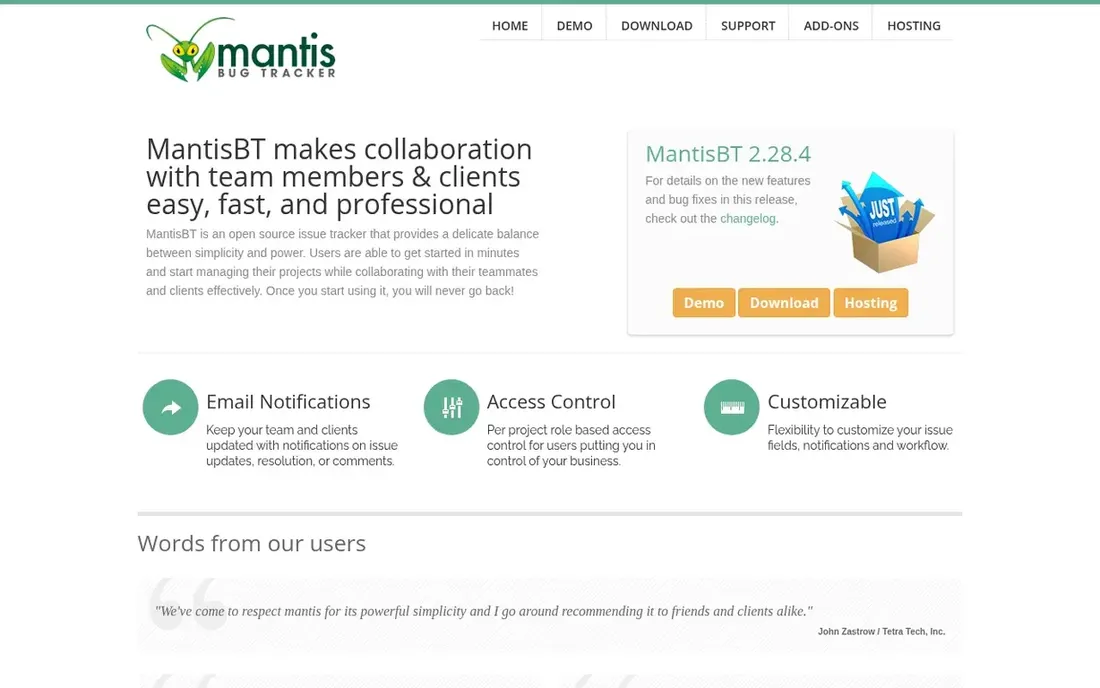
MantisBT works best for straightforward self-hosted bug tracking. MantisBT is a widely used free web-based bug tracking system written in PHP and compatible with MySQL, MS SQL and PostgreSQL databases. It has been installed across Windows, Linux, Mac OS and other systems.
Worth adding: for a salon with a technical helper on hand, it gives you a straightforward way to log issues with the booking system, point-of-sale tools or website, and it keeps the setup lean. Its feature set is intentionally modest, and the look and feel is functional instead of refined. On top of that, someone must host, patch and back it up. MantisBT shows no starting price here, so confirm the cost on the vendor site. Free access: Not stated.
Limits to weigh: Entry-level interface and reporting.
- MS SQL and PostgreSQL
- Linux and Mac OS
- Needs someone to host and maintain it
Azure DevOps was built for salon groups with in-house developers. Azure DevOps is Microsoft's system for optimizing development, with agile tools, CI/CD, agentic AI and collaboration features.
Watch-outs: Overkill without a development team.
The product handles far more than bug tracking, so a salon with no development staff will pay in complexity for features it never uses. A salon brand that builds and maintains its own booking app or e-commerce site can use it to plan work, track bugs and ship updates. This comparison lists no price for Azure DevOps; ask the vendor. Trial and free access: Not stated.
- Agile planning tools
- CI/CD and agentic AI support
- Wide product with a ramp-up time
In short, GitLab is for development teams shipping salon software. GitLab is organized around source code and delivery pipelines, so front-desk managers will find it unfamiliar and unnecessary.
Highlights: Includes the whole software lifecycle.
It is a poor fit if your only need is to log a broken dryer or a scheduling glitch. GitLab describes itself as an intelligent orchestration system with context and governance for the whole software lifecycle, helping teams and agents ship trusted software quicker. On cost, GitLab starts like this: $29 per user per month. Free access exists with GitLab.
Points against: Developer-centric terminology.
- Supports intelligent orchestration
- Built-in governance and context
- Not pitched at non-technical staff
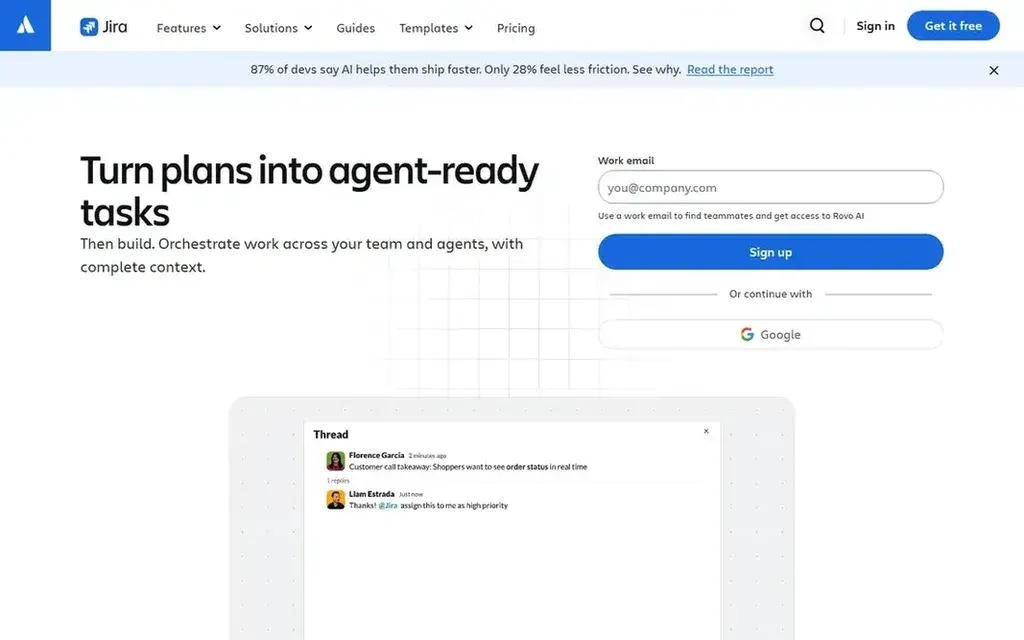
For structured issue workflows at scale, Jira is a natural candidate. For everyday use, the trade-off is overhead: Jira rewards teams willing to configure workflows.
A single small salon may find that effort hard to justify. Jira shows no starting price here, so confirm the cost on the vendor site. Free access: Not stated.
Points against: Configuration choices add complexity.
- Capable fit for multi-location operations
- Highly customizable project tracking
- Setup can feel heavy for a small salon
How these tools were picked
LinkVetted looked at what each vendor publishes: pricing, plan limits, feature coverage for bug tracking software for salons and stated drawbacks. No hands-on testing is claimed. Prices and plan limits come from vendor pages and can change, so confirm them on the vendor site before you buy. Tools are placed by general fit for bug tracking software for salons, with price clarity and free access as tie-breakers. A different team can reasonably rank them differently.
What to confirm before you sign up
- Ask Bugzilla, Redmine, MantisBT and others for a written quote, since no starting price is shown.
- Test the free plan from GitLab against your real workload before relying on it.
- Read the limits listed for Bugzilla first: interface feels dated to newcomers.
- A short pilot of Bugzilla with your real workflow tells you more than a feature table.
- Confirm the exact Jira plan that includes your must-have features.
FAQ
What is the cheapest option for bug tracking software for salons in this list?
On published monthly entry prices, GitLab is the lowest here at $29 per user per month. Entry price is only part of the cost, because seats, add-ons and billing terms can change the total. Each of the 6 options in this Bug tracking software for salons guide has its own card above with the price, free plan and limits.
Is Bugzilla the right pick for everyone comparing bug tracking software for salons?
No single tool suits every team. Bugzilla comes first because it fits open-source tracking for technical users, while Redmine suits self-hosted tracking plus project management and MantisBT suits simple self-hosted bug tracking. Match the tool to your own size, budget and workflow before deciding.
Does a salon really need bug tracking software?
Any salon that relies on booking systems, point-of-sale tools or a website benefits from a single place to log faults and follow them to resolution. A tracker keeps maintenance requests and software issues from getting lost in messages.
Can I try these tools before paying?
Often, yes. GitLab has a free plan. Use your own data and a real task during the test, and check what the free tier or trial limits before you rely on it. All 6 picks in this Bug tracking software for salons comparison list a starting price, free plan details and the main limits on their cards above.
How are the tools for bug tracking software for salons ordered?
Bugzilla sits first and Jira last because the order follows typical fit for bug tracking software for salons, then price clarity and free access. It is a judgement call, so read each profile for fit and limits.
Sources
- https://www.bugzilla.org
- https://www.redmine.org
- https://www.mantisbt.org
- https://azure.microsoft.com/en-us/products/devops
- https://about.gitlab.com
- https://www.atlassian.com/software/jira