Bug Tracking Software for Architects in 2026: The 5 Best Options Side by Side
Best bug tracking software for architects: 5 contenders ranked by fit, with entry costs and free tiers. Every pick gets a straight assessment. Start here.
- Editor's choice
 YouTrack
All-in-one tracking for mixed teams
Starts atSee websiteVisit jetbrains.comFull review - Great alternative
 Redmine
Adaptable open-source project and issue tracking
Starts atSee websiteVisit redmine.orgFull review - Also consider
 Bugzilla
Dedicated self-hosted defect tracking
Starts atSee websiteVisit bugzilla.orgFull review
Direct answer
Our first pick is YouTrack, best for all-in-one tracking for mixed teams. Listed starting prices: GitLab from $29 per user per month. If your case is different, Redmine suits adaptable open-source project and issue tracking and Bugzilla suits dedicated self-hosted defect tracking. The remaining 2 options are covered below with prices and limits.
TL;DR:
- This list starts with YouTrack, which is built for all-in-one tracking for mixed teams.
- GitLab stands alone as the one tool in this list with a free plan.
- The main caution on Bugzilla: dated interface by modern standards.
- The cheapest monthly starting price in the list is $29 per user per month, offered by GitLab.
- For tracking issues alongside code and delivery, GitLab is worth a look.
Last checked November 2026. Prices and plan details were read from the vendors' own pages in November 2026; vendors change plans often, so confirm the current price on the vendor site before you buy.
Quick comparison
| Tool | Best for | Starts at | Free plan? | |
|---|---|---|---|---|
| YouTrack | All-in-one tracking for mixed teams | See website | Not stated | Visit |
| Redmine | Adaptable open-source project and issue tracking | See website | Not stated | Visit |
| Bugzilla | Dedicated self-hosted defect tracking | See website | Not stated | Visit |
 Jira | Customizable workflows for design and delivery | See website | Not stated | Visit |
 GitLab | Tracking issues alongside code and delivery | $29 per user per month | Yes | Visit |
Bug Tracking Software for Architects, one by one
LinkVetted put together this guide to bug tracking software for architects for readers who want a clear shortlist without reading every vendor page. It compares 5 tools on starting price, free plans, who each one suits and where each one falls short.
For all-in-one tracking for mixed teams, YouTrack is a natural candidate. Architects can track design issues, document decisions and run requests from clients or consultants within a single workspace.
It fits teams that want planning and tracking combined without heavy administration. Pricing for YouTrack is not stated here, so ask the vendor for current figures. On free options: Not stated.
What YouTrack does well: Customer support features included. Where it is weaker: Best experience within the JetBrains ecosystem.
- Designed for every team member
- Tasks
- Some advanced choices need learning
Choose Redmine for adaptable open-source project and issue tracking. Teams that prefer a managed service with less upkeep may lean toward YouTrack or Jira.
What to check first: Needs hosting and maintenance.
Architecture teams can log issues, track time and organize documentation per project, which helps when multiple building projects run in parallel. Redmine does not show a starting price in this comparison, so check the vendor site for current pricing. On free options: Not stated.
- Open-source and self-hostable
- Supports several projects in one install
- Plugins vary in quality
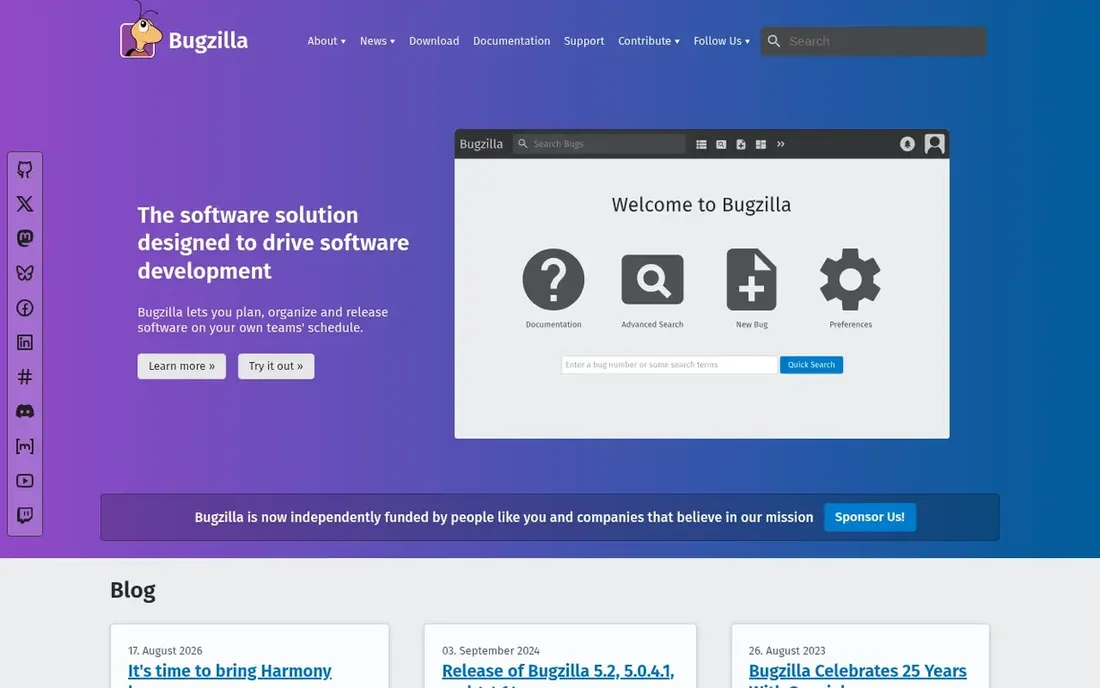
Bugzilla was built for dedicated self-hosted defect tracking. For architects, it gives you a structured way to log design defects, assign ownership and follow issues to resolution whereas keeping data on your own infrastructure.
What Bugzilla does well: structured defect workflow.
The look and feel is dated compared to newer systems, and running it means maintaining a server. Worth adding: teams without administrative capacity, or those wanting planning boards and wikis in one place, should consider Redmine or YouTrack. Bugzilla does not show a starting price in this comparison, so check the vendor site for current pricing. Free options: Not stated.
Honest limits: Dated interface by modern standards.
- Self-hosted with full data control
- Centred on bug and issue tracking
- Needs server administration
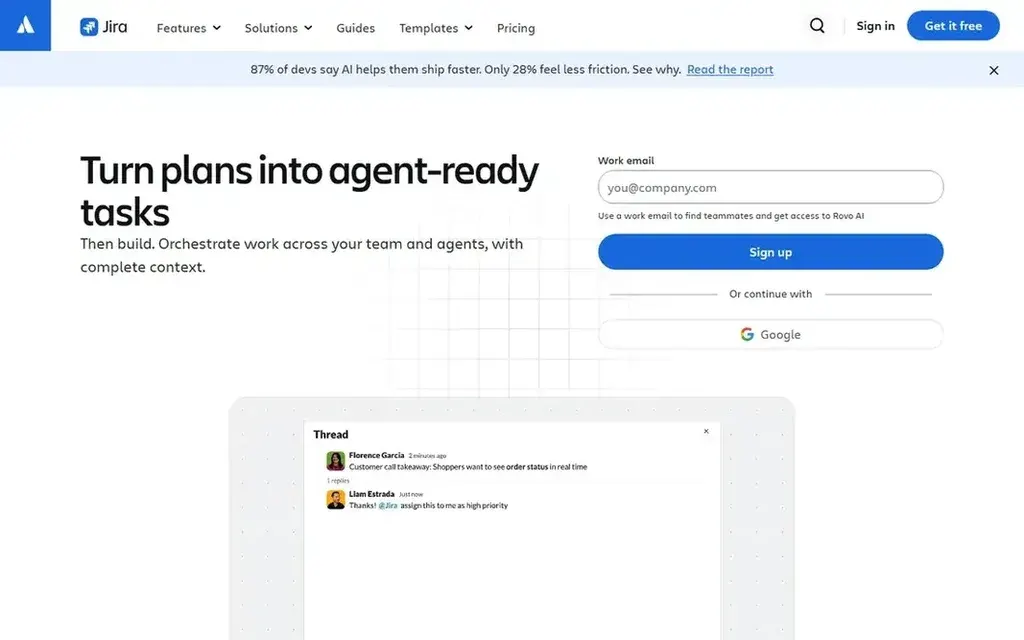
Jira is built with customizable workflows for design and delivery in mind. For architects, its value lies in adaptable issue types that can represent design reviews, change requests and punch lists alongside standard tasks.
Trade-offs to know: Setup can feel heavy for small teams.
In daily use, the tradeoff is administrative overhead: workflows and permissions need deliberate setup, and smaller practices may find it more than they need. Jira does not show a starting price in this comparison, so check the vendor site for current pricing. Free access: Not stated.
- Capable board and backlog views
- Wide integration ecosystem
- Configuration choices add complexity
GitLab is aimed squarely at tracking issues alongside code and delivery. Architecture practices that produce digital deliverables can track issues alongside code, documentation and deployment in one place.
The main drawbacks: Geared toward software engineering teams.
In daily use, the product is built around software engineering, so design-only teams may find much of it irrelevant. From a buyer's view, for pure issue tracking without a code workflow, a dedicated tracker such as Bugzilla is more straightforward to adopt. What you pay to start with GitLab: $29 per user per month. GitLab includes a free tier.
- Single system for planning and delivery
- Issues integrated with the full lifecycle
- Feature depth can be overwhelming
What went into this list
Things to verify first
- Confirm the entry price on the vendor page. For YouTrack, Redmine, Bugzilla and Jira that means a quote rather than a fixed price.
- Test the free plan from GitLab against your real workload before relying on it.
- Read the limits listed for YouTrack first: some advanced choices need learning.
- Ask the daily users to test GitLab on a live task before you roll it out to everyone.
- The entry price of YouTrack is only the starting point; model the full cost with seats and extras.
FAQ
What is the cheapest option for bug tracking software for architects in this list?
On published monthly entry prices, GitLab is the lowest here at $29 per user per month. Entry price is only part of the cost, because seats, add-ons and billing terms can change the total. Each of the 5 options in this Bug tracking software for Architects guide has its own card above with the price, free plan and limits.
Why would an architecture firm need bug tracking software?
Design and construction coordination produces numerous issues, from drawing errors to review comments and change requests. A tracker keeps these visible, assigns owners and records resolution, which supports accountability across consultants and project stages.
Can I try these tools before paying?
Often, yes. GitLab has a free plan. Use your own data and a real task during the test, and check what the free tier or trial limits before you rely on it. All 5 picks in this Bug tracking software for Architects comparison list a starting price, free plan details and the main limits on their cards above.
How are the tools for bug tracking software for architects ordered?
The order follows typical fit for bug tracking software for architects, with YouTrack first and GitLab last, then price clarity and free access. It is editorial judgement, not a score, so another team could rank the tools differently.
Is YouTrack the right pick for everyone comparing bug tracking software for architects?
No single tool suits every team. YouTrack comes first because it fits all-in-one tracking for mixed teams, while Redmine suits flexible open-source project and issue tracking and Bugzilla suits dedicated self-hosted defect tracking. Match the tool to your own size, budget and workflow before deciding.
Sources
- https://www.jetbrains.com/youtrack
- https://www.redmine.org
- https://www.bugzilla.org
- https://www.atlassian.com/software/jira
- https://about.gitlab.com