Choosing Bug Tracking Software for Coaches in 2026: 6 Options Compared
Need the best bug tracking software for coaches? We compare 6 tools on cost, free access and who each suits. Every entry states what it lacks. Start here.
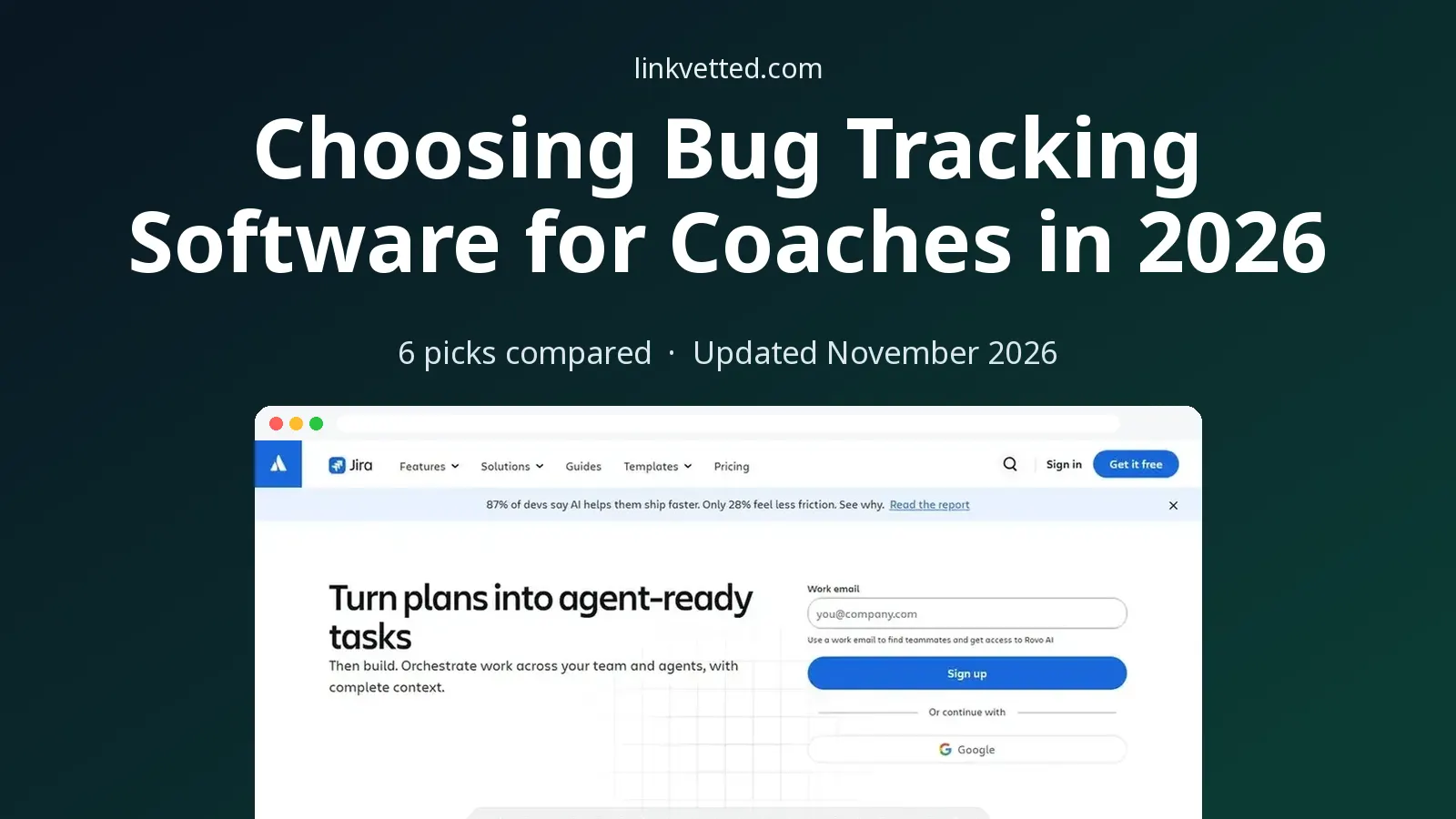
- Editor's choice
 YouTrack
All-in-one project management
Starts atSee websiteVisit jetbrains.comFull review - Great alternative
 GitLab
Orchestrated software lifecycle
Starts at$29 per user a monthVisit about.gitlab.comFull review - Also consider
 Jira
Scalable project and bug tracking
Starts atSee websiteVisit atlassian.comFull review
Direct answer
If you need all-in-one project management, YouTrack is the first tool to look at here. Listed starting prices: GitLab from $29 per user a month. GitLab is better for orchestrated software lifecycle, and Jira is better for scalable project and bug tracking. Details, prices and limits for the rest of the 6 tools are below.
TL;DR:
- Top of the list is YouTrack, which targets all-in-one project management.
- GitLab is the only tool of the 6 with a free plan.
- What to know about Azure DevOps first: complicated for non-technical users.
- GitLab has the lowest monthly starting price in this list: $29 per user per month.
- Bugzilla suits open-source bug tracking and release planning.
Last checked November 2026. Prices and plan details were read from the vendors' own pages in November 2026; vendors change plans often, so confirm the current price on the vendor site before you buy.
Quick comparison
| Tool | Best for | Starts at | Free plan? | |
|---|---|---|---|---|
| YouTrack | All-in-one project management | See website | Not stated | Visit |
| GitLab | Orchestrated software lifecycle | $29 per user a month | Yes | Visit |
| Jira | Scalable project and bug tracking | See website | Not stated | Visit |
 Azure DevOps | Agile planning with CI/CD | See website | Not stated | Visit |
 MantisBT | Light web-based bug tracking | See website | Not stated | Visit |
 Bugzilla | Open-source bug tracking and release planning | See website | Not stated | Visit |
Our 6 bug tracking software for coaches
Choosing bug tracking software for coaches usually comes down to price, fit and limits. This LinkVetted guide sets 6 tools side by side on those three points, with the facts kept short and checkable.
YouTrack targets all-in-one project management. Designed with every member of your team in mind, it is free for teams of up to a certain size.
Honest limits: May be overkill for straightforward needs.
Worth adding: the tool may offer more features than a small coaching practice needs, and it needs initial setup. It lets you track tasks, run projects, maintain a knowledge base, support your customers, collaborate, and deliver excellent products. YouTrack does not show a starting price in this comparison, so check the vendor site for current pricing. Trial and free access: Not stated.
- Designed for all team members
- Tracks tasks and projects
- Needs setup
In short, GitLab is for orchestrated software lifecycle. GitLab is described as an intelligent orchestration system with context and governance for the whole software lifecycle. It helps teams and agents ship trusted software quicker.
What to check first: Steep ramp-up time.
Beyond that, coaches who run software development or technical teams may value its comprehensive approach to tracking bugs and managing projects. The product's breadth can be complicated for small coaching firms or non-technical users. If you need a more focused bug tracker, MantisBT or Bugzilla might be more straightforward. What you pay to start with GitLab: $29 per user per month. Free access exists with GitLab.
- Intelligent orchestration product
- Context and governance for the lifecycle
- Wide feature set may overwhelm
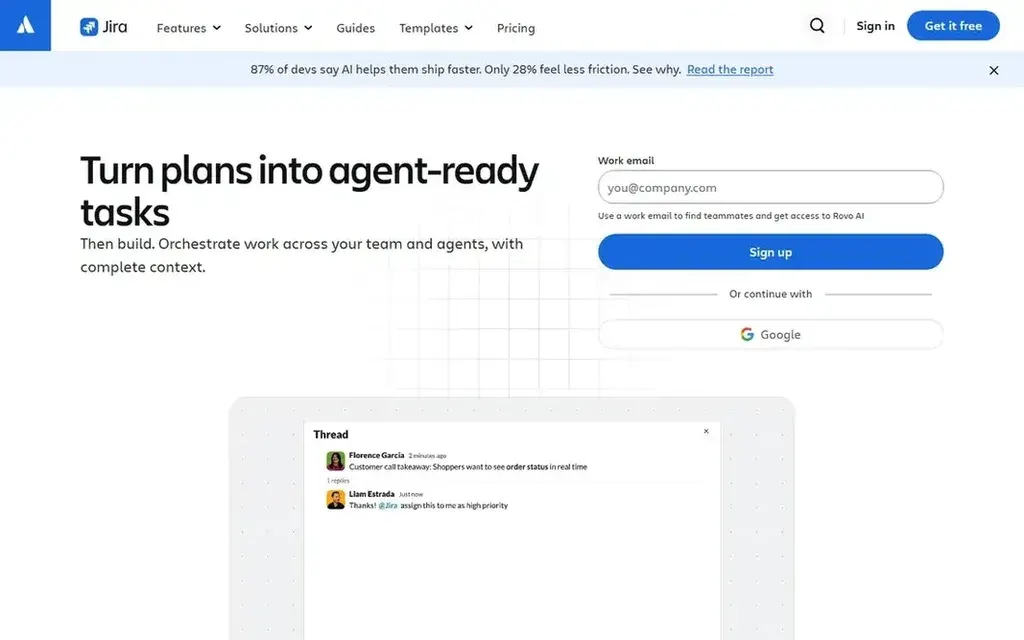
In short, Jira is for scalable project and bug tracking. Jira is best when you expect to scale and need advanced planning features. Jira is a project management product that brings teams together to reach the next level of productivity.
Where it is weaker: Needs setup and configuration.
It uses AI agents to orchestrate, plan, and track projects at scale. Coaches who run technical projects or handle development teams may find it handy for organizing bug reports and feature requests alongside broader project work. More specifically, the product can feel heavy for solo coaches or very small teams due to its configuration choices. Jira does not show a starting price in this comparison, so check the vendor site for current pricing. Free access: Not stated.
- AI agents help orchestrate and plan projects
- Tracks projects at scale with team collaboration
- Can be complex for small teams
Where Azure DevOps fits: agile planning with CI/CD. Azure DevOps Services is a product from Microsoft that helps teams plan smarter, collaborate better, and ship quicker using agile tools, CI/CD, agentic AI, and more.
Downsides: Needs configuration.
The platform can be overwhelming for coaches without a technical background, and it needs setup to align with your workflow. For everyday use, Azure DevOps is a good match for teams already using Microsoft tools or needing end-to-end development support. Azure DevOps does not show a starting price in this comparison, so check the vendor site for current pricing. As for free access: Not stated.
- CI/CD and agentic AI features
- Integrated agile tools
- Complicated for non-technical users
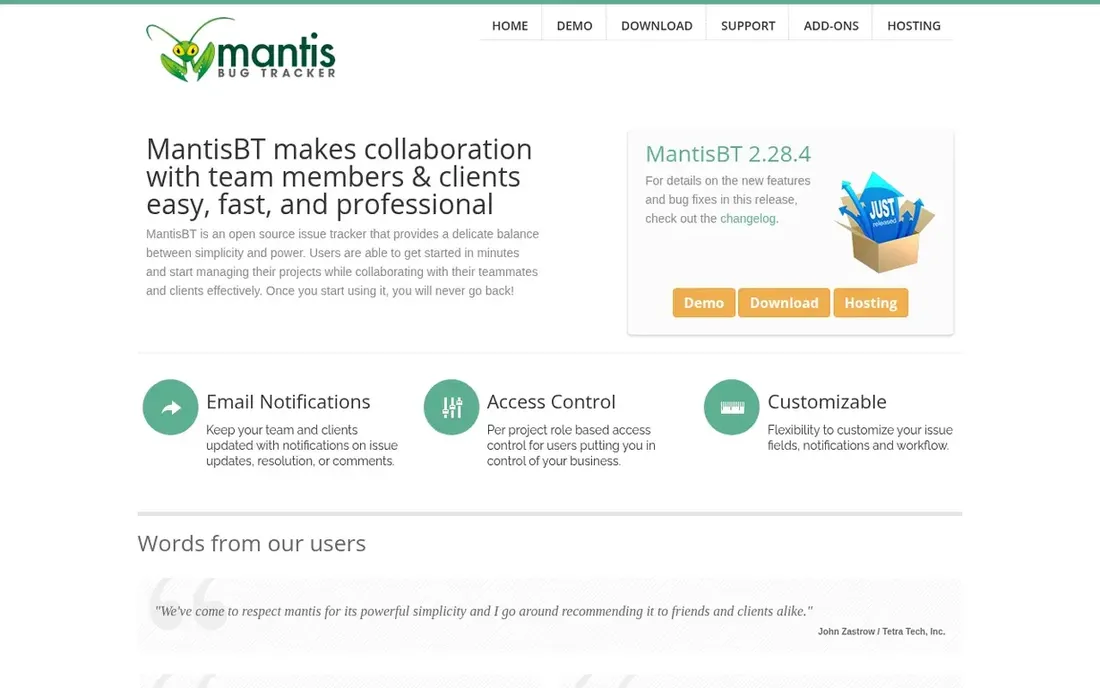
Think of MantisBT for light web-based bug tracking. If you need AI assistance or deep project planning, consider Jira or Azure DevOps. Also, MantisBT is well suited to teams that want a straightforward, self-hosted tracker without complexity.
MantisBT is a widely used free web-based bug tracking system written in PHP. It works with MySQL, MS SQL, and PostgreSQL databases and has been installed on Windows, Linux, Mac OS, OS/2, and others. The tool gives you an entry-level feature set and may lack advanced reporting or integrations found in bigger products. Check the vendor site for MantisBT pricing; none is listed in this comparison. On free options: Not stated.
Where it falls short: Entry-level feature set.
- Runs on plenty of operating systems
- Free and web-based
- Restricted integrations
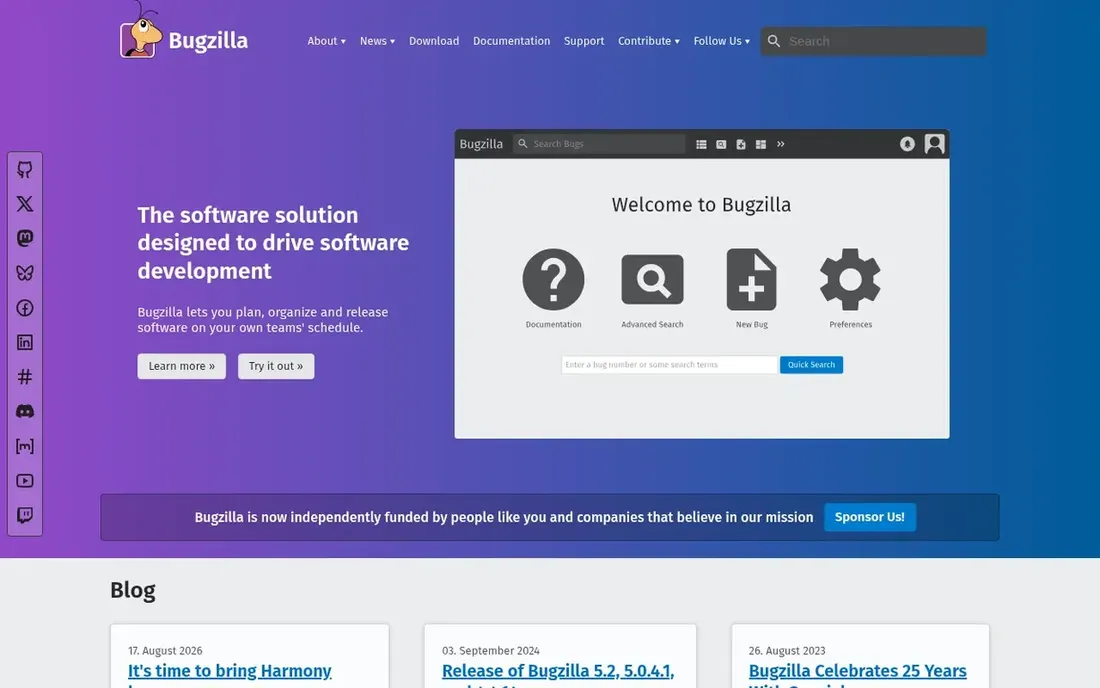
Bugzilla is built with open-source bug tracking and release planning in mind. It lets teams plan, organize, and release software on their own. For everyday use, coaches who handle software projects and prefer open-source tools may appreciate its structured approach to tracking defects and planning releases.
It is well suited for teams that want full control over their tracking system. Worth adding: if you need a more refined experience or integrated project management, Jira or Azure DevOps might be better. Bugzilla does not show a starting price in this comparison, so check the vendor site for current pricing. As for free access: Not stated.
The main drawbacks: Interface may feel dated.
- Free and open-source
- Built for software development
- Needs technical setup
How we chose
What to confirm before you sign up
- Confirm the entry price on the vendor page. For YouTrack, Jira, Azure DevOps and others that means a quote rather than a fixed price.
- Look at the free plan from GitLab closely: its caps decide whether it is usable for real work.
- Read the limits listed for YouTrack first: may be overkill for straightforward needs.
- Check how data leaves YouTrack: formats, limits and whether exports are available on every plan.
- Ask whether Jira integrates with your current software, and whether that comes standard or as an add-on.
FAQ
Is YouTrack the right pick for everyone comparing bug tracking software for coaches?
No single tool suits every team. YouTrack comes first because it fits all-in-one project management, while GitLab suits orchestrated software lifecycle and Jira suits scalable project and bug tracking. Match the tool to your own size, budget and workflow before deciding.
Can I use free bug tracking tools for my coaching business?
Yes, multiple tools like Bugzilla and MantisBT are open-source and free to use. Evaluate features and support to ensure they meet your requirements.
What is the cheapest option for bug tracking software for coaches in this list?
On published monthly entry prices, GitLab is the lowest here at $29 per user per month. Entry price is only part of the cost, because seats, add-ons and billing terms can change the total. Prices, free plan details and limits for all 6 tools in this Bug tracking software for Coaches roundup sit on the individual cards above.
Which options for bug tracking software for coaches have a free plan?
GitLab is the only tool in this list with a free plan. Free plans usually cap users, projects or features, so check the limits on the vendor page. Each of the 6 options in this Bug tracking software for Coaches guide has its own card above with the price, free plan and limits.
Can I try these tools before paying?
Often, yes. GitLab has a free plan. Use your own data and a real task during the test, and check what the free tier or trial limits before you rely on it. All 6 picks in this Bug tracking software for Coaches comparison list a starting price, free plan details and the main limits on their cards above.
Which bug tracker is a good match for non-technical coaches?
The first pick on this list is YouTrack, because it suits all-in-one project management. GitLab is better for orchestrated software lifecycle, and Jira for scalable project and bug tracking. Check price and limits against your own needs before choosing.
Sources
- https://www.jetbrains.com/youtrack
- https://about.gitlab.com
- https://www.atlassian.com/software/jira
- https://azure.microsoft.com/en-us/products/devops
- https://www.mantisbt.org
- https://www.bugzilla.org