Choosing Bug Tracking Software for Consultants in 2026: 5 Options Compared
5 best bug tracking software for consultants, compared on pricing, free plans and best-fit use. We note where every tool falls short. Straight answers.
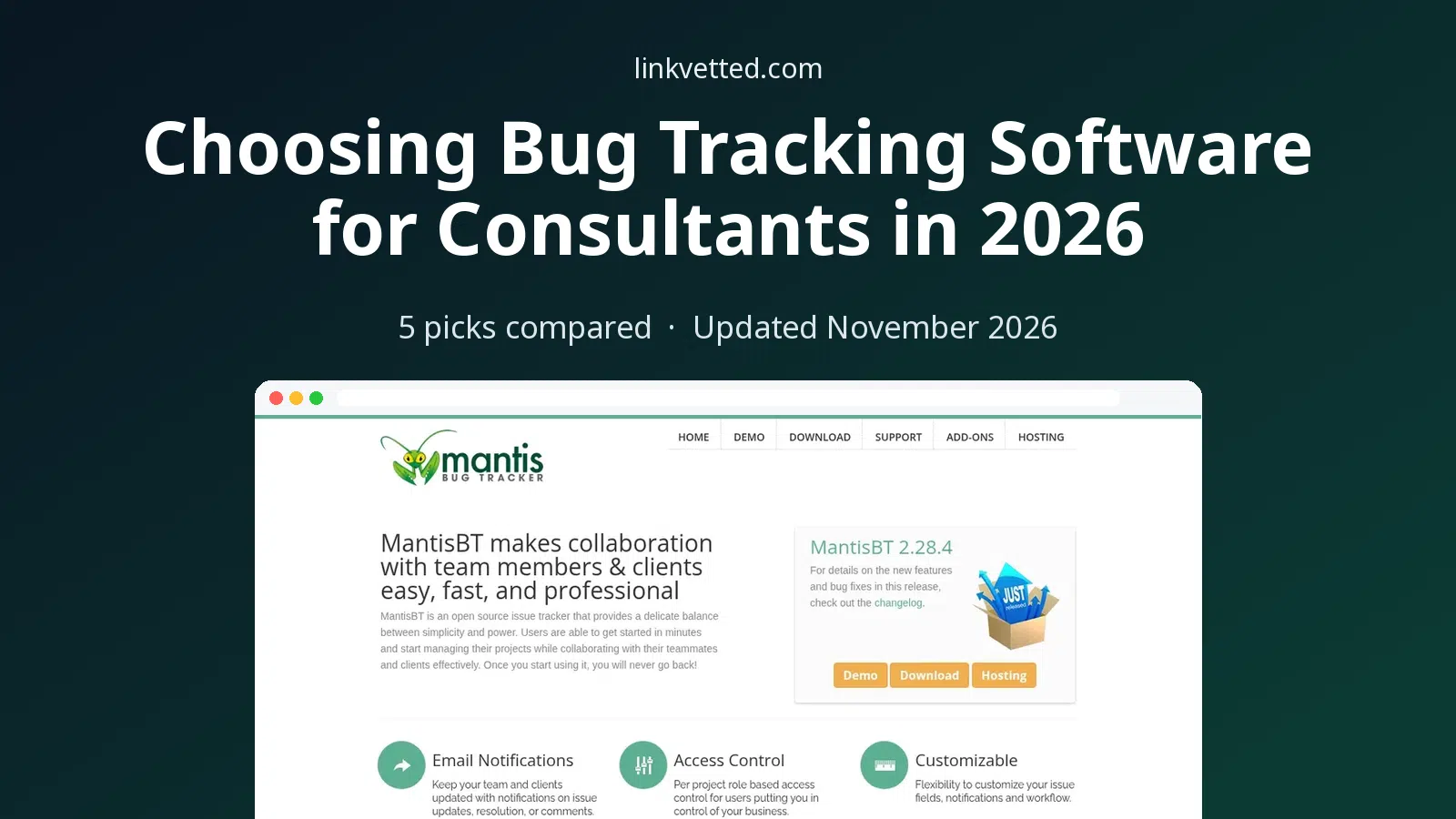
- Editor's choice
 Azure DevOps
Consultants in Microsoft-centric environments
Starts atPricing on requestVisit azure.microsoft.comFull review - Great alternative
 GitHub Issues
Consultants whose clients use GitHub for code
Starts atPricing on requestVisit github.comFull review - Also consider
 MantisBT
Consultants seeking a free, web-based bug tracker
Starts atPricing on requestVisit mantisbt.orgFull review
Direct answer
For consultants in Microsoft-centric environments, Azure DevOps is where this list starts. If your case is different, GitHub Issues suits consultants whose clients use GitHub for code and MantisBT suits consultants seeking a free, web-based bug tracker. The remaining 2 options are covered below with pricing notes and limits. None of these vendors publish plan prices, so pricing is on request for every option.
TL;DR:
- Number one here is Azure DevOps, a fit for consultants in Microsoft-centric environments.
- For consultants managing complicated client projects, Jira is worth a look.
- A permanent free plan is missing from all 5 tools, Azure DevOps and Jira included; plan for a trial or a premium start.
- MantisBT comes with a trade-off: limited built-in reporting features.
- Azure DevOps, Jira and the 3 others all sell by quote; expect sales conversations before you see a price.
Last checked November 2026. Pricing on request: vendors did not publish plan prices when this guide was last checked (November 2026), so ask each vendor for a written quote.
Quick comparison
| Tool | Best for | Starts at | Free plan? | |
|---|---|---|---|---|
| Azure DevOps | Consultants in Microsoft-centric environments | Pricing on request | Not stated | Visit |
| GitHub Issues | Consultants whose clients use GitHub for code | Pricing on request | Not stated | Visit |
| MantisBT | Consultants seeking a free, web-based bug tracker | Pricing on request | Not stated | Visit |
 YouTrack | Consultants needing an all-in-one project management tool | Pricing on request | Not stated | Visit |
 Jira | Consultants managing complicated client projects | Pricing on request | Not stated | Visit |
Our 5 bug tracking software for consultants
This LinkVetted guide covers 5 bug tracking software for consultants. Each profile lists a starting price, free plan details, strengths and drawbacks, so you can drop poor fits quickly.
Azure DevOps was built for consultants in Microsoft-centric environments. It is ideal for consultants working with clients who are already invested in the Microsoft ecosystem, as it integrates smoothly with other Microsoft services.
Consultants serving diverse clients might find Jira or GitHub Issues more straightforward for pure bug tracking. Check the vendor site for Azure DevOps pricing; none is listed in this comparison. Free plan details: Not stated.
What to check first: Steeper ramp-up time.
- Integrated CI/CD and agile tools
- Agentic AI capabilities
- Complicated pricing structure
GitHub Issues was built for consultants whose clients use GitHub for code. GitHub Issues is less feature-rich than dedicated project management tools, and its usefulness relies on the client's adoption of GitHub. For everyday use, consultants whose clients already use GitHub will appreciate the smooth integration and the capacity to track issues alongside code.
For everyday use, GitHub Issues is a bug tracking and project planning tool integrated straight into GitHub, where teams build with AI agents and the open source community. It lets users to host code, plan projects, review changes, and automate workflows. No starting price is listed for GitHub Issues here; confirm pricing on the vendor site. On free options: Not stated.
What to check first: Tied to GitHub ecosystem.
- Free for public repositories
- Supports AI agents and automation
- Restricted project management features
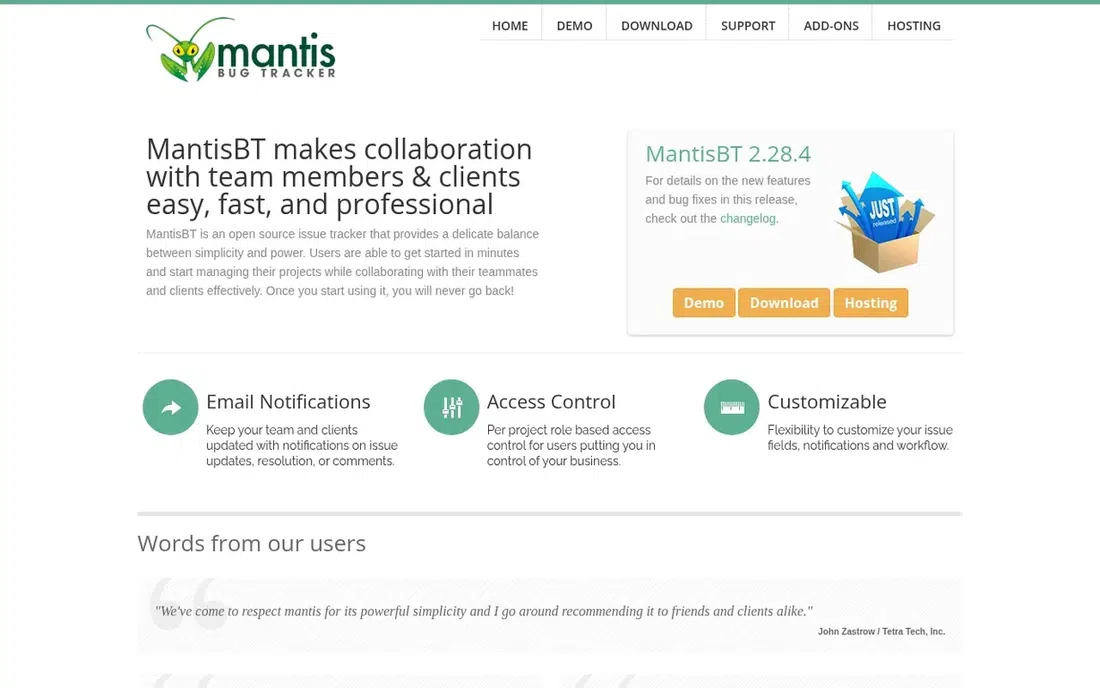
Choose MantisBT for consultants seeking a free, web-based bug tracker. Consultants who require a straightforward, no-cost option for tracking bugs across client projects will appreciate its simplicity and wide database support.
MantisBT is a widely used free web-based bug tracking system written in PHP and compatible with MySQL, MS SQL, and PostgreSQL databases. Check the vendor site for MantisBT pricing; none is listed in this comparison. Trial and free access: Not stated.
Where it falls short: Customization needs coding knowledge.
- Free and open-source
- Cross-platform installation
- Restricted built-in reporting features
Think of YouTrack for consultants needing an all-in-one project management tool. YouTrack is a project management tool from JetBrains that puts everything in one place: track tasks, run projects, maintain a knowledge base, support customers, and collaborate. Worth adding: consultants who value an integrated, modern interface will find YouTrack a solid contender.
Drawbacks to consider: May be less a good match for very large enterprises.
What works well: Free for small teams. In daily use, designed with every team member in mind, it is free for teams of up to a certain size. Beyond that, consultants with highly specialized workflows might have to look elsewhere, but for most, YouTrack offers a balanced feature set. Pricing for YouTrack is not stated here, so ask the vendor for current figures. Trial and free access: Not stated.
- Approachable interface
- Knowledge base, support
- Restricted customization compared with open-source tools
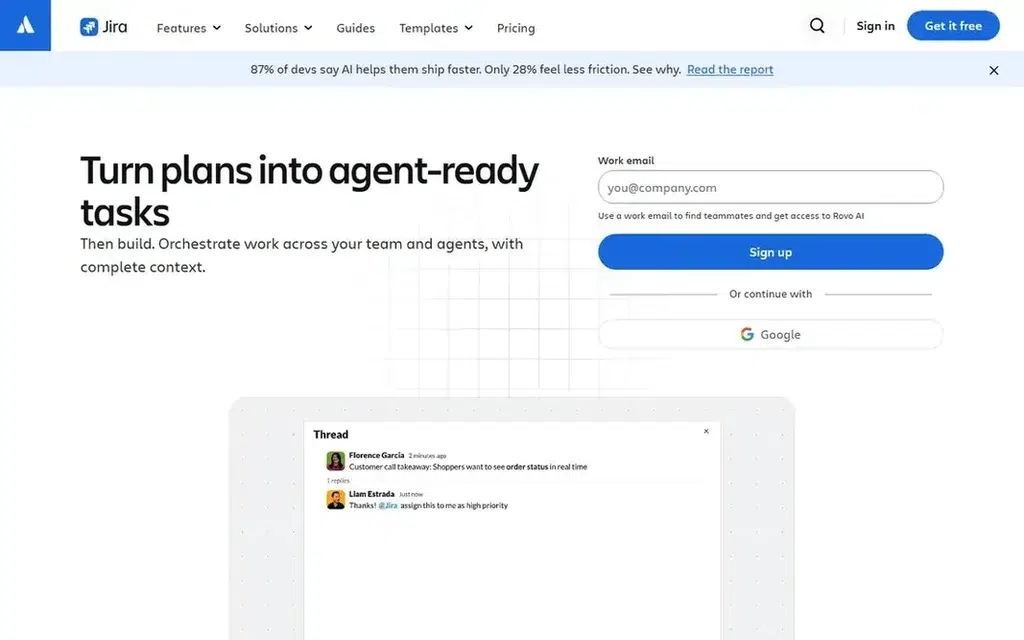
Think of Jira for consultants managing complicated client projects. Jira is a project management product from Atlassian that brings teams together with AI agents to orchestrate, plan, and track projects at scale. It is well suited for consultants who work with several clients and need an adaptable system that can adapt to different workflows.
What to check first: May need add-ons for advanced reporting.
The product supports agile methodologies and gives you a set of customization choices. Even so, Jira can be overkill for small teams or straightforward bug tracking needs, and its configuration can be time-consuming. Jira does not show a starting price in this comparison, so check the vendor site for current pricing. As for free access: Not stated.
- Widely used with deep integration choices
- Scalable for teams of several sizes
- Can be complicated to configure for straightforward needs
What went into this list
LinkVetted used vendor pricing pages and product documentation as the base, then compared plans, free access and documented limits for 5 tools. Plan names, prices and limits change often. Treat the figures here as a starting point and verify them with the vendor. Tools are placed by general fit for bug tracking software for consultants, with price clarity and free access as tie-breakers. A different team can reasonably rank them differently.
Before you commit
- Ask each vendor, from Azure DevOps to Jira, for a written quote; none of them publishes a starting price.
- Read the limits listed for Azure DevOps first: complicated pricing structure.
- Find out whether the entry plan of MantisBT covers your must-haves or only a trimmed-down version.
- Run a one or two week pilot of YouTrack with the people who will use it every day.
- See whether Jira offers onboarding or training, and whether it is included in the price.
FAQ
How are the tools for bug tracking software for consultants ordered?
Azure DevOps sits first and Jira last because the order follows typical fit for bug tracking software for consultants, then price clarity and free access. It is a judgement call, so read each profile for fit and limits.
Does any tool for bug tracking software for consultants here have a free plan?
A permanent free plan is not offered by Azure DevOps, Jira or the other tools here. Plan a short evaluation period instead.
Do these tools publish their prices?
No. None of the tools, from Azure DevOps to Jira, shows a fixed starting price here, so budget time for quotes.
Is Azure DevOps the right pick for everyone comparing bug tracking software for consultants?
No single tool suits every team. Azure DevOps comes first because it fits consultants in Microsoft-centric environments, while GitHub Issues suits consultants whose clients use GitHub for code and MantisBT suits consultants seeking a free, web-based bug tracker. Match the tool to your own size, budget and workflow before deciding.
Sources
- https://azure.microsoft.com/en-us/products/devops
- https://github.com/features/issues
- https://www.mantisbt.org
- https://www.jetbrains.com/youtrack
- https://www.atlassian.com/software/jira