Choosing CAD Software for Remote Teams in 2026: 6 Options Compared
Best CAD software for remote teams: 6 contenders ranked by fit, with entry costs and free tiers. Prices and drawbacks included. Quick comparison inside.
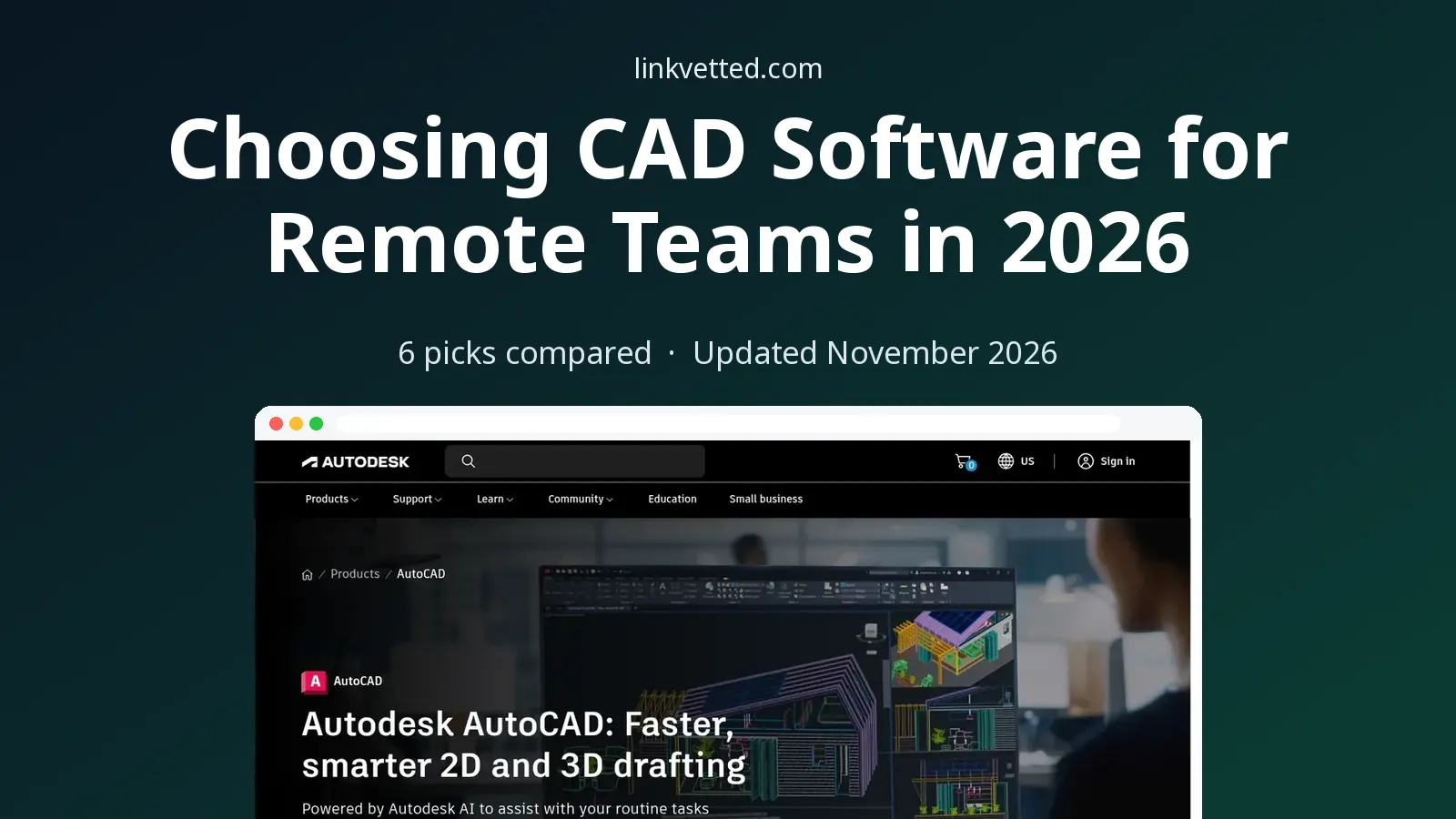
- Editor's choice
 AutoCAD
DWG collaboration across desktop and web
Starts atSee websiteVisit autodesk.comFull review - Great alternative
 Vectorworks
BIM and design collaboration
Starts atSee websiteVisit vectorworks.netFull review - Also considerCreo
Advanced parametric 3D CAD
Starts atSee websiteVisit ptc.comFull review
Direct answer
If you need DWG collaboration across desktop and web, AutoCAD is the first tool to look at here. Listed starting prices: Onshape from $1,500 per user per year. If your case is different, Vectorworks suits BIM and design collaboration and Creo suits advanced parametric 3D CAD. Prices, free plans and limits for all 6 tools follow.
TL;DR:
- Number one here is AutoCAD, a fit for DWG collaboration across desktop and web.
- Onshape stands alone as the one tool in this list with a free plan.
- For browser-native CAD with built-in PDM, Onshape is worth a look.
- One limit worth knowing about AutoCAD: primarily 2D drafting focus for plenty of teams.
Last checked November 2026. Prices and plan details were read from the vendors' own pages in November 2026; vendors change plans often, so confirm the current price on the vendor site before you buy.
Quick comparison
| Tool | Best for | Starts at | Free plan? | |
|---|---|---|---|---|
| AutoCAD | DWG collaboration across desktop and web | See website | Not stated | Visit |
| Vectorworks | BIM and design collaboration | See website | Not stated | Visit |
| Creo | Advanced parametric 3D CAD | See website | Not stated | Visit |
 Fusion 360 | Integrated cloud CAD, CAM, and PCB | See website | Not stated | Visit |
| Solid Edge | Siemens parametric design and collaboration | See website | Not stated | Visit |
 Onshape | Browser-native CAD with built-in PDM | $1,500 per user per year | Yes | Visit |
Every option for CAD software for remote teams explained
Short on time? The summary and table above give the quick view of 6 CAD software for remote teams, and the profiles that follow give the detail behind each entry.
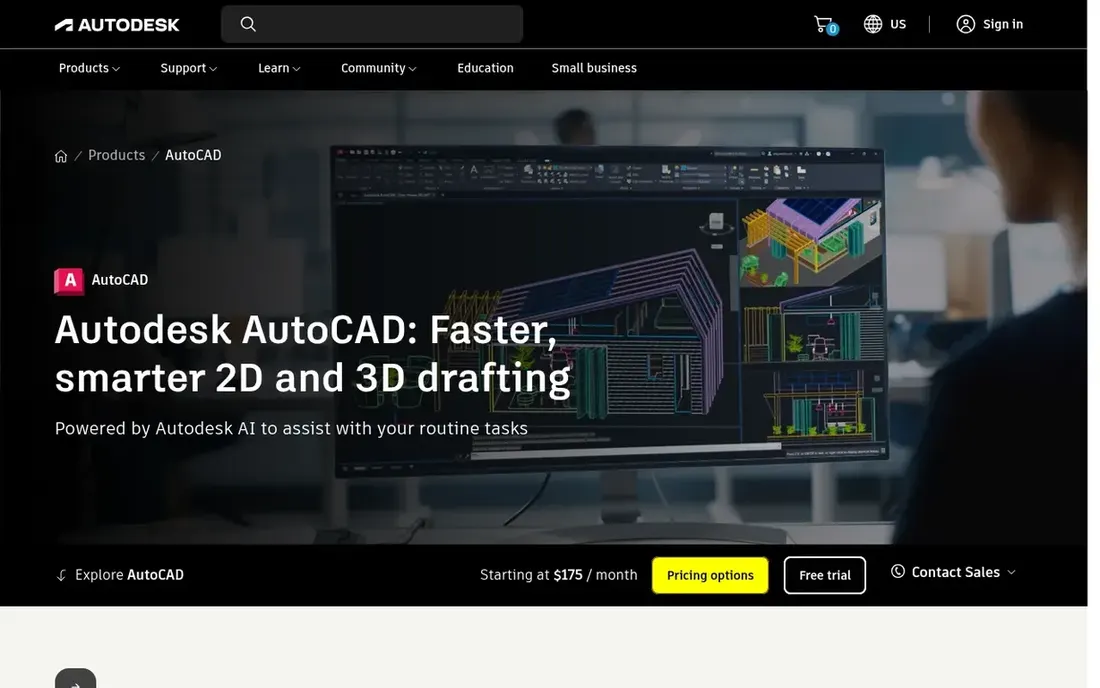
AutoCAD is a good fit for DWG collaboration across desktop and web. AutoCAD is Autodesk's drafting and design software, with shared DWG collaboration across desktop and web.
AutoCAD is most solid for drafting and documentation, so teams doing complicated 3D product design may need a parametric modeler alongside it. AutoCAD does not show a starting price in this comparison, so check the vendor site for current pricing. Free access: Not stated.
The main drawbacks: Primarily 2D drafting focus for numerous teams.
- Shared DWG collaboration on desktop and web
- AI automation and performance improvements
- Advanced 3D work may need another tool
Vectorworks works best for BIM and design collaboration. Vectorworks is 3D modeling and design software for architecture, landscaping, and entertainment professionals, offering an adaptable and collaborative CAD process.
It suits remote design studios in those fields that require shared modeling and documentation instead of mechanical product design. No starting price is listed for Vectorworks here; confirm pricing on the vendor site. Free plan details: Not stated.
Points against: Less concentrated on mechanical engineering.
- Suited to architecture and entertainment design
- Collaborative CAD process
- Workflow differs from mainstream MCAD tools
Creo
Best for: Advanced parametric 3D CAD
Creo is built with advanced parametric 3D CAD in mind. Creo is PTC's 3D CAD software, built around parametric design for product development.
What to check first: Steep ramp-up time for new users.
It fits remote engineering teams working on complicated products that require advanced modeling and simulation capabilities, especially where standardized design practices matter. Check the vendor site for Creo pricing; none is listed in this comparison. On free options: Not stated.
- Established in complicated product development
- Wide design and simulation toolset
- Remote workflows need deliberate configuration
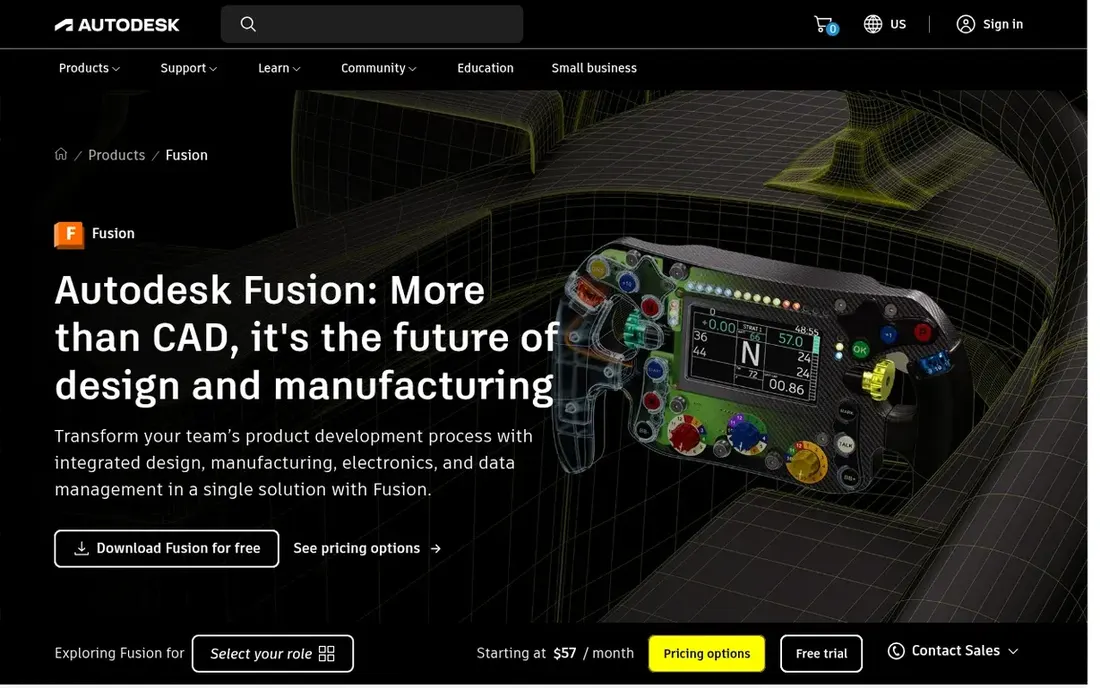
Fusion 360 was built for integrated cloud CAD, CAM, and PCB. Fusion 360, now branded Autodesk Fusion, is a cloud-based system for 3D CAD, modeling, manufacturing, industrial design, electronics, and mechanical engineering.
It fits remote product teams that want design, simulation, and manufacturing preparation connected in one environment instead of split across separate tools. No starting price is listed for Fusion 360 here; confirm pricing on the vendor site. Free access: Not stated.
Points against: Cloud workflows rely on steady internet.
- PCB in one system
- Cloud-based access supports distributed teams
- Wide feature set can be complicated for beginners
Solid Edge
Best for: Siemens parametric design and collaboration
Solid Edge is built with Siemens parametric design and collaboration in mind. Solid Edge is Siemens' CAD software for mechanical design, offering parametric and synchronous modeling within the broader Siemens Digital Industries Software portfolio.
Teams wanting browser-native CAD from the start may find Onshape or Fusion 360 more straightforward to deploy. In practice, remote collaboration in Solid Edge relies on how the team configures data management and sharing, so distributed groups should confirm their setup carefully. Solid Edge does not show a starting price in this comparison, so check the vendor site for current pricing. As for free access: Not stated.
Trade-offs to know: Smaller community than some competitors.
- Parametric and synchronous modeling choices
- Supports mechanical design workflows
- Remote collaboration features vary by setup

Onshape makes the most sense for browser-native CAD with built-in PDM. Browser-based CAD relies on network quality, and teams with heavy offline modeling needs may find desktop tools more comfortable.
Honest limits: Needs consistent internet connectivity.
Groups already standardized on DWG files or deep parametric desktop workflows should weigh AutoCAD or Creo before switching. On cost, Onshape starts like this: $1,500 per user per year. Onshape offers a free plan.
- Runs in the browser on any device
- No local IT setup required
- Smaller ecosystem than some desktop CAD tools
Selection criteria
Before you commit
- Get a written quote from AutoCAD, Vectorworks, Creo and others; the list shows no starting price for them.
- Look at the free plan from Onshape closely: its caps decide whether it is usable for real work.
- Before choosing AutoCAD, weigh its main limit: primarily 2D drafting focus for numerous teams.
- Check how data leaves Vectorworks: formats, limits and whether exports are available on every plan.
- A short pilot of Solid Edge with your real workflow tells you more than a feature table.
FAQ
Which options for CAD software for remote teams have a free plan?
Onshape is the only tool in this list with a free plan. Free plans usually cap users, projects or features, so check the limits on the vendor page. Each of the 6 options in this CAD software for remote teams guide has its own card above with the price, free plan and limits.
Do these tools publish their prices?
Not all of them. AutoCAD, Vectorworks, Creo and others publish no starting price, so expect a quote request for those. The rest, Onshape included, show a starting price, though seats and billing terms still change the final cost.
Which CAD software is best for completely remote teams?
This list starts with AutoCAD, which fits DWG collaboration across desktop and web. For other needs, Vectorworks is aimed at BIM and design collaboration, and Creo at advanced parametric 3D CAD. Check each tool's price and main limit first.
Can I try these tools before paying?
Often, yes. Onshape has a free plan. Use your own data and a real task during the test, and check what the free tier or trial limits before you rely on it. All 6 picks in this CAD software for remote teams comparison list a starting price, free plan details and the main limits on their cards above.
Is AutoCAD the right pick for everyone comparing CAD software for remote teams?
No single tool suits every team. AutoCAD comes first because it fits DWG collaboration across desktop and web, while Vectorworks suits BIM and design collaboration and Creo suits advanced parametric 3D CAD. Match the tool to your own size, budget and workflow before deciding.
Sources
- https://www.autodesk.com/products/autocad
- https://www.vectorworks.net
- https://www.ptc.com/en/products/creo
- https://www.autodesk.com/products/fusion-360
- https://solidedge.siemens.com
- https://www.onshape.com