Best 3D CAD Software in 2026: 8 Programs Compared
Compare the best 3d cad software for design, 3D printing, and engineering. We review 8 programs, including free options for beginners and hobby makers in 2026.
- Editor's choice
 Autodesk Fusion
Product design and CAM
Starts atSee websiteVisit autodesk.comFull review - Great alternative
 SolidWorks
Professional engineering
Starts atSee websiteVisit solidworks.comFull review - Also consider
 Onshape
Browser-based team CAD
Starts atSee websiteVisit onshape.comFull review
TL;DR:
- Fusion and SolidWorks lead for professional product design, while FreeCAD and Tinkercad give strong free starting points.
- Onshape suits teams that want browser-based CAD with built-in version control and sharing.
- For 3D printing, check export to STL, mesh repair, and print bed sizing before choosing a program.
- Beginners should start with a free or trial program, learn sketch and extrude basics, and upgrade only when a project demands it.
Quick comparison
| Tool | Best for | Starts at | Free plan? | |
|---|---|---|---|---|
| Autodesk Fusion | Product design and CAM | See website | Free trial | Visit |
| SolidWorks | Professional engineering | See website | No | Visit |
| Onshape | Browser-based team CAD | See website | Free trial | Visit |
 FreeCAD | Free open-source CAD | Free | Yes | Visit |
 Tinkercad | Beginners and kids | Free | Yes | Visit |
 SketchUp | Architecture and quick models | See website | Free trial | Visit |
 Rhino | Freeform surface design | See website | Free trial | Visit |
 OpenSCAD | Code-based 3D models | Free | Yes | Visit |
The best 3d cad software
We compared CAD programs on modeling tools, ease of learning, file support, 3D printing export, rendering, and price. The best 3d cad software for one user may be wrong for another, since a product designer, an architect, and a hobby printer need different tools. Use the list below to match the program to the project type first, then to budget.
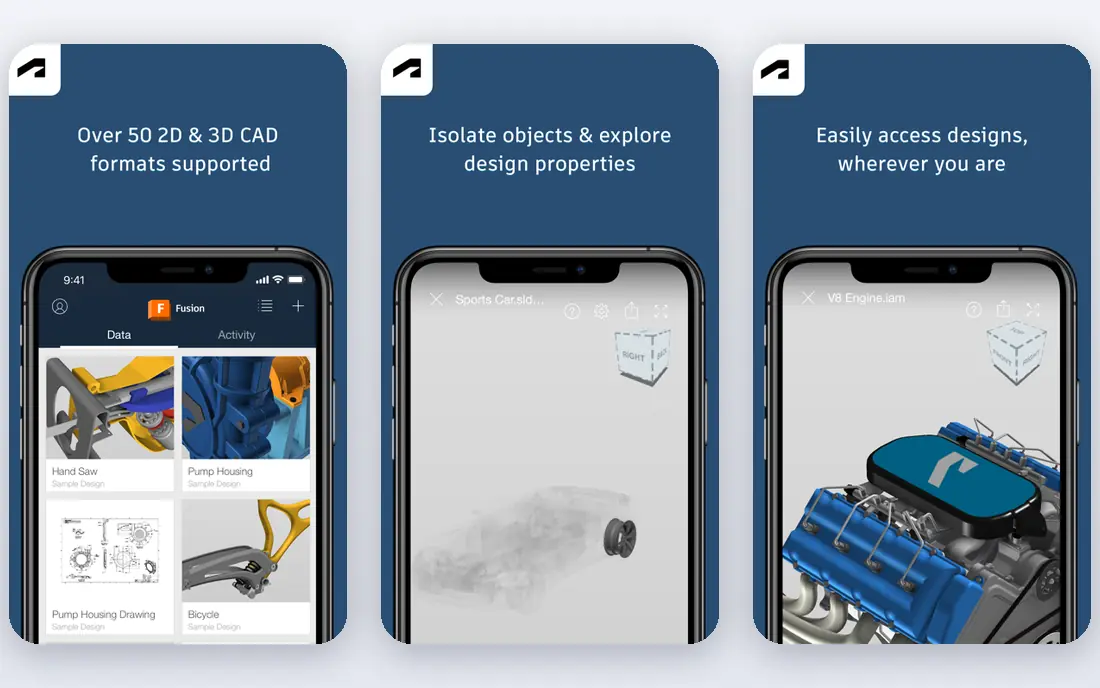
Autodesk Fusion, often called Fusion 360, is our pick for most product designers. It combines parametric modeling, sheet metal, rendering, and CAM toolpath tools in one program, so a design can move from sketch to a machined or printed part without switching software. The timeline feature lets a user edit an early sketch and see later features update, which helps when a design changes.
Collaboration is another plus. Fusion stores projects in the cloud, and team members can comment on designs and track versions. The tutorial library is large, with official Autodesk courses and community guides that cover sketching, joints, and assemblies. That learning support shortens the first months for a new user.
The catch is cost and cloud dependence. Fusion is subscription software, and the price adds up over years. Free and education options exist with limits, so check the current Autodesk page for eligibility. Users who need fully offline work should test the offline limits before committing to Fusion for a large project.
- Parametric modeling plus CAM
- Cloud collaboration
- Large tutorial library
- Subscription cost adds up
- Cloud storage rules need a close read
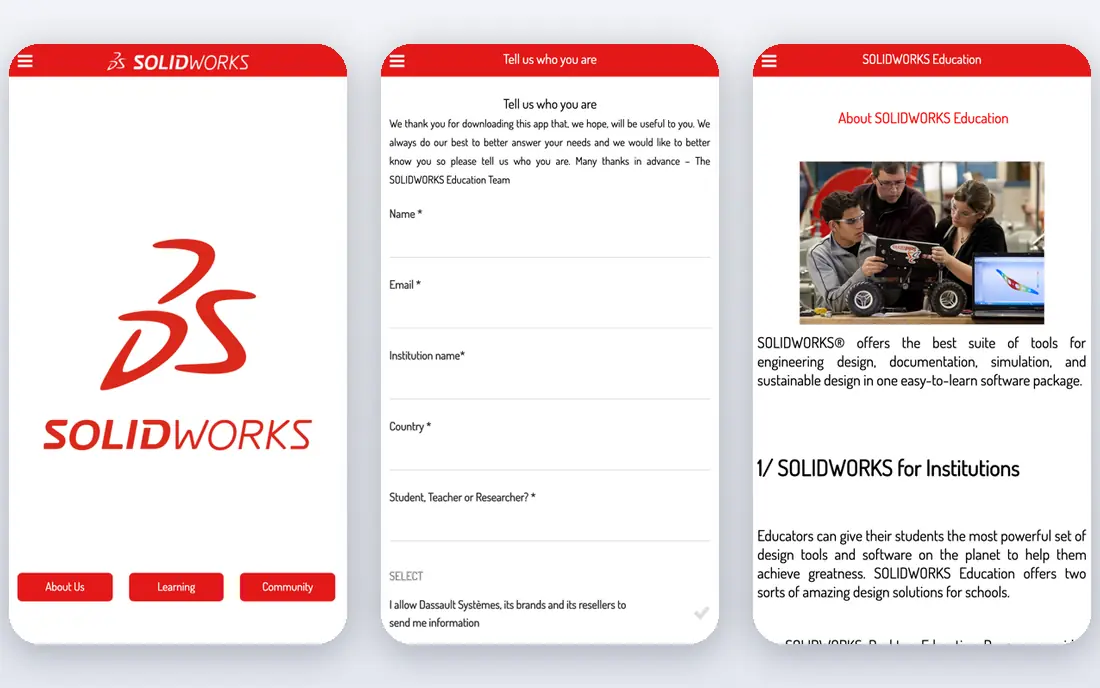
SolidWorks, from Dassault Systemes, is the standard CAD choice in many engineering firms. Its parametric tools handle complex assemblies, sheet metal, weldments, and detailed manufacturing drawings with precision. Engineers value its large part library, simulation add-ons, and file compatibility with suppliers and manufacturers.
For a professional team, SolidWorks offers depth that hobby tools cannot match. Assembly mates, interference checks, and drawing standards help a team move a design from concept to factory floor with fewer errors. The program also supports a wide range of file formats, which matters when sharing models with clients.
The drawback is price and access. SolidWorks is costly, runs on Windows, and needs a capable computer for large assemblies. Beginners and hobby users should start with a cheaper program and move to SolidWorks only when a job or client requires it. Check reseller pricing, since SolidWorks is often sold through partners.
- Industry-standard engineering tools
- Strong assemblies
- Detailed drawings
- High price
- Windows only
- Steep learning curve for beginners
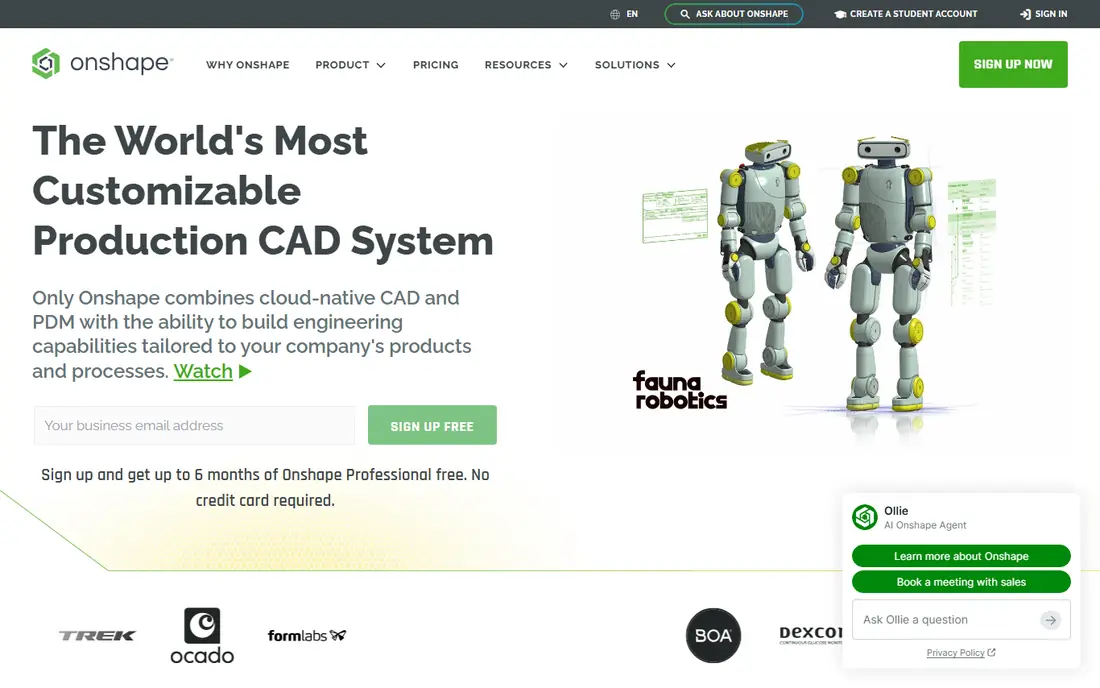
Onshape, also from PTC, brings CAD to the browser with no heavy install. Teams can open the same model at once, see edits in real time, and use built-in version control to track changes without separate file copies. That workflow suits distributed teams and classrooms, where sharing files by email quickly becomes messy.
Modeling tools cover parametric parts, assemblies, and drawings, with a clean interface that feels modern. Onshape also offers a large library of user-shared models and a feature set that grows through regular updates. Since it runs in a browser, it works on many computers, including Chromebooks with a strong connection.
The catch is internet dependence and free plan terms. Onshape needs a stable connection for smooth modeling, and its free plan makes designs public, which does not suit private commercial work. Paid plans add private documents and more features. Check the current pricing page before using Onshape for client projects.
- Runs in a browser
- Built-in version control
- Real-time collaboration
- Needs a good internet connection
- Free plan makes designs public
FreeCAD is the best free 3d cad software for users who want real parametric CAD without a subscription. It offers sketching, part design, assemblies, and technical drawings, and its open-source code lets users add workbenches for architecture, sheet metal, and other tasks. The community forum and wiki give help for many common problems.
For 3D printing, FreeCAD exports STL files and handles mesh checks that help a model print cleanly. Hobby makers can design brackets, enclosures, and replacement parts without paying for software, and students can learn parametric concepts that transfer to paid CAD programs later.
The drawback is polish. The interface feels less refined than Fusion or SolidWorks, and some tasks need extra steps or add-ons. Beginners should follow a structured tutorial series rather than exploring menus at random. For a free program, FreeCAD offers remarkable depth, and its price makes it an easy first CAD tool to try.
- Free and open source
- Parametric modeling
- Large community add-ons
- Interface is less polished
- Some workflows need workarounds
Tinkercad, from Autodesk, is the best starting point for total beginners and younger makers. Its browser interface uses drag-and-drop shapes that can be combined, cut, and sized to build models in minutes. That simplicity lets a new user learn 3D thinking without facing a full CAD menu system on day one.
For 3D printing, Tinkercad is a natural fit. Models export to STL, and the program includes basic tools for sizing a model to a print bed. Teachers use Tinkercad for classroom projects, and hobby users use it for simple brackets, stands, and decorative prints. The free price removes any barrier to trying it.
The limit is depth. Tinkercad lacks parametric history, detailed assemblies, and precision engineering tools, so a user will outgrow it for complex projects. Treat Tinkercad as a learning step, then move to FreeCAD or Fusion when a project needs precise sketches and editable features.
- Very easy to learn
- Free
- Browser-based with 3D printing export
- Too simple for complex engineering
- Limited precision controls
SketchUp suits architects, interior designers, and woodworkers who need quick 3D models of spaces and objects. Its push-and-pull modeling feels intuitive, and users can build a room, a house, or a furniture piece in a short session. The 3D Warehouse library offers many shared models that can speed up a project.
The program also works well for early concept work. A designer can test room layouts, furniture placement, and sight lines before moving to detailed construction documents. SketchUp offers web and desktop versions, with paid plans that add desktop tools, layout, and import options.
The drawback is mechanical precision. SketchUp is less suited to parametric engineering parts, assemblies with mates, and tight manufacturing tolerances. Users who need those tools should choose Fusion, SolidWorks, or FreeCAD. Check the free web version first, since it covers many simple projects.
- Fast for buildings and interiors
- Large model library
- Easy to learn
- Less suited to precise mechanical parts
- Pro features need a subscription
Rhino, from McNeel, is a favorite for freeform design in jewelry, footwear, architecture, and product styling. Its NURBS surfacing tools let designers shape smooth, curved forms that are hard to build in parametric CAD alone. The program also supports a wide range of file formats, which helps when sharing models with other software.
Grasshopper, included with Rhino, adds visual programming for parametric patterns and complex geometry. Designers use it for facades, lattice structures, and generative forms that would take far longer to model by hand. That tool alone makes Rhino valuable for advanced design work.
The catch is workflow. Rhino does not use parametric history in the same way Fusion does, so editing an early step can require rebuilding parts of a model. The price is also high for casual users, though a trial lets a buyer test it. Rhino suits designers who value freeform control over parametric editing.
- Strong freeform surfacing
- Wide file support
- Grasshopper visual programming
- No parametric history by default
- Price is high for hobby users
OpenSCAD takes a different approach to CAD: models are written as code, not drawn by mouse. A user defines shapes, sizes, and positions in text, and the program renders the 3D model from that code. That method gives precise control and makes it easy to change a size variable and rebuild a whole part.
For 3D printing, OpenSCAD is popular for parametric parts such as boxes, mounts, and gears, where exact sizes matter. A maker can share code, and another user can adjust a few numbers to fit a different printer or part. The program is free, lightweight, and runs on many systems.
The drawback is the learning curve for non-coders. There is no click-and-drag modeling, so a user must learn basic scripting to build even simple shapes. Visual designers may prefer Tinkercad or FreeCAD. For a coder who wants precise, repeatable models, OpenSCAD is a strong free choice.
- Free
- Precise models from code
- Great for parametric parts
- No visual modeling
- Steep learning curve for non-coders
How we picked these
We compared official feature pages, pricing, file support, 3D printing export, learning resources, and system needs. We gave extra weight to parametric tools, STL export, and clear free or trial options, since those factors matter for both beginners and professionals. We included free, mid-priced, and professional programs, so readers can match a tool to budget and project type. Prices change, so confirm current pricing on the vendor site.
How to choose 3d cad software
Start with the project type. Product and mechanical parts need parametric CAD such as Fusion, SolidWorks, or FreeCAD, while buildings and interiors suit SketchUp, and freeform styling suits Rhino. A program that fits the project type will save more time than a program with a longer feature list but the wrong modeling style.
Next, check file needs and hardware. Confirm that the program exports STL for 3D printing, STEP or IGES for manufacturing, and PDF or DWG for drawings where needed. Check system needs too, since professional CAD needs a capable computer and graphics card, while browser tools such as Onshape and Tinkercad run on lighter machines with a good connection.
Finally, test learning resources before paying. Follow one full tutorial project in a trial or free version, and see how long it takes to build a simple part from scratch. A program with clear tutorials and an active forum will shorten learning far more than a slightly cheaper program with poor guides. Upgrade only when a project clearly hits a limit of the current tool.
FAQ
What is the best 3d cad software for 3d printing?
Fusion, FreeCAD, and Tinkercad are strong for 3D printing, thanks to STL export and mesh tools. Tinkercad suits simple prints, FreeCAD suits parametric parts, and Fusion suits complex products that may also need CAM. Check print bed size and mesh repair tools before choosing.
What is the best free 3d cad software?
FreeCAD is the best free parametric CAD program, while Tinkercad is the best free program for beginners. OpenSCAD is a strong free choice for code-based models. Free programs suit learning and hobby printing, while paid programs add support, collaboration, and advanced manufacturing tools.
What software is best for 3d cad beginners?
Tinkercad is best for a first week of learning, and FreeCAD is best for a first serious CAD project. Fusion offers a trial and a large tutorial library for users who want to learn a professional tool early. Start simple, learn sketch and extrude basics, and move up only when needed.
Is Fusion better than SolidWorks?
Fusion suits individual designers, startups, and makers who want CAD plus CAM in one subscription. SolidWorks suits engineering firms that need deep assemblies, drawings, and supplier compatibility. The better choice depends on team size, budget, and whether a client or employer requires a specific program.
Can I use CAD software on a Chromebook?
Yes, browser tools such as Onshape and Tinkercad run on Chromebooks with a good internet connection. Desktop programs such as SolidWorks and Fusion need Windows or Mac and a capable computer. Check the vendor system page before buying, since performance varies by model complexity.
How much does CAD software cost?
Costs range from free for FreeCAD, Tinkercad, and OpenSCAD to subscriptions for Fusion, SketchUp, and Onshape, and higher prices for SolidWorks and Rhino. Check the vendor pricing page, since education discounts and trials can lower the first-year cost. Factor in hardware costs for large assemblies.