Top 5 Bug Tracking Software for Churches for 2026 (Prices and Free Plans)
5 best bug tracking software for churches, with entry costs, free tiers and the buyer each one serves. Plus the drawbacks of each tool. Read before you buy.
- Editor's choice
 Azure DevOps
Churches with Microsoft-centric development needs
Starts atPricing on requestVisit azure.microsoft.comFull review - Great alternative
 GitHub Issues
Churches already hosting code on GitHub
Starts atPricing on requestVisit github.comFull review - Also consider
 MantisBT
Small volunteer teams needing a straightforward tracker
Starts atPricing on requestVisit mantisbt.orgFull review
Direct answer
Start with Azure DevOps if you need churches with Microsoft-centric development needs. GitHub Issues fits churches already hosting code on GitHub; MantisBT fits small volunteer teams needing a straightforward tracker. All 5 tools are compared below on fit, free plan and limits. None of these vendors publish plan prices, so pricing is on request for every option.
TL;DR:
- Number one here is Azure DevOps, a fit for churches with Microsoft-centric development needs.
- Azure DevOps, YouTrack and the 3 others all sell by quote; expect sales conversations before you see a price.
- For all-in-one project management for church teams, YouTrack is worth a look.
- A permanent free plan is missing from all 5 tools, Azure DevOps and YouTrack included; plan for a trial or a premium start.
Last checked November 2026. Pricing on request: vendors did not publish plan prices when this guide was last checked (November 2026), so ask each vendor for a written quote.
Quick comparison
| Tool | Best for | Starts at | Free plan? | |
|---|---|---|---|---|
| Azure DevOps | Churches with Microsoft-centric development needs | Pricing on request | Not stated | Visit |
| GitHub Issues | Churches already hosting code on GitHub | Pricing on request | Not stated | Visit |
| MantisBT | Small volunteer teams needing a straightforward tracker | Pricing on request | Not stated | Visit |
 Jira | Structured tracking across ministry and IT teams | Pricing on request | Not stated | Visit |
 YouTrack | All-in-one project management for church teams | Pricing on request | Not stated | Visit |
The best bug tracking software for churches
If you are comparing bug tracking software for churches, this page covers 5 tools in one place: what each is best for, what it costs to start, whether it has a free plan, and the main limit to know about.
Azure DevOps was built for churches with Microsoft-centric development needs. Churches building or maintaining custom software within a Microsoft environment can use it to plan work, track bugs, and automate releases.
Downsides: Complicated for non-developers.
Azure DevOps from Microsoft optimizes the development process with agile tools, CI/CD, agentic AI, and more. From a buyer's view, the product is built for software development at scale, so a church with entry-level bug tracking needs may find it unnecessarily complicated. Azure DevOps does not show a starting price in this comparison, so check the vendor site for current pricing. Trial and free access: Not stated.
- Agentic AI features
- Suits Microsoft ecosystem
- Overkill for straightforward bug lists
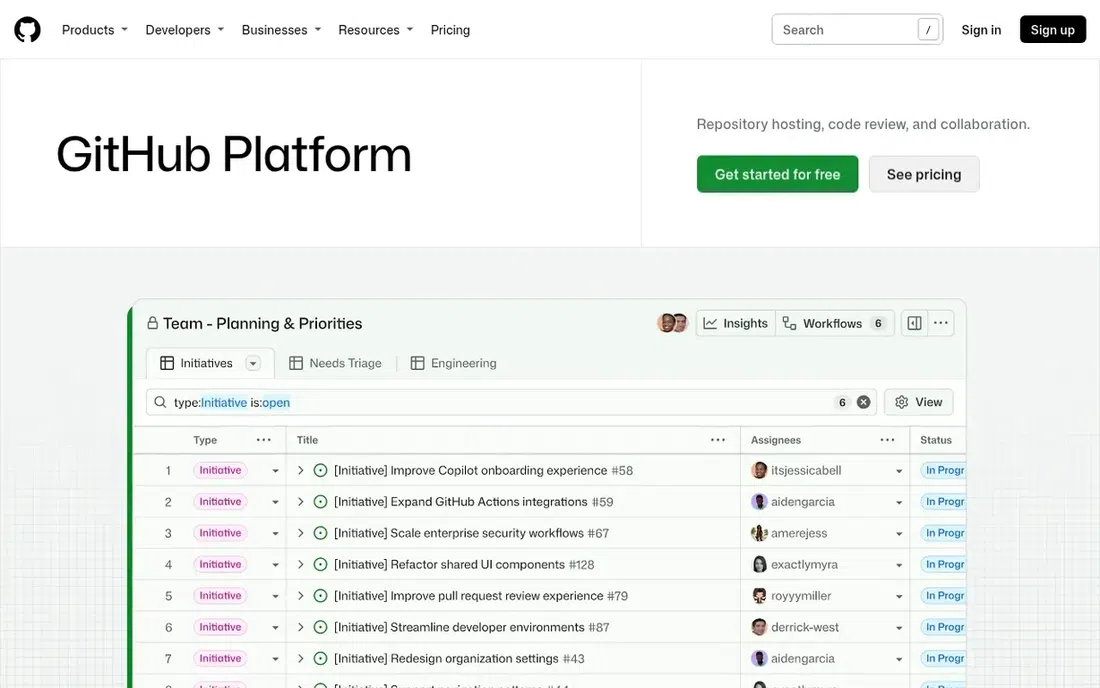
GitHub Issues targets churches already hosting code on GitHub. GitHub Issues is part of GitHub's product for repositories, collaboration, and AI.
It is not a general-purpose help desk for non-technical requests. GitHub Issues shows no starting price here, so confirm the cost on the vendor site. Free options: Not stated.
Honest limits: Not made for non-technical users.
- Automation choices for repetitive tasks
- Supports collaboration with AI agents
- Tied closely to software development
MantisBT is designed for small volunteer teams needing a straightforward tracker. Since MantisBT is self-hosted, your church needs someone comfortable installing and maintaining PHP applications. It lacks the AI features and wide project management scope of bigger tools.
MantisBT is a widely used free web-based bug tracking system written in PHP that works with MySQL, MS SQL, and PostgreSQL databases. It has been installed on Windows, Linux, Mac OS, OS/2, and other systems. Pricing for MantisBT is not stated here, so ask the vendor for current figures. Trial and free access: Not stated.
Watch-outs: Needs self-hosting.
- Mac OS
- Runs on Windows, Linux
- Fewer modern integrations
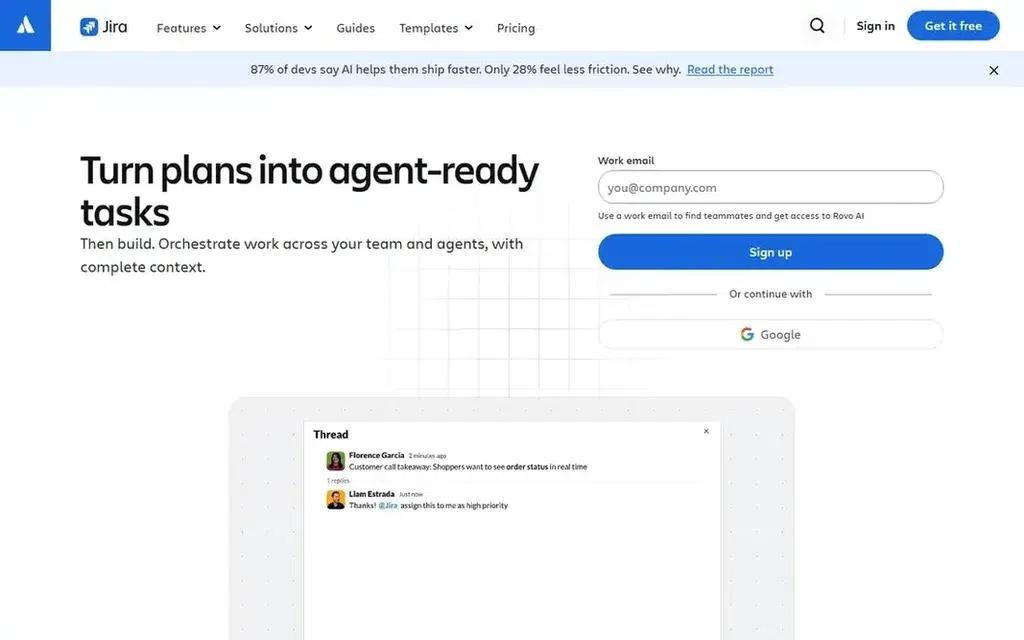
Pick Jira if this describes you: structured tracking across ministry and IT teams. For churches, it can serve as a central place to log website bugs, ministry app issues, and IT requests, then route them to the right volunteers or staff.
Also, Jira is a project management product from Atlassian that brings teams together with AI agents to orchestrate, plan, and track projects at scale. From a buyer's view, if your church needs something more straightforward or already depends on a code host, consider a lighter tracker or GitHub Issues instead. Pricing for Jira is not stated here, so ask the vendor for current figures. As for free access: Not stated.
Trade-offs to know: Setup needs planning.
- AI agents help plan and track work
- Solid workflow customization
- Can feel complicated for volunteer users
Think of YouTrack for all-in-one project management for church teams. YouTrack from JetBrains is project management for all your teams, keeping tasks, projects, a knowledge base, and customer support in one place. It is designed with every member of your team in mind.
Where it falls short: Ramp-up time for advanced features.
From a buyer's view, the breadth of features may overwhelm a small congregation with only occasional tracking needs. Churches can use it to track bugs in ministry apps, run volunteer tasks, and document procedures without juggling several tools. This comparison lists no price for YouTrack; ask the vendor. Free options: Not stated.
- Knowledge base
- Merges tasks, projects
- May be more than small churches need
How we built this list
For each of the 5 tools we noted price, free plan or trial, fit for bug tracking software for churches and the main limit, using vendor pages and documentation. Plan names, prices and limits change often. Treat the figures here as a starting point and verify them with the vendor. The ranking is editorial: typical fit first, then clear pricing, then free access. If your needs are unusual, read the profiles rather than relying on position.
Things to verify first
- Confirm the entry price with every vendor: no tool from Azure DevOps to YouTrack shows a fixed starting price.
- Read the limits listed for Azure DevOps first: complicated for non-developers.
- Let daily users try YouTrack on real work; their feedback beats any feature checklist.
- Ask GitHub Issues whether prices are locked for the first term and what happens at renewal.
- See whether Azure DevOps offers onboarding or training, and whether it is included in the price.
FAQ
Is Azure DevOps the right pick for everyone comparing bug tracking software for churches?
No single tool suits every team. Azure DevOps comes first because it fits churches with Microsoft-centric development needs, while GitHub Issues suits churches already hosting code on GitHub and MantisBT suits small volunteer teams needing a simple tracker. Match the tool to your own size, budget and workflow before deciding.
How are the tools for bug tracking software for churches ordered?
Azure DevOps sits first and YouTrack last because the order follows typical fit for bug tracking software for churches, then price clarity and free access. It is a judgement call, so read each profile for fit and limits.
Do these tools publish their prices?
No. None of the tools, from Azure DevOps to YouTrack, shows a fixed starting price here, so budget time for quotes.
Does any tool for bug tracking software for churches here have a free plan?
No tool in this list, Azure DevOps and YouTrack included, has a permanent free plan. Trials and quotes are the usual route, so plan a short evaluation period.
Do churches really need bug tracking software?
Churches with websites, custom apps, or volunteer IT teams commonly benefit from a central place to log and assign issues. A tracker stops requests from getting lost in email or chat.
Sources
- https://azure.microsoft.com/en-us/products/devops
- https://github.com/features/issues
- https://www.mantisbt.org
- https://www.atlassian.com/software/jira
- https://www.jetbrains.com/youtrack