Top 6 Complete Platforms for Web Development for 2026 (Prices and Free Plans)
Need the best complete platforms for web development? We compare 6 tools on cost, free access and who each suits. With pricing notes and limits. Facts only.
- Editor's choice
 Firebase
Managed backend for web and mobile apps
Starts at$9.37 a monthVisit firebase.google.comFull review - Great alternative
 Cloudflare Pages
Serverless full-stack frontend delivery
Starts at$7 per monthVisit pages.cloudflare.comFull review - Also consider
 Vercel
Managed frontend deployment stack
Starts at$20 per monthVisit vercel.comFull review
Direct answer
Firebase leads the list, best for managed backend for web and mobile apps. Listed starting prices: Firebase from $9.37 a month, Cloudflare Pages from $7 per month and Vercel from $20 per month. Cloudflare Pages is the stronger choice for serverless full-stack frontend delivery, while Vercel suits managed frontend deployment stack. The remaining 3 options are covered below with prices and limits.
TL;DR:
- This list starts with Firebase, which is built for managed backend for web and mobile apps.
- One limit worth knowing about Netlify: wide cloud services are restricted.
- GitHub fits code hosting and collaboration hub.
- 5 of 6 tools offer a free plan: Firebase, Cloudflare Pages, Vercel, Netlify, GitHub.
Last checked November 2026. Prices and plan details were read from the vendors' own pages in November 2026; vendors change plans often, so confirm the current price on the vendor site before you buy.
Quick comparison
| Tool | Best for | Starts at | Free plan? | |
|---|---|---|---|---|
| Firebase | Managed backend for web and mobile apps | $9.37 a month | Yes | Visit |
| Cloudflare Pages | Serverless full-stack frontend delivery | $7 per month | Yes | Visit |
| Vercel | Managed frontend deployment stack | $20 per month | Yes | Visit |
 Netlify | Building and running apps at scale | $9 per month | Yes | Visit |
| Microsoft Azure App Service | Managed PaaS for web apps and APIs | See website | Not stated | Visit |
 GitHub | Code hosting and collaboration hub | $4 per user a month | Yes | Visit |
The 6 tools in detail
If you are comparing complete platforms for web development, this page covers 6 tools in one place: what each is best for, what it costs to start, whether it has a free plan, and the main limit to know about.
For managed backend for web and mobile apps, Firebase is a natural candidate. It suits teams that want managed backend services so they can focus on product features instead of server operations, particularly for mobile-first or live style apps.
Firebase favors managed services over infrastructure control, which can limit teams with specialized backend requirements. What you pay to start with Firebase: $9.37 per month. Free access exists with Firebase.
What to check first: Best value inside the Google ecosystem.
- Google's app development system
- Handles mobile and web apps and games
- Less control over underlying infrastructure
Where Cloudflare Pages fits: serverless full-stack frontend delivery. Cloudflare Pages is a serverless full-stack product for frontend developers, handling building, deploying and delivering applications rapidly.
Choose Pages when serverless frontend delivery is the core need. The starting price for Cloudflare Pages: $7 per month. A free plan is available with Cloudflare Pages.
Strengths: deploy and deliver in one flow.
Where it is weaker: Full-stack depth relies on Cloudflare services.
- Pitched at frontend developers
- Serverless full-stack system
- Less familiar to teams outside its ecosystem
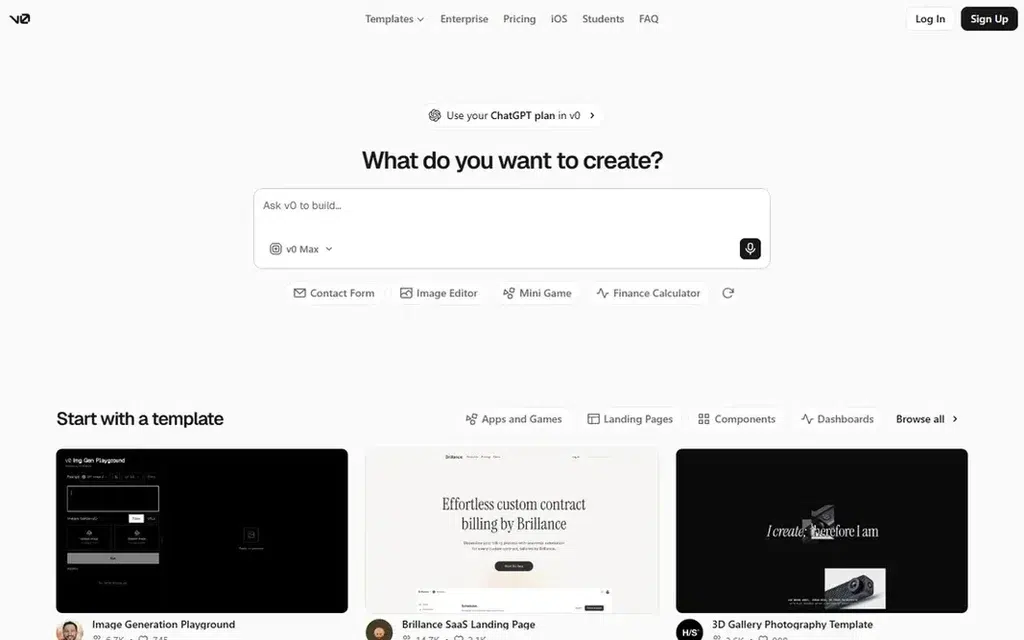
Vercel is built with managed frontend deployment stack in mind. Vercel presents itself as agentic infrastructure, an autonomous stack for every app and agent.
On top of that, Vercel's strength is the managed deployment layer instead of wide cloud services, so complicated backend or infrastructure needs may call for a different product. Projects that lean on modern JavaScript frameworks and quick iteration tend to fit its model well. What you pay to start with Vercel: $20 per month. Vercel includes a free tier.
Watch-outs: Less suited to teams wanting full cloud control.
- Suited to frontend and agent projects
- Autonomous stack positioning for apps and agents
- Backend depth relies on integrations
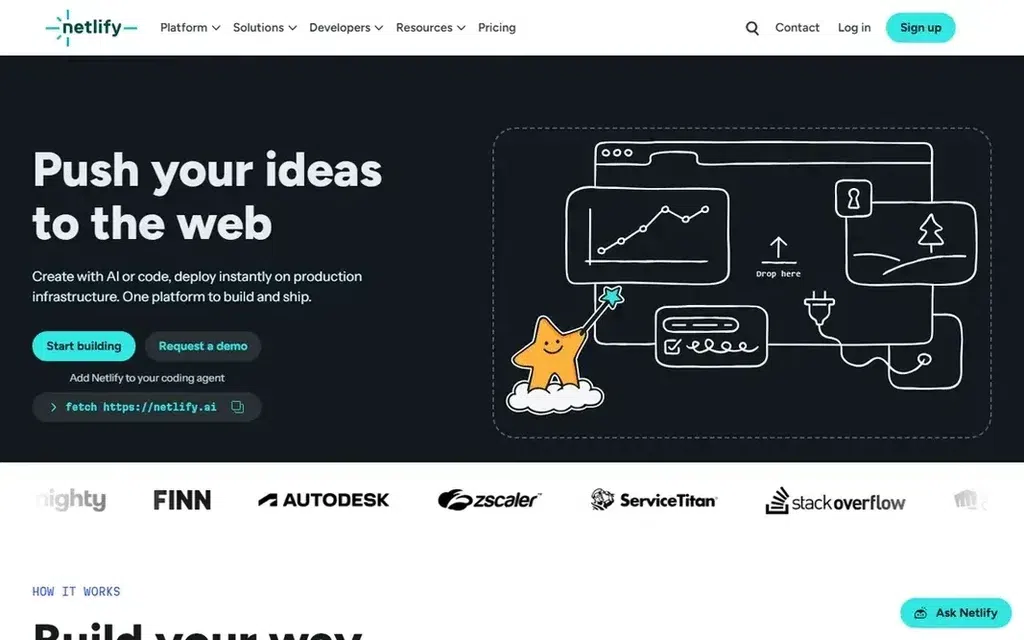
Netlify targets building and running apps at scale. Netlify describes itself as where apps come to life, letting you start with a prompt, an agent or code and giving you what you have to produce, share and run your app at any scale. As for the details, Netlify concentrates on the app delivery layer.
Best features of Netlify: agent or code.
Watch-outs: Wide cloud services are restricted.
So teams needing deep managed backend or enterprise cloud services may prefer Firebase or Azure App Service. It is a solid fit when speed from idea to deployed app matters most. Netlify starts at: $9 per month. A free plan is available with Netlify.
- Share and run apps
- Positioned for apps at any scale
- Deep infrastructure control is not the focus
Microsoft Azure App Service
Best for: Managed PaaS for web apps and APIs
Pick Microsoft Azure App Service if this describes you: managed PaaS for web apps and APIs. Azure App Service is a completely managed product as a service for building, deploying and scaling AI-ready web apps and APIs globally.
Where it is weaker: Azure ecosystem knowledge helps.
Also, choose it when managed PaaS inside a broader cloud system is the priority. App Service assumes some familiarity with Azure concepts and configuration, so small teams wanting minimal setup may prefer Netlify or Vercel. This comparison lists no price for Microsoft Azure App Service; ask the vendor. On free options: Not stated.
- Build
- Completely managed PaaS
- More configuration than light hosts
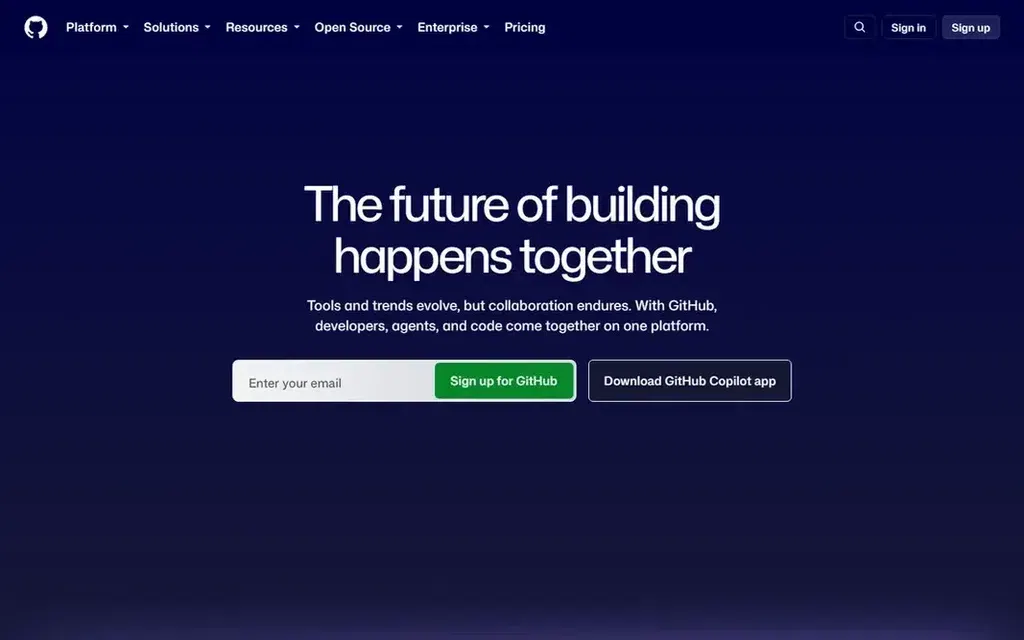
GitHub makes the most sense for code hosting and collaboration hub. GitHub is a developer system built around code hosting, collaboration and automation. It describes itself as AI-powered with the largest open source community.
Drawbacks to consider: Not a hosting or backend service on its own.
For plenty of projects it is the natural starting point before choosing a hosting or backend platform. More specifically, GitHub does not by itself run your application or offer managed backend services, so you still need a deployment target. On cost, GitHub starts like this: $4 per user per month. GitHub includes a free tier.
- Widely adopted developer product
- Capable open source community
- Needs pairing with deployment tools
What went into this list
The comparison looks at four things: starting price, free access, how well the feature set matches complete platforms for web development, and the main limit of each tool. Seat minimums, billing terms and add-ons can move the real cost, so the starting prices here are a guide and not a quote. The sequence is a judgement call: typical use case first, then pricing transparency, then free access. Use the profiles to check fit.
Pre-purchase checklist
- Ask Microsoft Azure App Service for a written quote, since no starting price is shown.
- Look at free plan limits closely: Firebase, Cloudflare Pages, Vercel and others have one, and the caps decide whether it is usable for real work.
- Read the limits listed for Firebase first: best value inside the Google ecosystem.
- Ask Firebase how an export works before you move any records in; an easy exit lowers the risk.
- Ask Cloudflare Pages whether prices are locked for the first term and what happens at renewal.
FAQ
How are the tools for complete platforms for web development ordered?
The order follows typical fit for complete platforms for web development, with Firebase first and GitHub last, then price clarity and free access. It is editorial judgement, not a score, so another team could rank the tools differently.
What is the cheapest option for complete platforms for web development in this list?
On published monthly entry prices, GitHub is the lowest here at $4 per user per month. Entry price is only part of the cost, because seats, add-ons and billing terms can change the total. Each of the 6 options in this complete platforms for web development guide has its own card above with the price, free plan and limits.
Which options for complete platforms for web development have a free plan?
Firebase, Cloudflare Pages, Vercel, Netlify and GitHub offer a free plan in this list. Free plans usually cap users, projects or features, so check the limits on the vendor page.
What should small teams check first?
Start with how much backend you need, since that separates light deployment systems from fuller managed cloud choices. Then confirm framework support, documented limits and the ecosystem your team already knows before committing.
Can I try these tools before paying?
Often, yes. Firebase, Cloudflare Pages, Vercel and others have a free plan. Use your own data and a real task during the test, and check what the free tier or trial limits before you rely on it.
Sources
- https://firebase.google.com
- https://pages.cloudflare.com
- https://vercel.com
- https://www.netlify.com
- https://azure.microsoft.com/en-us/products/app-service
- https://github.com