Lovable.dev Alternatives in 2026: 8 Tools Compared
Lovable.dev alternatives for prompt to app building, with credits, hosting, code export, and no code options compared for founders, teams, and startups.
- Editor's choice
 Bolt.new
Prompt to full stack app
Starts at$25 per monthVisit bolt.newFull review - Great alternative
 v0 by Vercel
React interfaces and shipping
Starts at$30 per monthVisit v0.appFull review - Also consider
 Replit
Browser IDE plus agent
Starts at$20 per monthVisit replit.comFull review
TL;DR:
- Lovable.dev alternatives split into prompt to app builders, AI code editors, and no code platforms, so pick by how much code you want to own.
- Credit and token meters drive real cost, so test a full app build, not just a landing page, before choosing a yearly plan.
- Code export matters: builders that let you export real code protect you if you later move hosting or hire developers.
- For a serious product, pair a prompt builder with a code editor for fixes, since prompt only edits get harder as an app grows.
Quick comparison
| Tool | Best for | Starts at | Free plan? | |
|---|---|---|---|---|
| Bolt.new | Prompt to full stack app | $25 per month | Yes | Visit |
| v0 by Vercel | React interfaces and shipping | $30 per month | Yes | Visit |
| Replit | Browser IDE plus agent | $20 per month | Yes | Visit |
 Cursor | AI code editor for developers | See website | Yes | Visit |
 Bubble | No code web apps | $29 per month | Yes | Visit |
 Glide | Data first mobile apps | See website | Yes | Visit |
 Softr | Apps from spreadsheets | See website | Yes | Visit |
 FlutterFlow | Visual mobile app building | See website | Yes | Visit |
The best Lovable.dev alternatives
Lovable.dev builds web apps from prompts, with hosted previews and code export. The tools below cover the same goal in different ways, from prompt builders to visual no code platforms. We compared official feature pages, pricing pages, and public documentation.
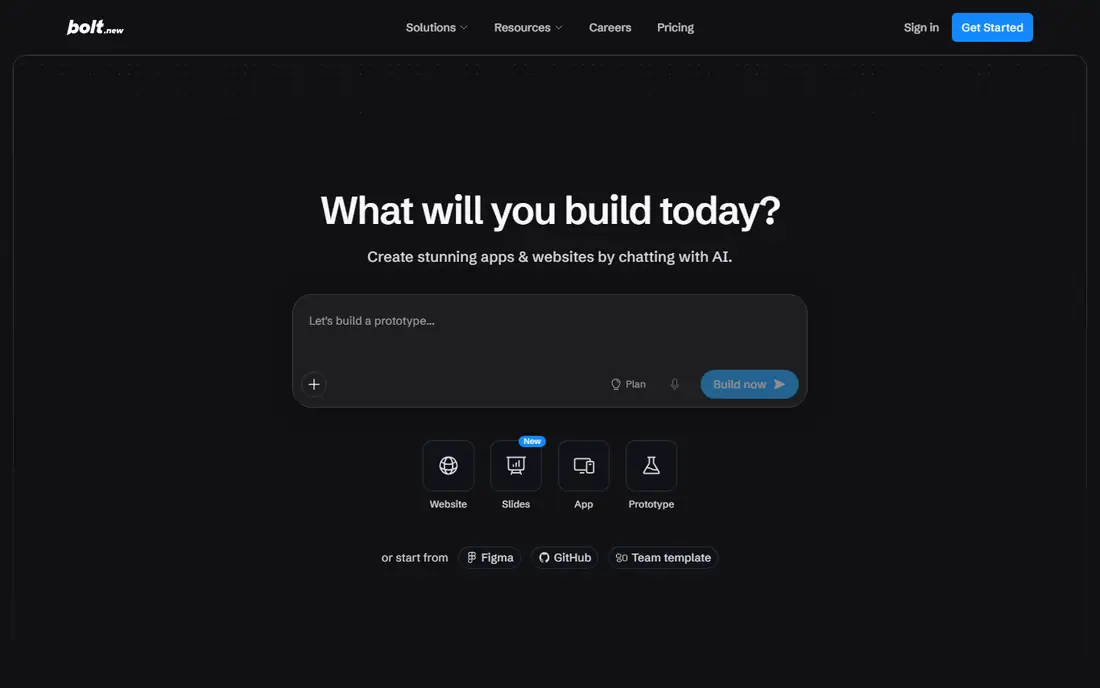
Bolt.new is the closest prompt to app rival to Lovable.dev for many founders. Describe an app, and Bolt.new builds a working full stack web app in the browser, which can then be edited by prompt or by code. That speed makes it ideal for MVPs, internal tools, and landing pages with real function.
The catch is token use. Large apps and many revisions consume tokens quickly, so a Pro plan can run out mid project. Build in small, clear steps, and save a copy of the code early so a token limit does not block progress.
- Fast prompt to working web app
- In browser editing
- One click preview and deploy options
- Token metering can rise fast on large apps
- JavaScript focused stack

v0 by Vercel suits teams that care most about interface quality and fast shipping to Vercel. Prompt a page or component, refine it in chat, and deploy it as a Next.js app. For marketing sites, dashboards, and UI prototypes, v0 produces polished results quickly.
The trade off is backend scope. v0 is strongest for front end work, while full app logic, databases, and auth need more setup than a full stack prompt builder offers. Teams building a UI led product on Vercel will get the most from it.
- High quality React and Next.js interfaces
- Direct deploy to Vercel
- Good for UI led projects
- Focused on interfaces, not full backends
- Credit based pricing
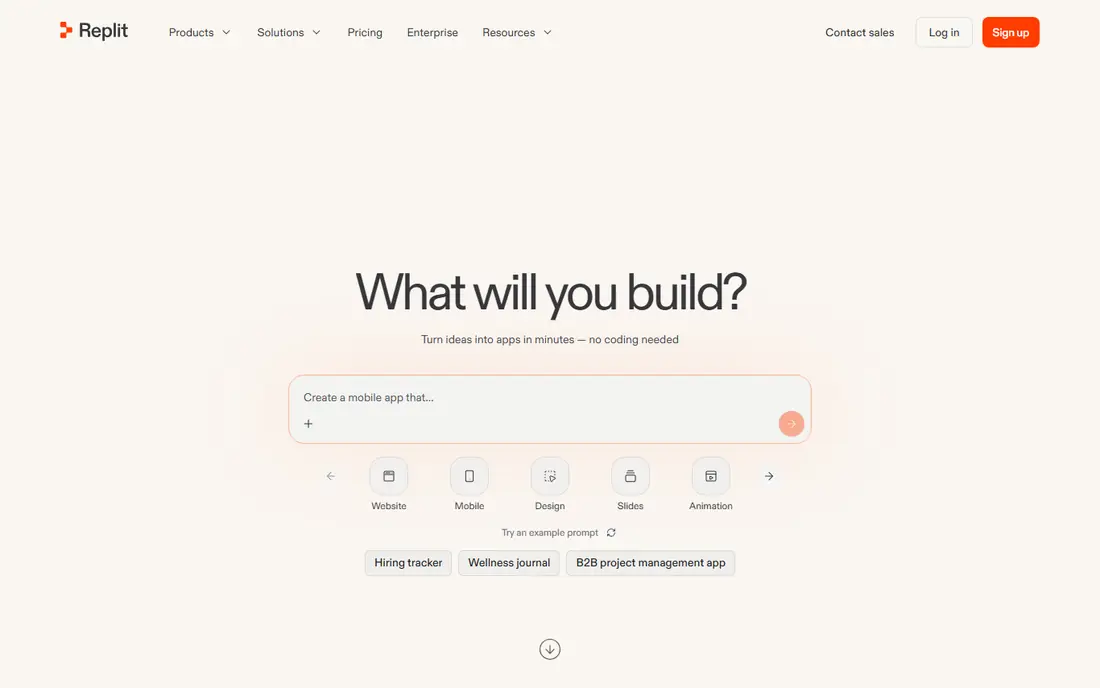
Replit combines a cloud IDE with an AI agent and built in hosting, so a team can build, run, and publish an app from one browser tab. That all in one flow suits learners, solo builders, and small teams that want editing, running, and hosting together.
The catch is cost predictability. Agent work is billed by effort and model use, so a complex build can cost more than a simple plan suggests. Track agent spending during the first build, and use the IDE for small fixes rather than asking the agent to redo large parts.
- Full browser IDE plus agent
- Built in hosting and deploy
- Supports many languages
- Agent costs are effort based and can vary
- Large apps need careful cost tracking
Cursor is a different kind of alternative: it is an AI code editor, not a prompt to hosted app service. Developers get tab completion, multi file agent edits, and a desktop editor that works with their own repository and host. For a team that wants to own and maintain real code long term, Cursor is the most durable choice in this list.
The trade off is skill and hosting. Cursor does not host your app, so a team must choose a host separately, and it assumes someone can read and review code. Non coders will find prompt builders easier at first, while developers will find Cursor more flexible over time.
- AI agent inside a real code editor
- Full code ownership
- Works with any host
- Needs coding skill
- No built in hosting included
Bubble suits founders who want to build a full web app without writing code. Visual workflows, a built in database, user auth, and plugins cover many startup ideas, from marketplaces to internal tools. The free plan lets a builder learn the platform before paying.
The catch is workload pricing and portability. Costs scale with workload units, and moving a Bubble app to custom code later is a rebuild, not an export. Founders who are sure they want no code long term will value Bubble, while founders who plan to hire developers later should weigh code export more heavily.
- Visual building without code
- Database and workflows included
- Large plugin range
- Workload based pricing
- Learning curve for complex apps
- Export is limited
Glide fits teams that already have data in a spreadsheet or database and need an app around it quickly. Build a mobile friendly app with lists, forms, and user access, without writing code. Internal tools, directories, and simple customer apps are natural fits.
The limit is custom logic. Glide is data first, so apps with complex workflows or unique interactions may strain it. For data driven apps, though, Glide is faster than a prompt builder and easier for a non technical team to maintain.
- Fast apps from spreadsheets and data
- Good mobile layouts
- Easy for non technical teams
- Less suited to complex custom logic
- Data source limits by plan
Softr suits teams that live in Airtable or Google Sheets and need a portal, directory, or internal tool on top of that data. Blocks for lists, details, forms, and user permissions can be assembled quickly, and the result looks polished without design work.
The trade off is data dependence. Softr works best when the spreadsheet is well structured, and complex app logic still needs another tool. For portals and directories, it is one of the fastest Lovable.dev alternatives to launch.
- Quick apps from Airtable and Google Sheets
- Client portals and directories
- Simple permissions
- Depends on spreadsheet data structure
- Less custom app logic
FlutterFlow is our pick for builders who need a real mobile app, not just a web app. It offers visual building for Flutter apps, with code export, Firebase links, and app store publishing help. That mobile focus sets it apart from web only prompt builders.
The catch is learning. Mobile concepts such as navigation, state, and store submission take time, even with a visual builder. Builders who need iOS and Android apps and want code they can keep will find FlutterFlow worth that learning curve.
- Visual building for real mobile apps
- Code export in Flutter
- App store publishing support
- Learning curve for mobile concepts
- Some features are paid
How we picked these
We compared official feature pages, pricing pages, and public documentation for tools that build apps from prompts, code with AI help, or visual no code workflows. We favored tools with a free plan or trial, real code export or a clear hosting path, and a live product in October 2026. We left out pure design tools that do not produce a working app.
How to choose without losing your app
First, decide how much code you want to own. If you plan to hire developers later, favor Bolt.new, v0, Replit, Cursor, or FlutterFlow, which produce or export real code. If you plan to stay no code, Bubble, Glide, or Softr may be simpler, but accept that a later move will be a rebuild.
Next, test a full build, not a demo page. Build auth, a database table, and one real workflow, then count credits or tokens used. That test reveals true cost and shows whether prompt edits stay reliable as the app grows. Finally, export or back up code early, even on a prompt builder, so you are never locked to one chat history.
FAQ
What are the best Lovable.dev alternatives?
Bolt.new is the closest prompt to app rival, v0 by Vercel leads for React interfaces, Replit suits browser based building and hosting, and Cursor suits developers who want full code control. Bubble, Glide, Softr, and FlutterFlow suit no code and mobile builders with different strengths.
What is the best alternative to Lovable.dev for non coders?
Bolt.new is easiest for prompt based web apps, while Bubble suits full no code web apps and Glide and Softr suit data based apps. Non coders should start with a small real project, such as a directory or internal tool, before committing to a paid plan.
Do Lovable.dev alternatives let you export code?
Bolt.new, v0, Replit, Cursor, and FlutterFlow produce or export real code that you can keep and host elsewhere. Bubble, Glide, and Softr are more platform bound, so exporting means rebuilding in code. Check export options before building a product you plan to scale.
How much do prompt to app builders cost?
Entry plans in this list start from about $20 to $30 per month, but credits or tokens often matter more than the headline price. A large app with many revisions can use far more credits than a landing page, so test a full build before choosing a yearly plan.
Can I build a mobile app with these tools?
FlutterFlow and Glide are the strongest mobile options in this list, with app store paths for real mobile apps. Bolt.new, v0, and Lovable.dev focus on web apps, though web apps can be wrapped for mobile with extra work. Choose a mobile first tool if app store distribution is a core need.
Is AI app building safe for a real product?
AI builders can produce a working MVP, but a real product still needs security review, data backups, auth checks, and testing. Review generated code, set proper database permissions, and do not store sensitive data in a prototype without access controls. Treat the first build as a starting point, not a finished product.