Best CAD Software for Product Development (2026): 6 Picks Checked on Vendor Pages
Compare 6 picks for the best CAD software for product development, with prices, free plans and who each fits. Verdicts stay brief and factual. Quick to scan.
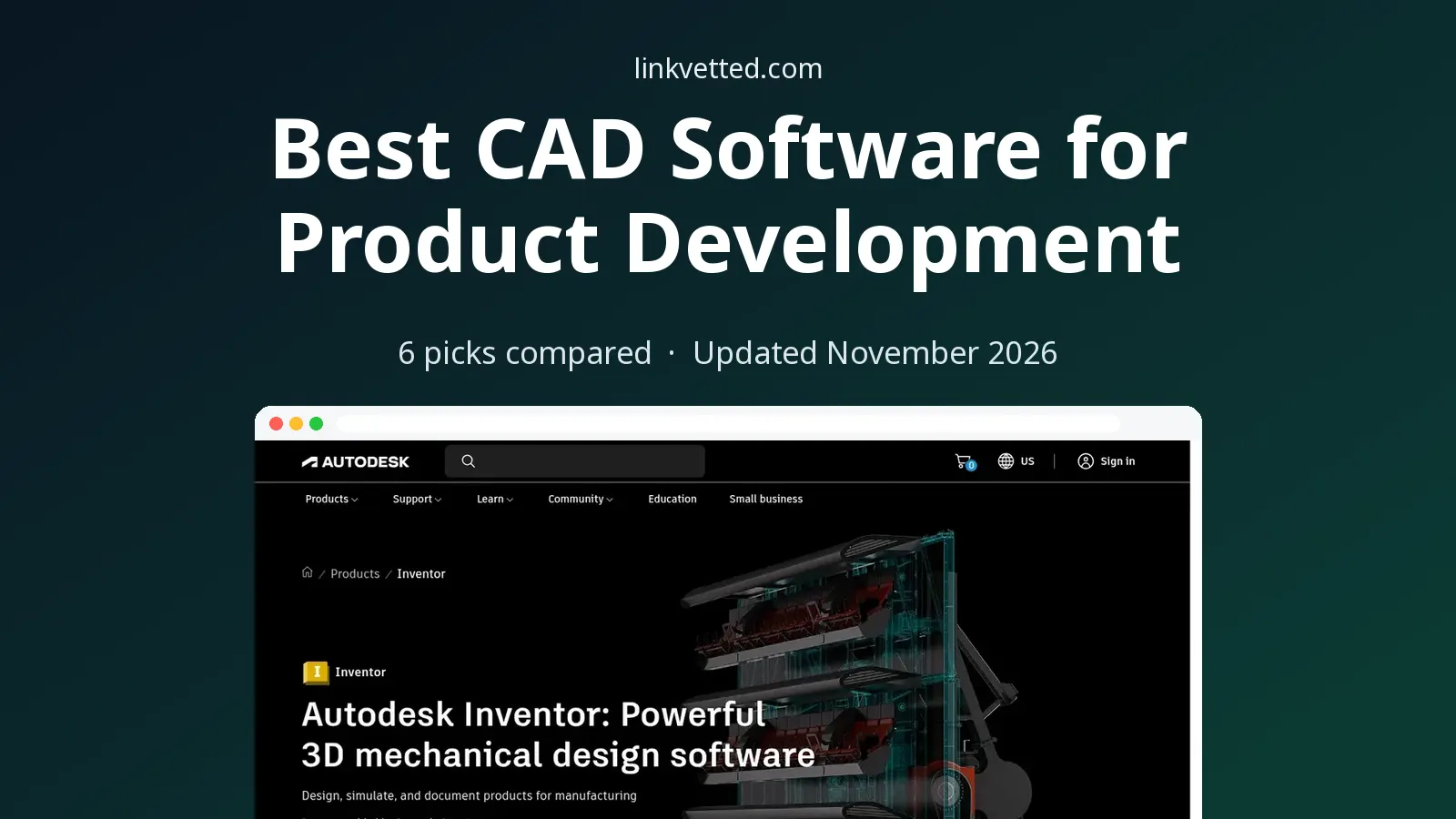
- Editor's choiceInventor
Mechanical design and documentation
Starts atSee websiteVisit autodesk.comFull review - Great alternative
 Onshape
Cloud-native CAD with built-in PDM
Starts at$1,500 per user per yearVisit onshape.comFull review - Also considerSolid Edge
Siemens-aligned product engineering
Starts atSee websiteVisit solidedge.siemens.comFull review
Direct answer
For mechanical design and documentation, Inventor is where this list starts. Listed starting prices: Onshape from $1,500 per user per year. Alternatives: Onshape for cloud-native CAD with built-in PDM, and Solid Edge for Siemens-aligned product engineering. The remaining 3 options are covered below with prices and limits.
TL;DR:
- Top of the list is Inventor, which targets mechanical design and documentation.
- Starting prices begin at $1,500 per user per year with Onshape.
- Onshape stands alone as the one tool in this list with a free plan.
- KeyCreator is the one to check for direct CAD for manufacturers.
Last checked November 2026. Prices and plan details were read from the vendors' own pages in November 2026; vendors change plans often, so confirm the current price on the vendor site before you buy.
Quick comparison
| Tool | Best for | Starts at | Free plan? | |
|---|---|---|---|---|
| Inventor | Mechanical design and documentation | See website | Not stated | Visit |
| Onshape | Cloud-native CAD with built-in PDM | $1,500 per user per year | Yes | Visit |
| Solid Edge | Siemens-aligned product engineering | See website | Not stated | Visit |
| Creo | Advanced parametric 3D design | See website | Not stated | Visit |
 Autodesk Fusion | Integrated CAD, CAM, and PCB workflows | See website | Not stated | Visit |
| KeyCreator | Direct CAD for manufacturers | See website | Not stated | Visit |
Tool-by-tool breakdown
Choosing CAD software for product development usually comes down to price, fit and limits. This LinkVetted guide sets 6 tools side by side on those three points, with the facts kept short and checkable.
Inventor
Best for: Mechanical design and documentation
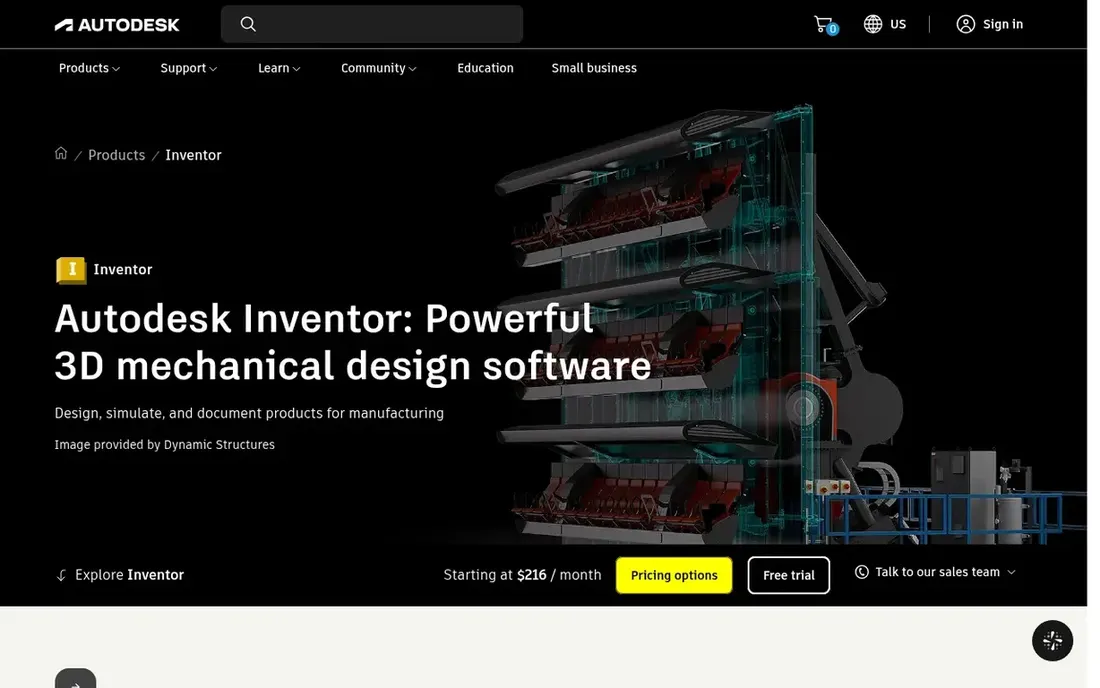
Inventor is designed for mechanical design and documentation. Autodesk Inventor is 3D CAD software that supports industrial design, simulation, and documentation.
Drawbacks to consider: Needs subscription through Autodesk.
For everyday use, choose Inventor when mechanical design and drawing production are the core needs instead of cloud-first collaboration. Pricing for Inventor is not stated here, so ask the vendor for current figures. Free plan details: Not stated.
- Supports simulation and documentation
- Suits industrial design workflows
- Desktop-centric workflow
Onshape is designed for cloud-native CAD with built-in PDM. Onshape describes itself as a cloud-native CAD and product development product with built-in PDM and AI-powered customization.
The main drawbacks: Cloud model may not suit all policies.
Also, organizations with strict data residency or offline requirements should verify fit. On top of that, choose Onshape when cloud-native collaboration and built-in data management are priorities. On cost, Onshape starts like this: $1,500 per user per year. Onshape includes a free tier.
- Runs on any device
- Built-in PDM
- Needs dependable internet
Solid Edge
Best for: Siemens-aligned product engineering
In short, Solid Edge is for Siemens-aligned product engineering. Solid Edge is Siemens Digital Industries Software's CAD offering for product engineering.
It suits organizations that already work within Siemens' digital industries ecosystem and want a CAD tool aligned with that environment. Solid Edge does not show a starting price in this comparison, so check the vendor site for current pricing. Trial and free access: Not stated.
Watch-outs: Less suited to standalone buyers.
- Fits established engineering organizations
- Wide mechanical design coverage
- Ecosystem fit matters
Creo
Best for: Advanced parametric 3D design

Choose Creo for advanced parametric 3D design. Pick Creo when rigorous, history-based design and complicated product structures are the priority.
From a buyer's view, the parametric discipline that makes Creo capable can slow down fast concept work or teams without dedicated CAD training. As for the details, Creo is PTC's 3D CAD software, positioned for advancing design capabilities with parametric modeling. No starting price is listed for Creo here; confirm pricing on the vendor site. As for free access: Not stated.
Trade-offs to know: Steeper ramp-up time.
- Solid parametric modeling
- Established design ecosystem
- Workflow can feel rigid for casual users
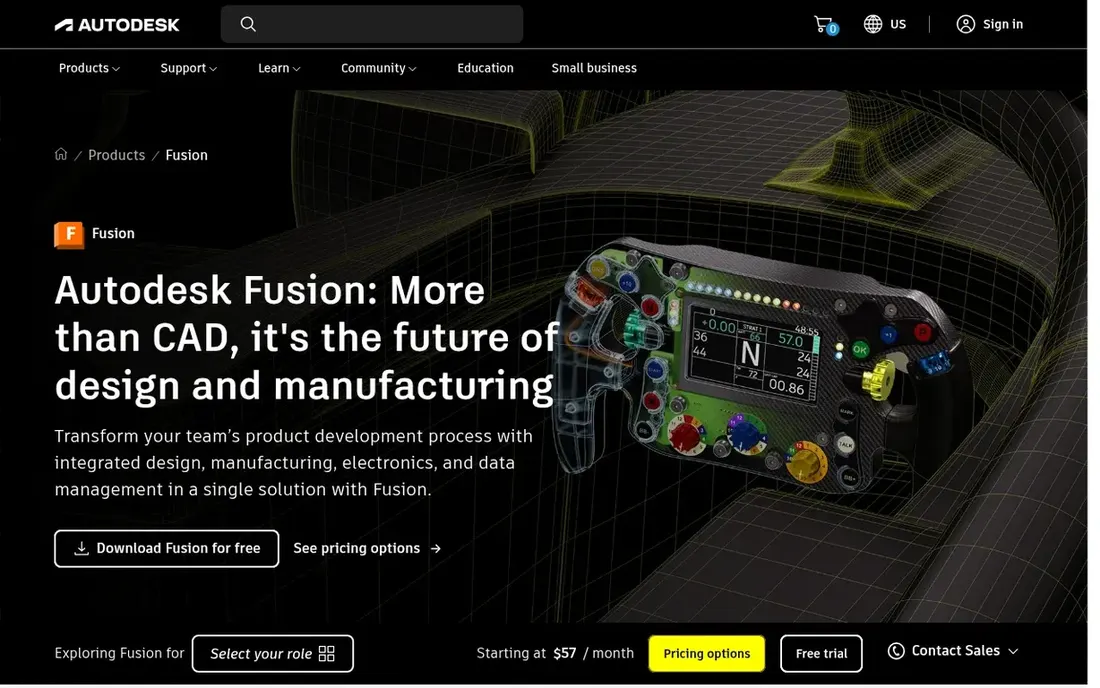
Autodesk Fusion is built with integrated CAD, CAM, and PCB workflows in mind. Autodesk Fusion, formerly Fusion 360, is a cloud-based product including 3D CAD, modeling, manufacturing, industrial design, electronics, and mechanical engineering.
In daily use, organizations with deeply specialized surfacing or legacy parametric workflows may find another tool suits better. Autodesk Fusion shows no starting price here, so confirm the cost on the vendor site. On free options: Not stated.
Trade-offs to know: Large feature set can overwhelm new users.
- Wide industrial design coverage
- Merges CAD, CAM, CAE, PCB
- Cloud dependency for full workflow
KeyCreator
Best for: Direct CAD for manufacturers
KeyCreator is built with direct CAD for manufacturers in mind. KeyCreator is Kubotek Kosmos' Direct CAD product for manufacturers, offered alongside the company's 3D framework kernel and MBD file utilities. From a buyer's view, choose KeyCreator when direct editing of existing models is the central need.
In practice, KeyCreator is narrower in scope than full product development products, so teams needing integrated simulation or CAM should look at broader choices. As for the details, organizations built around parametric history may find direct modeling a different discipline. Check the vendor site for KeyCreator pricing; none is listed in this comparison. As for free access: Not stated.
Where it falls short: Less suited to complicated parametric programs.
- Direct modeling focus
- Part of Kubotek Kosmos toolset
- Narrower scope than full products
How we chose
The comparison looks at four things: starting price, free access, how well the feature set matches CAD software for product development, and the main limit of each tool. Prices and plan limits come from vendor pages and can change, so confirm them on the vendor site before you buy. We ordered the tools by general fit, then by how clearly pricing is shown, then by free access. A buyer with unusual needs may reorder them.
Pre-purchase checklist
- Confirm the entry price on the vendor page. For Inventor, Solid Edge, Creo and others that means a quote rather than a fixed price.
- Look at the free plan from Onshape closely: its caps decide whether it is usable for real work.
- Read the limits listed for Inventor first: desktop-centric workflow.
- Find out what support Inventor includes on your plan, and whether onboarding help costs extra.
- Verify that exporting from Solid Edge is possible on your plan and covers all your records.
FAQ
Is Inventor the right pick for everyone comparing CAD software for product development?
No single tool suits every team. Inventor comes first because it fits mechanical design and documentation, while Onshape suits cloud-native CAD with built-in PDM and Solid Edge suits Siemens-aligned product engineering. Match the tool to your own size, budget and workflow before deciding.
Which options for CAD software for product development have a free plan?
Onshape is the only tool in this list with a free plan. Free plans usually cap users, projects or features, so check the limits on the vendor page. Each of the 6 options in this CAD software for product development guide has its own card above with the price, free plan and limits.
Should product teams choose cloud-based or desktop CAD?
Cloud-based tools for example Fusion and Onshape support distributed collaboration and cut local IT needs. Confirm connectivity and governance requirements before deciding.
Do these tools publish their prices?
Not all of them. Inventor, Solid Edge, Creo and others publish no starting price, so expect a quote request for those. The rest, Onshape included, show a starting price, though seats and billing terms still change the final cost.
Can I try these tools before paying?
Often, yes. Onshape has a free plan. Use your own data and a real task during the test, and check what the free tier or trial limits before you rely on it. All 6 picks in this CAD software for product development comparison list a starting price, free plan details and the main limits on their cards above.
Sources
- https://www.autodesk.com/products/inventor
- https://www.onshape.com
- https://solidedge.siemens.com
- https://www.ptc.com/en/products/creo
- https://www.autodesk.com/products/fusion-360
- https://www.kubotekkosmos.com