The 5 Best API Analytics Tools for Product Managers in 2026, Ranked
5 best API analytics tools for product managers, with entry costs, free tiers and the buyer each one serves. Verdicts stay brief and factual. Details below.
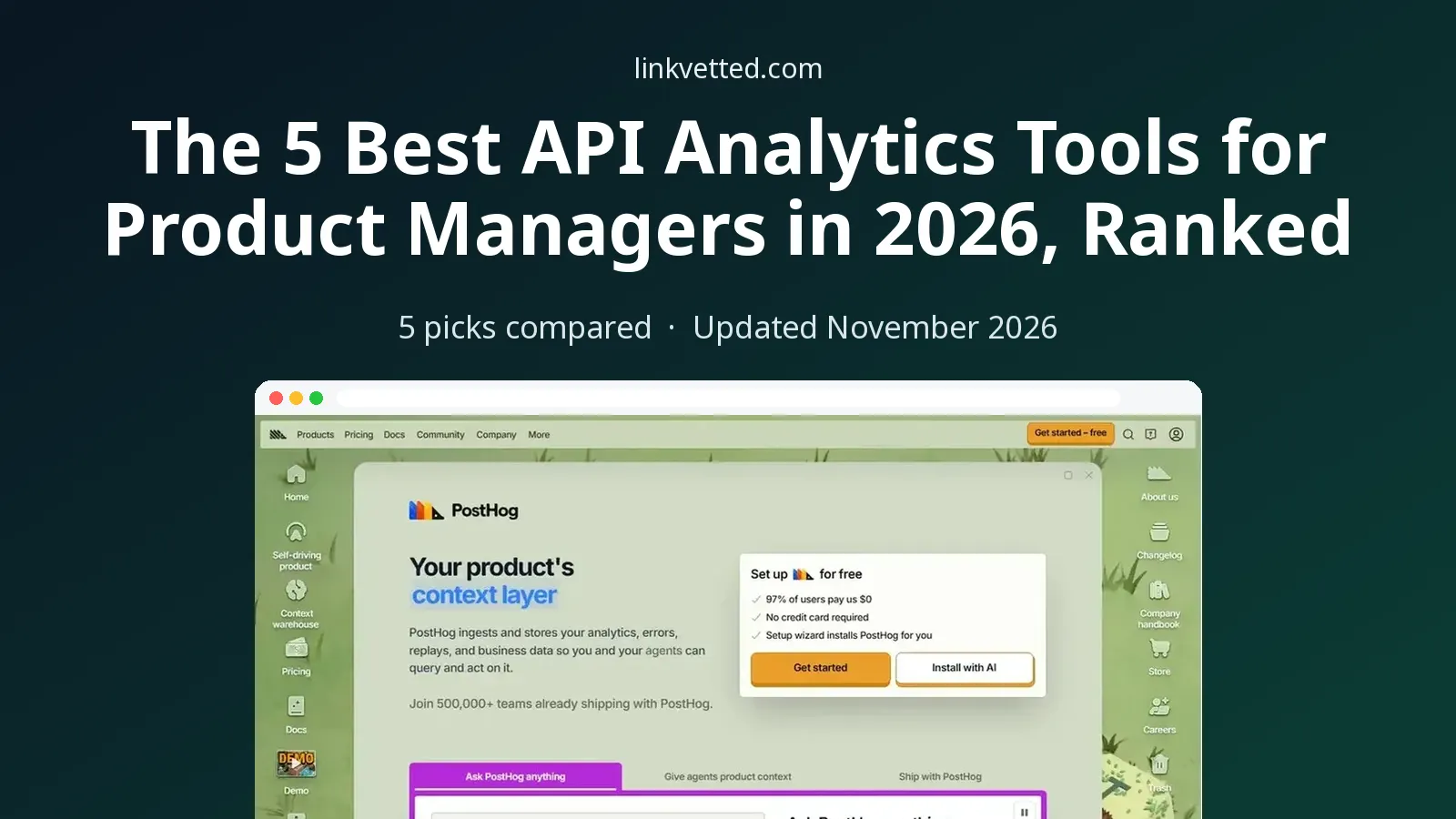
- Editor's choice
 PostHog
Automatic diagnostics and code fixes
Starts atSee websiteVisit posthog.comFull review - Great alternative
 Pendo
Product context and adoption
Starts atSee websiteVisit pendo.ioFull review - Also consider
 Segment
Unified customer data collection
Starts atSee websiteVisit segment.comFull review
Direct answer
Our first pick is PostHog, best for automatic diagnostics and code fixes. Listed starting prices: Mixpanel from $100 a month. If your case is different, Pendo suits product context and adoption and Segment suits unified customer data collection. The other 2 tools in the list cover narrower or pricier cases.
TL;DR:
- PostHog sits first on this list: automatic diagnostics and code fixes.
- For surfacing unknown user behavior, Heap is worth a look.
- Mixpanel has the lowest monthly starting price in this list: $100 per month.
- What to know about Segment first: not a standalone analytics dashboard.
- Free plans exist at 2 of 5 tools (Mixpanel, Heap).
Last checked November 2026. Prices and plan details were read from the vendors' own pages in November 2026; vendors change plans often, so confirm the current price on the vendor site before you buy.
Quick comparison
| Tool | Best for | Starts at | Free plan? | |
|---|---|---|---|---|
| PostHog | Automatic diagnostics and code fixes | See website | Not stated | Visit |
| Pendo | Product context and adoption | See website | Not stated | Visit |
| Segment | Unified customer data collection | See website | Free trial | Visit |
 Mixpanel | Combined product and API analytics | $100 a month | Yes | Visit |
 Heap | Surfacing unknown user behavior | See website | Yes | Visit |
Tool-by-tool breakdown
Choosing API analytics tools for product managers usually comes down to price, fit and limits. This LinkVetted guide sets 5 tools side by side on those three points, with the facts kept short and checkable.
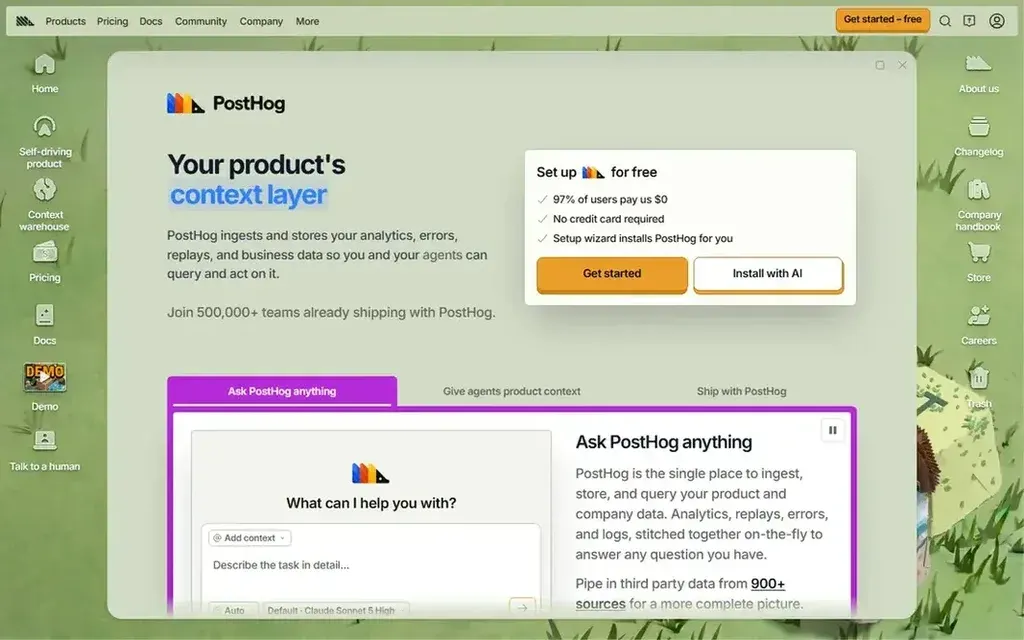
Pick PostHog if this describes you: automatic diagnostics and code fixes. If you need a purely non-technical analytics view or deep API monetization, consider other choices.
Drawbacks to consider: Best suited to teams comfortable with code workflows.
From a buyer's view, the automatic approach may need engineering oversight and fits best when teams are comfortable with code-based workflows. More specifically, PostHog is presented as a tool that automatically diagnoses problems, fixes bugs, and produces pull requests without requiring prompts. Pricing for PostHog is not stated here, so ask the vendor for current figures. Trial and free access: Not stated.
- Generates pull requests for fixes
- Cuts manual triage effort
- Automation may need oversight
For product context and adoption, Pendo is a natural candidate. Choose Pendo when adoption, in-app context, and user understanding are central to your product goals.
Watch-outs: API analytics may be secondary.
It suits product managers who want to link API usage with in-product guidance and adoption metrics, using context to inform both human and AI-driven experiences. Check the vendor site for Pendo pricing; none is listed in this comparison. On free options: Not stated.
- Feeds product context to apps and AI agents
- Helps drive adoption and revenue
- Needs integration for full context
Segment targets unified customer data collection. If you want an all-in-one analytics interface, another choice may be more straightforward. Segment is a customer data product from Twilio that collects, brings together, and enriches customer data across any app or device.
Reasons to shortlist it: Collects and brings together customer data.
Watch-outs: Needs destination tools for reporting. From a buyer's view, Segment is not a standalone analytics dashboard, so you still need destination tools for reporting and visualization. Also, choose Segment when clean, unified data collection across tools is the priority. Segment shows no starting price here, so confirm the cost on the vendor site. Free options: Free trial.
- Enriches data for downstream tools
- Works across apps and devices
- Not a standalone analytics dashboard
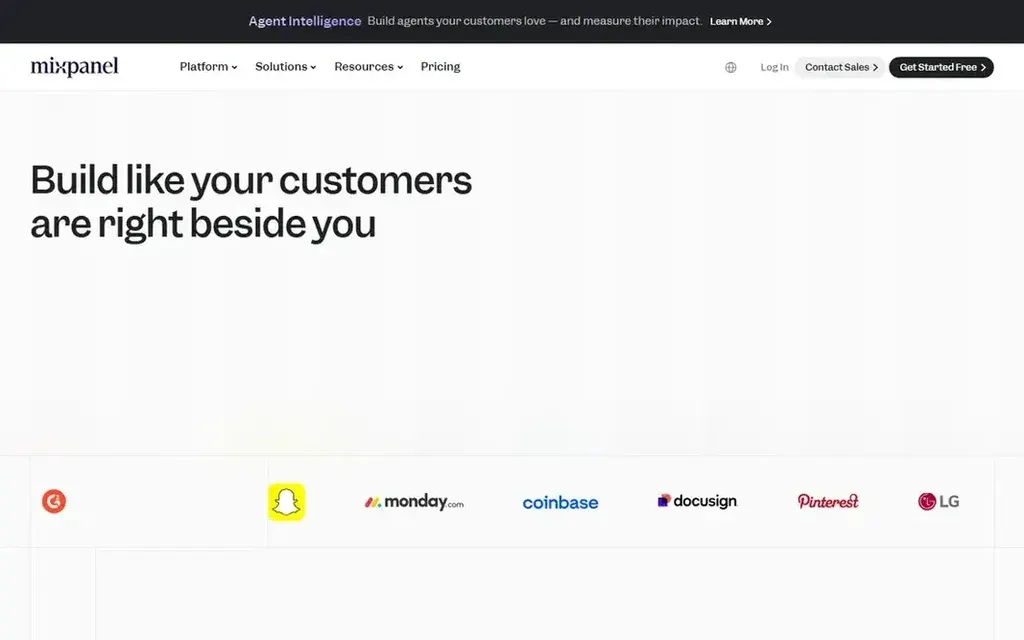
Mixpanel was built for combined product and API analytics. Its breadth means a steeper setup for teams focused only on API metrics.
What users get: Product intelligence focus.
Choose Mixpanel when product and API analytics should live in one place. Mixpanel pricing: $100 per month. Mixpanel has a free plan.
Where it is weaker: May be complicated for API-only use cases.
- AI-powered insights surface patterns
- Feature flags
- Needs setup for event tracking
Heap targets surfacing unknown user behavior. Heap by Contentsquare is a digital insights product that presents everything users do on your site, revealing unknown unknowns that stay invisible with other tools.
Choose Heap when discovering unexpected user behavior is the priority. From a buyer's view, Heap is oriented toward digital insights instead of API monetization or gateway-level spend tracking. Check the vendor site for Heap pricing; none is listed in this comparison. You can start on Heap without paying.
What to check first: API-level detail may be restricted.
- Reveals unknown unknowns
- Presents everything users do on your site
- Concentrated on digital insights instead of monetization
How the list was put together
Pricing pages, product documentation and feature lists were the main sources, and every entry carries at least one honest drawback. Plan names, prices and limits change often. Treat the figures here as a starting point and verify them with the vendor. Order on the page follows fit for the typical buyer first, then price transparency and free access. Your own requirements should decide the final pick.
Questions to settle before buying
- Ask PostHog, Pendo, Segment and Heap for a written quote, since no starting price is shown.
- Read the fine print on the free plans from Mixpanel and Heap; seat, project and feature caps differ.
- Run a trial of Segment with real work before paying for a year; your own workflow is the best test.
- Read the limits listed for PostHog first: automation may need oversight.
- List the apps you already depend on and check that Heap supports each one on the plan you would buy.
- Get the contract term, renewal terms and any onboarding fees from PostHog in writing.
FAQ
What is the cheapest option for API analytics tools for product managers in this list?
On published monthly entry prices, Mixpanel is the lowest here at $100 per month. Entry price is only part of the cost, because seats, add-ons and billing terms can change the total. All 5 picks in this API analytics tools for product managers comparison list a starting price, free plan details and the main limits on their cards above.
How are the tools for API analytics tools for product managers ordered?
The order follows typical fit for API analytics tools for product managers, with PostHog first and Heap last, then price clarity and free access. It is editorial judgement, not a score, so another team could rank the tools differently.
What should product managers look for in an API analytics tool?
Focus on whether the tool records the API events you care about and how easily product managers can explore that data without engineering help. Also consider integrations with your gateways and whether you need monetization or spend tracking alongside behavioral analytics.
Do these tools publish their prices?
Not all of them. PostHog, Pendo, Segment and Heap publish no starting price, so expect a quote request for those. The rest, Mixpanel included, show a starting price, though seats and billing terms still change the final cost.
Can I try these tools before paying?
Often, yes. Mixpanel and Heap have a free plan and Segment offers a free trial. Use your own data and a real task during the test, and check what the free tier or trial limits before you rely on it.
Can I use Segment as my only analytics tool?
Segment is a customer data product that collects and routes data, but it is not a standalone analytics dashboard. Beyond that, you still need destination tools for reporting and visualization, so it fits best as part of a broader stack.