Best Anthropic API Alternatives in 2026: 8 Tools Compared
Searching for anthropic api alternatives? We compare 8 LLM APIs for coding, chat, search and agents, covering price, context and control for your team.
- Editor's choice
 OpenAI API
General frontier models
Starts atSee websiteVisit openai.comFull review - Great alternative
 Google Gemini API
Multimodal long-context work
Starts atSee websiteVisit ai.google.devFull review - Also consider
 Mistral AI
European multilingual models
Starts atSee websiteVisit mistral.aiFull review
TL;DR:
- OpenAI API and Google Gemini API are the most complete general replacements, with broad model ranges and large ecosystems.
- DeepSeek, Groq and Together AI suit cost-sensitive or high-volume workloads where token price matters most.
- Mistral AI suits European teams that need strong multilingual models and clear data residency options.
- Amazon Bedrock suits AWS teams that want many models behind one gateway with enterprise controls.
Quick comparison
| Tool | Best for | Starts at | Free plan? | |
|---|---|---|---|---|
| OpenAI API | General frontier models | See website | Free trial | Visit |
| Google Gemini API | Multimodal long-context work | See website | Yes | Visit |
| Mistral AI | European multilingual models | See website | Yes | Visit |
 DeepSeek | Low-cost reasoning and coding | See website | No | Visit |
 Cohere | Enterprise search and retrieval | See website | Free trial | Visit |
 Groq | Fast inference for open models | See website | Yes | Visit |
 Together AI | Many open models in one API | See website | Yes | Visit |
 Amazon Bedrock | Multi-model AWS gateway | See website | No | Visit |
The best Anthropic API alternatives
The Anthropic API gives developers access to Claude models for coding, long documents, agents and chat. Teams look for alternatives for price, speed, multimodal needs, data residency or cloud fit. These eight cover those reasons, from frontier closed models to fast open-model hosting.
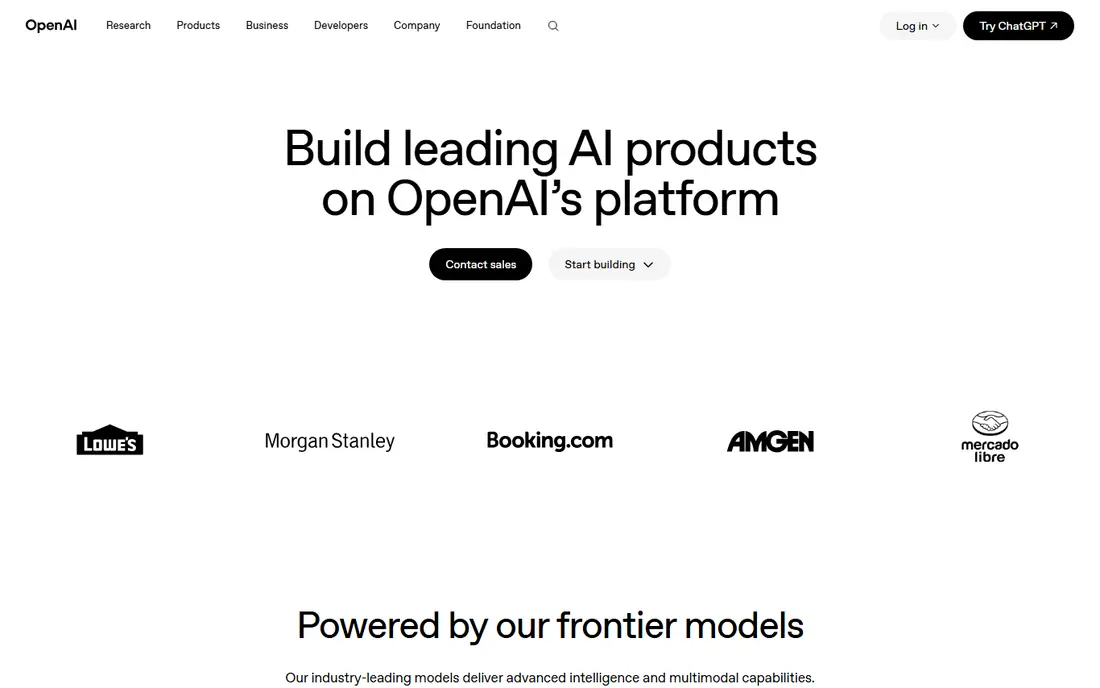
OpenAI API is the most direct general replacement for the Anthropic API. It offers a range of models for light chat, heavy reasoning and agent work, plus tools for function calling, file search and computer use. The ecosystem is the largest in the field, so most frameworks, libraries and third-party tools support OpenAI first.
The catch is cost discipline. Frontier models are powerful, but output tokens add up fast in long agent runs, so teams need routing, caching and smaller models for routine tasks. OpenAI suits teams that want breadth and proven production tooling, and that can manage model choice per task rather than using one flagship model for everything.
- Broad model range for chat, reasoning and agents
- Large tool and integration ecosystem
- Strong documentation and SDK support
- Frontier output pricing can be high at scale
- Model names and tiers change often

Google Gemini API suits teams that work with mixed media or very long documents. Gemini models handle text plus images, audio and video in one call, and long context windows help with large codebases, research sets and meeting archives. A free tier through AI Studio makes early testing easy, which is useful before committing to a paid plan.
The trade-off is complexity. Model naming, pricing tiers and the split between AI Studio and Vertex AI can confuse new users. Teams inside Google Cloud will find the fit natural, while others should start in AI Studio and move to Vertex AI only when enterprise controls are needed.
- Strong multimodal support for text, image, audio and video
- Long context windows
- Free tier through AI Studio for testing
- Pricing tiers and model options change often
- Google Cloud setup can feel complex for small teams
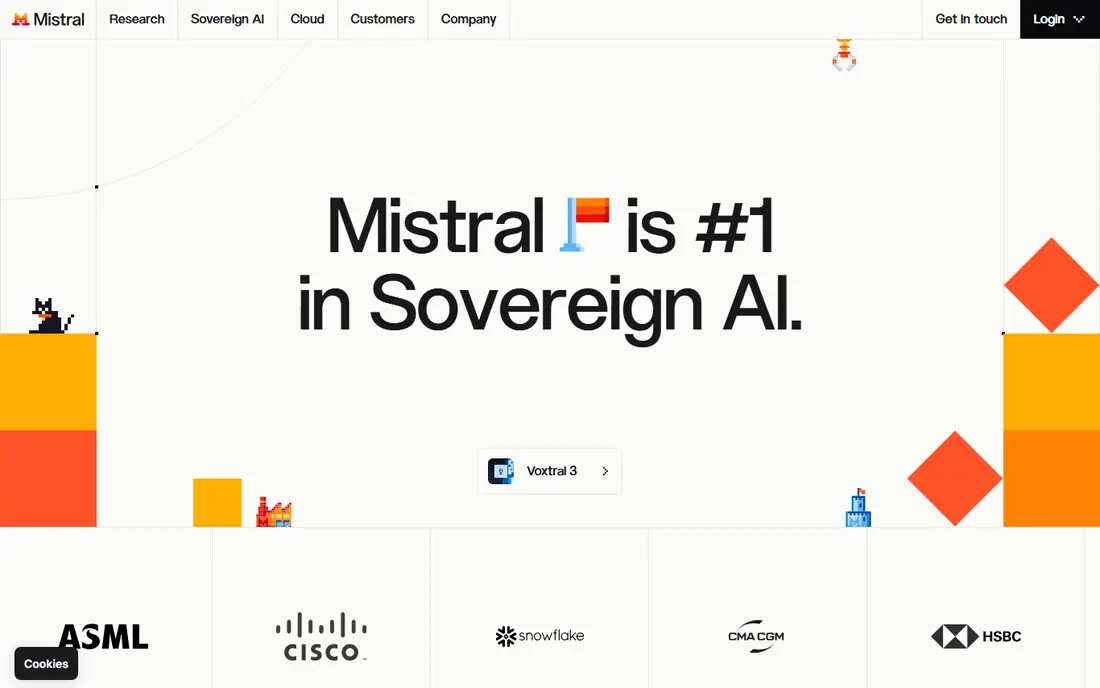
Mistral AI is a strong pick for European teams and for multilingual products. Its models handle French, German, Spanish, Italian and other European languages well, and its open-weight releases give teams a self-hosting path when data control matters. The hosted API, known as La Plateforme, offers a free tier for testing.
The limit is ecosystem breadth. Fewer third-party tools target Mistral first, though OpenAI-compatible endpoints ease integration. Mistral fits teams that value European residency, language quality and open-weight flexibility over the widest possible tool catalogue.
- Strong multilingual performance, especially for European languages
- Open-weight options beside the hosted API
- Clear European company base
- Smaller ecosystem than OpenAI or Google
- Flagship model range is narrower
DeepSeek appeals to teams where token cost decides the architecture. Its API prices sit well below frontier closed models, while its reasoning and coding performance is strong for the price. Open-weight releases also let teams self-host or use third-party hosts, which adds flexibility.
The drawback is enterprise depth. Support, service guarantees and compliance documentation are less extensive than OpenAI, Google or AWS offerings. DeepSeek fits cost-sensitive products, internal tools and high-volume workloads where teams can manage retries and routing themselves.
- Low token prices for reasoning and coding
- Open-weight models for self-hosting
- OpenAI-compatible API eases migration
- Support and enterprise features are thinner than larger vendors
- Availability can vary under heavy load
Cohere is best when the job is retrieval, not just chat. Its embeddings and rerank models help search, support and knowledge tools return the right document, while its command models handle business chat and agent steps. That focus suits enterprise teams building search over internal documents, tickets or product data.
For a general consumer chatbot, Cohere alone may feel narrower than OpenAI or Gemini. It works best as a specialist layer, or as the main API for retrieval-heavy products. Teams should test its rerank quality on their own documents, since retrieval gains vary by data set.
- Strong retrieval, reranking and embeddings for enterprise search
- Command models suit business chat and agents
- Clear enterprise focus
- Less suited as a sole general chat API
- Model range is narrower than frontier rivals
Groq stands out for speed. Its specialised hardware delivers very low latency for supported open-weight models, which matters for real-time chat, voice agents and interactive tools. Developers can test with a free tier and move to paid use as volume grows.
The limit is catalogue. Groq hosts a curated set of open models, not every frontier model, so teams that need a specific closed model must look elsewhere. Groq fits teams that want fast, low-cost inference for open models and that can design around its supported list.
- Very fast inference for supported open models
- Low latency suits real-time chat and agents
- Free tier for testing
- Model catalogue is smaller than a full provider
- Best models depend on Groq hardware support
Together AI gives teams access to many open models through a single API, which makes model comparison practical. A team can test several coding, chat and embedding models, then route each task to the cheapest model that passes quality checks. That flexibility is valuable during development and for cost control.
Quality varies, since the catalogue spans many model makers and sizes, so teams need their own evaluation set. Together AI fits teams that want open-model choice without running their own GPU infrastructure, and that are comfortable benchmarking models themselves.
- Large catalogue of open models behind one API
- Low prices for many models
- Good for testing and switching models quickly
- Model quality varies across the catalogue
- Support depth varies by model and plan
Amazon Bedrock suits AWS teams that want model choice without managing many vendor contracts. It offers models from several providers, including Anthropic, Meta, Mistral and Cohere, behind AWS identity, logging and region controls. That gateway approach helps enterprises standardise guardrails and audit trails.
The drawback is AWS complexity. Pricing, quotas and regional availability need planning, and small teams outside AWS may find a direct API simpler. Bedrock is best when AWS is already the home for data, security and deployment, and when model flexibility must sit inside enterprise controls.
- Many models behind one AWS service
- Enterprise security, logging and region controls
- Fits existing AWS architectures
- AWS learning curve and pricing complexity
- Model availability varies by region
How we picked these
We compared official API documentation and pricing pages for providers that offer a production LLM API today. We favoured providers with clear model ranges, SDK support and a live free or trial path where possible. We left out pure model weights with no hosted API, since they do not replace an API directly, though several picks here also offer open weights for self-hosting.
How to choose the right LLM API
Start with the task, not the model ranking. A support bot, a coding agent and a document search tool need different strengths, and one flagship model rarely fits all three at the lowest cost. Build a small evaluation set from real user inputs, then test two or three APIs on accuracy, latency and total token cost per task.
Check data handling next. Review retention, training use, region options and compliance documentation, especially for health, finance or European user data. Finally, plan for change. Model names, prices and limits shift often, so use an abstraction layer or a simple routing module that lets you swap models without rewriting your whole product.
A practical cost check
Measure input and output tokens separately, since output tokens usually cost more. Test with caching and batch options where offered, and set per-user or per-task budgets early. A cheaper model with good routing often beats a frontier model used for every request.
FAQ
What is the closest Anthropic API alternative?
OpenAI API is the closest general replacement, with a broad model range and a large ecosystem for chat, reasoning and agents. Google Gemini API is close for multimodal and long-context work. The best match still depends on your task, budget and cloud fit, so test both on your own data.
Which LLM API is cheapest?
DeepSeek, Groq and Together AI are among the cheapest for high-volume work, though exact prices depend on model and token mix. Always check current vendor pricing pages before budgeting, since rates change often. A small model with good routing can beat a large model on cost per completed task.
Can I switch from Claude to another API easily?
Often, yes, for basic chat. Many providers offer OpenAI-compatible endpoints, and most SDKs share similar patterns for messages and tools. Agent workflows, tool definitions and prompt styles still need testing, since each model handles instructions and tool calls differently. Plan a short migration test, not a blind swap.
Which API is best for coding?
OpenAI API, DeepSeek and Google Gemini API all perform well for coding, with different price points. DeepSeek suits cost-sensitive coding volume, while OpenAI and Gemini suit complex, long-context code work. Test on your own codebase, since coding quality varies by language and task type.
Do these APIs keep my data private?
Policies vary by provider, plan and region. Most enterprise plans offer stronger retention and training controls than consumer tiers. Read the vendor privacy and data pages, check region options, and avoid sending sensitive data through a free tier unless its policy clearly allows your use case.