Best API Documentation Management Software in 2026: 8 Tools Compared
We compare the best api documentation management software, from SwaggerHub and Postman to ReadMe and Mintlify, with prices, strengths, and limits in 2026.
- Editor's choice
 SwaggerHub
Spec-first API design and docs
Starts atSee websiteVisit swagger.ioFull review - Great alternative
 Postman
Docs close to API testing
Starts atFreeVisit postman.comFull review - Also consider
 ReadMe
Public developer portals with guides
Starts atSee websiteVisit readme.comFull review
TL;DR:
- SwaggerHub and Redocly suit spec-first teams that need strict OpenAPI control and versioning.
- ReadMe and Mintlify suit public developer portals where onboarding and presentation matter most.
- Postman suits teams that already test in Postman and want docs close to their collections.
- Open source options such as Redoc can cut cost, but they need more setup and care for hosting.
Quick comparison
| Tool | Best for | Starts at | Free plan? | |
|---|---|---|---|---|
| SwaggerHub | Spec-first API design and docs | See website | Free trial | Visit |
| Postman | Docs close to API testing | Free | Yes | Visit |
| ReadMe | Public developer portals with guides | See website | Free trial | Visit |
 Redocly | Clean OpenAPI reference docs | See website | Free trial | Visit |
 Mintlify | Modern docs from code and specs | See website | Yes | Visit |
 Stoplight | Visual API design and docs | See website | Free trial | Visit |
 GitBook | Docs for mixed technical teams | See website | Free trial | Visit |
 Apidog | Design, testing, and docs in one tool | See website | Yes | Visit |
The best API documentation management software
Good API docs do more than list endpoints. They help a developer make a first call fast, show working examples, and stay current when the API changes. The tools below differ mainly in whether they start from a spec, from code, or from a testing workflow.
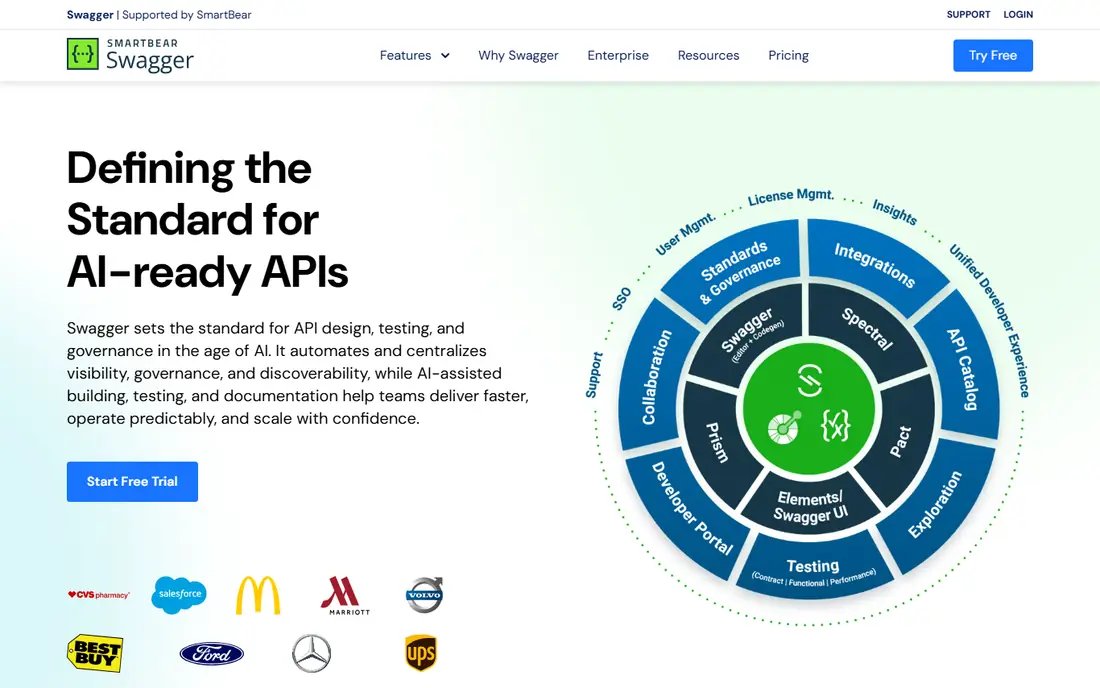
SwaggerHub is a good match for API teams that design from an OpenAPI spec and need review control. It centres on the OpenAPI spec, so docs, mocking, and validation all follow the same source. Versioning and collaboration help larger teams keep docs in step with releases. A clear display matters more than a long feature list, because a result that is hard to check is hard to trust when a deadline is close.
The main catch is smaller teams may find the full platform more than they need. Start with one API and a clear spec style guide, then expand to other services once the review flow works. Set up a small trial with real work, not sample data, and note how long each step takes from start to finish.
- Strong OpenAPI support
- Team design and review
- Good for governed API programs
- Pricing can rise with team size
- Editor learning curve for new users
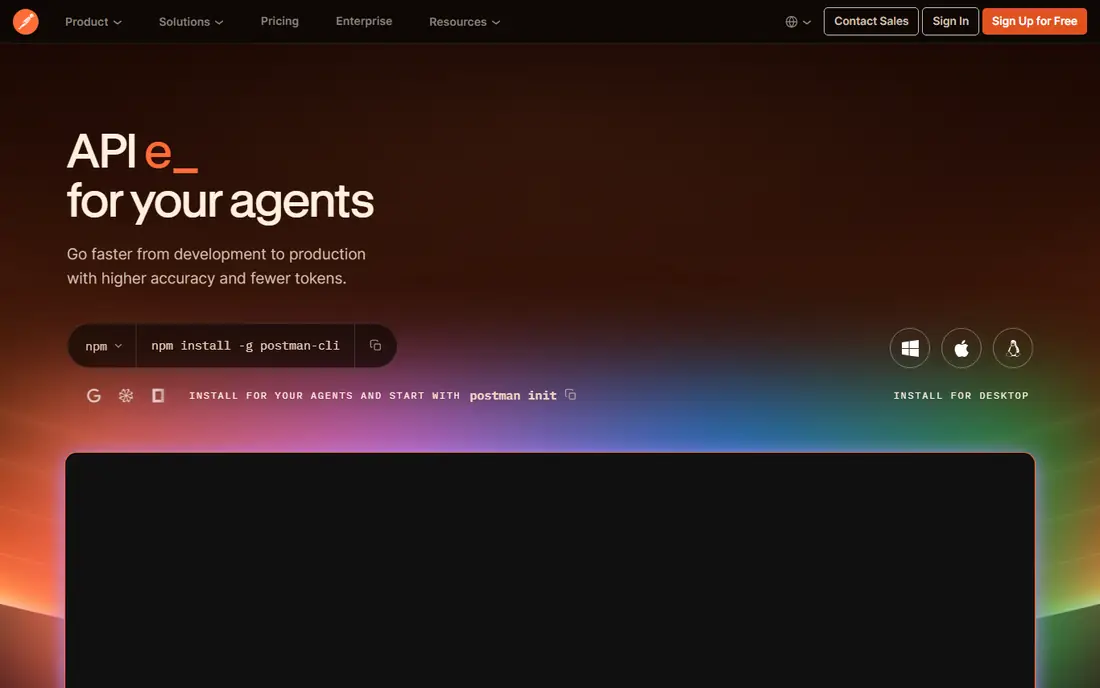
Postman is a good match for teams that already build and test APIs in Postman. It turns collections into documentation with examples, auth details, and test runs nearby. That closeness helps internal teams, since the docs reflect the requests developers actually use. Price alone is a weak guide here, since the cheapest option can cost more time if it needs manual checking at every step.
The main catch is public docs may need extra design work to feel polished. Keep collections clean and named well, since messy collections become messy docs. Ask who will use the tool each week, since a tool that suits one specialist may slow down a wider team.
- Free core plan
- Docs generated from collections
- Huge existing user base
- Docs are secondary to testing
- Public portal polish lags dedicated doc tools

ReadMe is a good match for companies that publish public APIs and want strong onboarding. It pairs API reference pages with guides, tutorials, and an interactive explorer. Analytics show which pages developers read and where they stop, which helps docs teams improve onboarding. We found the shortlist easier to judge once we compared the same basics for every option: fit for the job, clarity of the results, and what the paid tier actually adds.
The main catch is small internal projects may not need its full portal features. Write one getting-started guide first, then build the reference around the calls it uses. Before you commit, test the tool on a case you already know well, so you can judge its output against a result you trust.
- Polished public portals
- Interactive API explorer
- Usage analytics for docs
- Quote-based pricing for larger use
- More setup for purely internal docs
Redocly is a good match for teams with a solid OpenAPI spec that want clean, fast reference docs. It renders OpenAPI specs into readable reference pages with code samples and search. Its tooling helps teams lint, bundle, and version specs before they reach readers. A clear display matters more than a long feature list, because a result that is hard to check is hard to trust when a deadline is close.
The main catch is teams without a stable spec will spend time fixing the spec first. Lint the spec in CI so docs never publish with broken references. Set up a small trial with real work, not sample data, and note how long each step takes from start to finish.
- Clean reference rendering
- Strong OpenAPI tooling
- Good versioning support
- Portal features sit behind paid tiers
- Needs spec discipline to shine
Mintlify is a good match for developer-led teams that want modern docs with little design work. It builds polished docs from Markdown and OpenAPI with a modern look and fast search. Code snippet extraction and auto-generated pages cut the manual work for reference sections. Price alone is a weak guide here, since the cheapest option can cost more time if it needs manual checking at every step.
The main catch is governance-heavy programs may need extra controls. Keep docs in the same repo as code, so updates travel with each release. Ask who will use the tool each week, since a tool that suits one specialist may slow down a wider team.
- Modern, fast docs
- Good MDX and code integration
- AI-assisted updates in paid tiers
- Pricing rises for larger teams
- Less suited to heavy API governance
Stoplight is a good match for teams that want visual design without editing raw YAML all day. It offers a visual editor for OpenAPI plus style guides that flag inconsistent designs. Mock servers let front-end teams work before the real API is ready. We found the shortlist easier to judge once we compared the same basics for every option: fit for the job, clarity of the results, and what the paid tier actually adds.
The main catch is teams that prefer code-first docs may find the visual flow slower. Agree on style rules early, since governance only helps when the rules match team habits. Before you commit, test the tool on a case you already know well, so you can judge its output against a result you trust.
- Visual API design
- Style guides and governance
- Mock servers for testing
- Smaller community than SwaggerHub
- Pricing needs a quote for larger teams
GitBook is a good match for product teams where writers and engineers share the docs. It lets technical and non-technical contributors edit docs in one place with a familiar editor. That mix helps when guides, changelogs, and API pages must stay together. A clear display matters more than a long feature list, because a result that is hard to check is hard to trust when a deadline is close.
The main catch is pure API reference projects may prefer a spec-first tool. Use GitBook for guides and onboarding, and link out to a spec-rendered reference for endpoint detail. Set up a small trial with real work, not sample data, and note how long each step takes from start to finish.
- Easy editing for non-developers
- Good for guides plus API reference
- Team collaboration
- API reference depth lags spec-first tools
- Costs grow with users
Apidog is a good match for small teams that want one tool for design, testing, and docs. It combines API design, testing, mocking, and documentation in a single workspace. That single workspace cuts tool switching for small teams with limited time. Price alone is a weak guide here, since the cheapest option can cost more time if it needs manual checking at every step.
The main catch is larger programs may want deeper governance and portal features. Test its import from your current collections before migrating a whole API catalogue. Ask who will use the tool each week, since a tool that suits one specialist may slow down a wider team.
- Design, testing, and docs together
- Competitive entry pricing
- Good for small teams
- Younger ecosystem than Postman
- Public portal polish varies
How we picked these
We compared official feature and pricing pages, public documentation, and app listings for each tool. We checked how docs are created, whether they stay in step with the spec or code, and how they serve both internal teams and public developers. We did not claim hands-on testing, and we focused on tools that manage docs as a living product, not one-off generators.
What to check before you buy
Start from your source of truth
Spec-first teams should pick a spec-centred tool, while code-first teams may prefer docs generated from code. The wrong starting point creates manual sync work that grows with every release.
Check the reader journey
A reference page alone rarely onboards a developer. Look for getting-started guides, working examples, and a try-it explorer, and test the first-call path yourself.
Plan for versioning
APIs change, and docs must show which version a reader is using. Check version switching, changelogs, and deprecation notices before you publish a public portal.
Count total cost, not just seats
Some tools charge per user, others per site or project, and portal features may sit in higher tiers. Model your team size and public traffic before you compare headline prices.
FAQ
What is the best API documentation management software for a small team?
Postman or Apidog often suit small teams, since docs sit close to testing and design work. Mintlify suits small developer-led teams that want polished docs fast. Pick the tool that matches where your API work already happens.
Is SwaggerHub free?
SwaggerHub offers a free tier and trials for individuals and small use, with paid team plans for collaboration and governance. Check the current pricing page, since team features and limits change with plan.
Can I generate docs from an OpenAPI spec?
Yes. SwaggerHub, Redocly, Stoplight, and Mintlify all render OpenAPI specs into reference docs, with varying portal and guide features. A clean, linted spec gives the best result in every case.
Do I need a public portal or just internal docs?
Internal teams often need only accurate reference pages and examples, while public APIs need guides, onboarding, and analytics. ReadMe and Mintlify suit public portals, while Postman and SwaggerHub suit internal and spec-heavy work.
How do I keep API docs current?
Generate docs from the spec or code where possible, and review docs as part of each release. Linting, versioning, and a docs owner for each API prevent drift better than a yearly rewrite.