Comparing 7 Document Software Options in 2026
Searching for the best document software? Here are 7 options with prices and free plans. The weak spots sit next to the strengths. Updated November 2026.
- Editor's choice
 PandaDoc
Proposals, quotes, and contracts that require signatures
Starts at$19 per user/month (billed annually)Visit pandadoc.comFull review - Great alternative
 Zoho Writer
Free word processing with business automation built in
Starts atFree (business plans via Zoho WorkDrive)Visit zoho.comFull review - Also consider
 Microsoft 365
Firms standardized on Word, Excel, and Outlook
Starts at$7 per user/month (billed yearly)Visit microsoft.comFull review
Direct answer
Start with PandaDoc if you need proposals, quotes, and contracts that require signatures. For a different need, Zoho Writer covers free word processing with business automation built in and Microsoft 365 covers companies standardized on Word, Excel, and Outlook. Details, prices and limits for the rest of the 7 tools are below.
TL;DR:
- The list opens with PandaDoc, aimed at proposals, quotes, and contracts that need signatures.
- Starting prices begin at $7 per user/month with Microsoft 365.
- 5 of 7 tools offer a free plan: PandaDoc, Zoho Writer, ONLYOFFICE, WPS Office, Notion.
- What to know about Zoho Writer first: best inside the Zoho ecosystem.
- Google Workspace suits teams that live in the browser and co-edit constantly.
Quick comparison
| Tool | Best for | Starts at | Free plan? | |
|---|---|---|---|---|
| PandaDoc | Proposals, quotes, and contracts that require signatures | $19 per user/month (billed annually) | Yes | Visit |
| Zoho Writer | Free word processing with business automation built in | Free (business plans via Zoho WorkDrive) | Yes | Visit |
| Microsoft 365 | Firms standardized on Word, Excel, and Outlook | $7 per user/month (billed yearly) | Free trial | Visit |
 ONLYOFFICE | Teams that require free editing with faithful Word compatibility | Free (premium cloud from $20/admin/month) | Yes | Visit |
 WPS Office | The cheapest way to get a Microsoft-like experience | Free (Premium $29.99/year) | Yes | Visit |
 Notion | Teams whose documents are living, linked pages | $10 per user/month (billed yearly) | Yes | Visit |
 Google Workspace | Teams that live in the browser and co-edit constantly | $7 per user/month (billed annually) | Free trial (14 days) | Visit |
Our 7 picks for document software
LinkVetted put together this guide to document software for readers who want a clear shortlist without reading every vendor page. It compares 7 tools on starting price, free plans, who each one suits and where each one falls short.
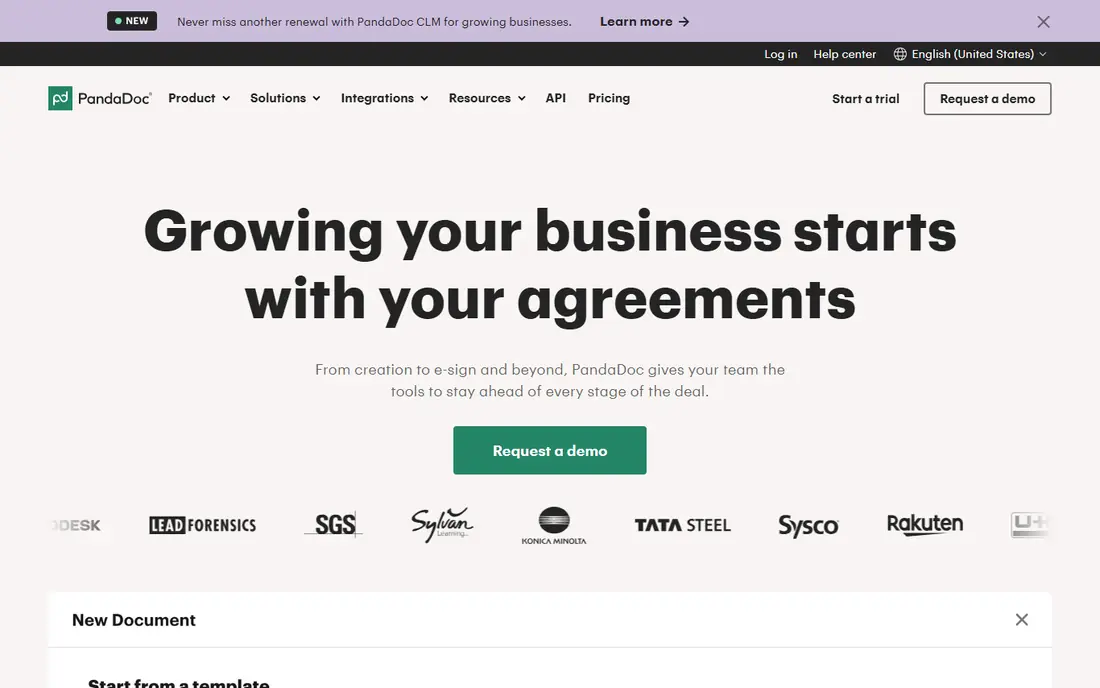
Choose PandaDoc for proposals, quotes, and contracts that require signatures. PandaDoc is document software for the moment a document becomes a deal: proposals with pricing tables, contracts with approval workflows, and forms that collect legally binding e-signatures. From a buyer's view, choose PandaDoc when proposals and contracts are where deals stall; pair it with any word processor above for everything else.
Beyond that, the Starter plan is $19 per user a month, and a free eSignature plan spans up to 60 documents per year. Beyond that, templates, content libraries, and CRM integrations mean a sales rep can produce an accurate quote without retyping client details. On cost, PandaDoc starts like this: $19 per user/month. A free plan is available with PandaDoc.
The main drawbacks: Overkill for everyday writing.
- Unlimited e-signatures on premium plans
- Drag-and-drop editor aimed at sales documents
- The handy automation sits on the $49 Business level
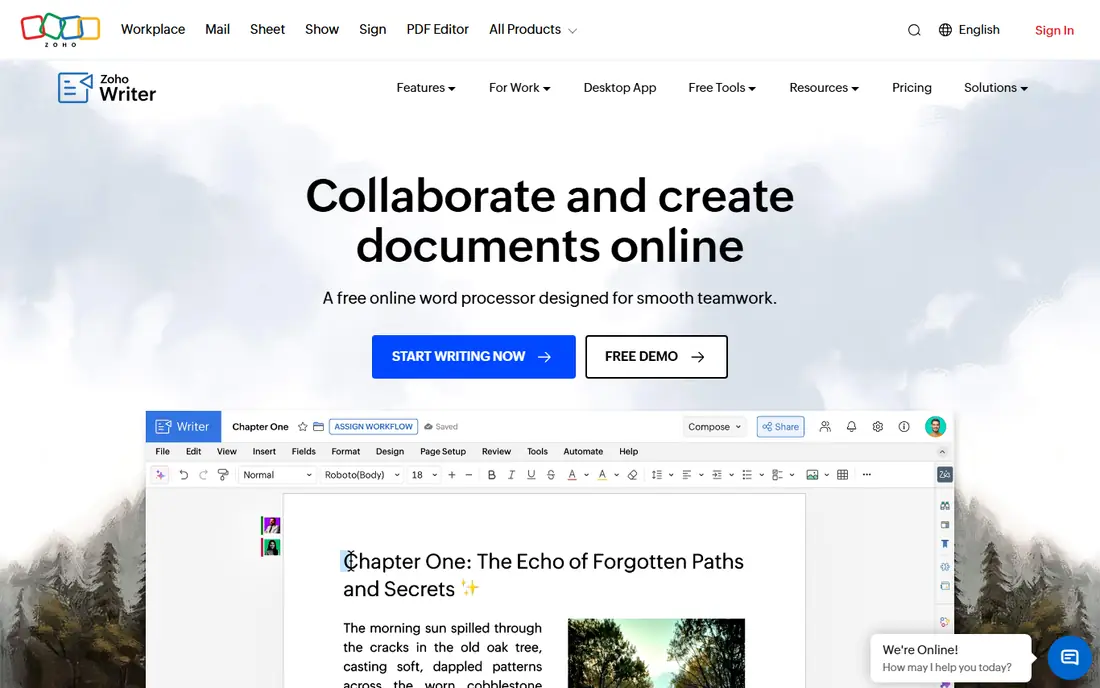
Zoho Writer is aimed squarely at free word processing with business automation built in. Companies access it through Zoho WorkDrive plans. Also, pick Zoho Writer if you already run on Zoho, or if you want more than a word processor without paying for one.
More specifically, the trade-off is ecosystem gravity. Writer shines brightest alongside Zoho CRM, Zoho Sign, and Zoho Books, where documents pull data straight from your systems. Standalone, it is still a capable free Word alternative, but heavy document automation consumes credits that cost additional. What you pay to start with Zoho Writer: Free. A free plan is available with Zoho Writer.
Downsides: Best inside the Zoho ecosystem.
- Desktop apps for Windows, Mac, Linux
- Mail merge
- Document automation credits cost additional at scale
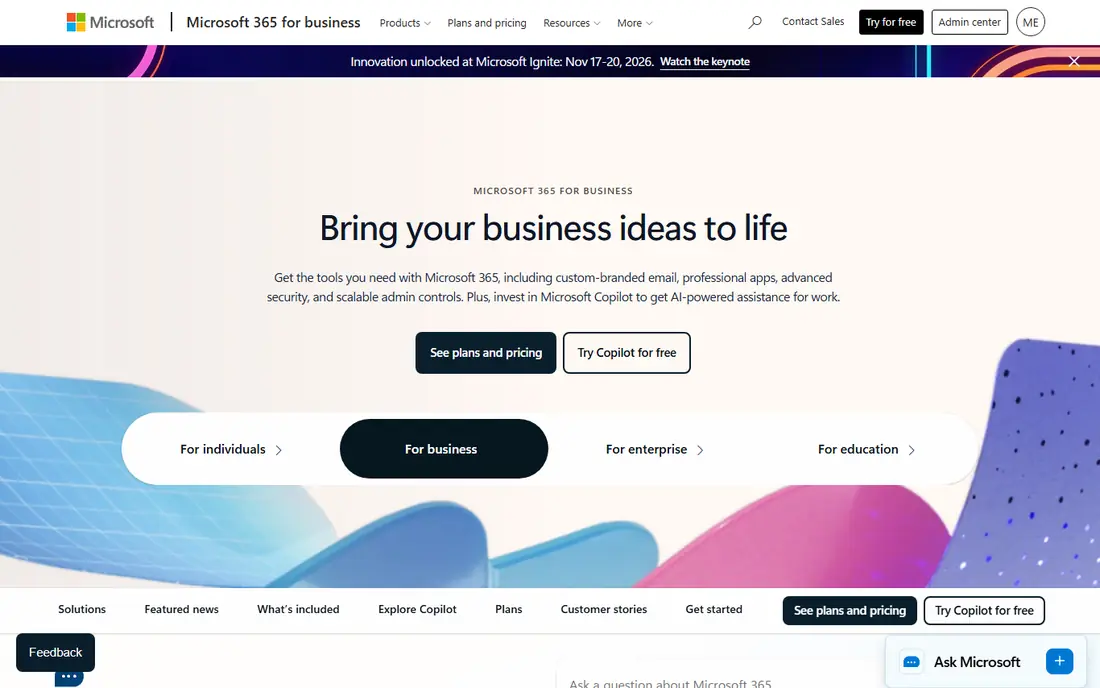
Microsoft 365 is a good fit for firms standardized on Word, Excel, and Outlook. If your clients, accountants, and lawyers all send.docx files with tracked changes, nothing else opens them quite as faithfully. The Business Basic plan at $7 per user per month handles the web and mobile versions of Word, Excel, and PowerPoint plus business email and 1 TB of OneDrive storage.
On top of that, Word is still the document format the business world runs on, and Microsoft 365 is how small companies get it legally and kept up to date. Beyond that, for the full desktop applications, the Standard level with Copilot runs $23.50 per user a month. The starting price for Microsoft 365: $7 per user/month. On free options: Free trial.
Points against: Per-seat costs add up as teams grow.
- 1 TB OneDrive storage per user included
- Word remains the format every client expects
- Real document power needs the pricier Standard level with desktop apps
ONLYOFFICE
Best for: Teams that require free editing with faithful Word compatibility
Where ONLYOFFICE fits: teams that require free editing with faithful Word compatibility. The desktop editors are free, the mobile apps are free. The open-source community edition can be self-hosted for teams that want documents on their own servers.
Honest limits: The product lineup is confusing.
Also, choose ONLYOFFICE when Word compatibility is non-negotiable but the Microsoft subscription is not in the budget. As for the details, live collaboration needs either the cloud service or a self-hosted install, which is more setup than Google Docs. ONLYOFFICE's claim to fame is compatibility: among free editors, it renders Microsoft Office formats most faithfully, which matters when clients return marked-up.docx files. What you pay to start with ONLYOFFICE: Free. You can start on ONLYOFFICE without paying.
- Self-hosted community edition for data control
- Free desktop and mobile apps
- Collaboration features need the cloud or a server setup
WPS Office targets the cheapest way to get a Microsoft-like experience. Writer, Spreadsheet, Presentation, and PDF tools come in one light app for Windows, Mac, Linux, iOS, and Android. For pure value, though, nothing else gets this close to the Microsoft experience for thirty dollars per year.
The main drawbacks: PDF editing and cloud features need Premium.
The free version's ads irritate, and the company behind WPS has faced questions about data handling that privacy-sensitive firms should weigh. The free version manages everyday documents, while Premium at $29.99 per year removes ads and layers on PDF editing, additional cloud storage, and full conversion features. Pick WPS when budget dominates and your team already thinks in Word, Excel, and PowerPoint. WPS Office pricing: Free. You can start on WPS Office without paying.
- Interface closely mirrors Microsoft Office
- Free level handles the basics
- Free version presents ads
Notion serves teams whose documents are living, linked pages. Meeting notes link to project pages, project pages embed task databases, and everything is searchable in one workspace. Use it for the knowledge base, keep a real word processor for client-facing work.
Where Notion stands out: Documents, wikis.
For everyday use, the Plus plan is $10 per user a month, and the free plan goes surprisingly far. Page-layout control is minimal,.docx export is rough, and anything you send to a client will need rebuilding elsewhere. Entry price for Notion: $10 per user/month. Notion offers a free plan.
Downsides: Not a real word processor.
- Databases in one searchable workspace
- Ample template gallery
- Printing and exporting to Word are weak
Google Workspace
Best for: Teams that live in the browser and co-edit constantly
Google Workspace targets teams that live in the browser and co-edit constantly. Google Docs changed what people expect from document software: several cursors in one document, comment threads that resolve, and version history that just works. In practice, Workspace bundles Docs with Gmail, Drive, Meet, and Calendar at $7 per user a month for Starter, and the 14-day free trial is enough to migrate a real project.
Where it is weaker: Offline work is weaker than desktop suites.
Beyond that, where it falls short is the document itself. More specifically, storage is also pooled per user instead of ample. The starting price for Google Workspace: $7 per user/month. Free access: Free trial (14 days).
- Live collaboration in Docs is still the smoothest available
- Custom business email included
- Advanced formatting lags behind Word
Selection criteria
We compared the tools on published pricing, free plan or trial availability, feature coverage for document software, and the limits each vendor documents. Where a vendor does not publish a price, the entry says quote. Where a price depends on seats or billing term, the entry says so. Order on the page follows fit for the typical buyer first, then price transparency and free access. Your own requirements should decide the final pick.
Before you commit
- Check the vendor page for the current price: Microsoft 365 starts at $7 per user/month here, and seats or billing terms can move it.
- Look at free plan limits closely: PandaDoc, Zoho Writer, ONLYOFFICE and others have one, and the caps decide whether it is usable for real work.
- Use real work to test the free trial from Microsoft 365 and Google Workspace, rather than a demo project.
- Read the limits listed for PandaDoc first: overkill for everyday writing.
- Before you load data into Zoho Writer, check what an export looks like and who can run it.
- Pick one real project and run it in Google Workspace first; a small pilot shows fit faster than a checklist.
FAQ
Is Google Docs better than Microsoft Word?
For document fidelity, complicated formatting, and offline power, Word wins. Most companies that can afford it keep both, using Docs internally and Word for anything a client will open.
What document software works best with e-signatures?
Start with PandaDoc if you need proposals, quotes, and contracts that require signatures. Zoho Writer is the better match for free word processing with business automation built in, and Microsoft 365 for firms standardized on Word, Excel, and Outlook. The best choice depends on budget, team size and workflow.
Which options for document software have a free plan?
On this list, PandaDoc, Zoho Writer, ONLYOFFICE, WPS Office and Notion include a free plan. Caps on seats, usage or features are common, so test the free plan against your real workload. Several others offer a trial instead.
What is the cheapest option for document software in this list?
On published monthly entry prices, Microsoft 365 is the lowest here at $7 per user/month. Entry price is only part of the cost, because seats, add-ons and billing terms can change the total.
Can I try these options before paying?
Often, yes. PandaDoc, Zoho Writer, ONLYOFFICE and others have a free plan and Microsoft 365 and Google Workspace offer a free trial. Use your own data and a real task during the test, and check what the free tier or trial limits before you rely on it.
How are the tools for document software ordered?
The order follows typical fit for document software, with PandaDoc first and Google Workspace last, then price clarity and free access. It is editorial judgement, not a score, so another team could rank the tools differently.